Connect to the PC software
1. Serial connect to the PC software
- Unzip the IMU standard PC software(V6.2.60).zip archive in the data, enter the PC software and find MiniIMU.exe.

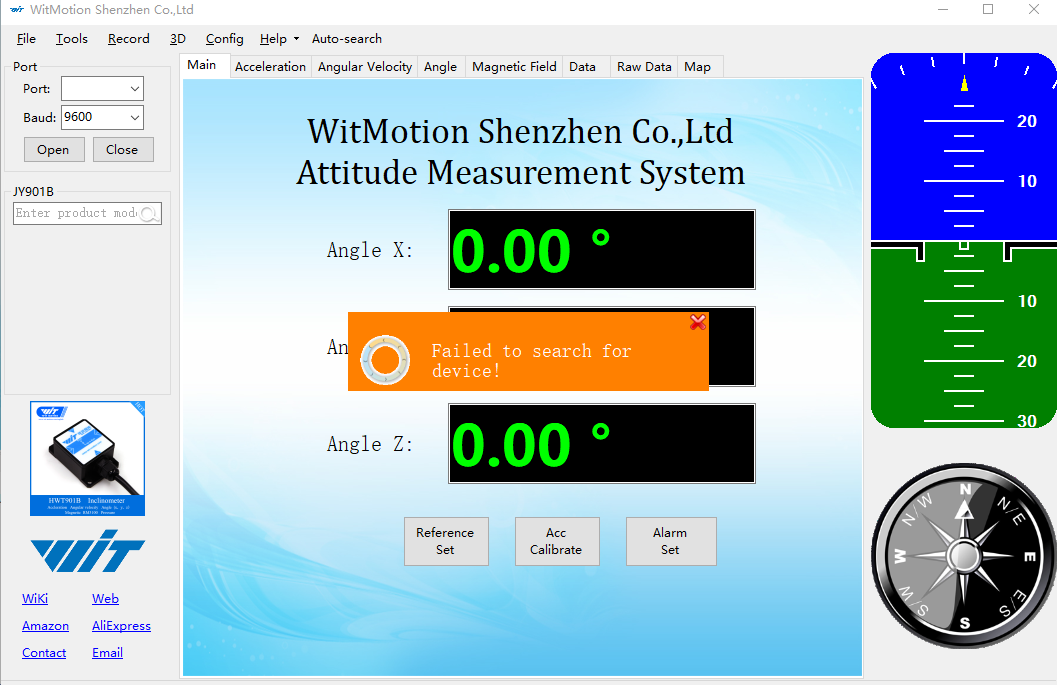
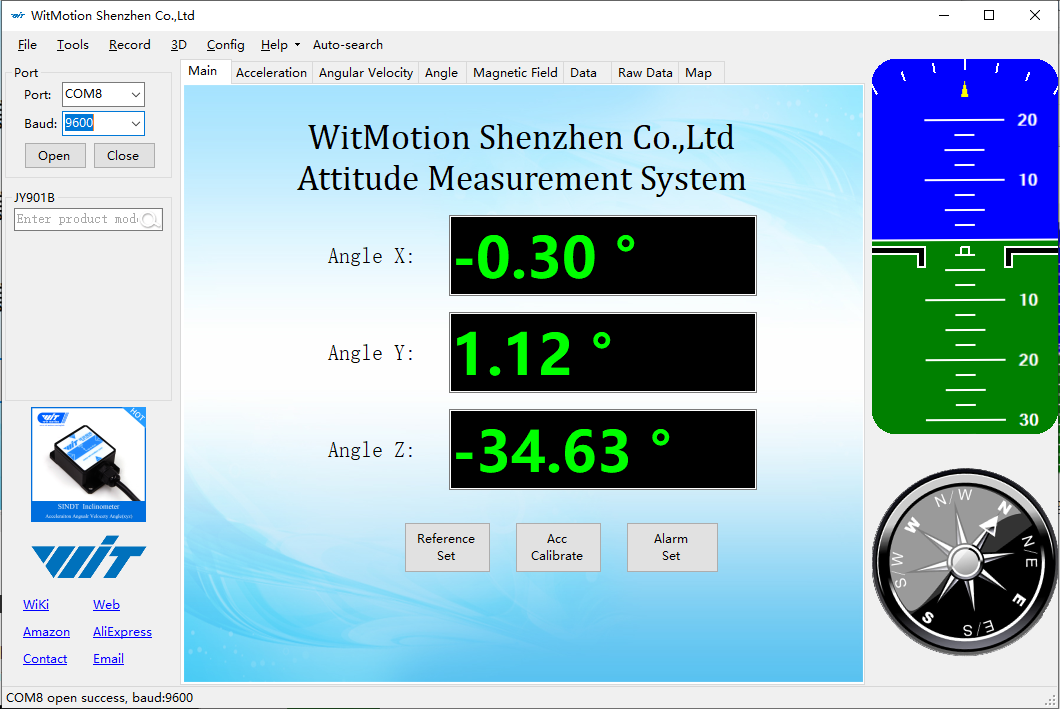
Double-click to open the host computer software, you can see the prompt that “Failed to search fordevice”, close the prompt box. If the IMU module is already connected, the module will be automatically connected.
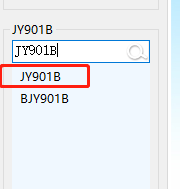
- Enter and select the product model JY901B. Skip this step if JY901B is already set.
- Connect the IMU module to the computer via the USB-TypeC data cable. Then click and then click on 'Auto-search' in the menu bar.
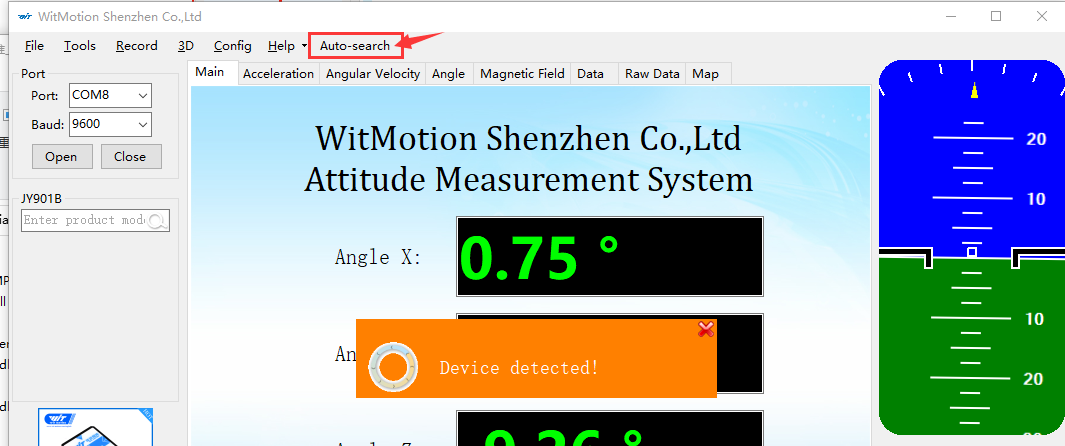
4.If the connection is successful, you can see that there are data changes in angle X, angle Y, and angle Z. If the connection is unsuccessful, please confirm whether the serial port driver has been installed, or try another USB port.
2. Experience the IMU module
- The firmware of the IMU module is written in the factory,After connecting to the PC host computer software, you can use the host computer to view the current posture of the IMU module.
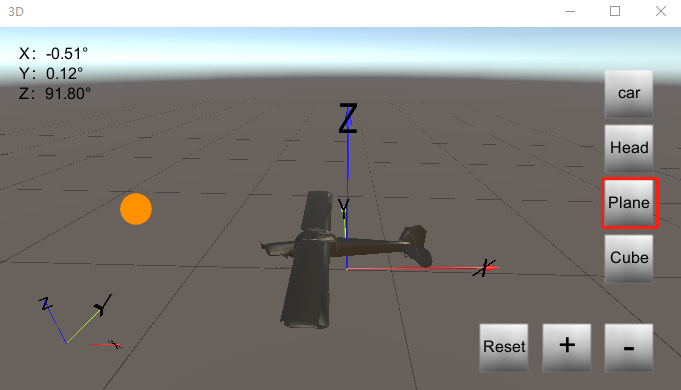
Click '3D', you can see a pop-up window, a car model will be displayed by default, when we change the posture of the IMU module, the posture of the model will follow the change of the IMU module. The Y axis is the head of the car, and the IMU module should also be placed forward on the Y axis.
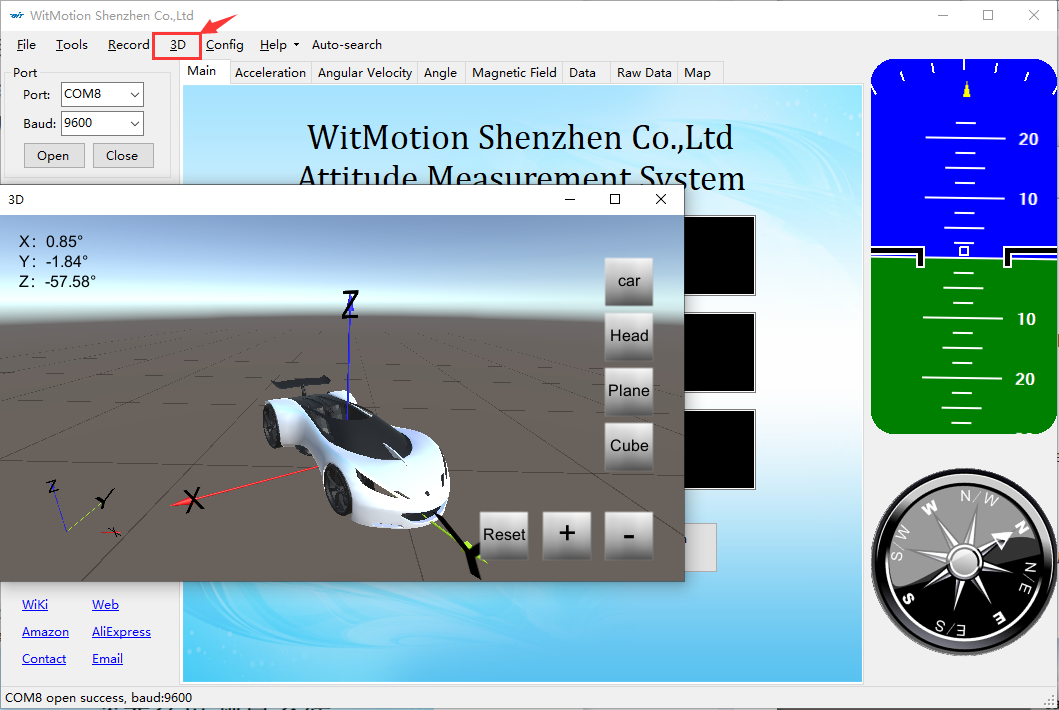
- You can also replace the car model with an airplane model. Or a human head model, a block model. Hold down the left mouse button and drag the model to change the angle, click 'Reset' to restore the view, click the '+' key to zoom in on the model, and click the '-' key to zoom out.