Prerequisites for K210 as a coprocessor
Prerequisites for K210 as a coprocessor1.Import model files to memory card2.K210 self starting AI program3.note
1.Import model files to memory card
Preface: Due to the need for different model files in AI visual experiments, it is necessary to import all model files into the memory card in advance. You can import all model files at once, eliminating the need to import each model file and distinguishing the loading of model files by different paths.
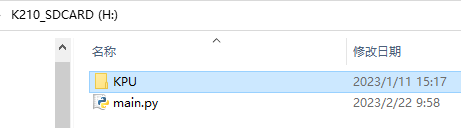
All model files are placed in the KPU folder. Please do not modify the KPU or the file names under the KPU directory, otherwise the default routine program may encounter the problem of not finding the model files.
Prepare a card reader and a memory card (microSD card) with a capacity of no more than 64GB, and insert the memory card into the card slot of the reader.
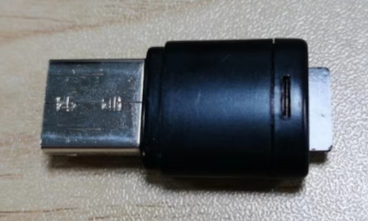
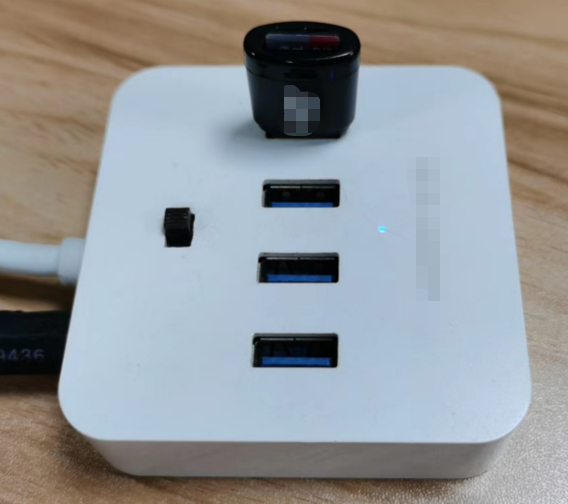
Connect the card reader to the USB port of the computer and open the root directory of the drive letter where the memory card is located, taking the H: drive as an example.
Download the compressed package of the model file in the materials and extract it. Copy the KPU folder to the root directory of the H: drive.
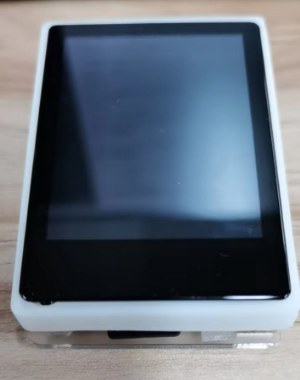
Eject the card reader and remove the memory card and insert it into the memory card slot of the K210 module.
2.K210 self starting AI program
Insert the SD card into the card reader, then insert it into the computer, and copy one program from the 11 programs shown in the following picture into the SD card
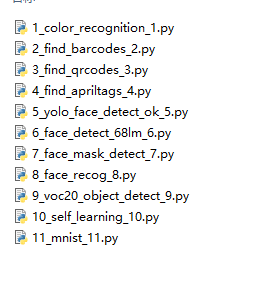
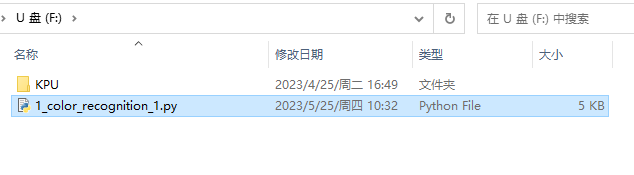
Rename the file to main.py

Take out the SD card from the card reader, insert it into the SD card slot of the K210, and then power on the K210. After waiting for a period of time, the main. py program in the SD card will run, which represents the AI program has started
3.note
- If you want to know what each program sends, you can check the communication protocol under k210 in the program source folder of the information.
- If you want to learn how AI programs perform image processing and recognize them for display on LCD screens, you can go to Chapter 5 to interpret the program source code of AI programs.
- The focus of this chapter is on using the K210 as a coprocessor, focusing on how to communicate with the upper computer and transmit data to the upper computer, so it will not involve the explanation of AI image processing programs.