7. ORB_SLAM2 Octomap Map Building
This example is implemented on Orin NX, and cannot be implemented on a virtual machine. It just explains how the process is implemented. If you want to implement this function on your own motherboard, you need to compile the entire function package and connect related peripherals.
7. ORB_SLAM2 Octomap Map Building7.1, Introduction7.2 , octomap map based on camera7.3, Octomap construction based on orbslam and pointcloud_mapping7.4、Node analysis7.3.1、Display calculation graph7.3.2、Details of each node7.3.3、TF transformation
octomap official website: http://octomap.github.io/
octomap source code: https://github.com/OctoMap/octomap
octomap wiki: http://wiki.ros.org/octomap
octomap_server: http://wiki.ros.org/octomap_server
The operating environment and reference configuration of software and hardware are as follows:
Reference vehicle: ROSMASTER X3
Robot hardware configuration: Arm series master control, Silan A1 laser radar, depth camera
Robot system: Ubuntu 20.04
PC virtual machine: Ubuntu (20.04) + ROS2 (Foxy)
Usage scenario: Use on a relatively clean 2D plane
7.1, Introduction
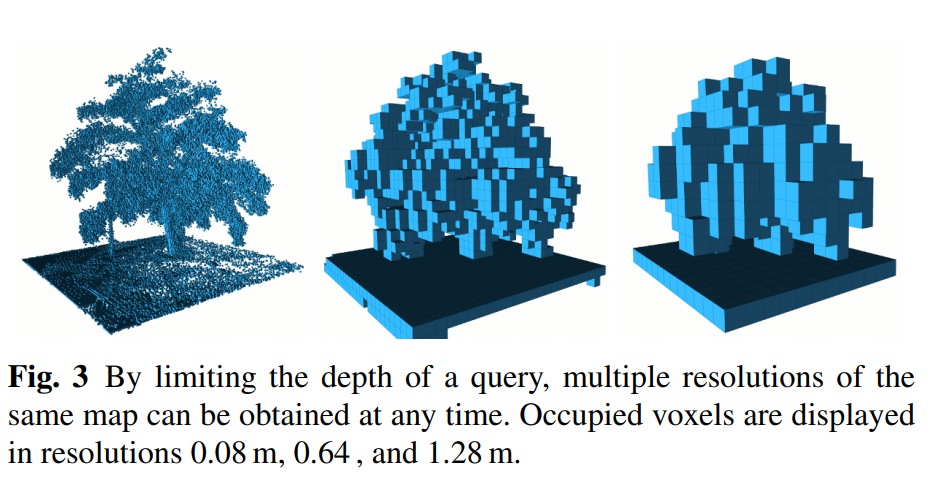
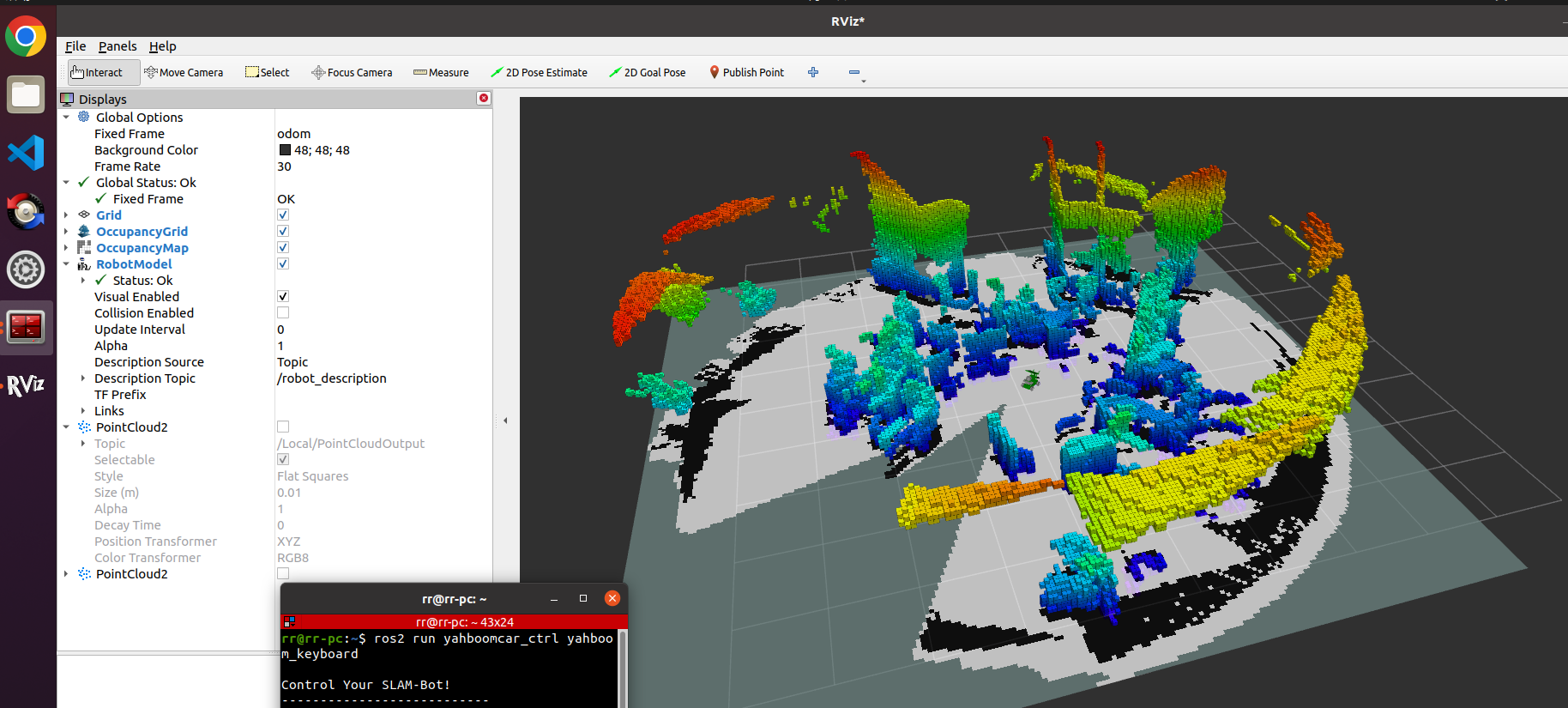
Octomap is an octree-based 3D map creation tool that can display complete 3D graphics including barrier-free areas and unmapped areas, and sensor data based on occupancy grids can be fused and updated in multiple measurements; Maps are available in multiple resolutions, data can be compressed, and storage is compact. In fact, the code of octomap mainly consists of two modules: octomap, a 3D map creation tool, and octovis, a visualization tool. Compared with point clouds, it can save a lot of space. The map created by octomap looks like this: (different resolutions from left to right)
7.2 , octomap map based on camera
Execute the following launch file in the terminal:
Start the camera
xxxxxxxxxx#gemini camera startupros2 launch astra_camera gemini.launch.xml
Start octomap_server map
xxxxxxxxxxros2 launch yahboomcar_slam camera_octomap_launch.py
Start rviz in docker or virtual machine [recommended]:
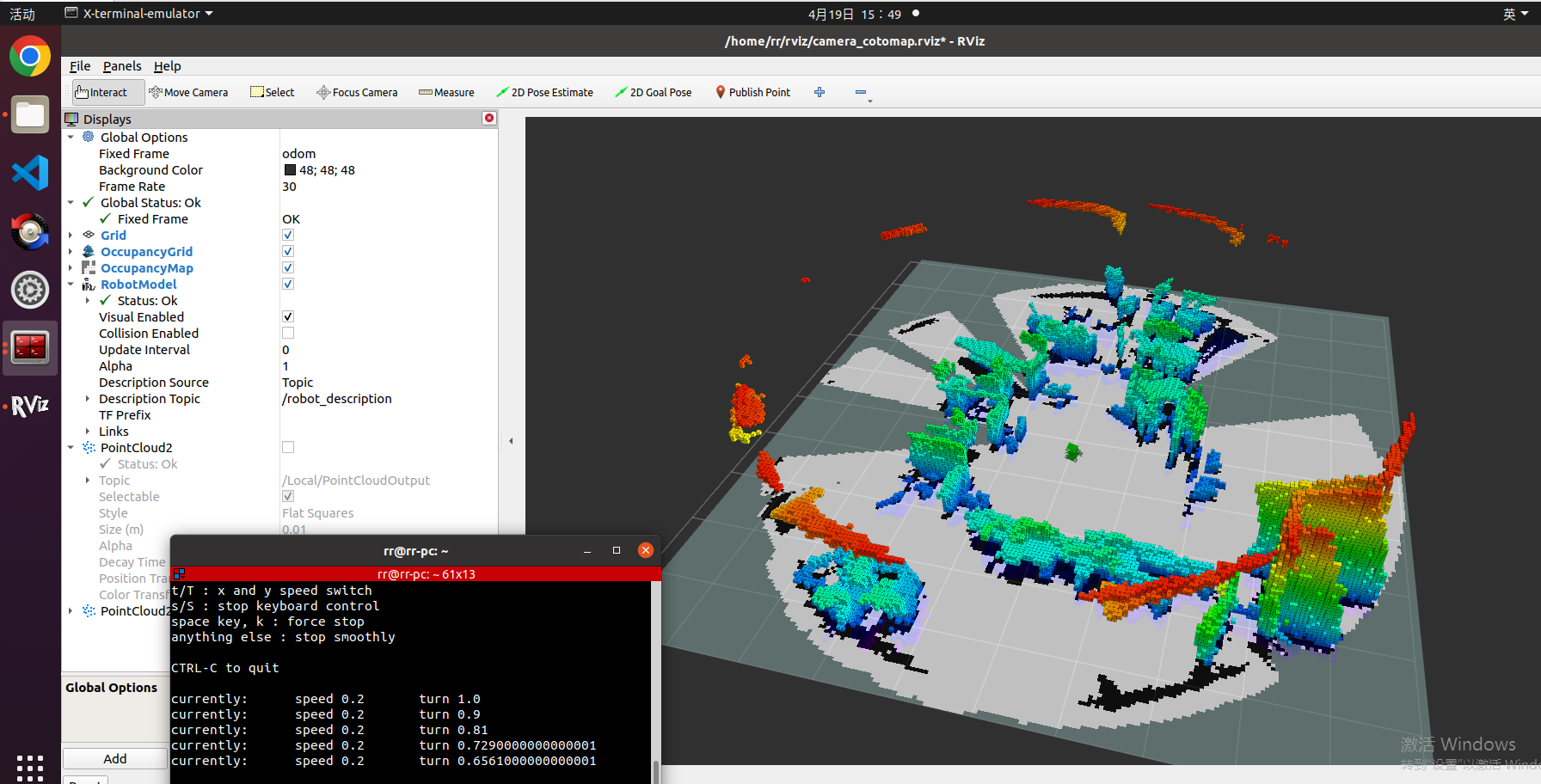
xxxxxxxxxxros2 launch yahboomcar_slam display_octomap_launch.py
Use the remote control or keyboard to control the node to slowly move the robot to build the map. Losing key frames may cause the map to fail.
7.3, Octomap construction based on orbslam and pointcloud_mapping
1, Start the camera
xxxxxxxxxx#gemini camera startupros2 launch astra_camera gemini.launch.xml
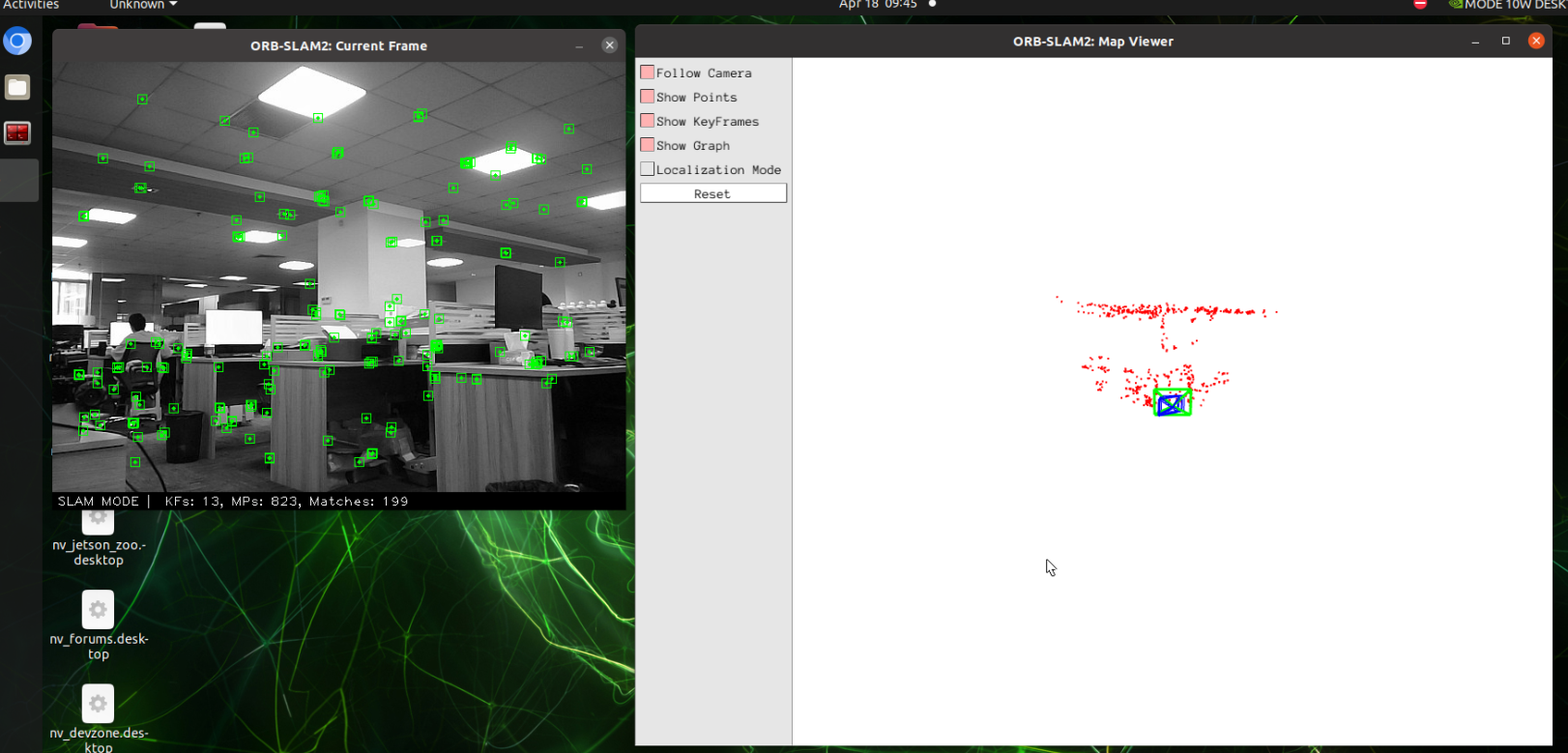
2, Start orbslam to publish the camera pose, color map and depth map. Depending on the performance of different master controllers, the waiting time here is about 10 seconds
xxxxxxxxxxros2 launch yahboomcar_slam orbslam_base_launch.py
3, Start octomap_server to build a map
xxxxxxxxxxros2 launch yahboomcar_slam orbslam_pcl_octomap_launch.py
Start rviz:
xxxxxxxxxxros2 launch yahboomcar_slam display_octomap_launch.py
Use the remote control or keyboard to control the node to slowly move the robot to build a map. Losing key frames may cause the map to fail.
7.4、Node analysis
7.3.1、Display calculation graph
xxxxxxxxxxrqt_graph

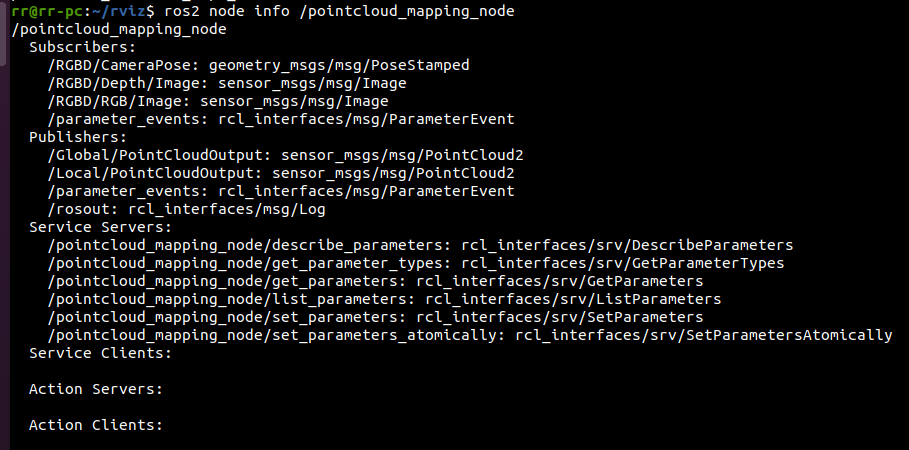
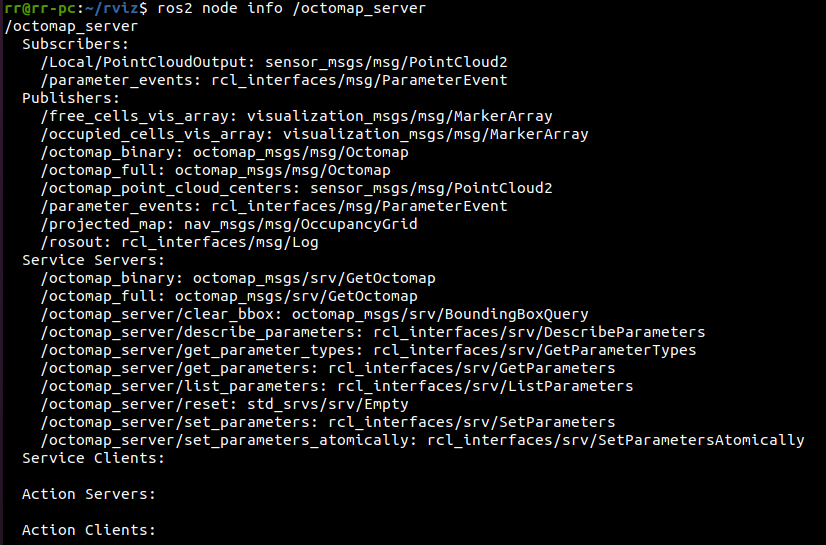
7.3.2、Details of each node
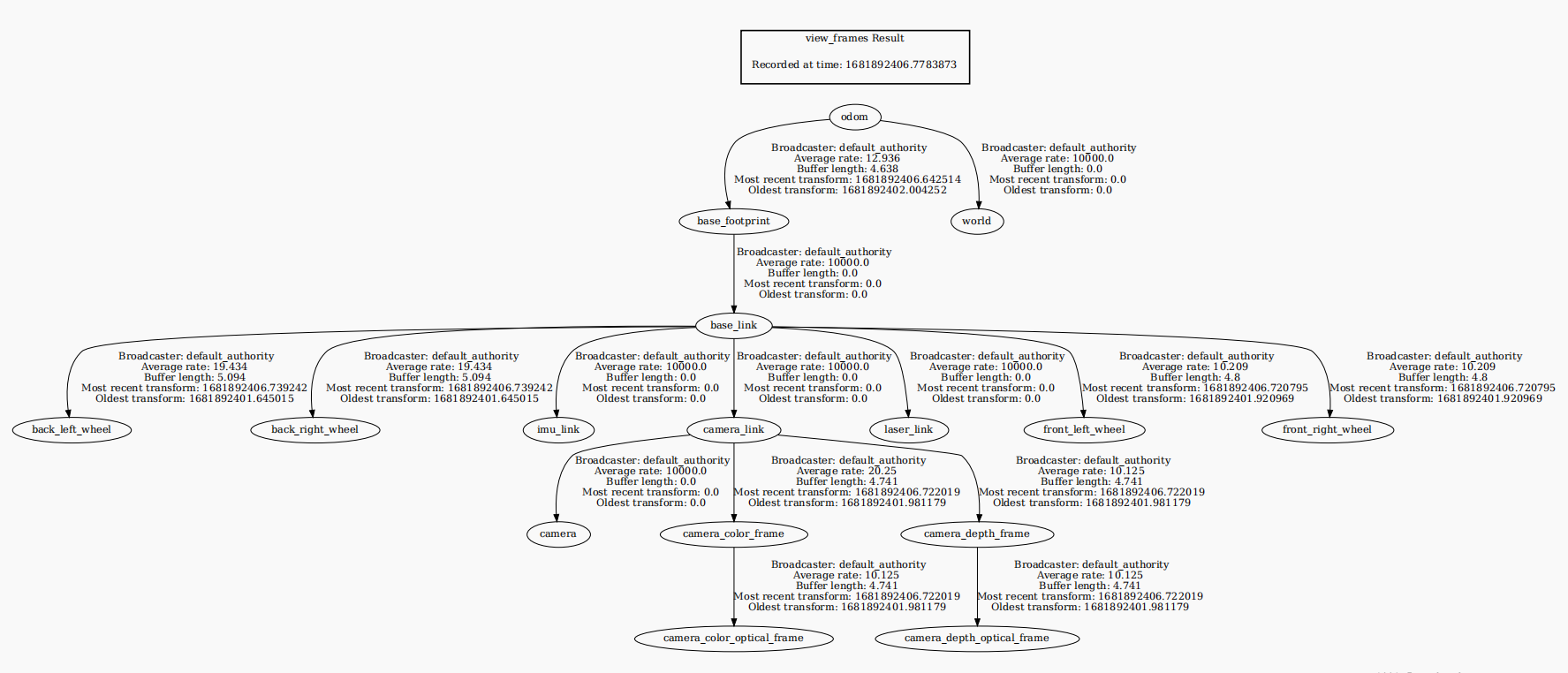
7.3.3、TF transformation
xxxxxxxxxxros2 run tf2_tools view_frames.py