Hailo RPi5 Environment Setup
1. Pre-use instructions
This tutorial is for self-built Raspberry Pi 5 images. If you use the YAHBOOM version of the image directly, you can ignore the tutorial.
2. Start building
2.1 Download the relevant source code
xxxxxxxxxxgit clone https://github.com/hailo-ai/hailo-rpi5-examples.git
Enter the source code directory:
xxxxxxxxxxcd hailo-rpi5-examples
2.2 Environment configuration
To run these examples, you should make sure the environment is set up correctly. We use the hailo-tappas-core pkgconfig file to get the Hailo dependencies.
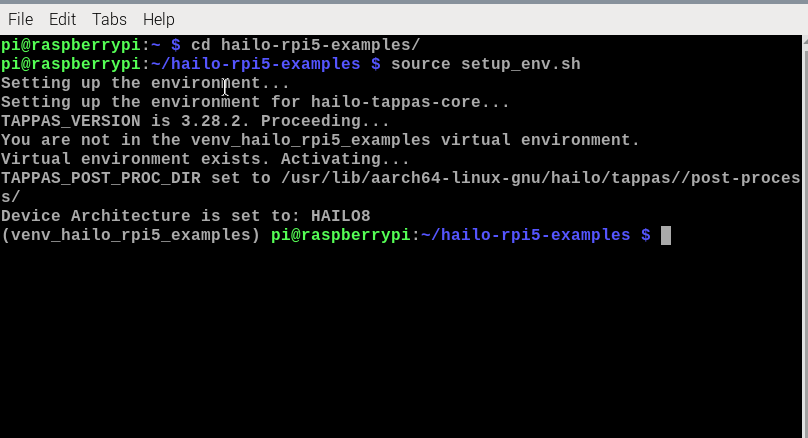
You can set everything up by getting the following script. This script will set the required environment variables and activate the Hailo virtual environment (if it does not exist, it will create it).
xxxxxxxxxxsource setup_env.sh
2.3 Dependency Installation
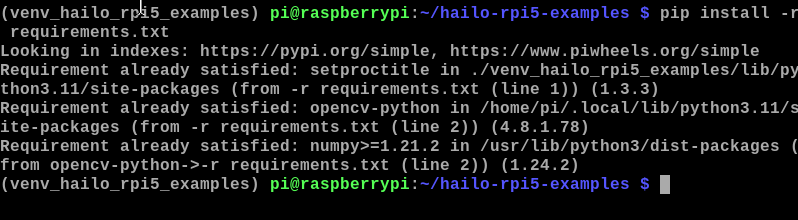
Make sure you are in a virtual environment and run the following command:
xxxxxxxxxxpip install -r requirements.txtsudo apt-get install python3 python3-pip ninja-buildpip3 install --user meson
2.4 Resource Download
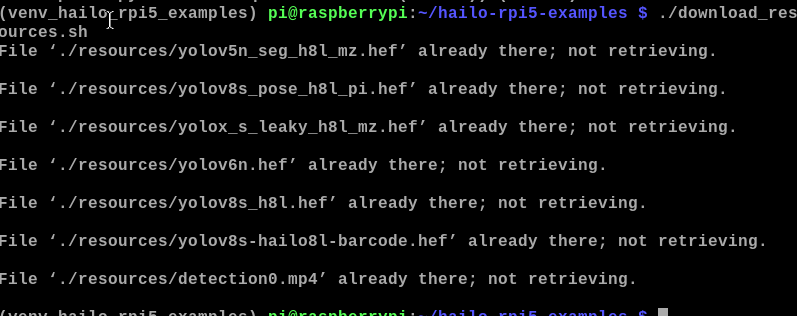
xxxxxxxxxx./download_resources.sh
The following picture is because I have successfully downloaded it before.
2.5 Postprocessing Compilation
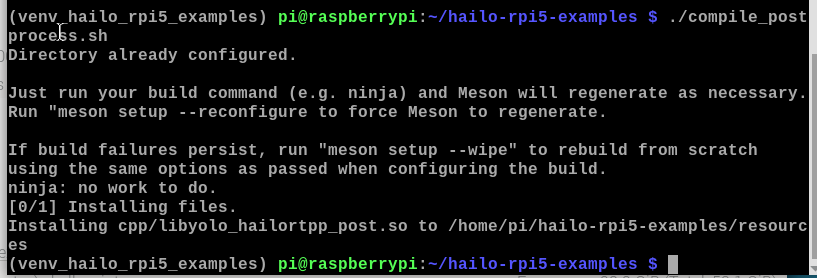
To support using the retrained model, you need to compile the postprocessing locally. This postprocessing will be merged into Hailo TAPPAS in the next release. To compile the postprocessing, run the following script:
xxxxxxxxxx./compile_postprocess.sh