MDK-ARM Installation
MDK-ARM Installation1. Software Download1. Download URL2. Select product3. Fill in information4. Download the installation package2. Software installation1. Open the installation package2. Installation process-settings3. Software configuration1. Open the application2. Close the start interface3. Install the chip support package4. ARM Compiler1. Install the compiler2. Add compiler3. Verify the installation
Since MDK-ARM software is a paid software, we will only demonstrate how to install it, and will not introduce the software usage and activation in detail!
Software offline installation package path: Attachment → Software Tools
1. Software Download
1. Download URL
Keil official website: https://www.keil.com/
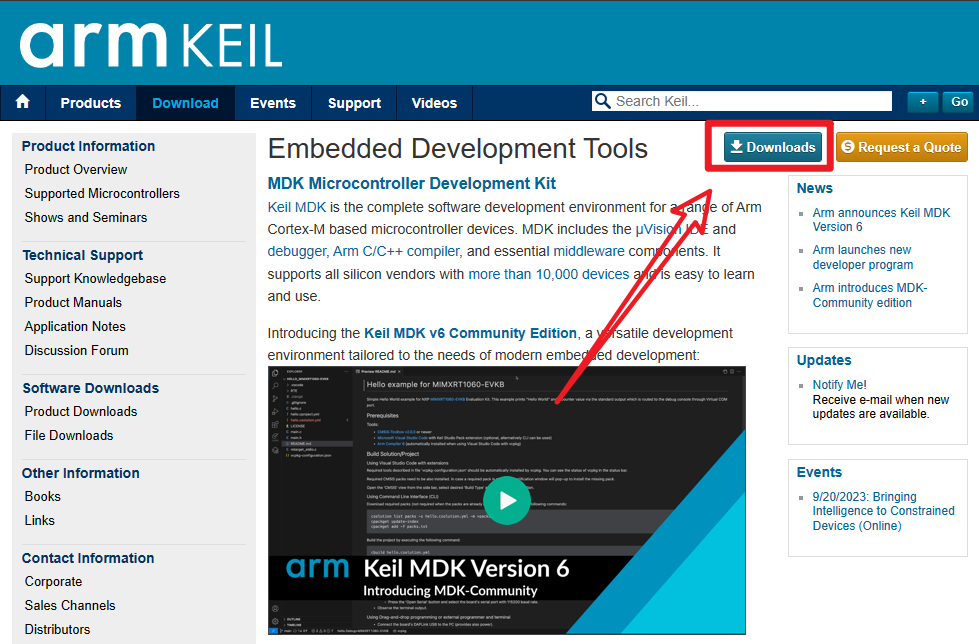
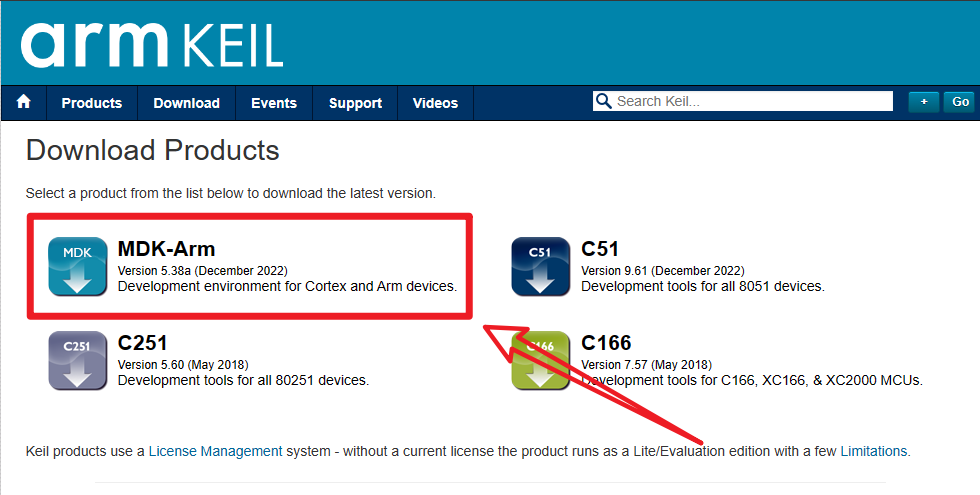
2. Select product
Download Products: MDK-Arm
3. Fill in information
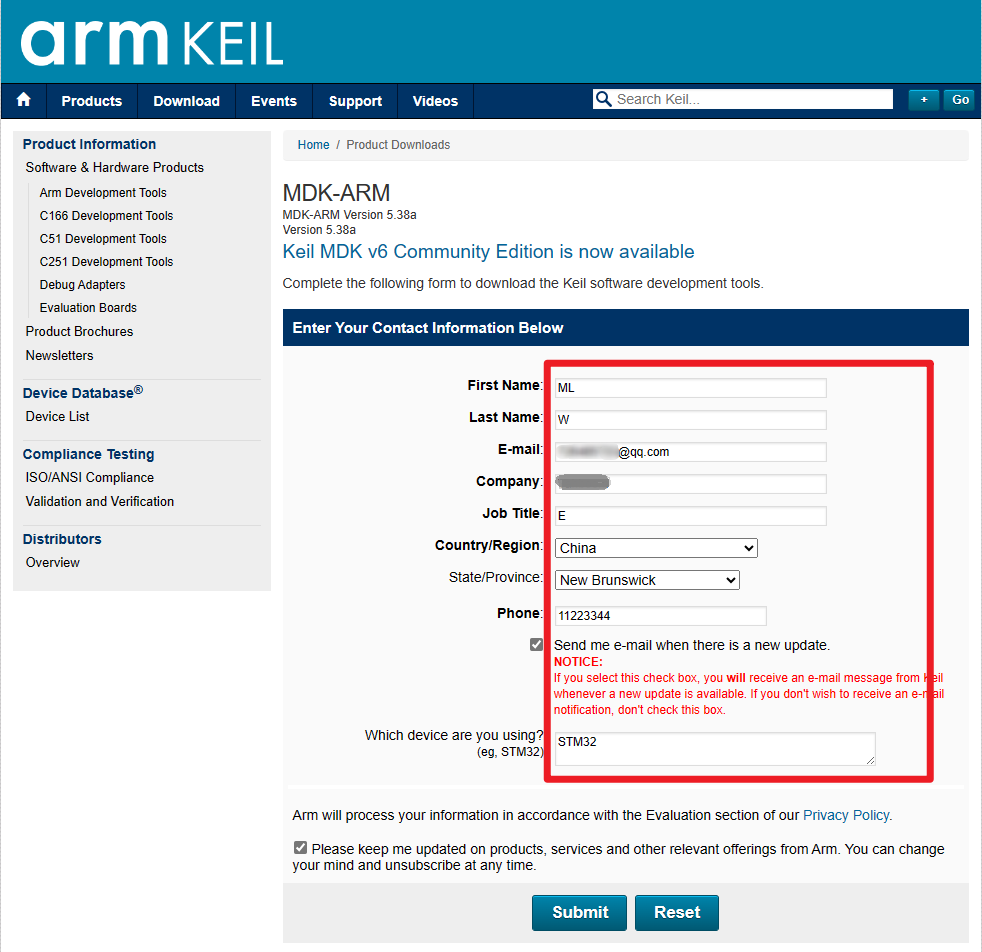
xxxxxxxxxxThis content can be filled in at will
4. Download the installation package
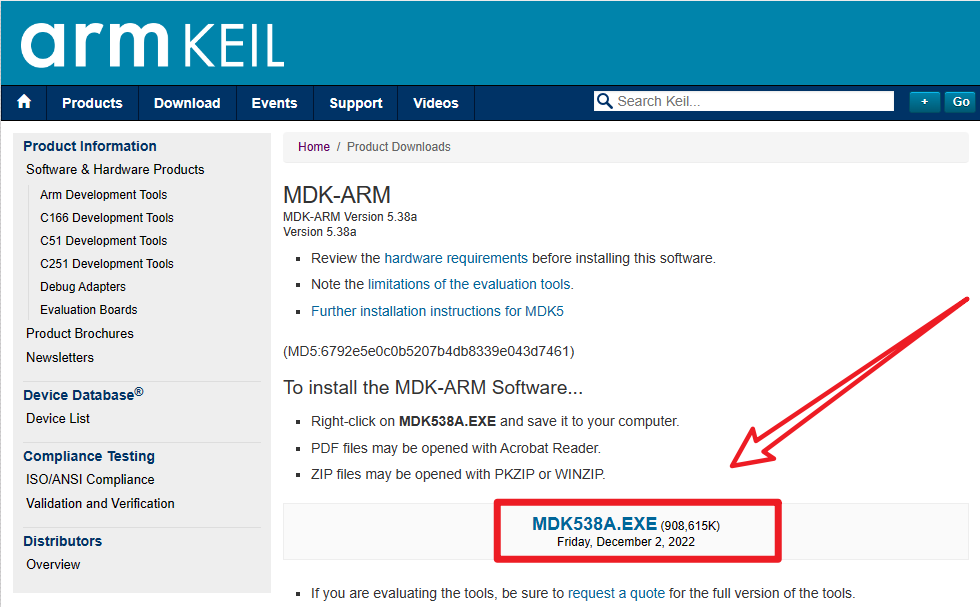
2. Software installation
1. Open the installation package
- Administrator
Open the MDK installation package as an administrator.
2. Installation process-settings
- Next
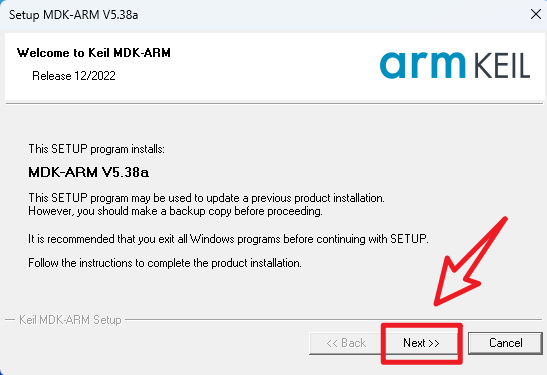
- Check the agreement → Next
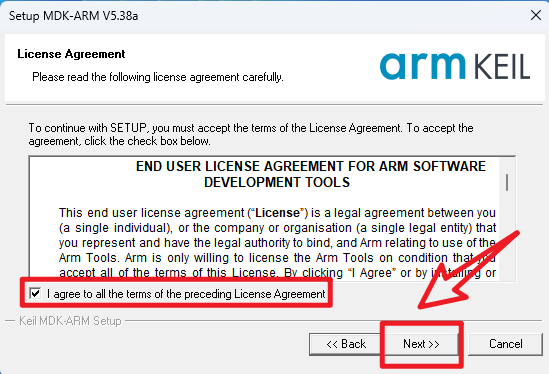
- Installation location → Next
xxxxxxxxxxIt is recommended to use the system default location
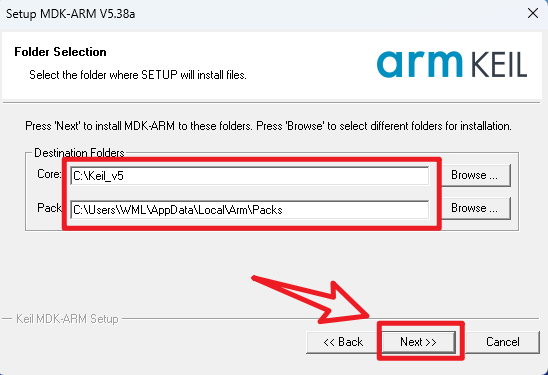
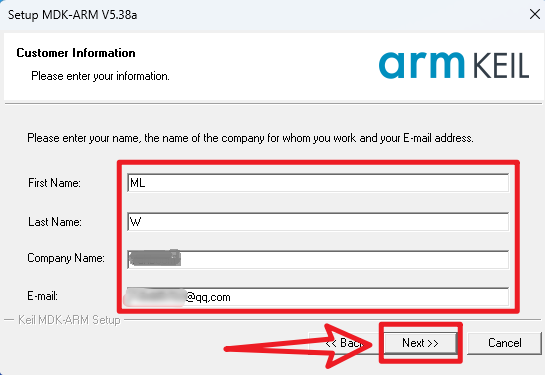
- User information → Next
xxxxxxxxxxYou can fill in as you like
- Waiting for installation
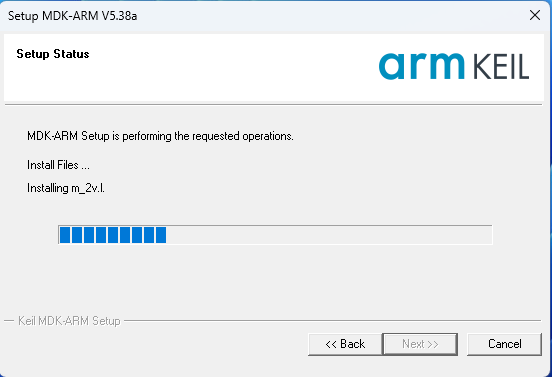
xxxxxxxxxxThis process takes a long time
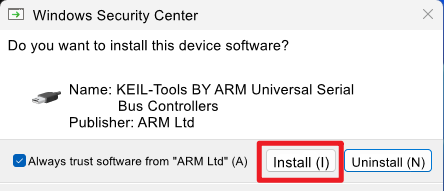
- ULINKL driver installation
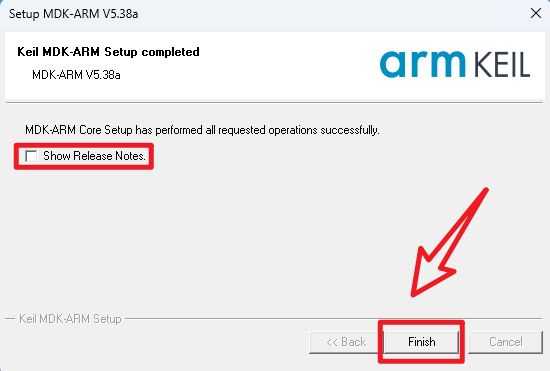
- Installation completed
3. Software configuration
Install the chip package required during development
xxxxxxxxxxTutorial demonstrates how to install the STM32F1xx series chip package
1. Open the application
Left mouse button: Double-click the desktop "Keil uVision5" icon

2. Close the start interface
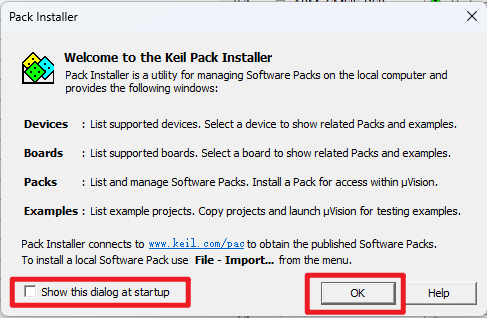
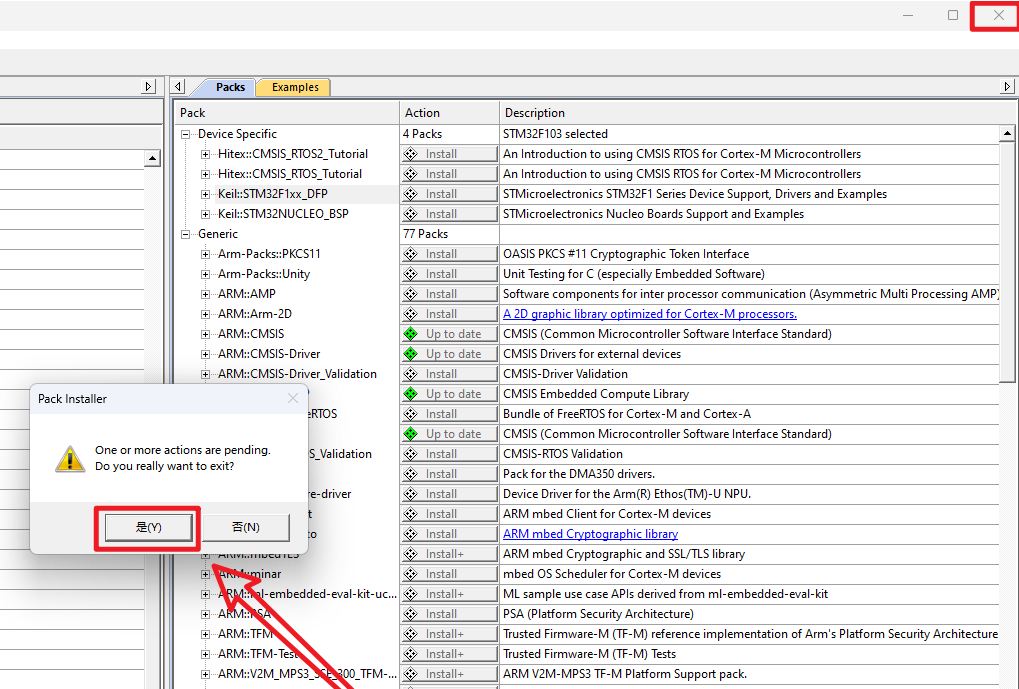
3. Install the chip support package
- Pack Installer
xxxxxxxxxxKeil software comes with it, loading is very slow, not recommended
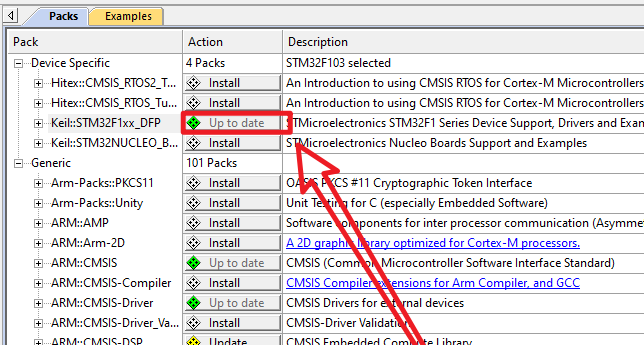
Installing: The download and installation progress bar is in the lower right corner of the page

Installation completed: After the installation is completed, the update option "Up to date" will appear
- Official website download chip package
Official website address: https://www.keil.arm.com/devices/
Search chip package: Search for STM32F103 and click on any chip
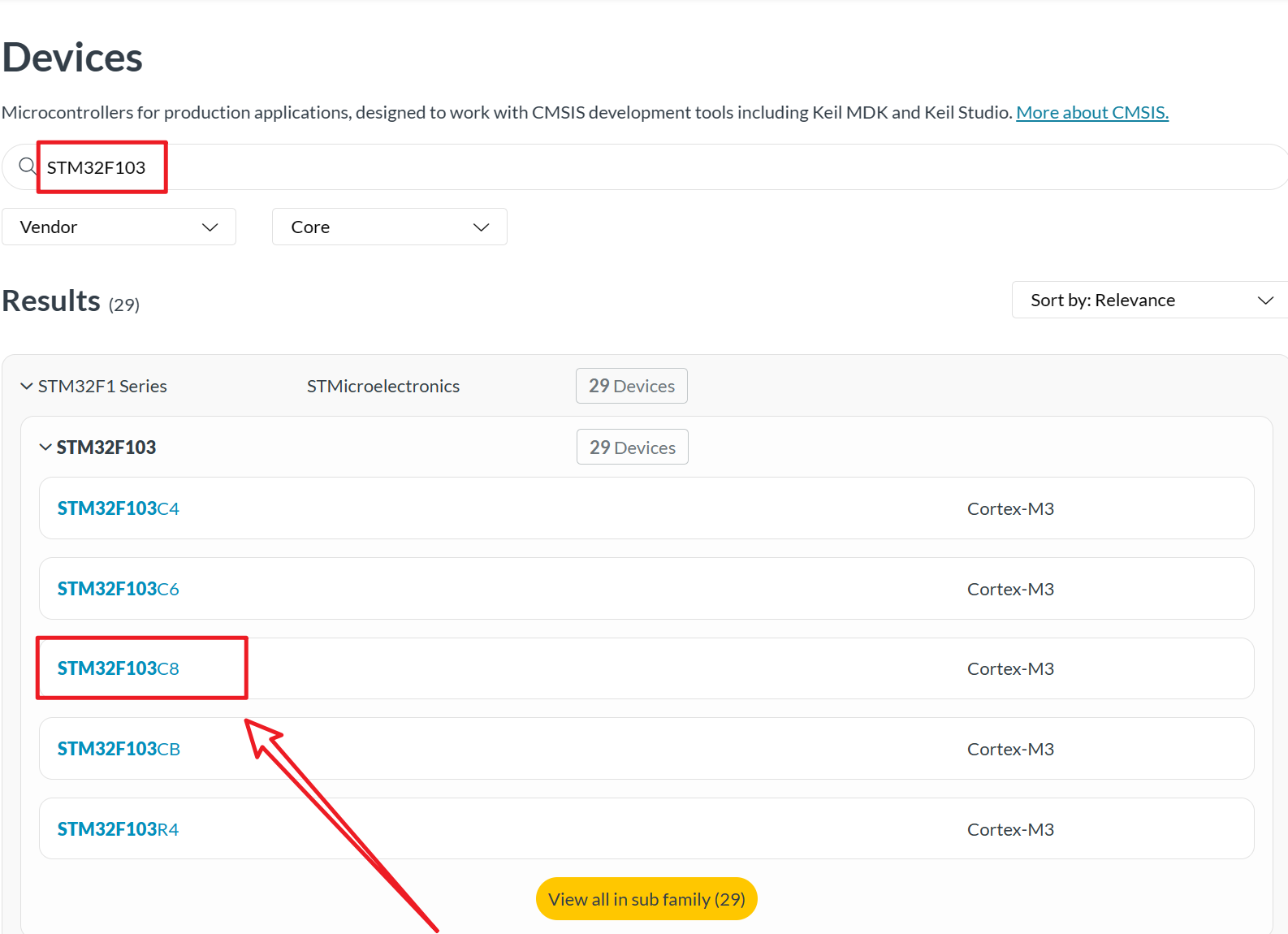
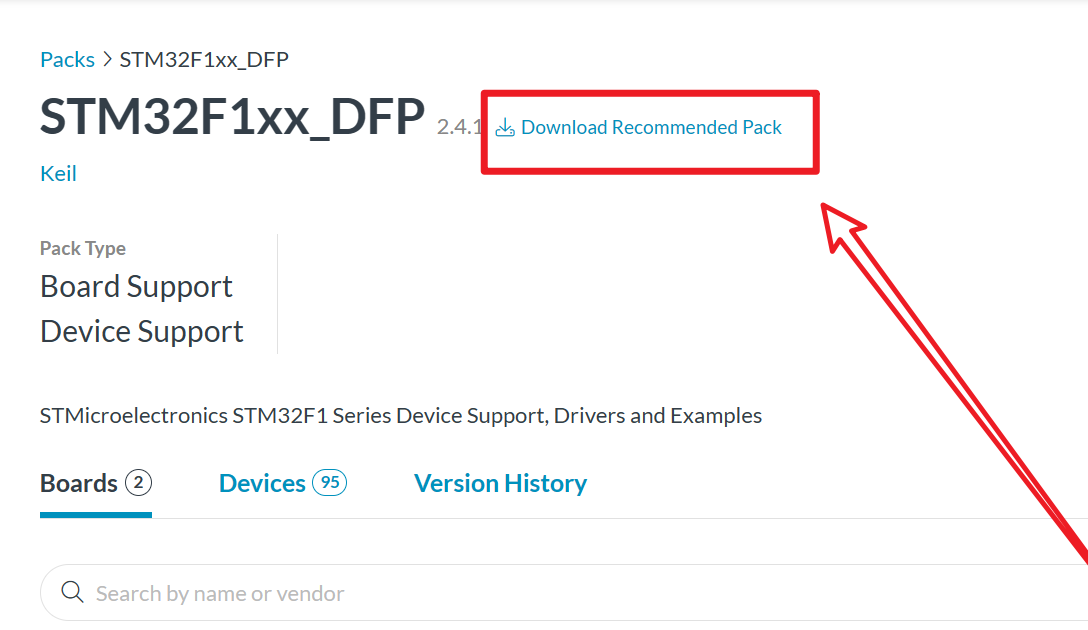
Download chip package: Click "STM32F1xx_DFP"
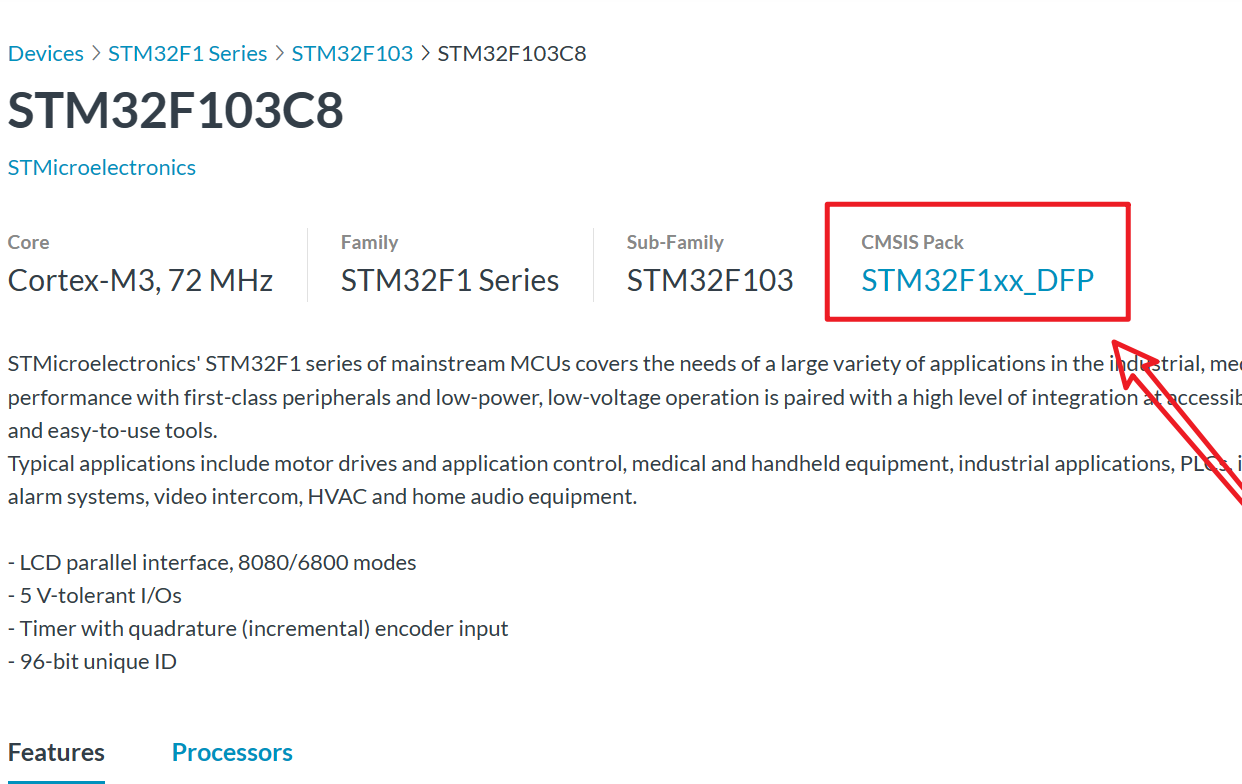
Download the official recommended chip package
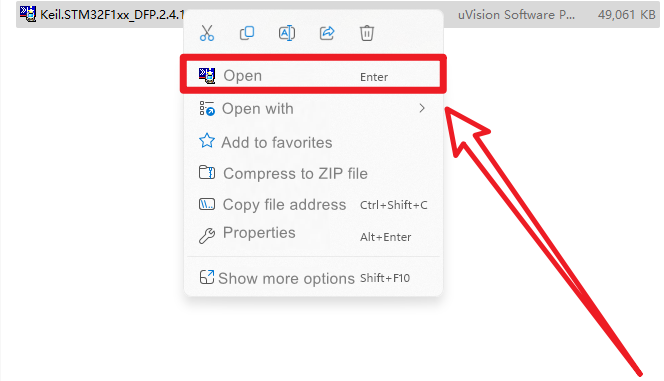
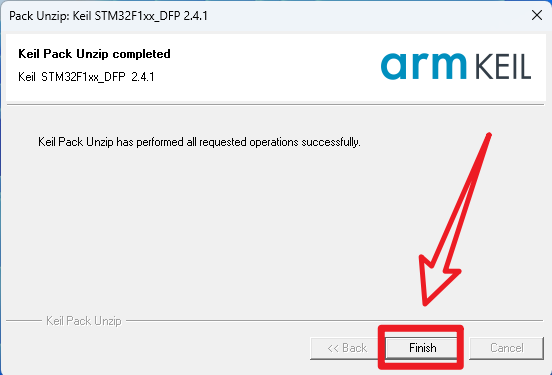
Open chip support package: Keil.STM32F1xx_DFP.2.4.1
Install chip support package
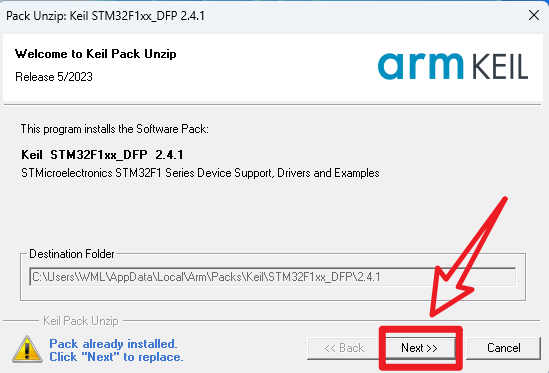
xxxxxxxxxxSince I have installed the chip support package through the "Pack Installer" option, a replacement prompt will appear during installation
Installation completed
4. ARM Compiler
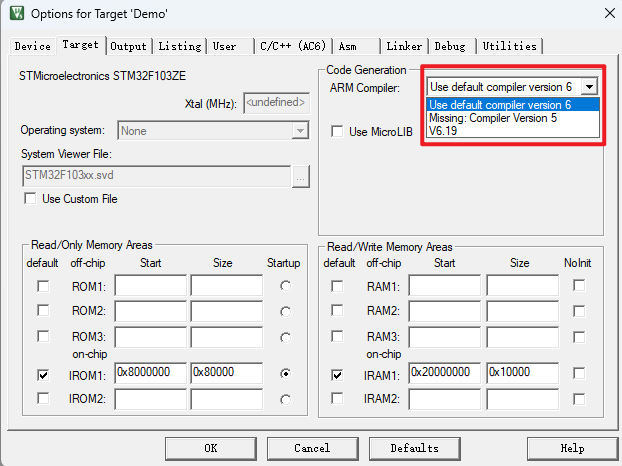
Starting from MDK5.37, the AC5 (ARMCC) compiler is no longer installed by default and needs to be installed independently.
xxxxxxxxxxYou need to open a project before you can click this option. You can use the template project provided in the document [Attachment → Source Code Summary] to operate
1. Install the compiler
- Unzip the compressed package
Unzip the ARMCompiler_5.zip file, the file location is under [Software-Project File] in this chapter
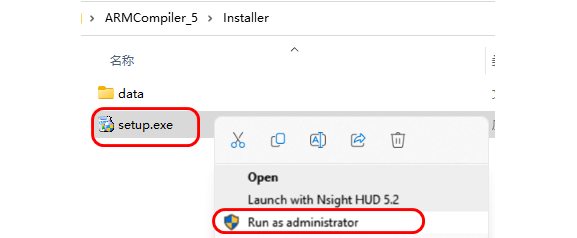
- Open as Administrator
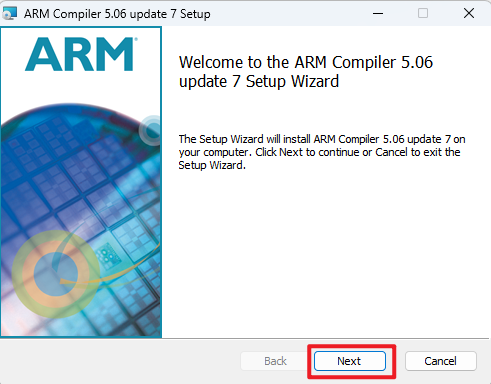
- Next
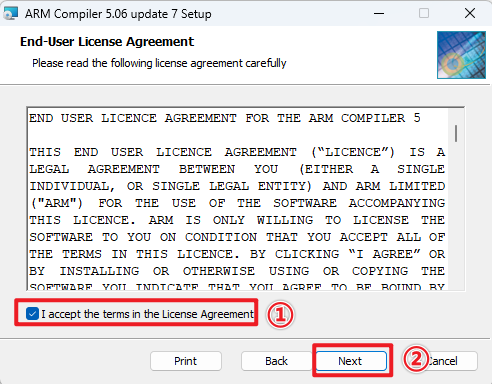
- Modify the installation location
Installation location: Create a new ARMCC folder under the C:\Keil_v5\ARM folder and select this folder as the software installation location
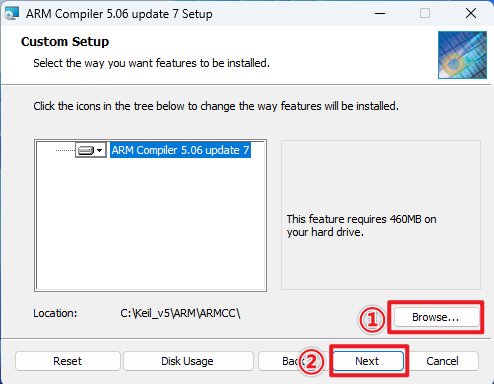
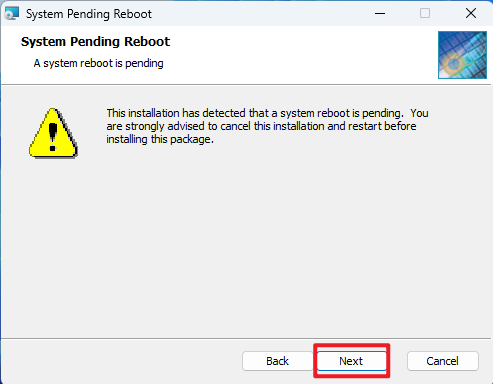
- Installation completed
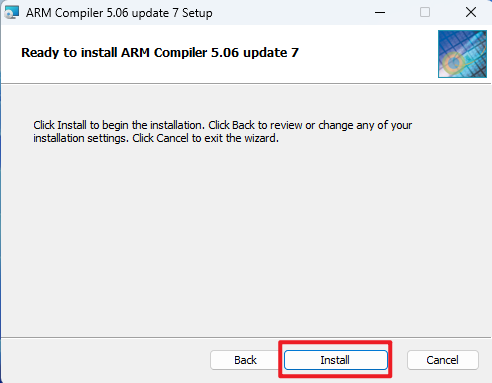

2. Add compiler
The following operations involve Keil5 software, and you need to open a project; otherwise, the relevant menu options cannot be selected
- Project management

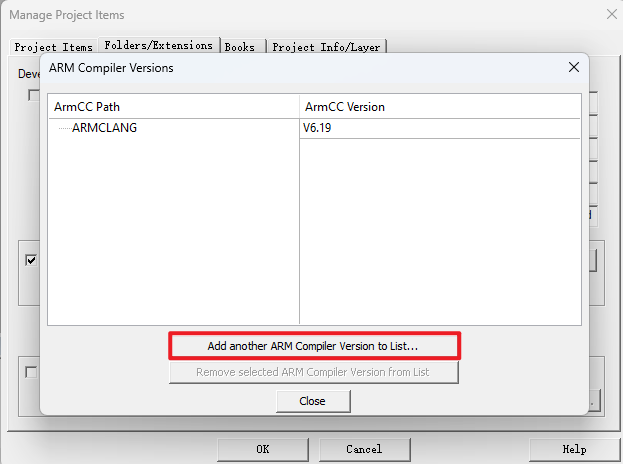
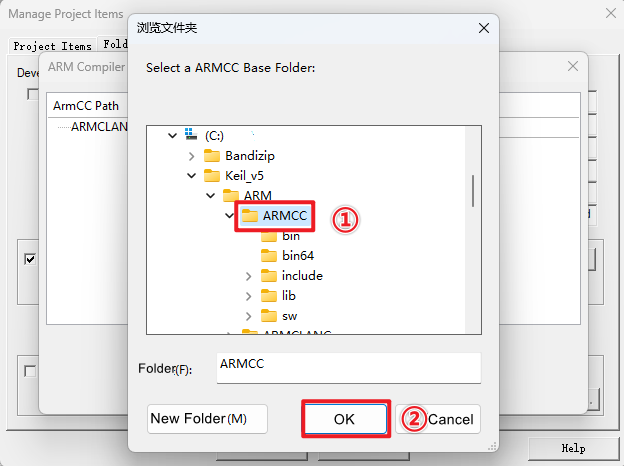
- Compiler path
Select the location you just installed
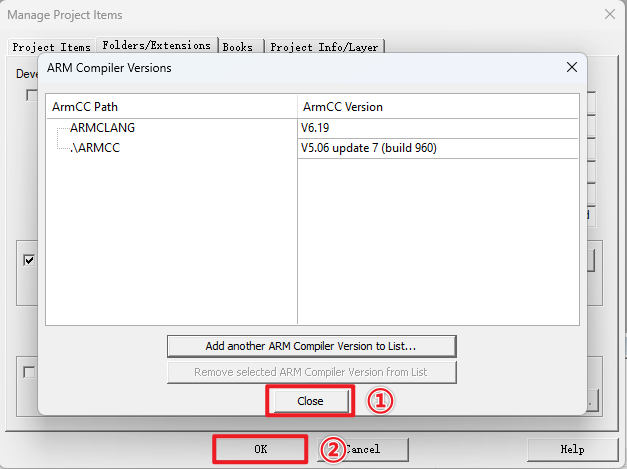
3. Verify the installation
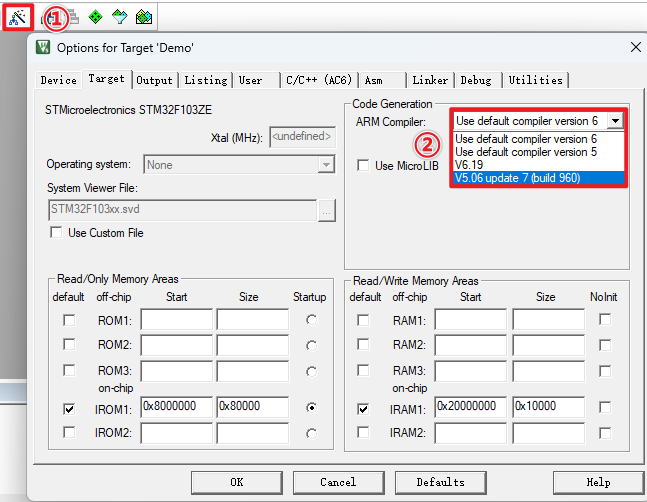
If the following options appear, AC5 has been successfully installed!