YOLO environment construction
YOLO environment construction1. System information2. Preliminary preparation3. Install Ultralytics4. Configure GPU acceleration4. Verify the installationCommon ErrorsCannot uninstall sympyError phenomenonSolutionCSI camera cannot be calledVerify the environmentReferences
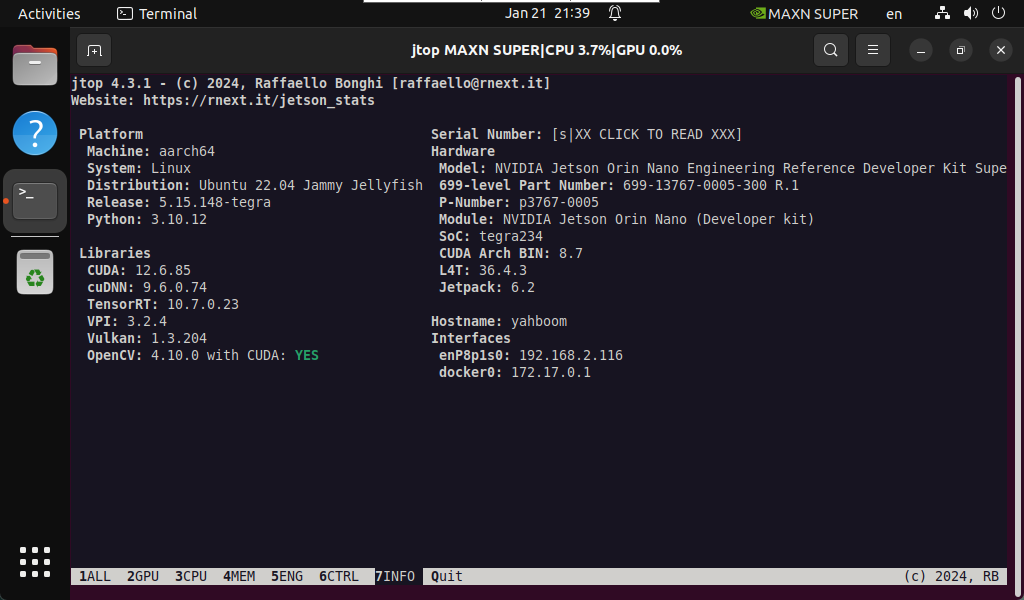
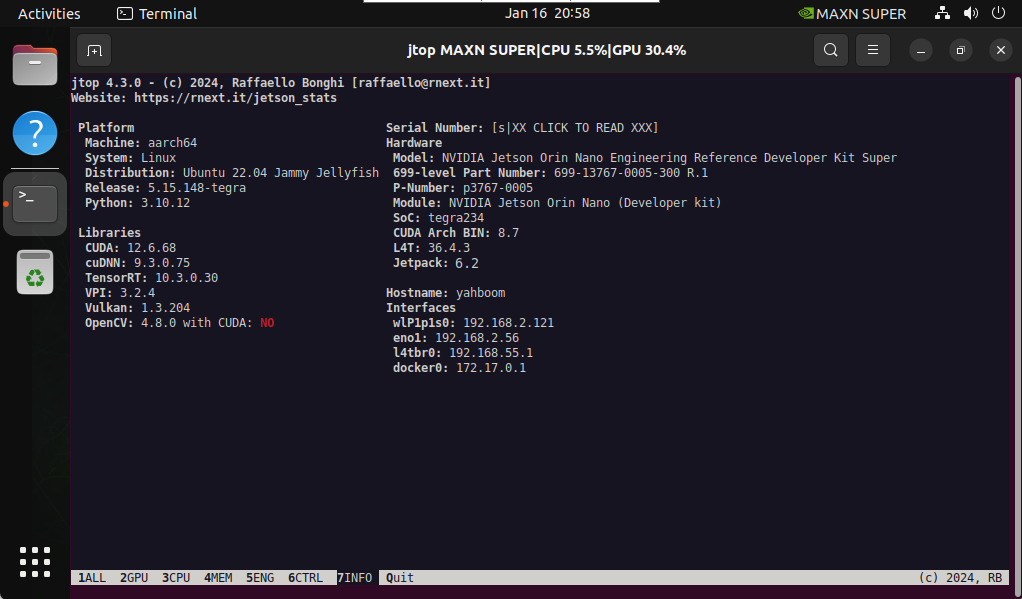
1. System information
2. Preliminary preparation
sudo apt updatesudo apt install python3-pip -ysudo pip install -U pip
3. Install Ultralytics
xxxxxxxxxxsudo pip3 install ultralytics[export]
xxxxxxxxxxsudo reboot
4. Configure GPU acceleration
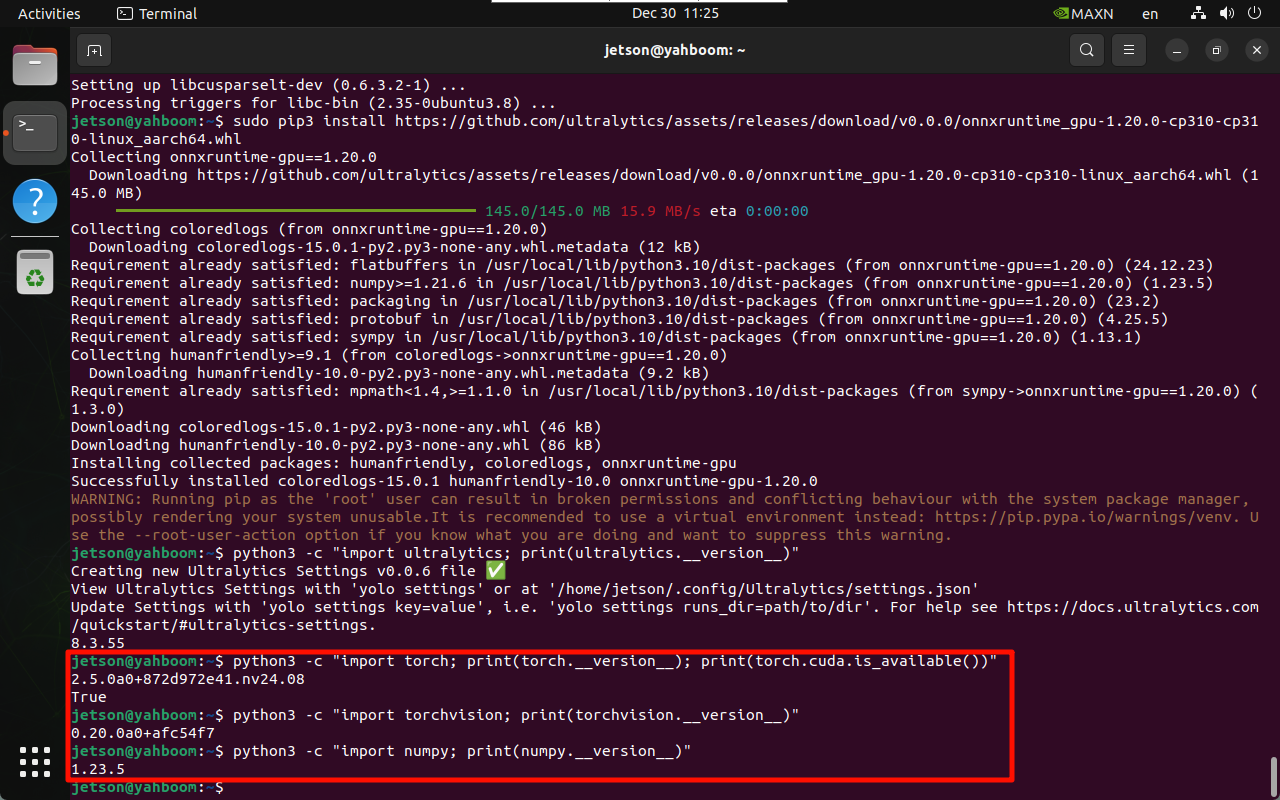
Since we have already installed torch 2.5.0 and torchvision 0.20 in the previous tutorial, there is no need to run the torch and torchvision installation commands here, only the other software packages need to be installed.
torch
xxxxxxxxxxsudo pip3 install https://github.com/ultralytics/assets/releases/download/v0.0.0/torch-2.5.0a0+872d972e41.nv24.08-cp310-cp310-linux_aarch64.whl
torchvision
xxxxxxxxxxsudo pip3 install https://github.com/ultralytics/assets/releases/download/v0.0.0/torchvision-0.20.0a0+afc54f7-cp310-cp310-linux_aarch64.whl
cuSPARSELt
xxxxxxxxxxwget https://developer.download.nvidia.com/compute/cuda/repos/ubuntu2204/arm64/cuda-keyring_1.1-1_all.debsudo dpkg -i cuda-keyring_1.1-1_all.debsudo apt-get updatesudo apt-get -y install libcusparselt0 libcusparselt-dev
onnxruntime-gpu
xxxxxxxxxxsudo pip3 install https://github.com/ultralytics/assets/releases/download/v0.0.0/onnxruntime_gpu-1.20.0-cp310-cp310-linux_aarch64.whl
Note: Using onnxruntime-gpu requires installing a specific version of numpy. If it is not 1.23.5, you can run the following command to install the specified version
xxxxxxxxxxsudo pip3 install numpy==1.23.5
4. Verify the installation
Verifying Ultralytics
xxxxxxxxxxpython3 -c "import ultralytics; print(ultralytics.__version__)"
Verifying Torch
xxxxxxxxxxpython3 -c "import torch; print(torch.__version__); print(torch.cuda.is_available())"
Verifying Torchvision
xxxxxxxxxxpython3 -c "import torchvision; print(torchvision.__version__)"
Verify Numpy
xxxxxxxxxxpython3 -c "import numpy; print(numpy.__version__)"
Note: The ultralytics version will be updated later, please refer to the version information queried in the system
Common Errors
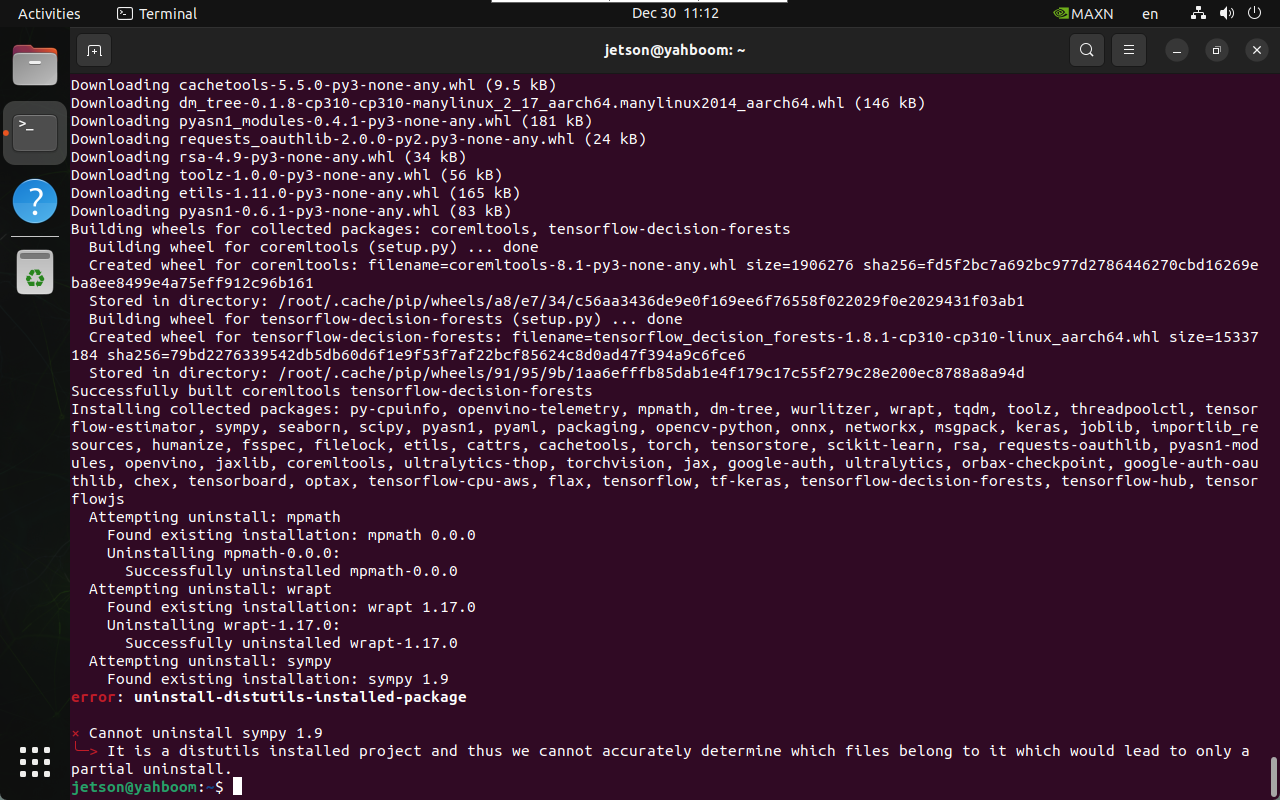
Cannot uninstall sympy
Error phenomenon
Unable to uninstall sympy
Solution
Uninstall python3-sympy: Reinstall PyTorch after uninstallation
xxxxxxxxxxsudo apt remove python3-sympy -y
CSI camera cannot be called
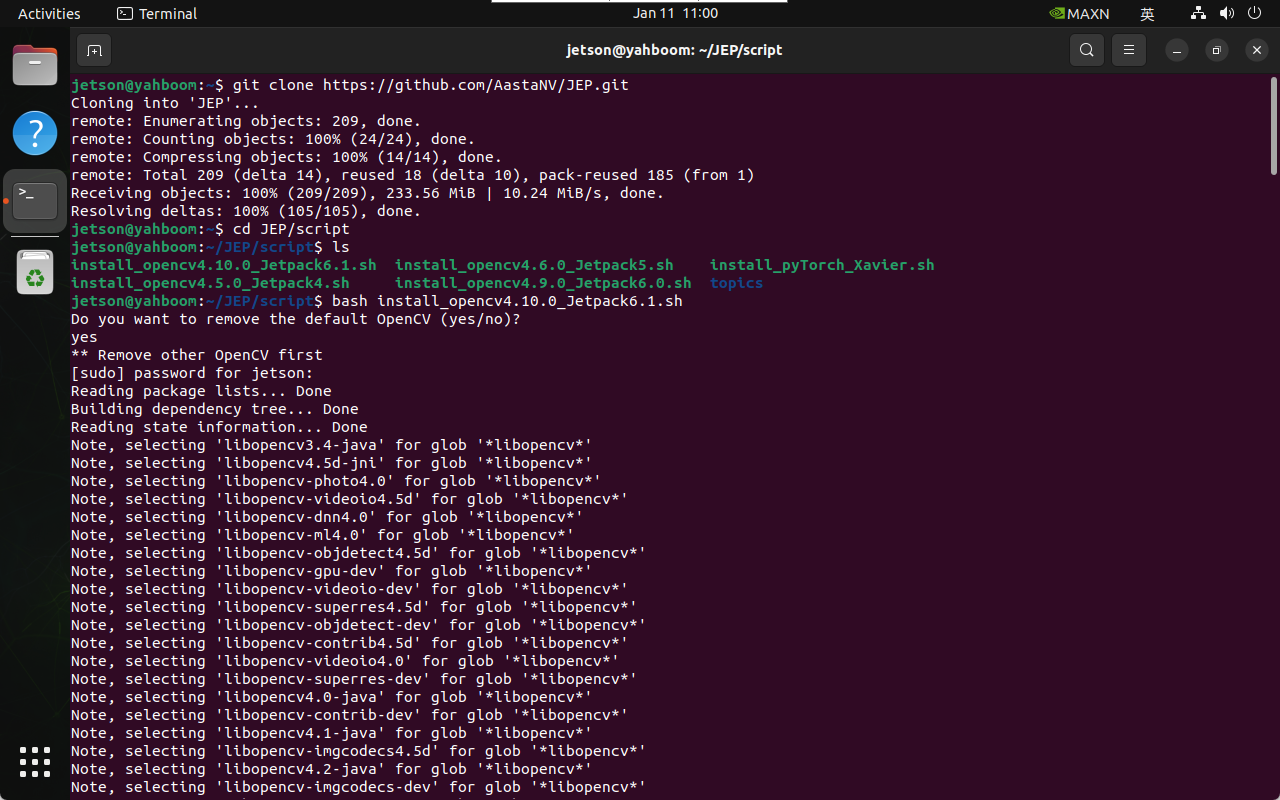
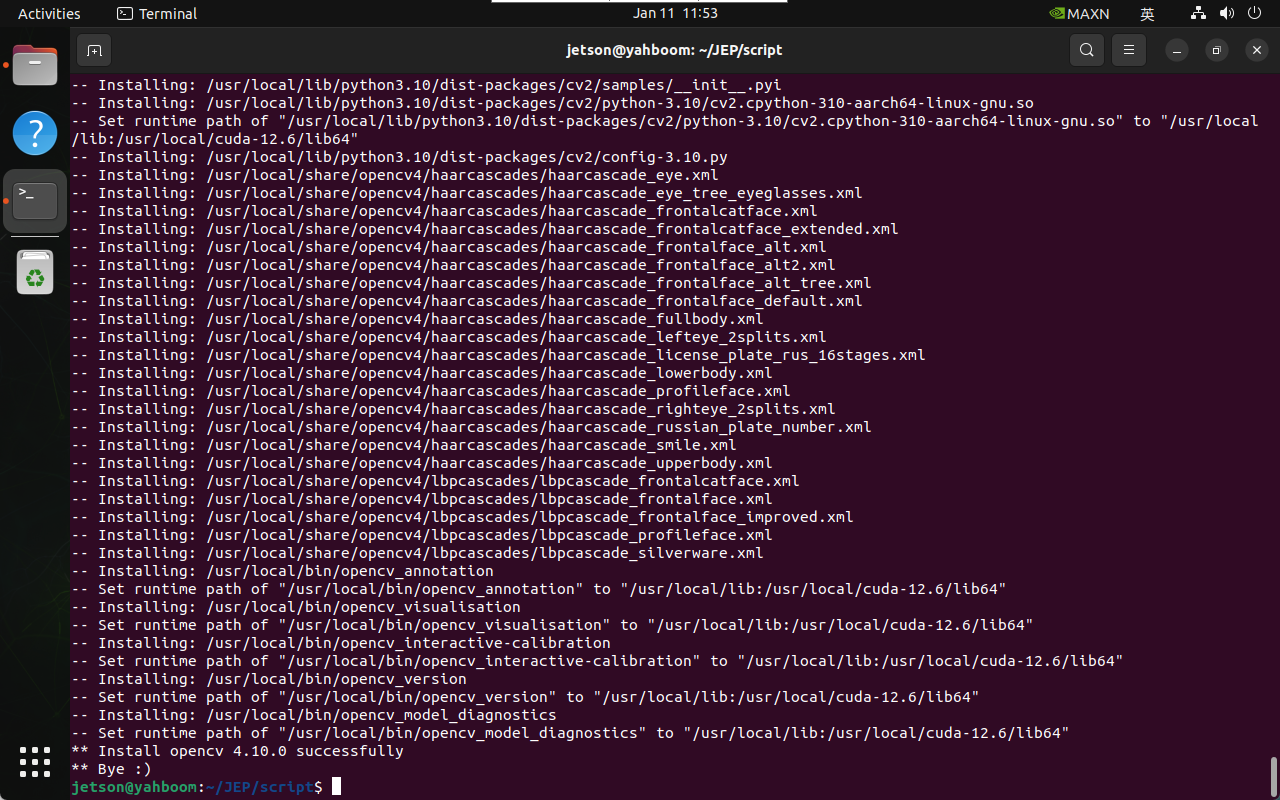
Compile OpenCV from source code and enable GStreamer support: basically the entire process is automatically installed. It is recommended to uninstall the old version and install the new version (the script automatically enables CUDA and GStreamer functions)
xxxxxxxxxxgit clone https://github.com/AastaNV/JEP.gitcd JEP/scriptbash install_opencv4.10.0_Jetpack6.1.sh
Verify the environment
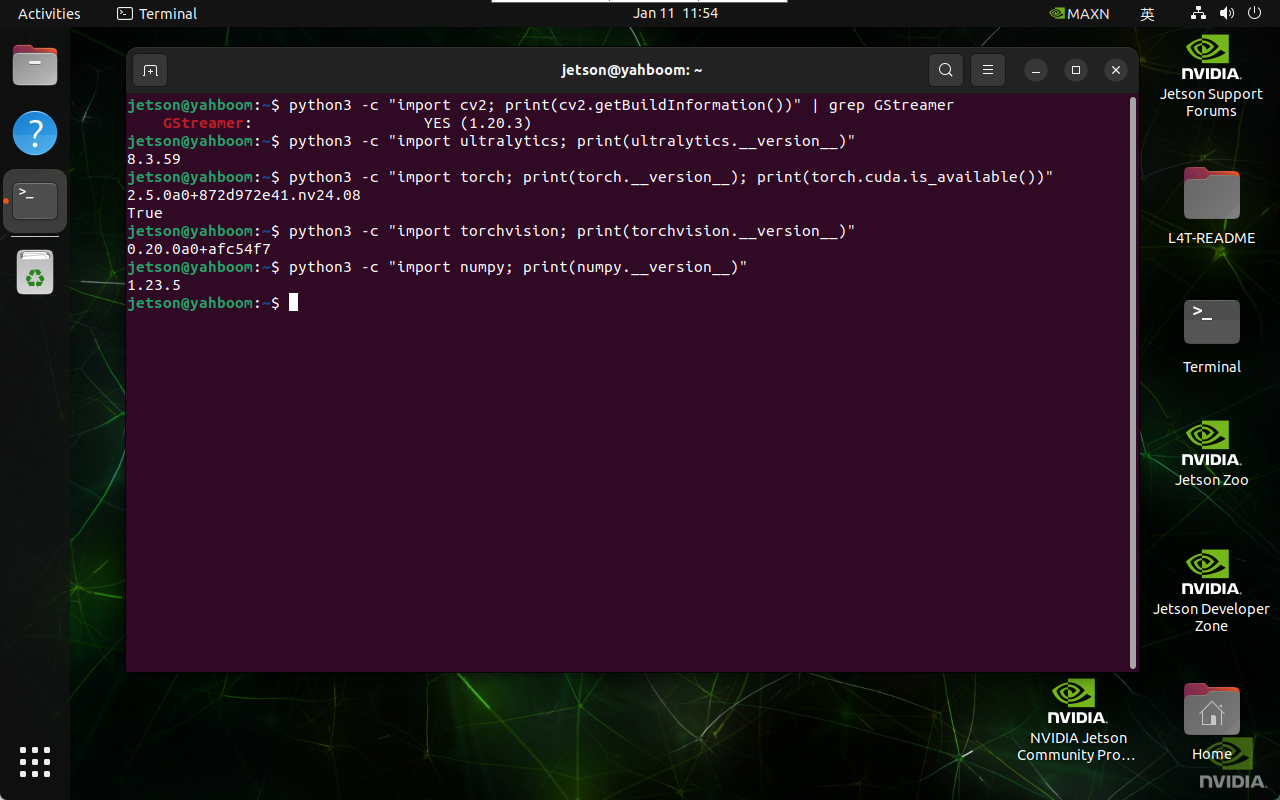
xxxxxxxxxxpython3 -c "import cv2; print(cv2.getBuildInformation())" | grep GStreamerpython3 -c "import ultralytics; print(ultralytics.__version__)"python3 -c "import torch; print(torch.__version__); print(torch.cuda.is_available())"python3 -c "import torchvision; print(torchvision.__version__)"python3 -c "import numpy; print(numpy.__version__)"jtop