File reading and writing
File reading and writingIntroduction to the results of routine experimentsCode ExplanationAbout file reading and writing operations
Introduction to the results of routine experiments
We often encounter situations where we need to save data after power failure, such as storing the data obtained by the sensor in the form of a file.
This facilitates further operations on the data. In fact, whether it is importing a module using import in the code, or taking a photo to save a picture or reading a model file, which we will learn later,
The underlying layer of these behaviors all rely on the read and write operations of the file system. In this tutorial, we will introduce a more commonly used method of file read and write operations.
The example code of this section is located in: [Source code/02.Basic/14.file.py]
We use CanMV IDE to open the sample code and connect K230 to the computer with a USB cable.
In the system's file manager, open the directory corresponding to CanMV. We enter the directory CanMV/sdcard
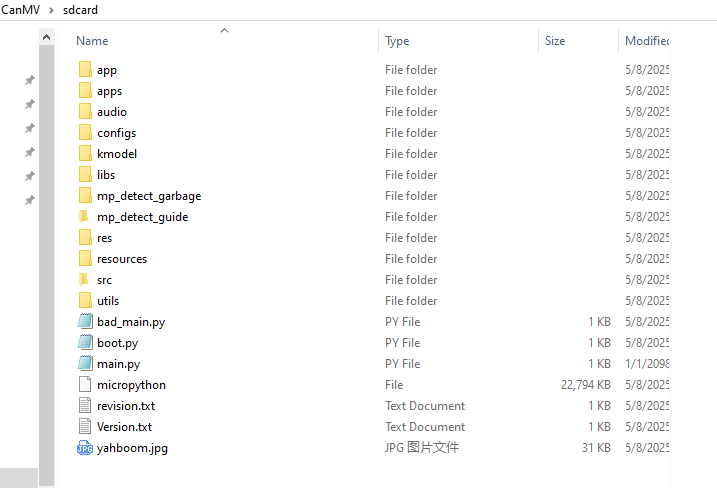
The CanMV/sdcard/ directory corresponds to /sdcard/ in the code.
Click the Run button in the lower left corner of CanMV IDE and open the serial terminal below. You can see that Hello Yahboom is output here.
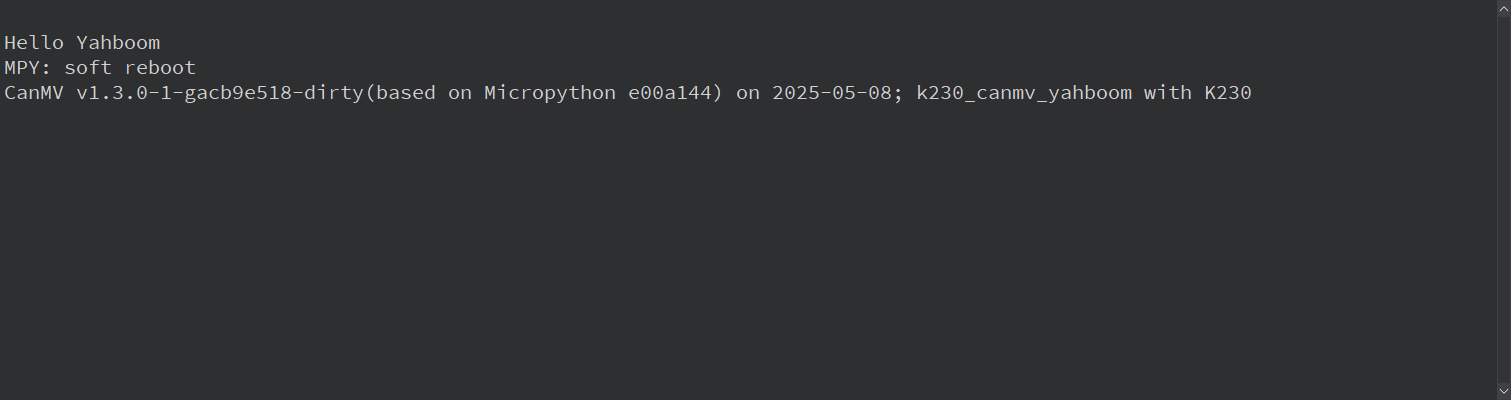
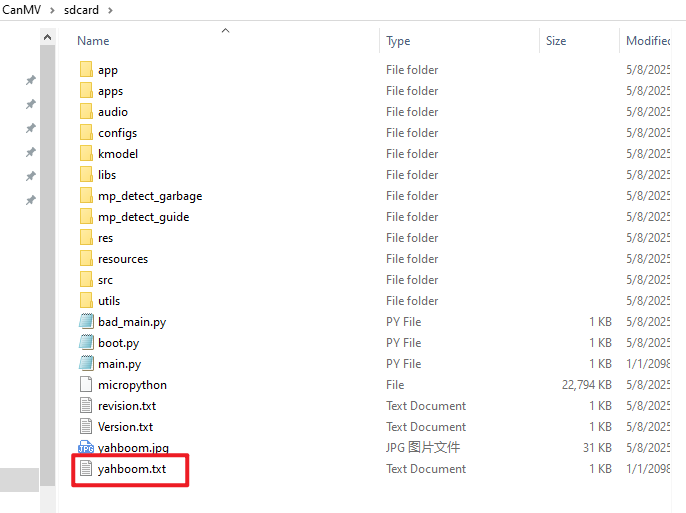
After waiting for the program to finish running, we return to the file manager and can see that there is an additional yahboom.txt file.
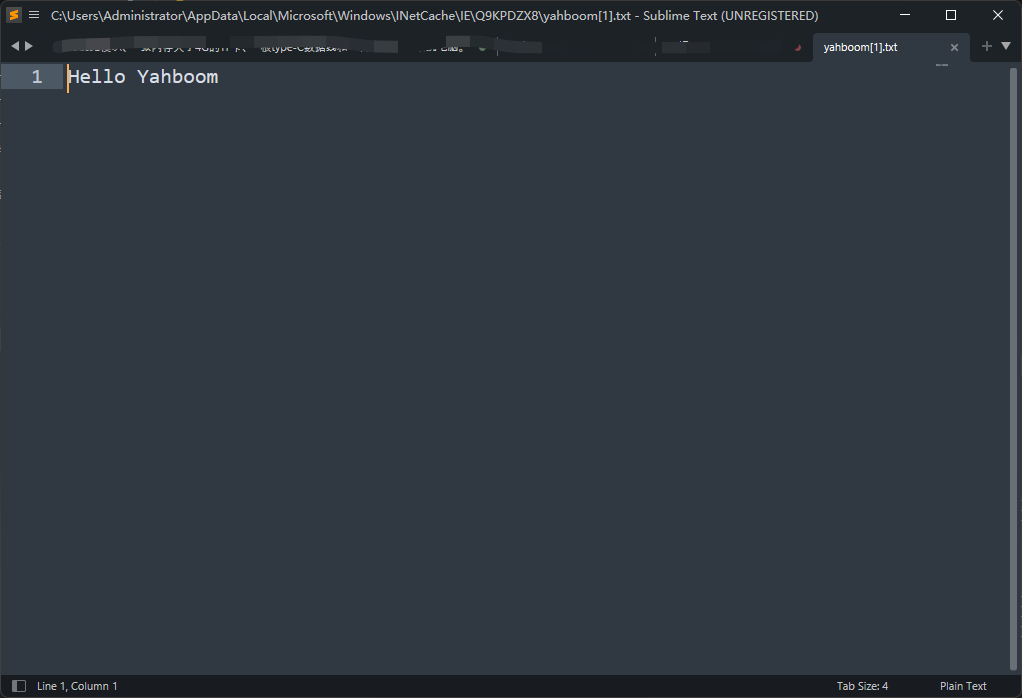
We double-click to open this file, and the content inside is "Hello Yahboom"
Code Explanation
xxxxxxxxxx# Write to filewith open ( '/sdcard/yahboom.txt' , 'w' ) as f : f . write ( "Hello Yahboom" )# File readingwith open ( '/sdcard/yahboom.txt' , 'r' ) as f : print ( f . read ())We use the with open as syntax to open files in the file system
The open() method has two parameters, the first parameter is the file path, and the second parameter is the opening mode.
Commonly used ones are r (read, read mode) and w (write, write mode)
with open as .... is a more recommended way to operate on files
with open asThe file will be closed automatically, regardless of whether an exception occurs in the code. When exiting the with code block, Python will automatically call the file object'sclose()method.- Direct use
open()requires manual callclose()to close the file. If you forget to close it or the code throws an exception, it may cause resource leakage.Let's take a look at the difference between using and not using
# with open as (recommended)with open ( 'file.txt' , 'r' ) as f :content = f . read ()# File automatically closed# Use open directlyf = open ( 'file.txt' , 'r' )content = f . read ()f . close () # Need to be closed manually
About file reading and writing operations
File operations in MicroPython are similar to those in standard Python, but the functions are relatively simplified.
Limitations to note:
- Memory limit: avoid reading too large files at once
- File system: Some development boards may only support limited file system functions
- Path operation: It is recommended to use a simple relative path
The following are the main file operation methods:
Opening a file
# Open in read modef = open('test.txt', 'r')# Open in write modef = open('test.txt', 'w')# Open in append modef = open('test.txt', 'a')# Open in binary modef = open('test.txt', 'rb')Basic read and write operations
# Read Operationf = open ( 'test.txt' , 'r' )content = f . read () # Read all contentline = f . readline () # read a linelines = f . readlines () # read all lines into a listf . close ()# Write Operationf = open ( 'test.txt' , 'w' )f . write ( 'hello\n' ) # Write stringf . writelines ([ 'line1\n' , 'line2\n' ]) # Write multiple linesf . close ()It is recommended to use the with statement
with open ( 'test.txt' , 'r' ) as f :content = f . read ()File system operations (supplement, not necessarily fully compatible in Micropython)
import os# List the files in the current directoryos . listdir ()# Check if the file existsos . stat ( 'test.txt' )# Delete filesos . remove ( 'test.txt' )# Rename the fileos .rename ( 'old.txt' , ' new.txt' )