DeepStream Environment Setup
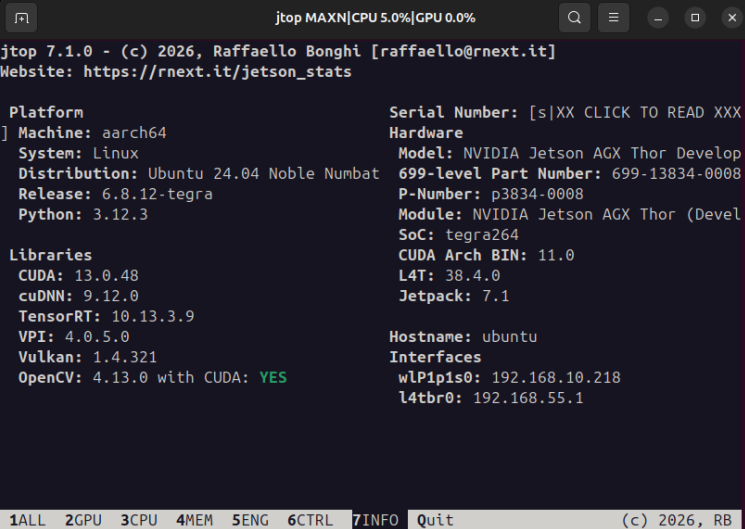
DeepStream Environment Setup1. System Information2. Installing DeepStream3. Verifying Installation4. Running the Sample
1. System Information
2. Installing DeepStream
Note: Throughout the entire process, the motherboard remains powered on and does not need to enter flash mode. Refer to [Motherboard Basics: Flashing Jetson Clean System] for the operation procedure.
With the Jetson AGX Thor motherboard powered on, connect it to an Ubuntu computer or virtual machine.

Open SDK Manager, select JetPack 7.1 version, and check the DeepStream option.
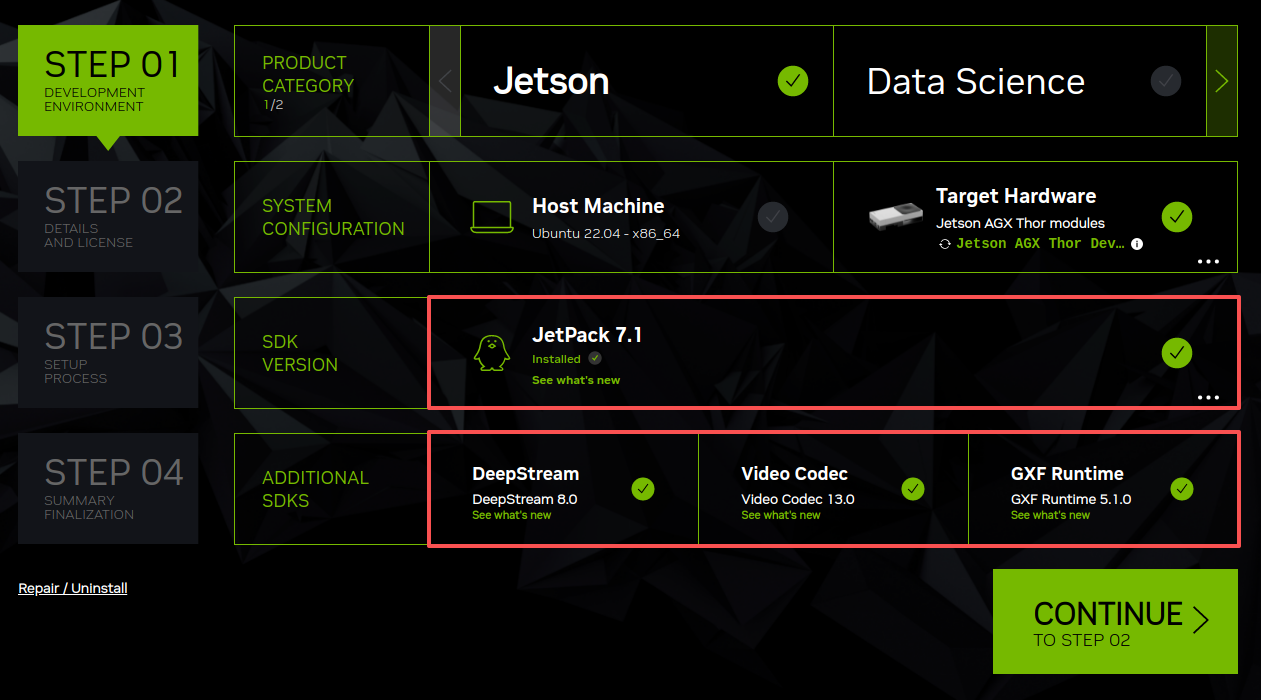
Note: The system has been successfully installed. Do not check the Jetson Linux option.
We only need to select the required component environments: SDK Manager will automatically download all components. Once the download is complete, you can proceed to the next step.

Then enter the motherboard's username and password to start flashing the SDK components. Wait for the flashing to complete.
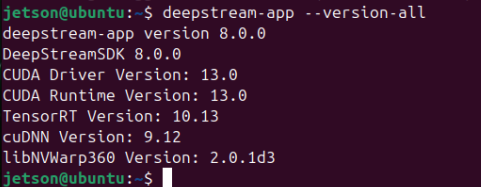
3. Verifying Installation
sudo apt install libgstrtspserver-1.0-0
xxxxxxxxxxdeepstream-app --version-all
4. Running the Sample
xxxxxxxxxxcd /opt/nvidia/deepstream/deepstream-8.0/samples/configs/deepstream-appsudo deepstream-app -c source30_1080p_dec_infer-resnet_tiled_display.txt
Note: If this is the first run, a model needs to be generated, which may take a long time. If it does not terminate automatically, wait for the program to run!
When running programs with high load, the motherboard may display a "System throttled due to Over-current." message, which is normal!
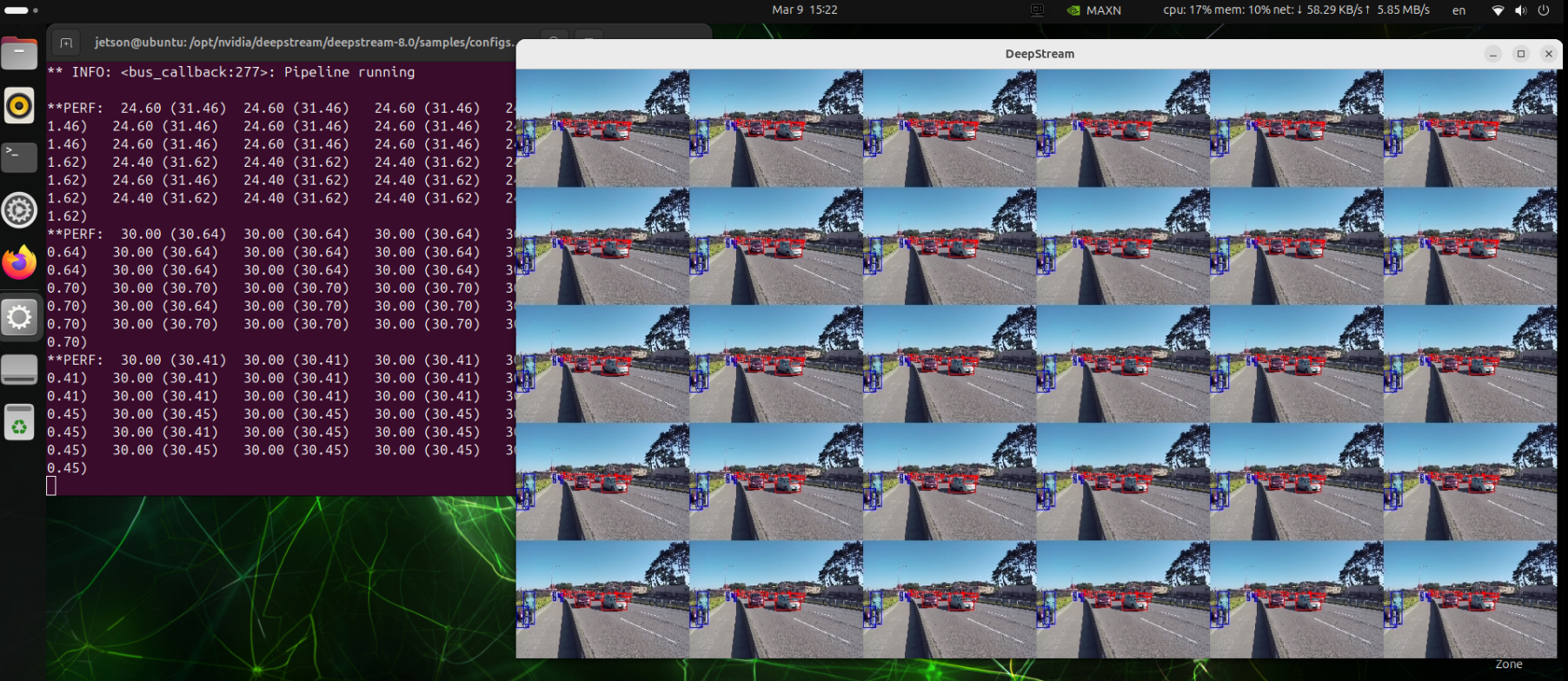
If you need to end playback early, click the X in the upper right corner of the video window or press Ctrl+C in the terminal to exit the program.