Welcome to YDLIDAR TW3 repository
2.Handheld lidar mapping
2. Handheld Radar Mapping
This function requires launching a program from the slam_gmapping package, the source code of which is located in the 【ydlidar_ros2_ws】source code. This guide uses the accompanying virtual machine to illustrate how to launch the program. If you want to run it on your own motherboard, place ydlidar_ros2_ws in the root directory and compile it.
2.1. Activate the radarTerminal input
ros2 launch ydlidar_ros2_driver ydlidar_launch.py2.2 Publish static odom conversions
Terminal input
xxxxxxxxxxros2 launch rf2o_laser_odometry rf2o_laser_odometry.launch.py2.3. Start gmapping for mapping
Terminal input
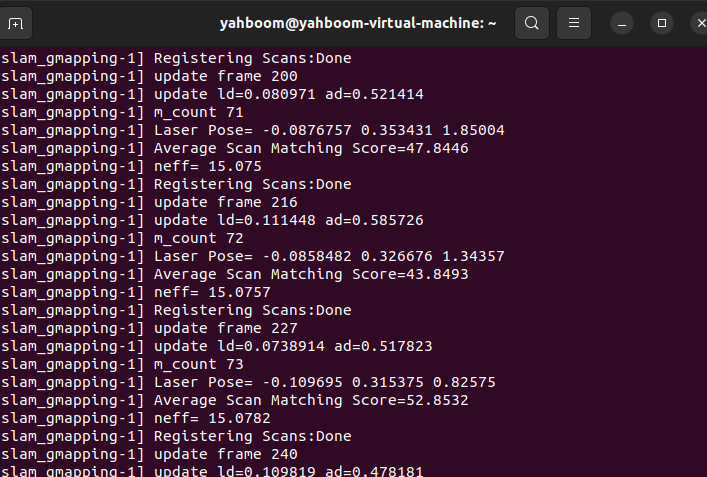
xros2 launch slam_gmapping slam_gmapping.launch.py
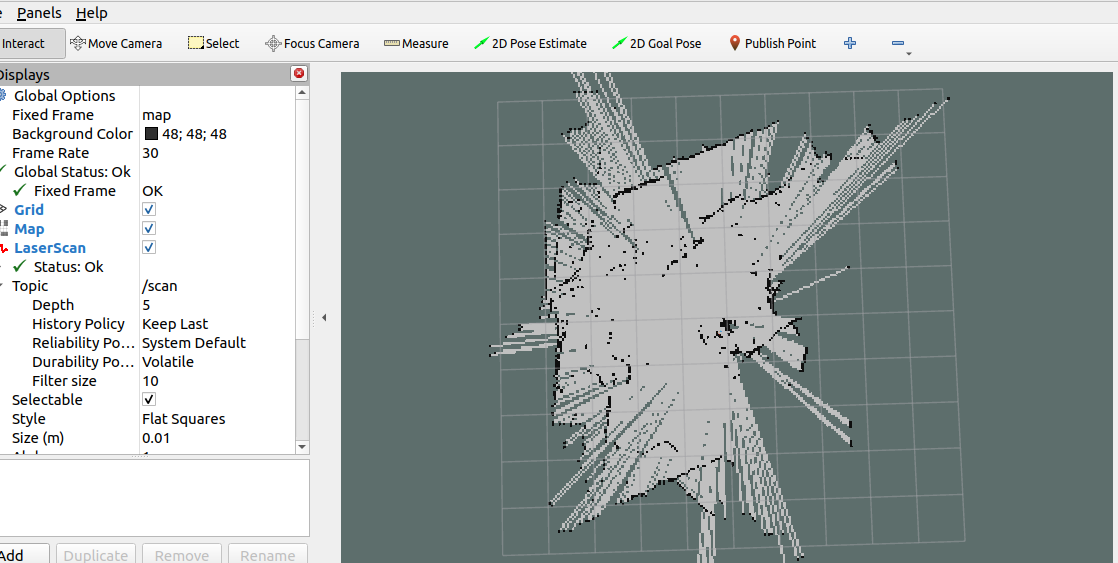
rviz displays the following:
2.4 Saving the Map
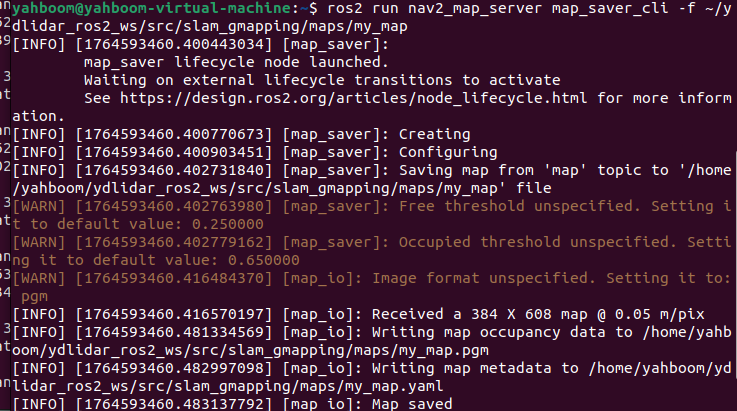
Terminal input,
xxxxxxxxxxros2 run nav2_map_server map_saver_cli -f ~/ydlidar_ros2_ws/src/slam_gmapping/maps/my_map
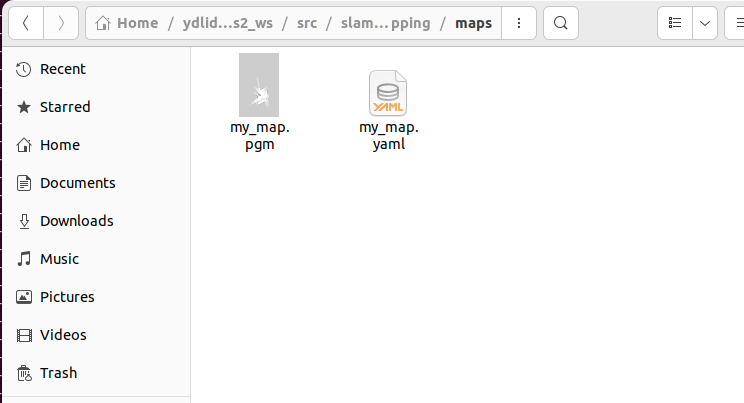
Then you can find the map file we saved in the file path mentioned above.