Welcome to Temperature Humidity Module repository
Voice broadcast temperature and humidity
Voice broadcast temperature and humidity
1. Purpose
In this course, we mainly learn to use microbit, voice broadcast module, temperature and humidity sensor realize voice broadcast temperature and humidity data.
2. Programming method
Mode 1 online programming:
First, we need to connect the micro:bit to the computer by USB cable. The computer will pop up a USB flash drive and click on the URL in the USB flash drive: http://microbit.org/ to enter the programming interface. Add the Yahboom package: https://github.com/YahboomTechnology/dht11 and https://github.com/YahboomTechnology/Speech to start programming.
Mode 2 offline programming:
We need to open the offline programming software. After the installation is complete, enter the programming interface, click[New Project]. Add Yahboom package: https://github.com/YahboomTechnology/dht11 and https://github.com/YahboomTechnology/Speech, you can start programming.
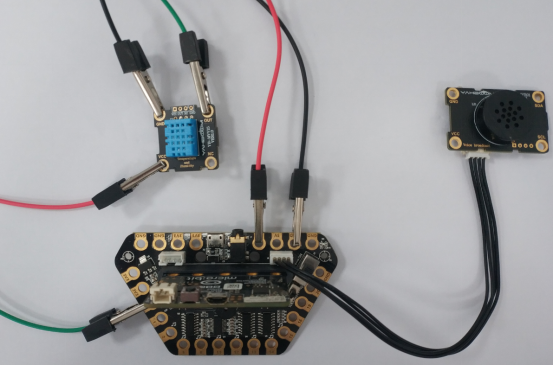
3. About wiring
4. Combine building blocks
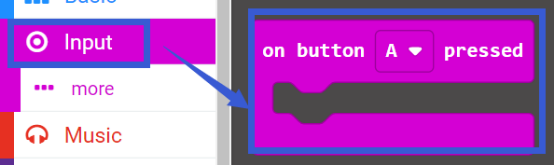
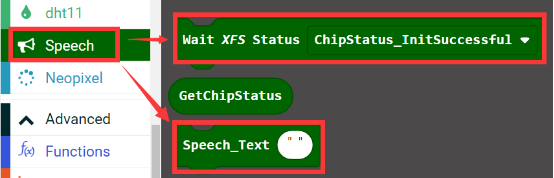
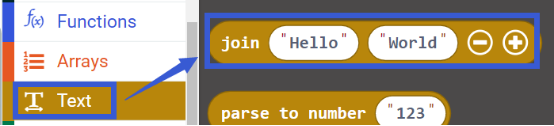
We need to use the following programming building blocks.
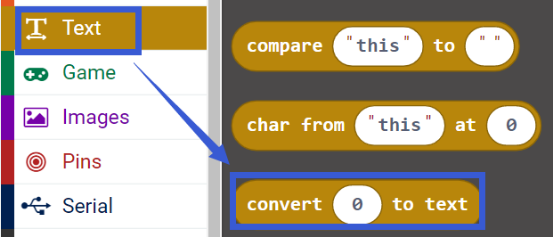

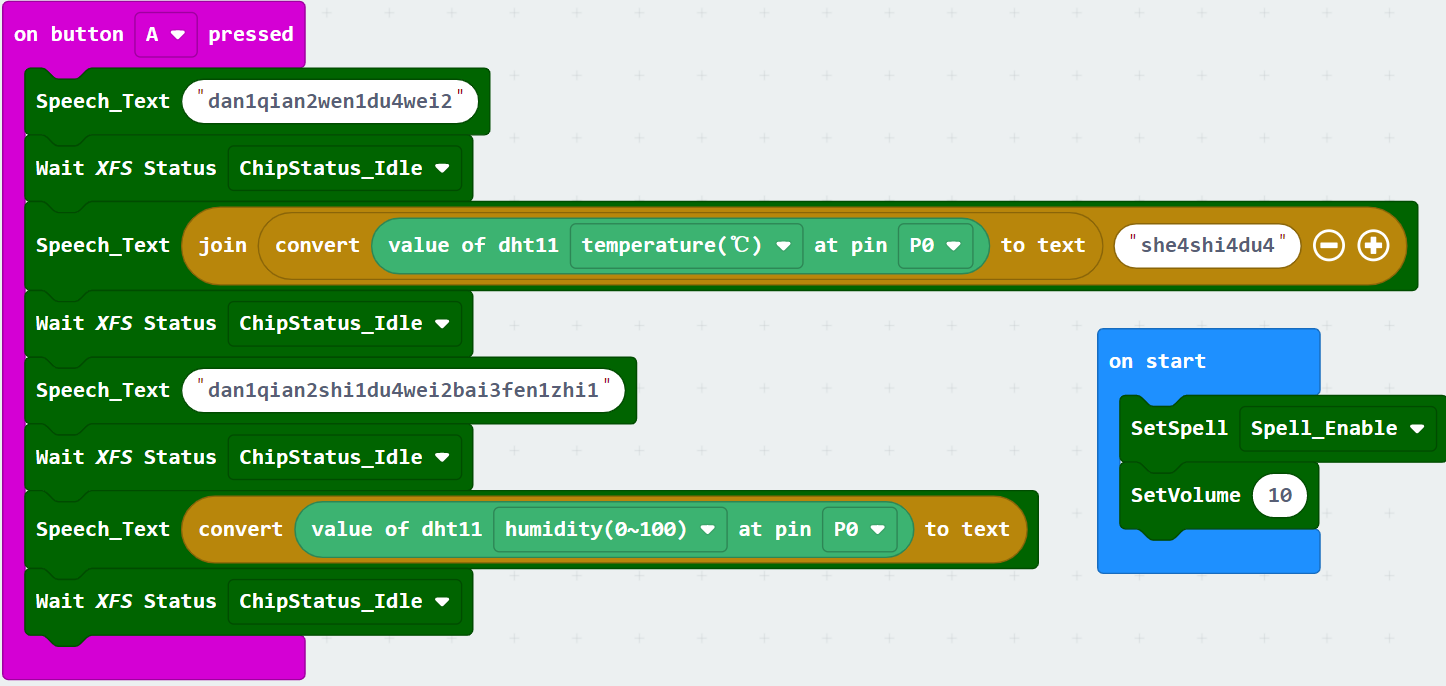
5. Experimental phenomenon
After the program is downloaded successfully, when we press the button A of the micro:bit board, the voice broadcasts the percentage of the currently detected temperature and humidity.