Welcome to Mini Microbit Handle repository
5.Direction follower
5.Direction follower
1. Learning goals
In this lesson, we will learn to use micro:bit to make a simple compass (compass).
2.Code and analysis
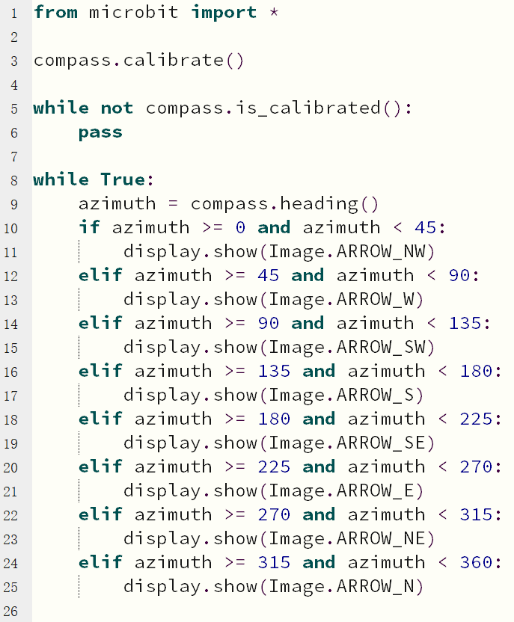
from microbit import *
This code is to import everything from the microbit library, and any program need to uses import this library.
compass.is_calibrated()
If the compass has been successfully calibrated, returns True, otherwise returns False.
compass.heading()
According to the book calculation, the compass direction is an integer between 0 and 360, the unit is degree, the direction is clockwise, and north corresponds to 0 °.
Note:
1 - The capital letter/lowercase letters must be distinguished!
2 - Correct spelling!
3 - Keywords such as # need a space between the content.
4 - You can only use the Tab key (tabulation key) for indentation.
3. Programming and downloading
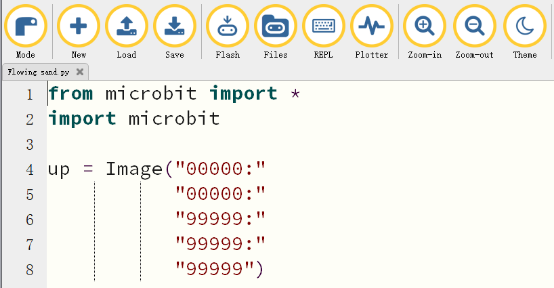
3.1 You should open the Mu software, and enter the code in the edit window, , as shown in Figure .
Note! All English and symbols should be entered in English, and the last line must be a space.
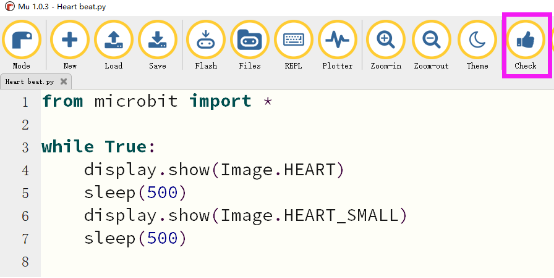
3.2 As shown in Figure, you need to click the Check button to check if our code has an error. If a line appears with a cursor or an underscore, the program indicating this line is wrong.
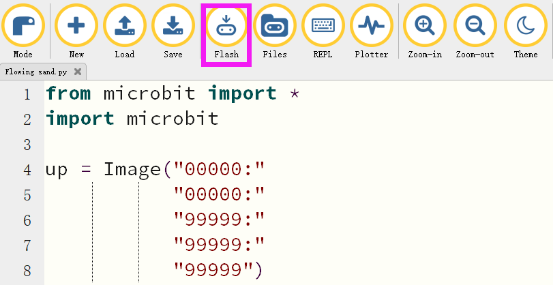
3.3 You need to connect the micro data cable to micro:bit and the computer, then click the Flash button to download the program to micro:bit as shown in Figure 2-3.
4. Experimental phenomena
After the program is successfully downloaded,
You can move the micro:bit board in eight different directions to the east, west, south, north, northeast, northwest, southeast, and southwest. No matter which direction the micro:bit swings, the pointer above the dot matrix will point in one direction.