Welcome to 16-channel Servo Debugging Board repository
IIC control servo
1. Learning goals
In this course, we mainly learn to use Pico and 16-channel servo debugging board to control the servo through IIC.
2. Preparation
Connect the SDA and SCL of the module to the GP20 and GP21 pins of the Pico board. VCC and GND are connected to 5V and GND of Pico board respectively. As shown below.
3. About code
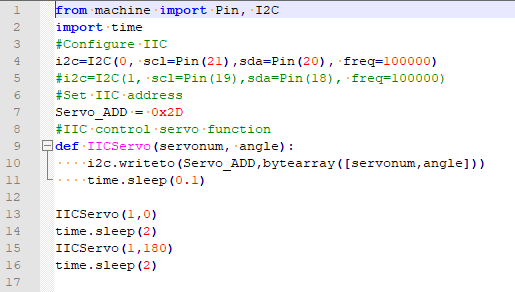
4. Compiling and downloading code
4.1 We can open the .py file by Thonny software.
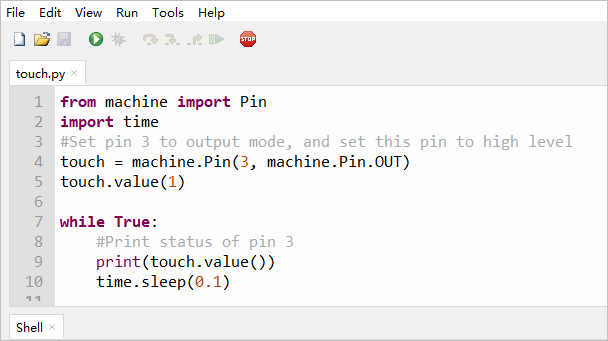
4.2 In Thonny menu bar, we need to click run button to run this program.
"%Run -c $EDITOR_CONTENT" will be displayed. As shown below.

5. Phenomenon
After the program is downloaded successfully. The servo will rotate 0°, after 2s it will rotate 180°.