Welcome to RPi AI Camera repository
PiCamera2 Examples
Picamera2 Example
Picamera2 ExampleReferencesPreliminary preparationDownload the official source codeInstall OpenCV dependenciesPicamera2 exampleObject detectionPose estimationObject segmentationImage classification
Examples of using Picamera2 for image classification, object detection, object segmentation, and pose estimation.
References
Official website of Raspberry Pi AI Camera
https://www.raspberrypi.com/documentation/accessories/ai-camera.html
Preliminary preparation
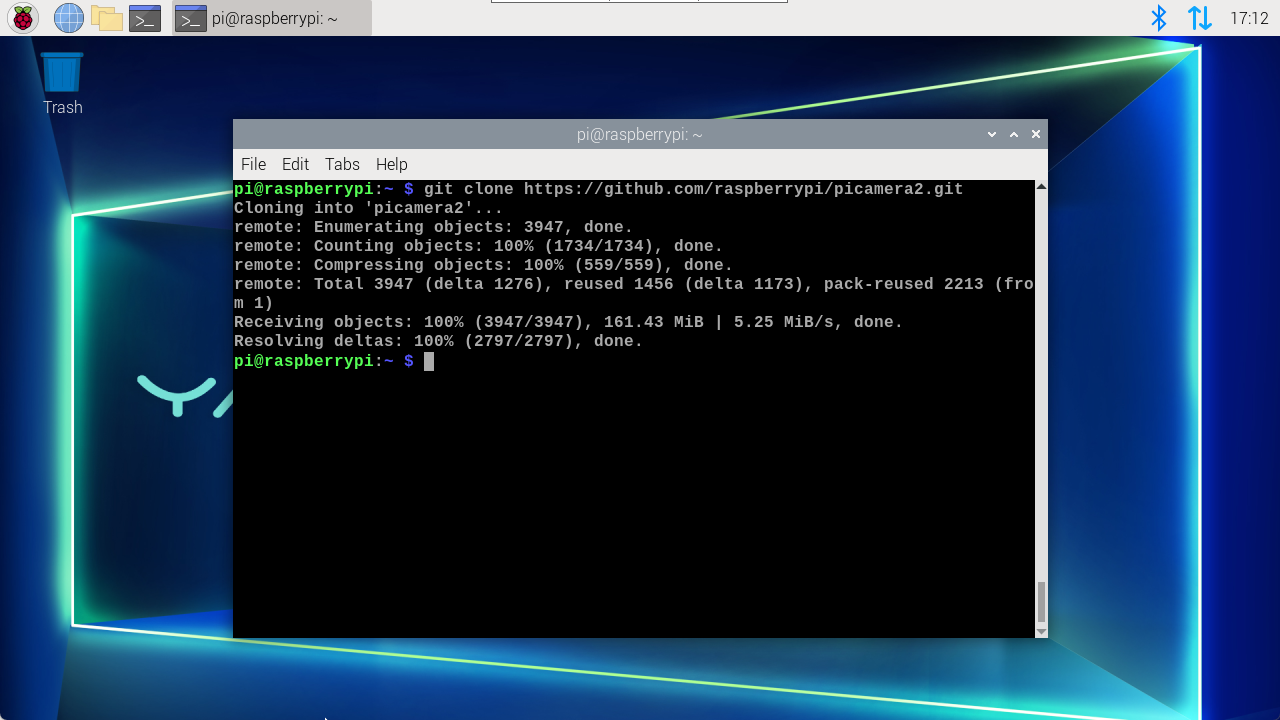
Download the official source code
xxxxxxxxxxgit clone https://github.com/raspberrypi/picamera2.git
If you cannot download, you can find the file in the software data folder.
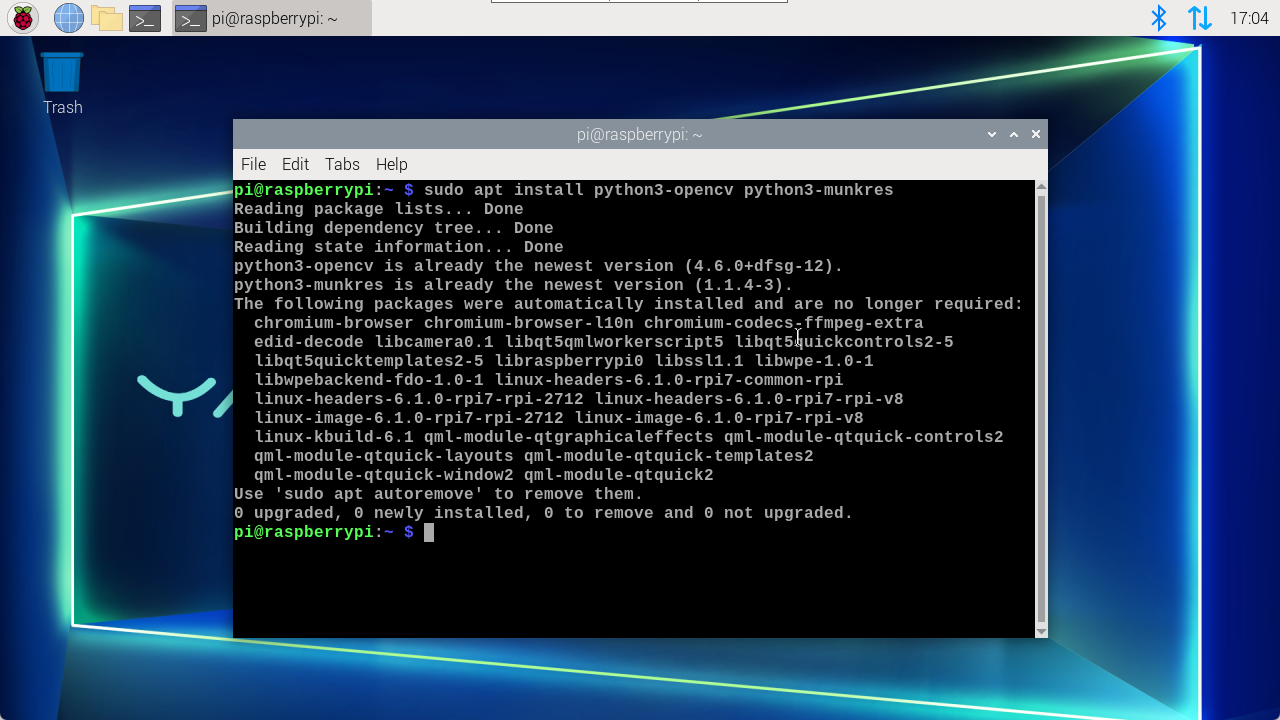
Install OpenCV dependencies
xxxxxxxxxxsudo apt install python3-opencv python3-munkres
Picamera2 example
All cases require the neural network model to be loaded successfully before the screen is displayed, otherwise the preview screen is a black interface!
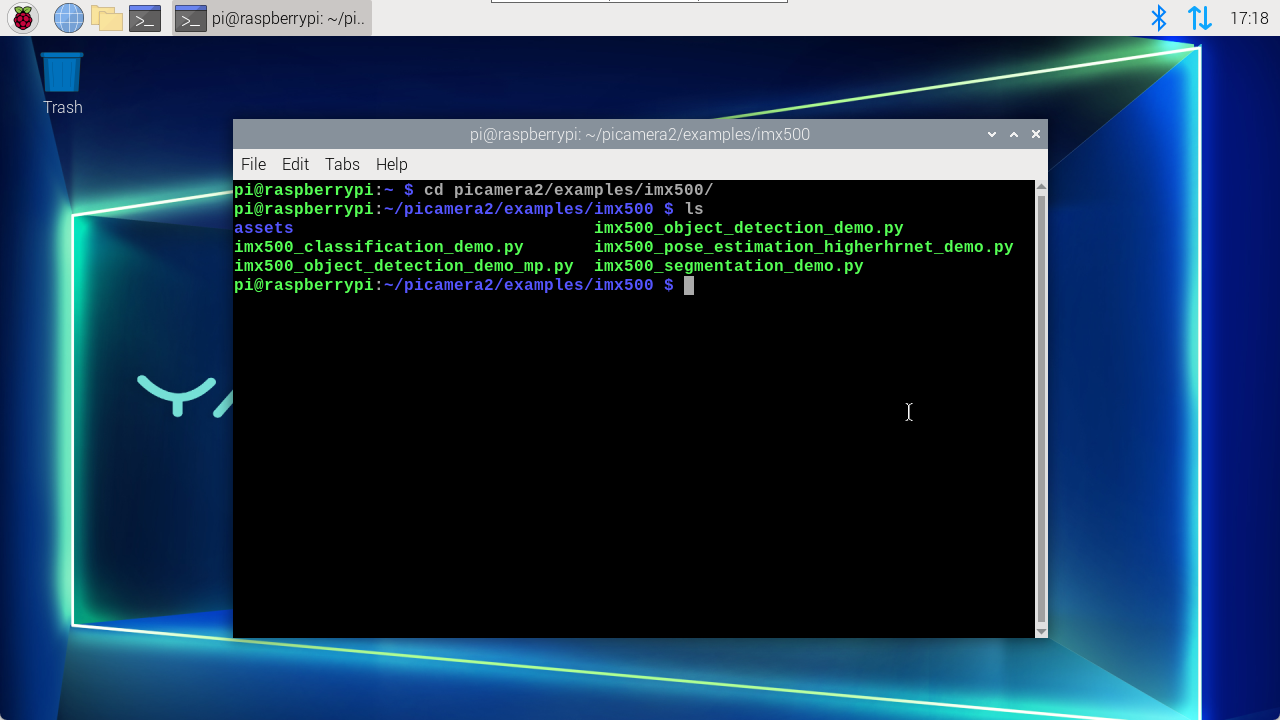
Enter the example folder
xxxxxxxxxxcd picamera2/examples/imx500/
Object detection
xxxxxxxxxxsudo python imx500_object_detection_demo.py
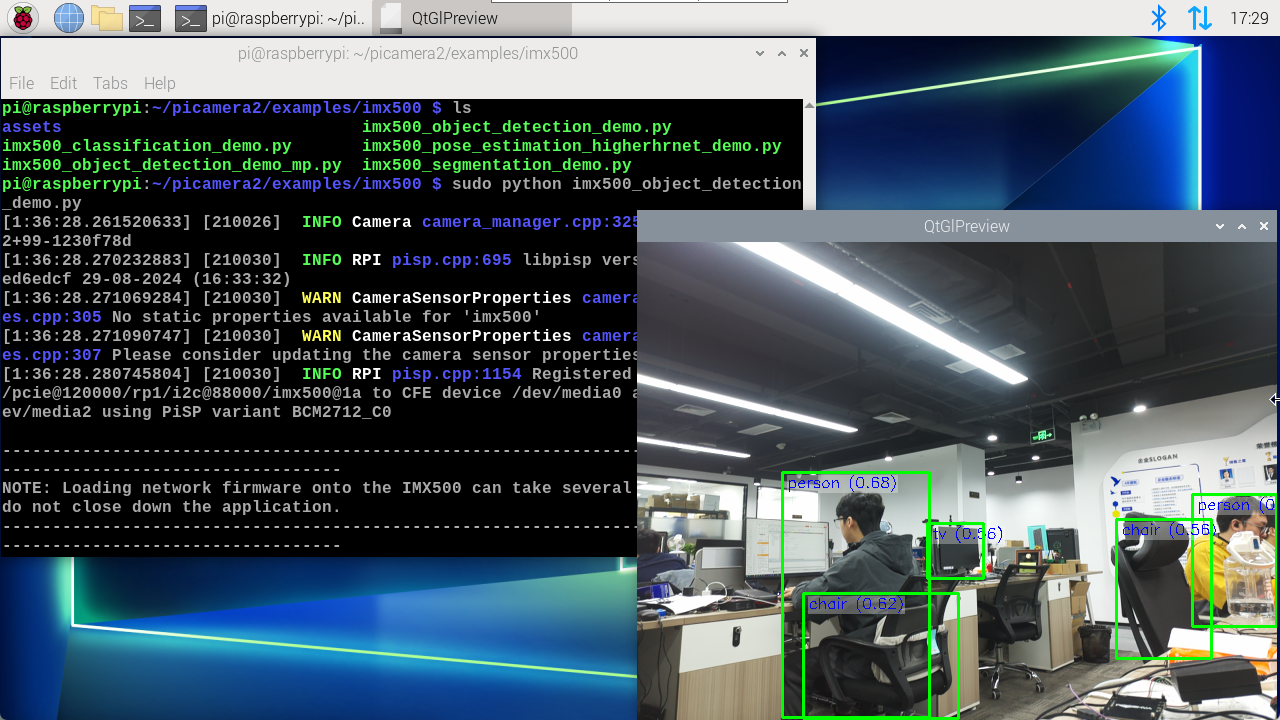
Use Ctrl+c shortcut key to close the program in the terminal.
Pose estimation
xxxxxxxxxxsudo python imx500_pose_estimation_higherhrnet_demo.py
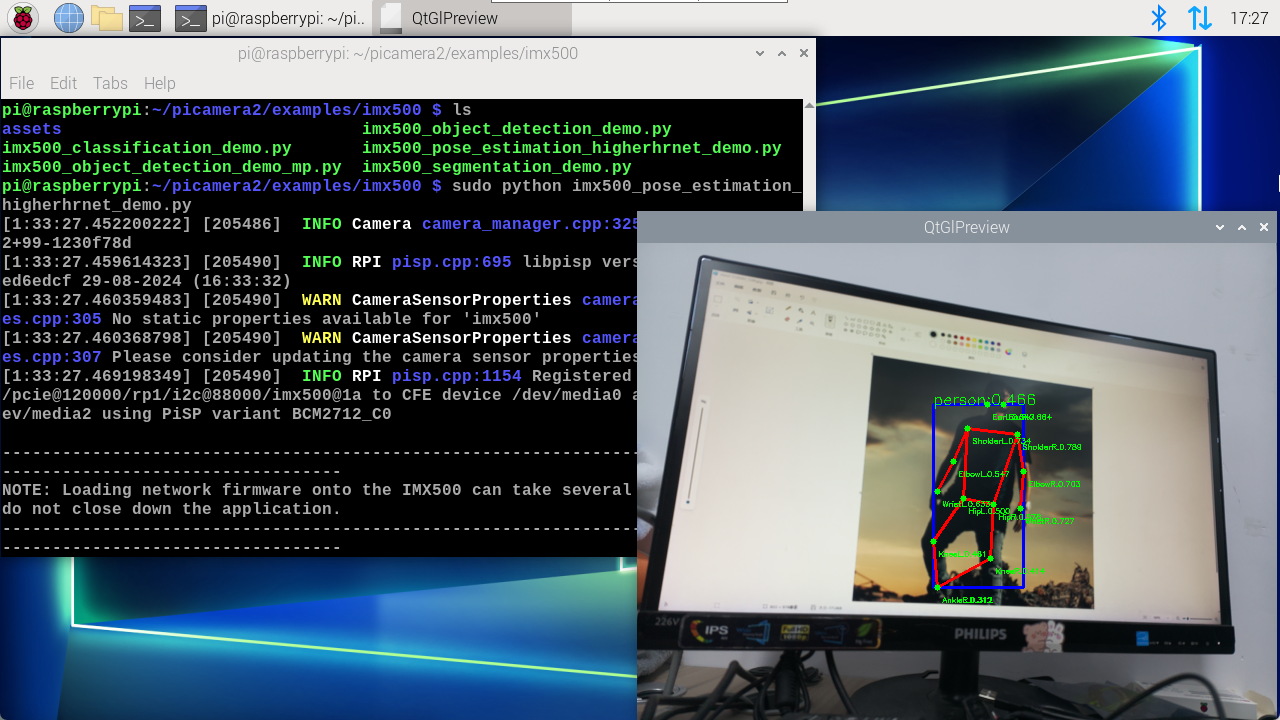
Use the Ctrl+c shortcut key in the terminal to close the program.
Object segmentation
xxxxxxxxxxsudo python3 imx500_segmentation_demo.py
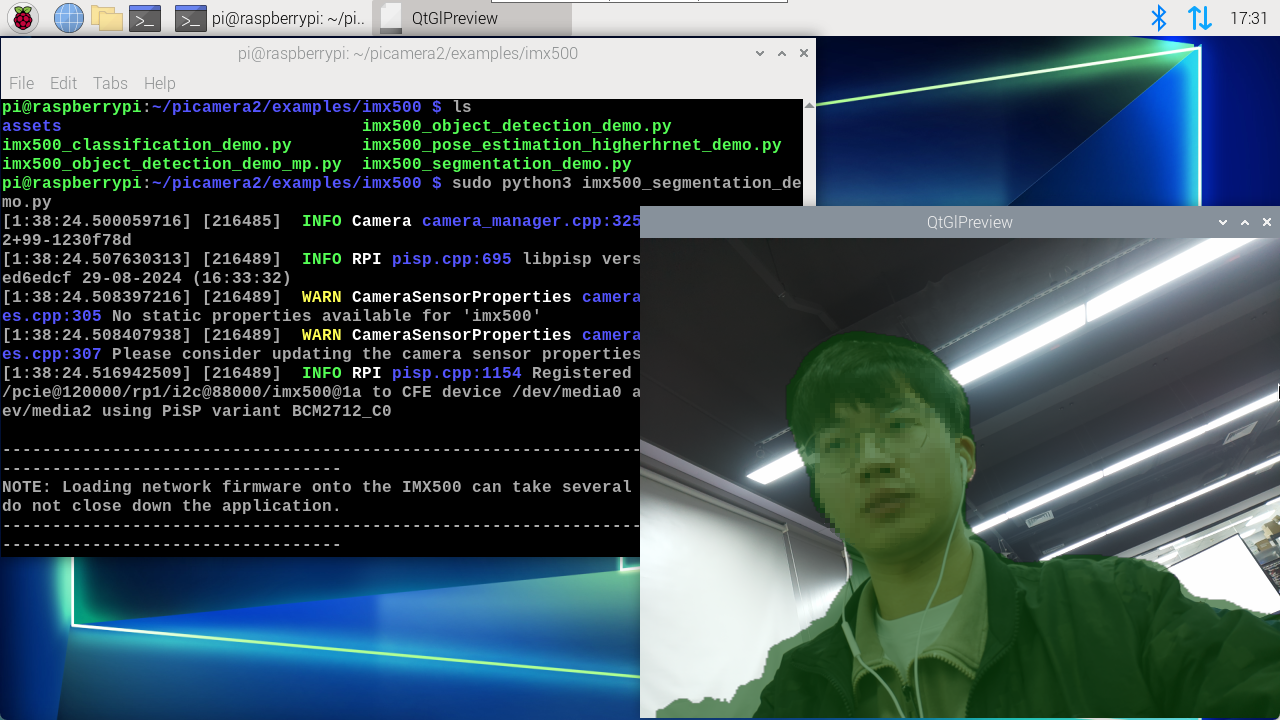
Use the Ctrl+c shortcut key in the terminal to close the program.
Image classification
xxxxxxxxxxsudo python imx500_classification_demo.py
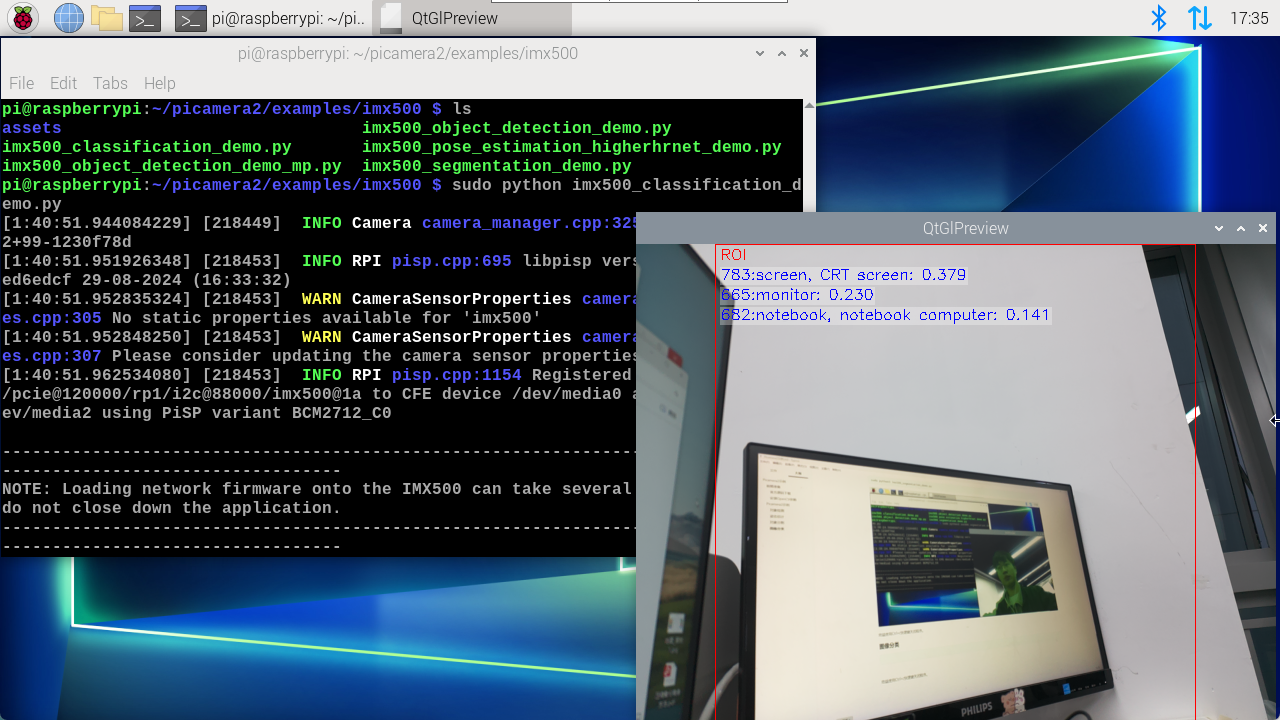
Use Ctrl+c shortcut key to close the program in the terminal.