Welcome to RPi AI Camera repository
5. Face Detection
5. Face detection
Note: In this case, the AI camera does not have computing power bonus and is called as a normal camera!
File path: /home/pi/AI_Camera/face_detaction-CSI.ipynb
The test code is as follows:
import enumimport cv2def bgr8_to_jpeg(value, quality=75):return bytes(cv2.imencode('.jpg', value)[1])
xxxxxxxxxximport cv2import ipywidgets.widgets as widgetsimport threadingimport timeimport sysimport libcamerafrom picamera2 import Picamera2
xxxxxxxxxximport inspectimport ctypesdef _async_raise(tid, exctype):"""raises the exception, performs cleanup if needed"""tid = ctypes.c_long(tid)if not inspect.isclass(exctype):exctype = type(exctype)res = ctypes.pythonapi.PyThreadState_SetAsyncExc(tid, ctypes.py_object(exctype))if res == 0:raise ValueError("invalid thread id")elif res != 1:# """if it returns a number greater than one, you're in trouble,# and you should call it again with exc=NULL to revert the effect"""ctypes.pythonapi.PyThreadState_SetAsyncExc(tid, None)def stop_thread(thread):_async_raise(thread.ident, SystemExit)
xxxxxxxxxx# body_haar = cv2.CascadeClassifier("haarcascade_upperbody.xml")face_haar = cv2.CascadeClassifier("haarcascade_frontalface_default.xml")eye_haar = cv2.CascadeClassifier("haarcascade_eye_tree_eyeglasses.xml")def Camera_display():while 1:frame = picam2.capture_array()gray_img = cv2.cvtColor(frame, cv2.COLOR_BGR2GRAY)faces = face_haar.detectMultiScale(gray_img, 1.1, 3)for face_x,face_y,face_w,face_h in faces:cv2.rectangle(frame, (face_x, face_y), (face_x+face_w, face_y+face_h), (0,255,0), 2)eyes = eye_haar.detectMultiScale(gray_img, 1.1, 3)for eye_x,eye_y,eye_w,eye_h in eyes:cv2.rectangle(frame, (eye_x,eye_y), (eye_x+eye_w, eye_y+eye_h), (255,0,0), 2)image_widget.value = bgr8_to_jpeg(frame)time.sleep(0.010)
xxxxxxxxxximage_widget = widgets.Image(format='jpeg', width=320, height=240)display(image_widget)
xcv2.startWindowThread()picam2 = Picamera2()config = picam2.create_preview_configuration(main={"format": 'RGB888', "size": (640, 480)})#config["transform"] = libcamera.Transform(hflip=0, vflip=1)picam2.configure(config)picam2.start()frame = picam2.capture_array()image_widget.value = bgr8_to_jpeg(frame)
xxxxxxxxxx# Start the processthread1 = threading.Thread(target=Camera_display)thread1.daemon = Truethread1.start()
xxxxxxxxxx# End the processpicam2.stop()stop_thread(thread1)
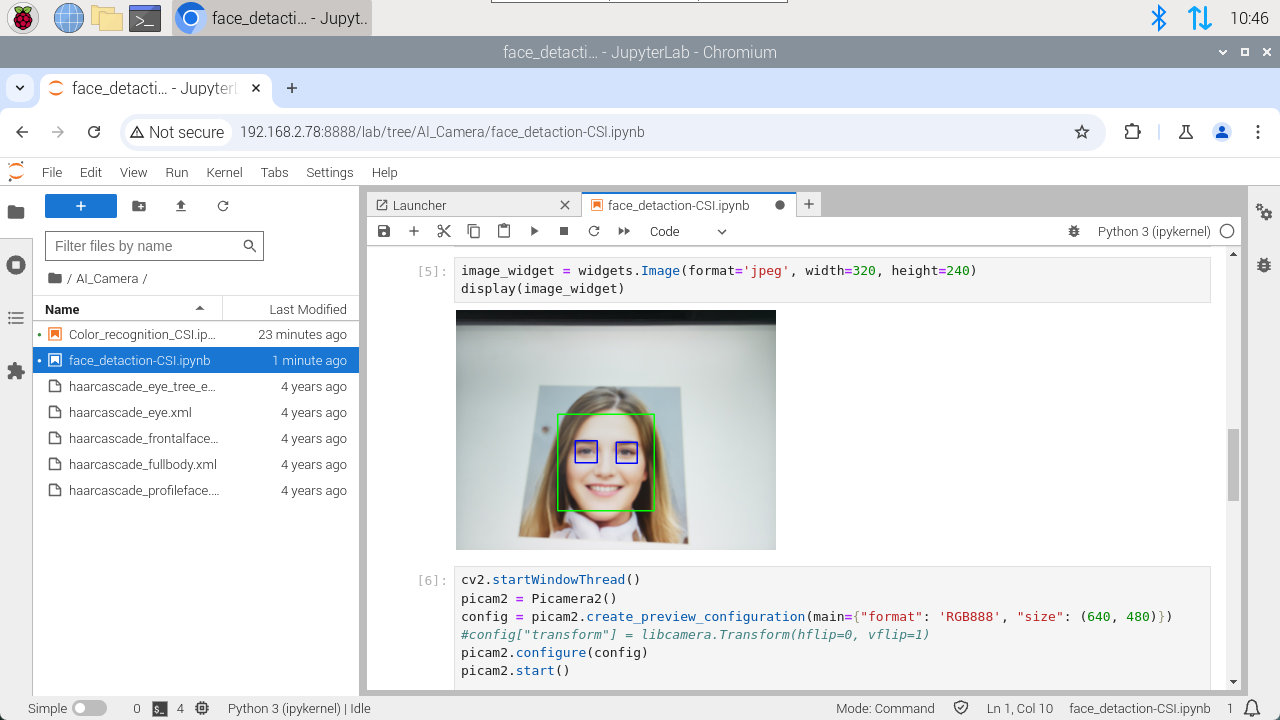
After running, we can see the camera display below the display camera component and frame the face and eyes of the person. Note that the light may affect the experimental results.
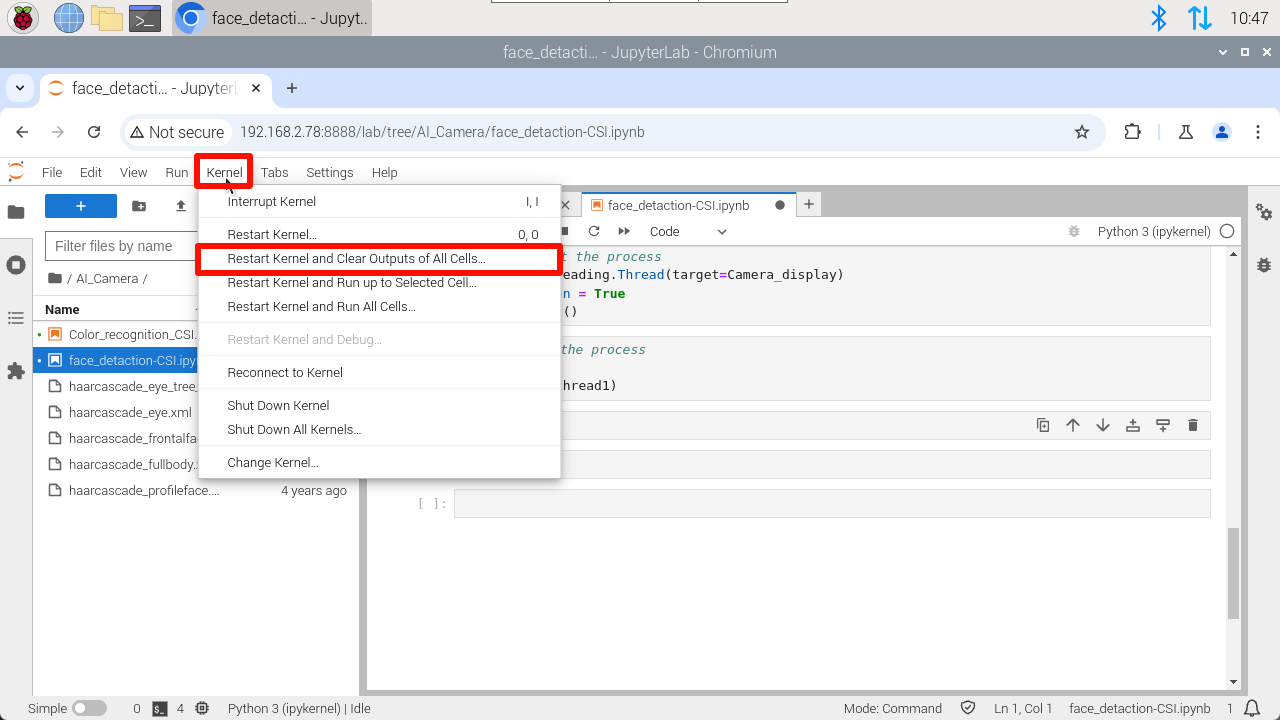
Note: For CSI cameras, if you want to rerun the program, you need to do the following: