Welcome to SLAM LiDAR repository
16.ROS2 common command tools
16. ROS2 Common Command Tools
1. Package Management Tool ros2 pkg
1.1. ros2 pkg create
Function: Creates a package. When creating a package, you must specify the package name, compilation method, dependencies, etc.
Format:
xxxxxxxxxxros2 pkg create <package_name> --build-type <build-type> --dependencies <dependencies>In the ros2 command:
- pkg: Indicates the functions associated with the package;
- create: Indicates the creation of a package;
- package_name: Required: The name of the new package;
- build-type: Required: Indicates whether the newly created package is C++ or Python. If using C++ or C, follow ament_cmake; if using Python, follow ament_python;
- dependencies: Optional: Indicates the package's dependencies. C++ packages must include rclcpp; Python packages must include rclpy, as well as other required dependencies.
1.2, ros2 pkg list
Function: View the list of packages in the system
Format:
xxxxxxxxxxros2 pkg list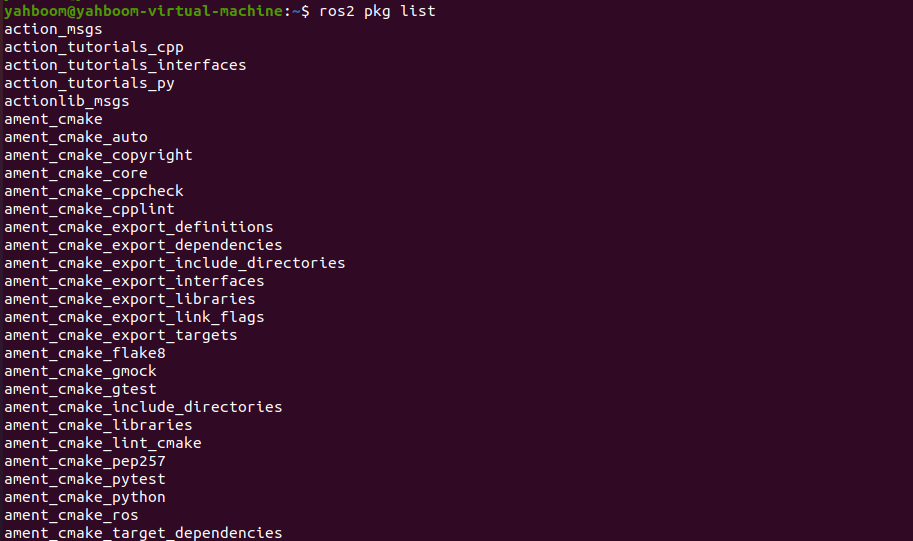
1.3. ros2 pkg executables
Function: View all executable files in a package
Format:
xxxxxxxxxxros2 pkg executables pkg_name
2. Node Run ros2 run
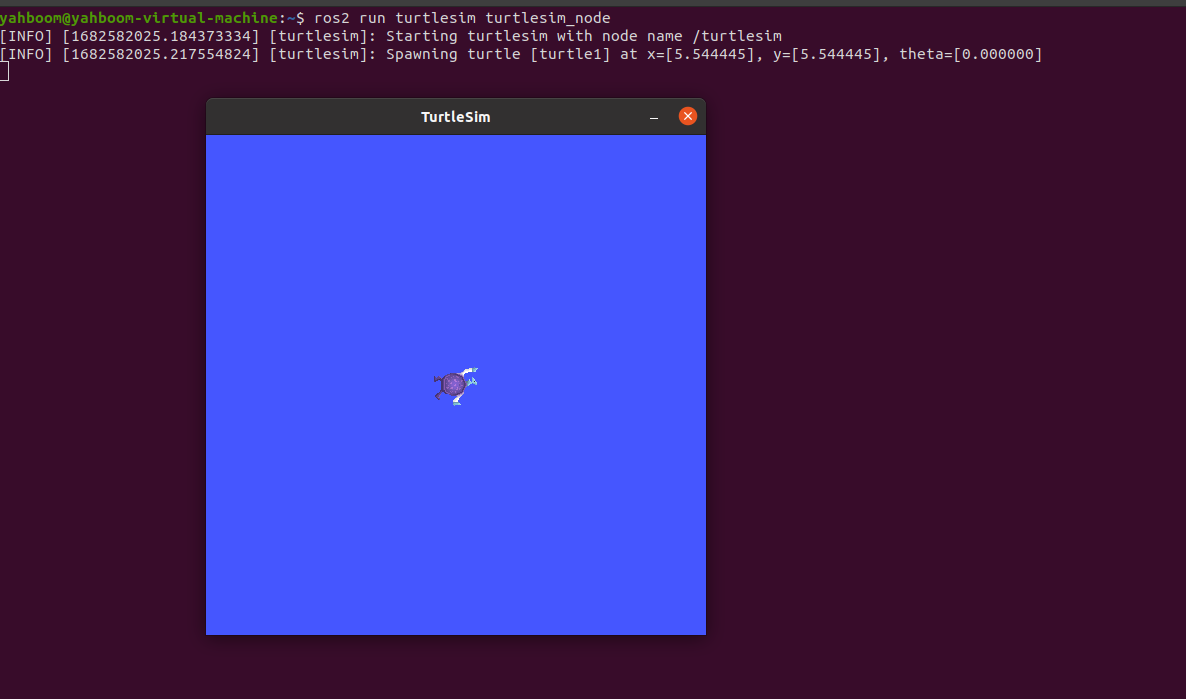
Function: Run the node program in the package
Format:
xxxxxxxxxxros2 run pkg_name node_name- pkg_name: Package name
- node_name: The name of the executable program
3. Node-Related Tools: ros2 node
3.1. ros2 node list
Function: Lists all node names in the current domain
Format:
xxxxxxxxxxros2 node list

3.2. ros2 node info
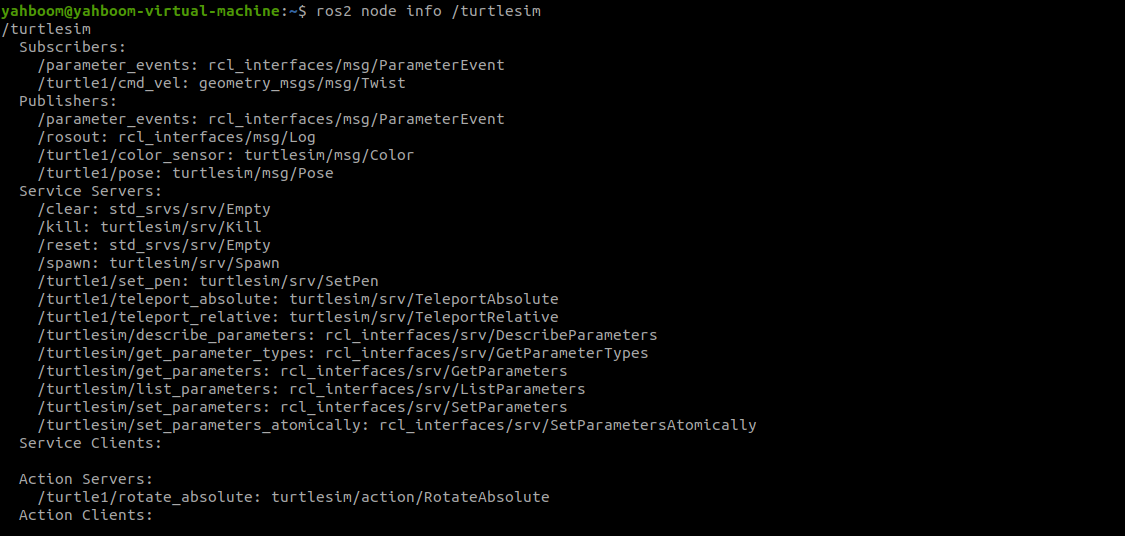
Function: View detailed node information, including subscriptions, published messages, enabled services, and actions.
Format:
xxxxxxxxxxros2 node info node_name
- node_name: The name of the node to be viewed.
4. Topic-Related Tools: ros2 topic
4.1. ros2 topic list
Function: List all topics in the current domain
Format:
xxxxxxxxxxros2 topic list
4.2. ros2 topic info
Function: Display topic message type and number of subscribers/publishers
Format:
xxxxxxxxxxros2 topic info topic_name- topic_name: The name of the topic to be queried.

4.3, ros2 topic type
Function: View the message type of a topic
Format:
xxxxxxxxxxros2 topic type topic_name- topic_name: The name of the topic type to be queried.

4.4, ros2 topic hz
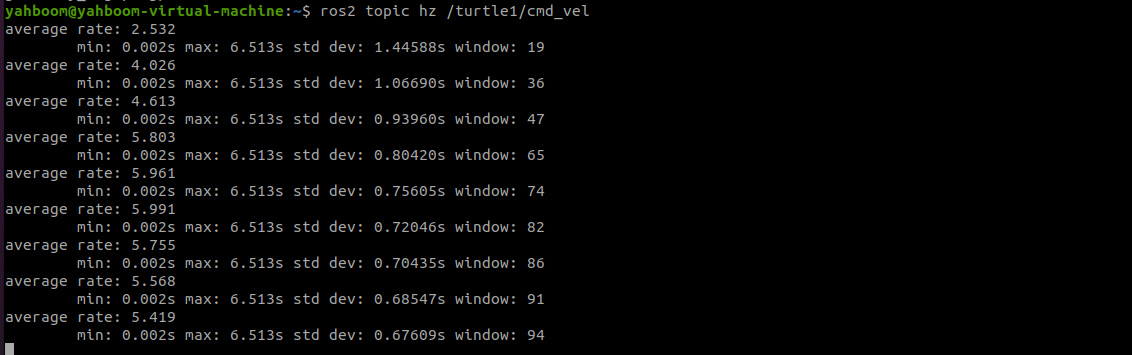
Function: Display the average publishing frequency of a topic.
Format:
xxxxxxxxxxros2 topic hz topic_name
- topic_name: The name of the topic whose frequency you want to query.
4.5, ros2 topic echo
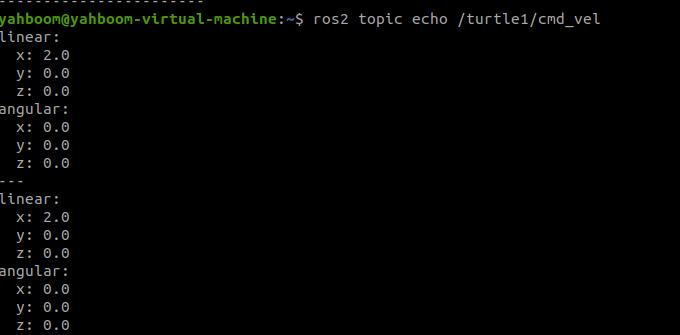
Function: Print topic messages on the terminal, similar to a subscriber.
Format: ros2 topic echo topic_name
- topic_name: The name of the topic whose messages you want to print.
4.5, ros2 topic pub
Function: Publish a message on a specified topic on the terminal.
Format:
xxxxxxxxxxros2 topic pub topic_name message_type message_content
- topic_name: The name of the topic whose messages you want to publish.
- message_type: The data type of the topic.
- message_content: Message content
The default is to publish at a 1Hz frequency. The following parameters can be set:
- Parameter -1 to publish only once, ros2 topic pub -1 topic_name message_type message_content
- Parameter -t count to publish count times, ros2 topic pub -t count topic_name message_type message_content
- Parameter -r count to publish at a count Hz frequency, ros2 topic pub -r count topic_name message_type message_content
Example:
- Publish velocity commands via the command line
- Note that there is a space after each colon; otherwise, a format error will be displayed.
xxxxxxxxxxros2 topic pub turtle1/cmd_vel geometry_msgs/msg/Twist "{linear: {x: 0.5, y: 0.0, z: 0.0}, angular: {x: 0.0, y: 0.0, z: 0.2}}"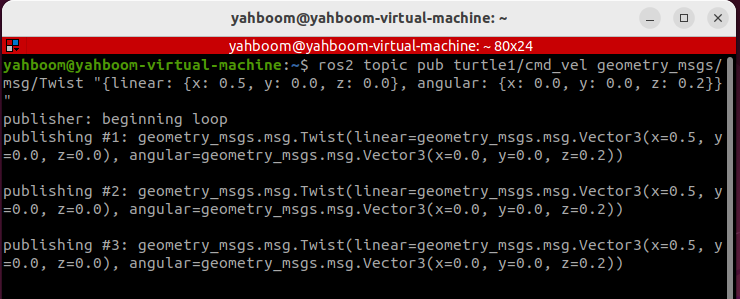
5. Interface-Related Tools: ros2 interface
5.1. ros2 interface list
Function: Lists all interfaces in the current system, including topics, services, and actions.
Format:
xxxxxxxxxxros2 interface list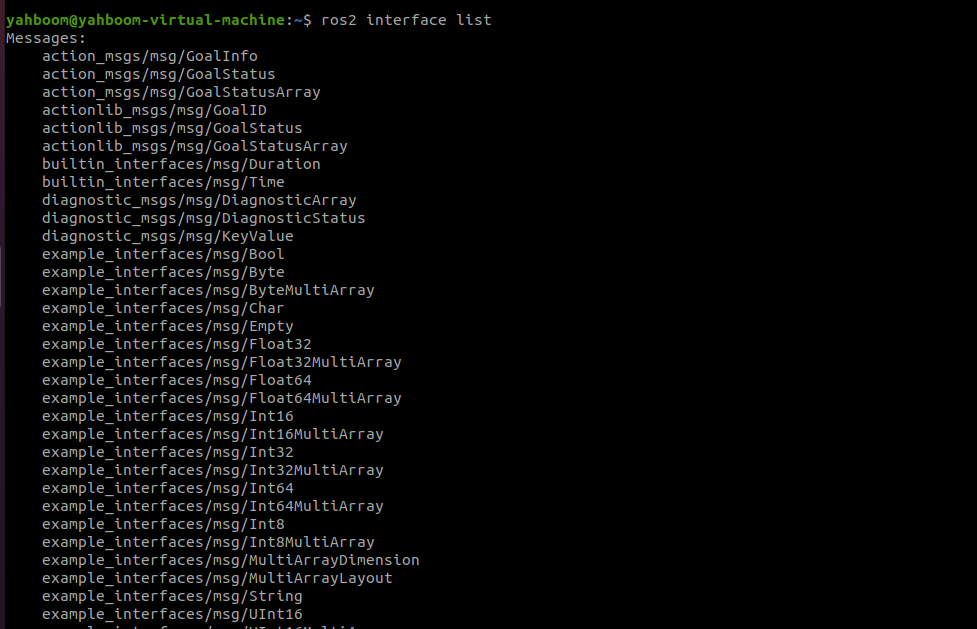
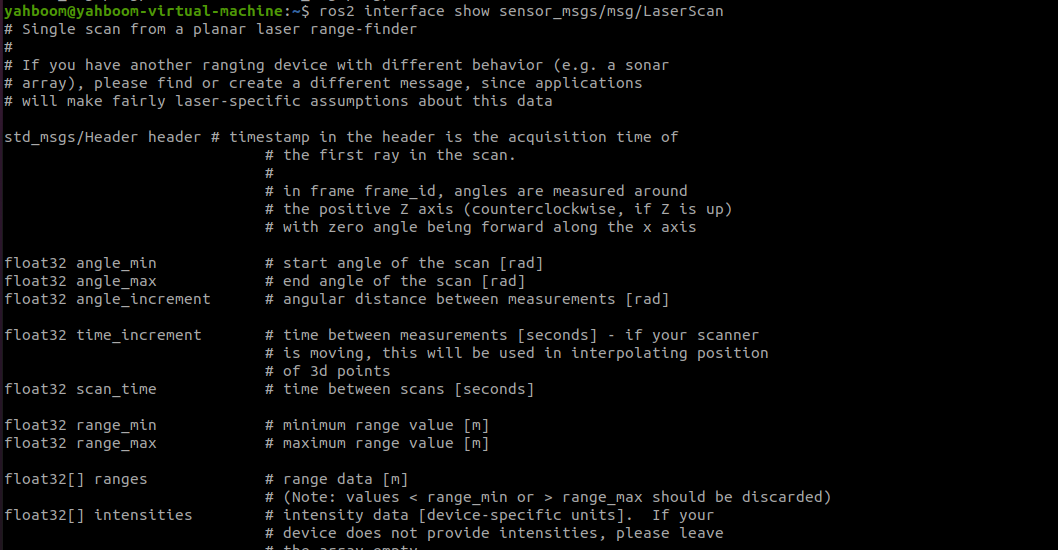
5.2. ros2 interface show
Function: Displays the detailed information of a specified interface
Format:
xxxxxxxxxxros2 interface show interface_name- interface_name: The name of the interface to be displayed
6. Service-Related Tools ros2 service
6.1. ros2 service list
Function: Lists all services in the current domain
Format:
xxxxxxxxxxros2 interface show interface_name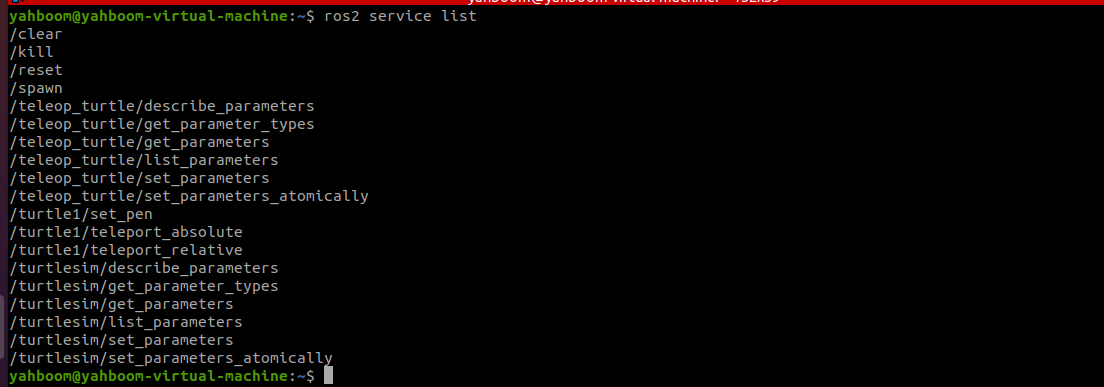
6.2, ros2 service call
Function: Call a specified service
Format:
xxxxxxxxxxros2 interface call service_name service_Type arguments
- service_name: The service to be called
- service_type: The service data type
- arguments: The parameters required to provide the service
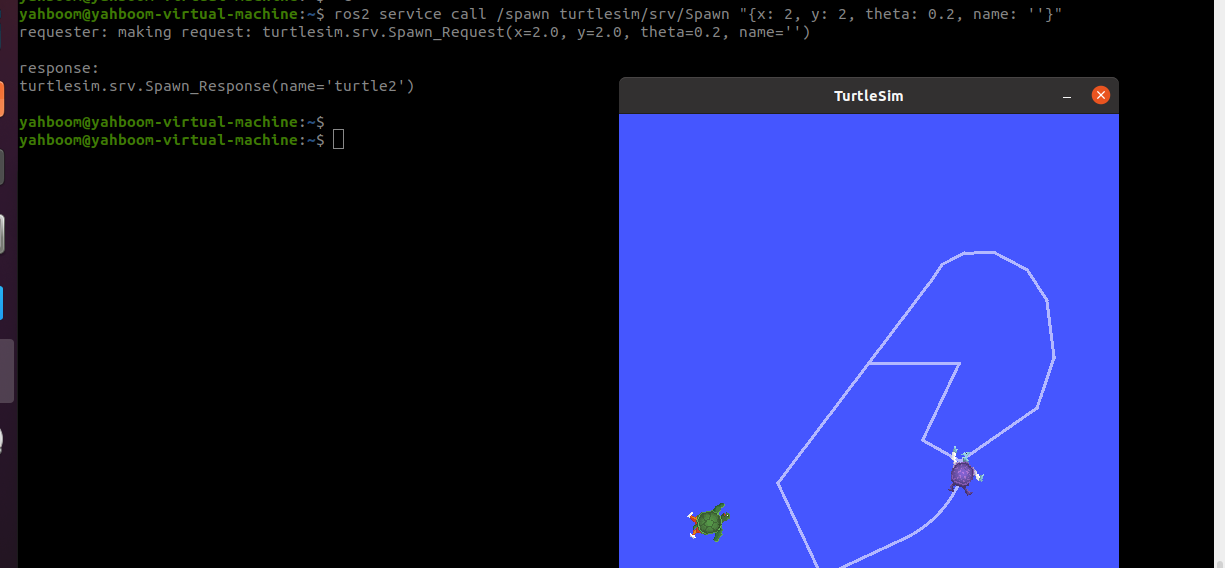
For example, to call the turtle spawn service
xxxxxxxxxxros2 service call /spawn turtlesim/srv/Spawn "{x: 2, y: 2, theta: 0.2, name: 'turtle10'}"