yahboom
HomeTutorialsProduct
Solution
Blog
Online Store
About Us
EN/中文
Store
4G Remote Communication Module📖
1. 4G Module Guide
  • 1. 4G Module Introduction
  • 2.Installation Steps
  • 3.USB Device Connection
  • 4.Indicator Light Status
  • 5.Common AT Commands
2.Win System Tutorial
  • Win System Tutorial
3.Linux System Tutorial
  • Linux System Tutorial
4.Network Image Transmission Tutorial
  • Network Image Transmission Tutorial
Download
  • Chip_DataSheet
  • AT Command Manual
  • Tools
Download ZIP

Welcome to 4G Remote Communication Module repository

2.Installation Steps

Installation Steps

Installation StepsI. Installation Without Metal Base1. Install Nano-SIM Card2. Install Module3. Install AntennaII. Installation With Metal Base1. Install Nano-SIM Card2. Install USB Expansion Board3. Install Module4. Install Antenna

Note:

Nano-SIM card needs to be prepared by yourself.

Do not install or remove modules, antennas, Nano-SIM cards, etc. while powered on.


I. Installation Without Metal Base

1. Install Nano-SIM Card

The insertion direction of the Nano-SIM card is shown in the figure below
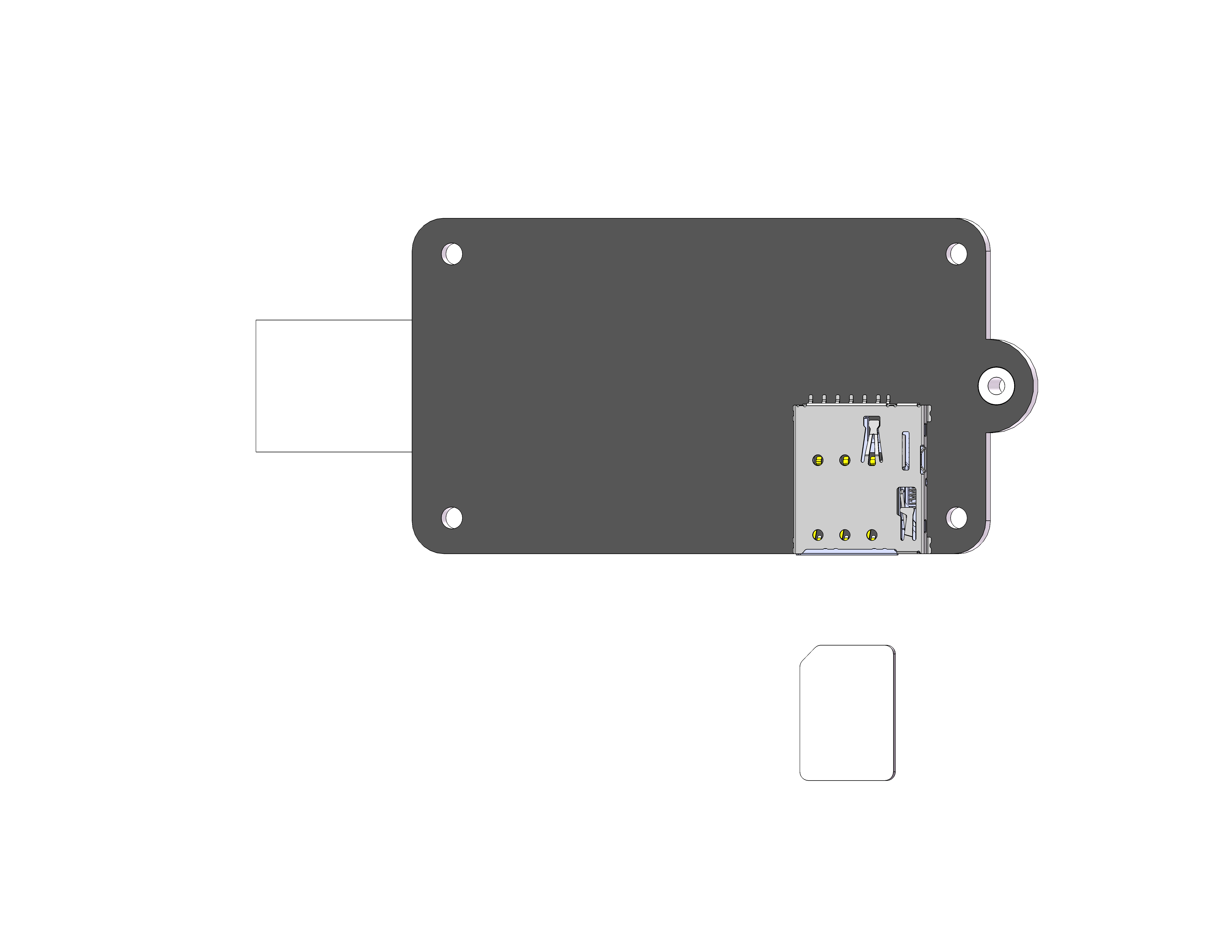
001 Nano SIM Card Installation

002 Nano SIM Card Installation Completed

2. Install Module

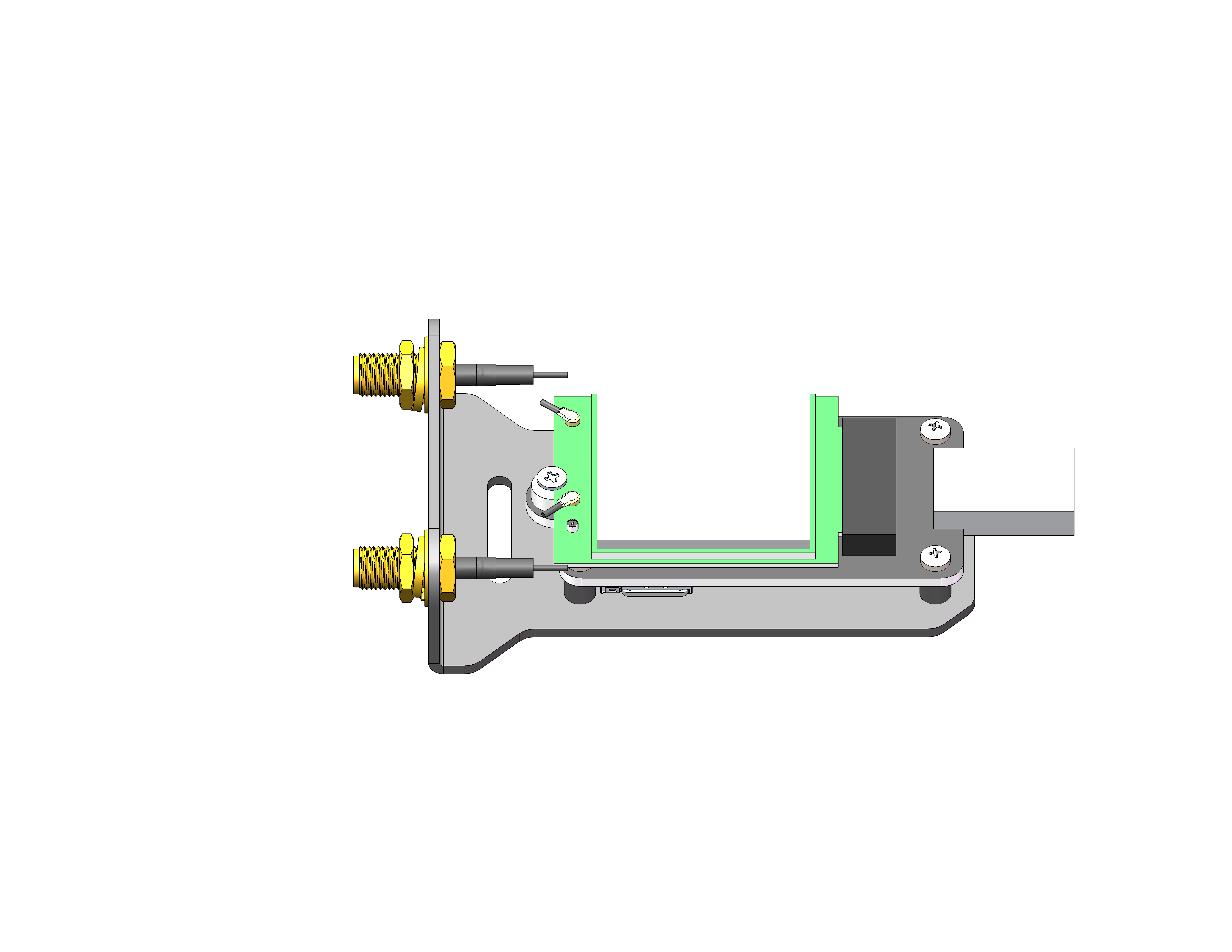
003 4G Module SIM7600G Installation

004 4G Module SIM7600G Installation Completed

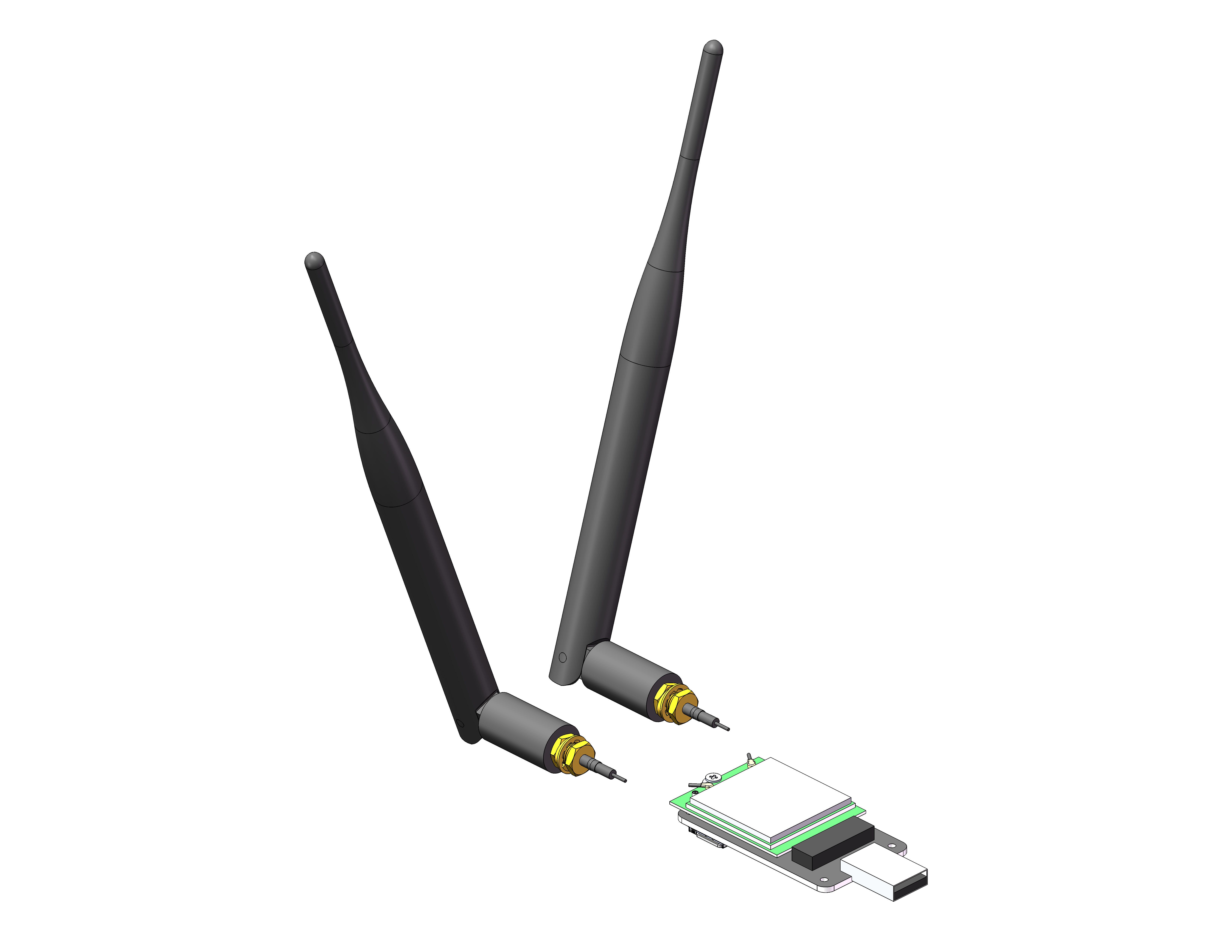
3. Install Antenna

Note: Install two antennas to the MAIN and AUX interfaces.

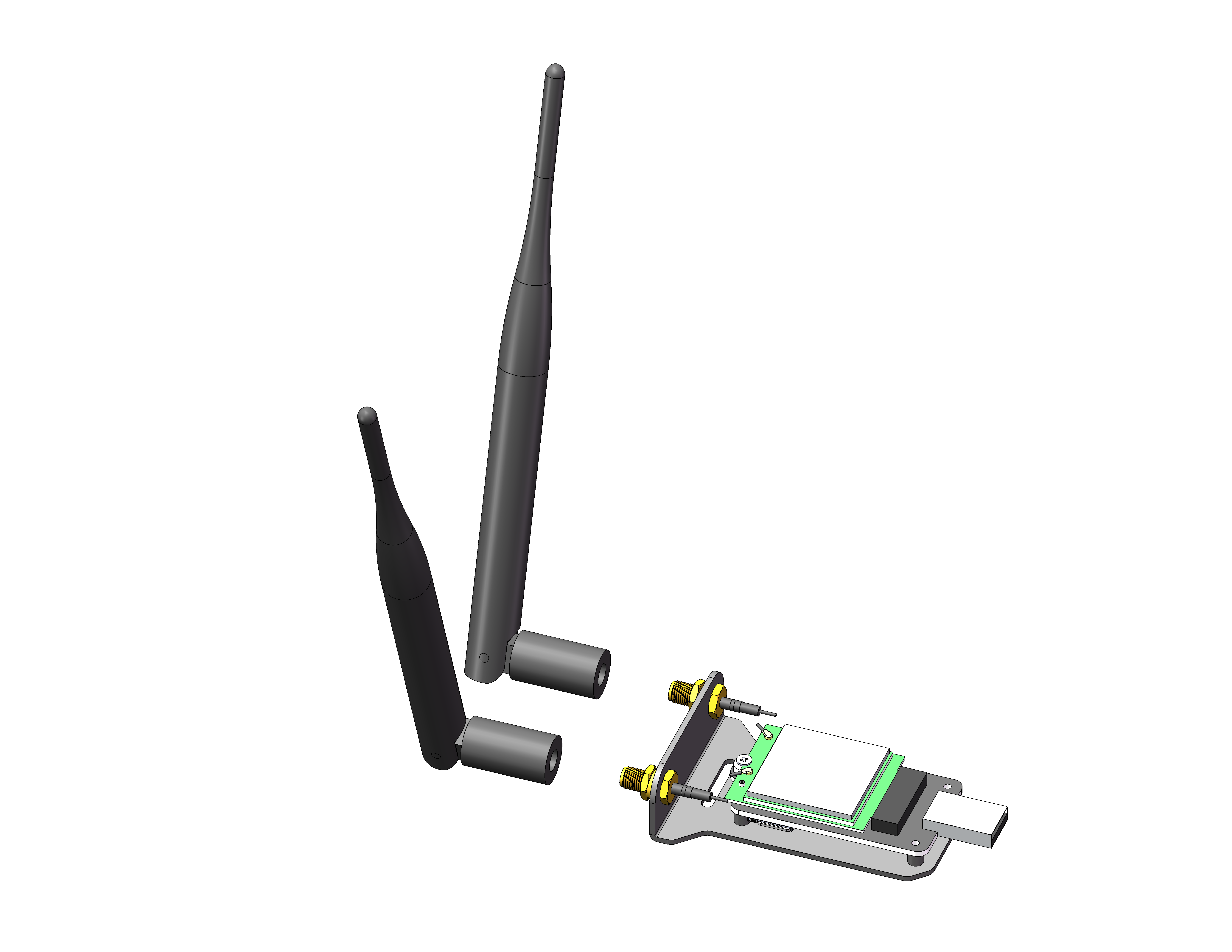
005 Connect Antenna

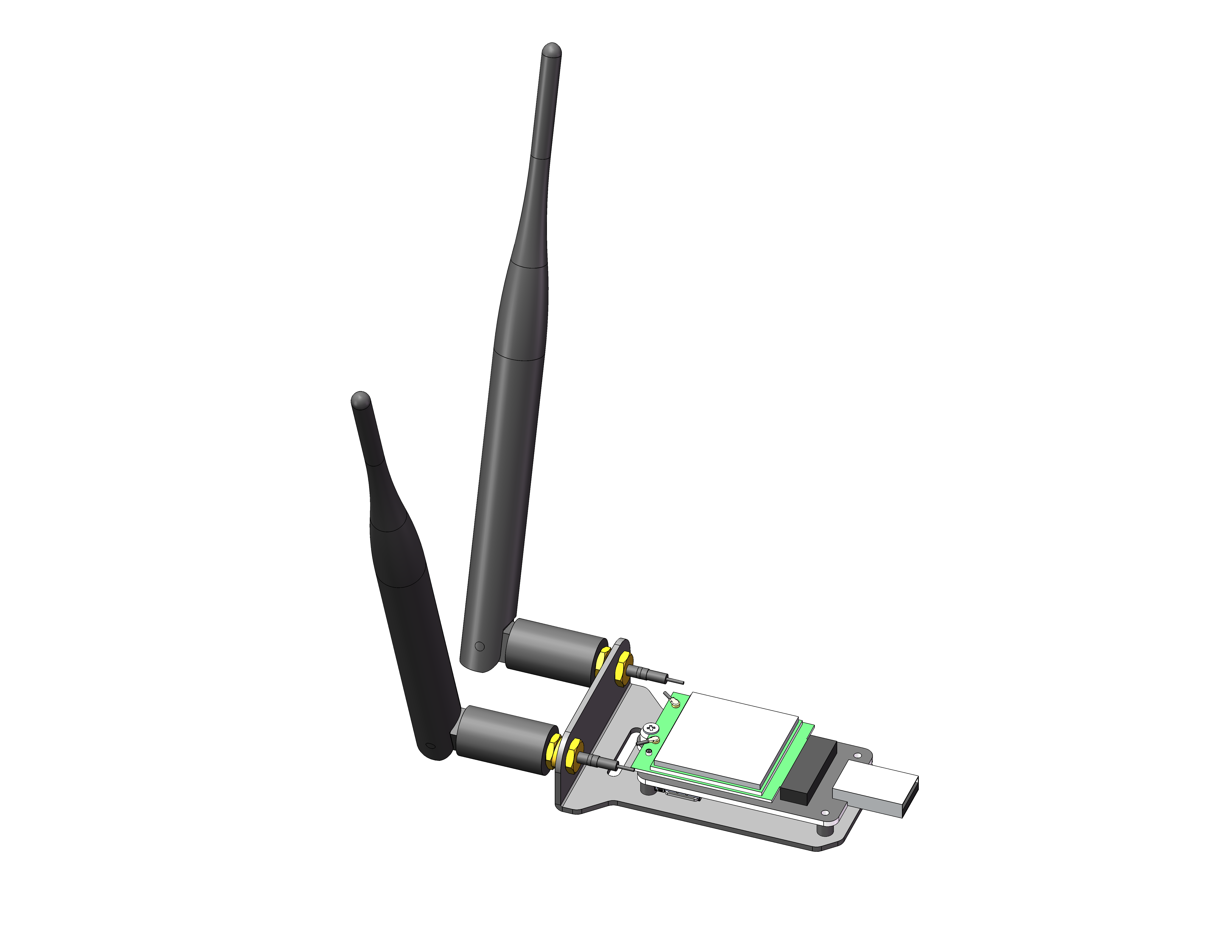
006 Antenna Connection Completed

007 Rod Antenna Assembly

008 Rod Antenna Assembly Completed


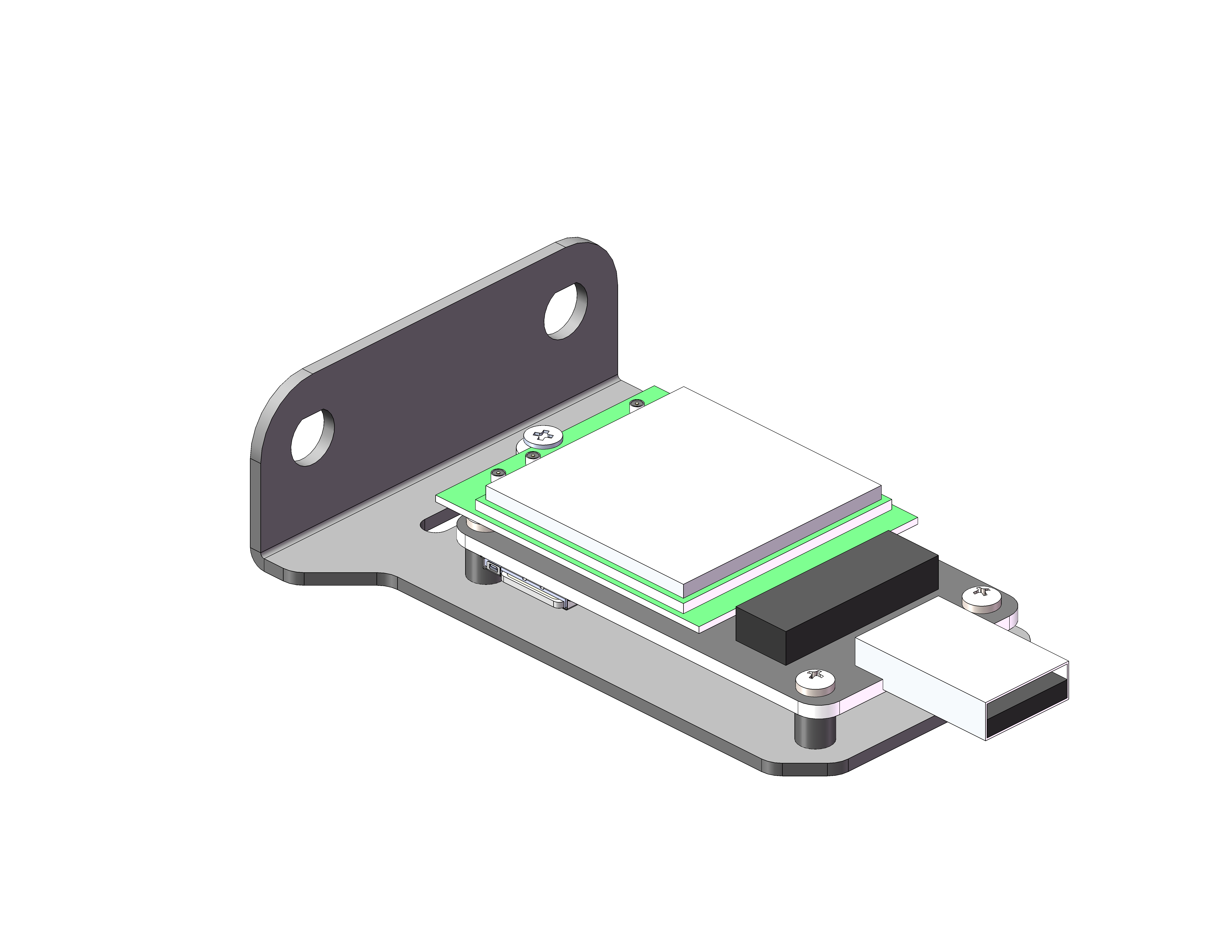
II. Installation With Metal Base

1. Install Nano-SIM Card

The insertion direction of the Nano-SIM card is shown in the figure below
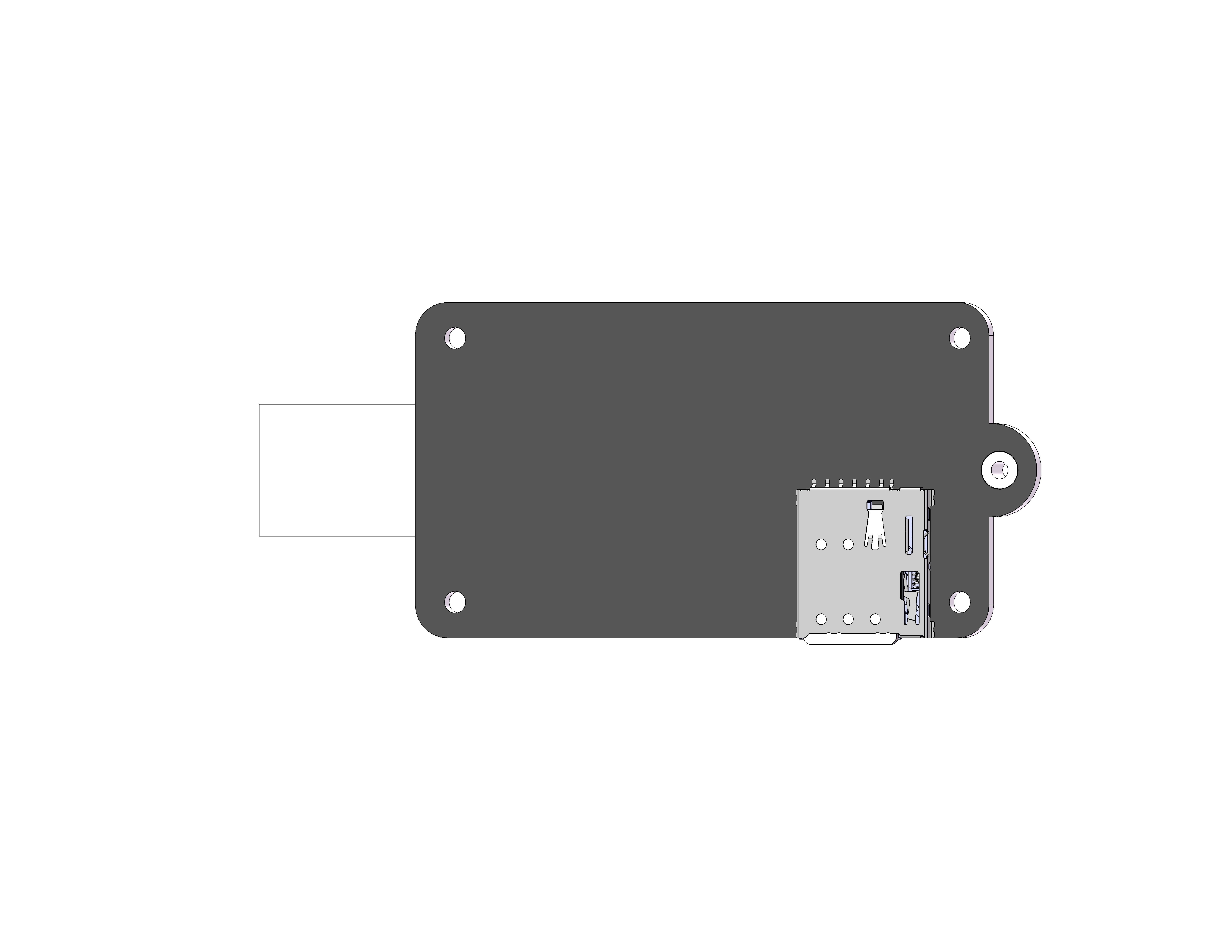
01 Nano SIM Card Installation

02 Nano SIM Card Installation Completed

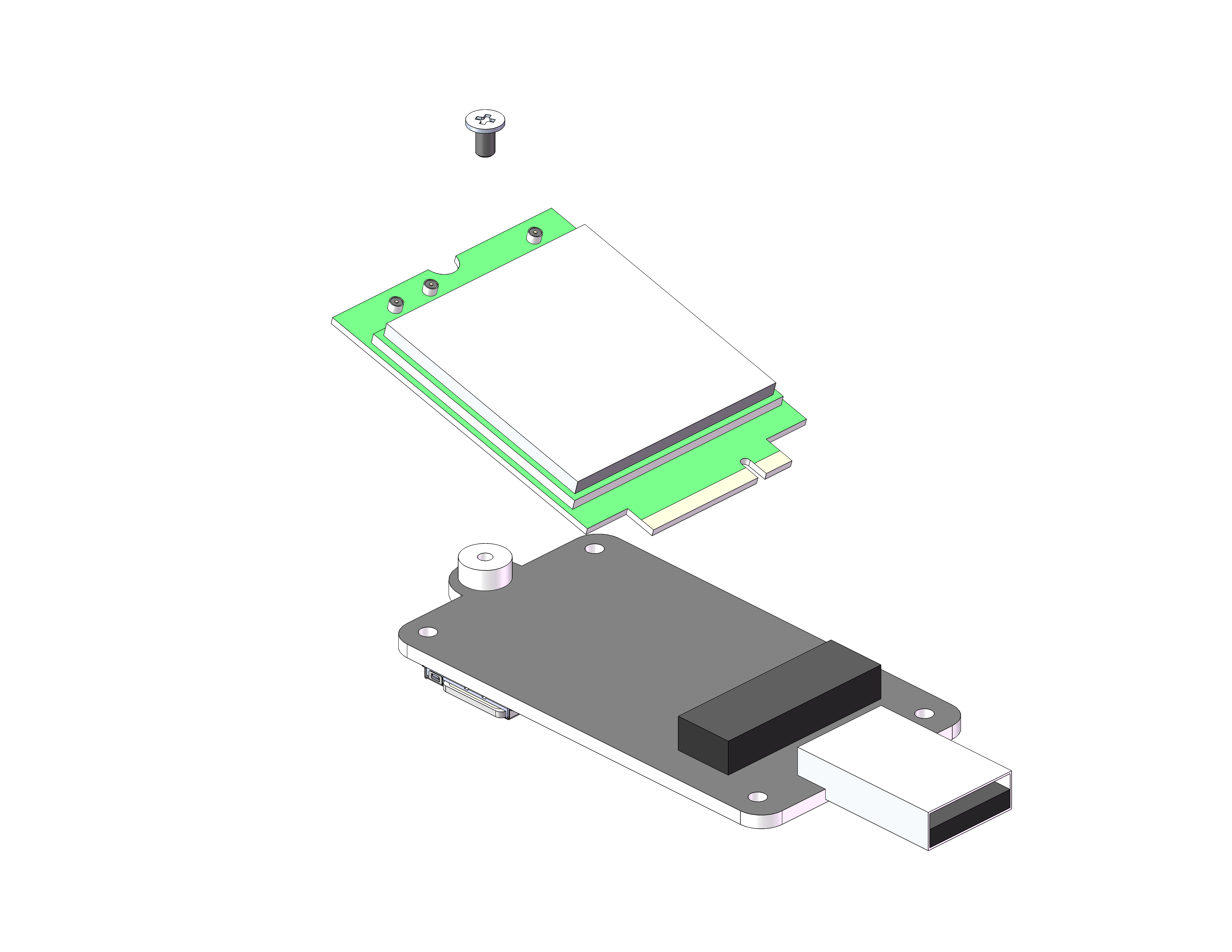
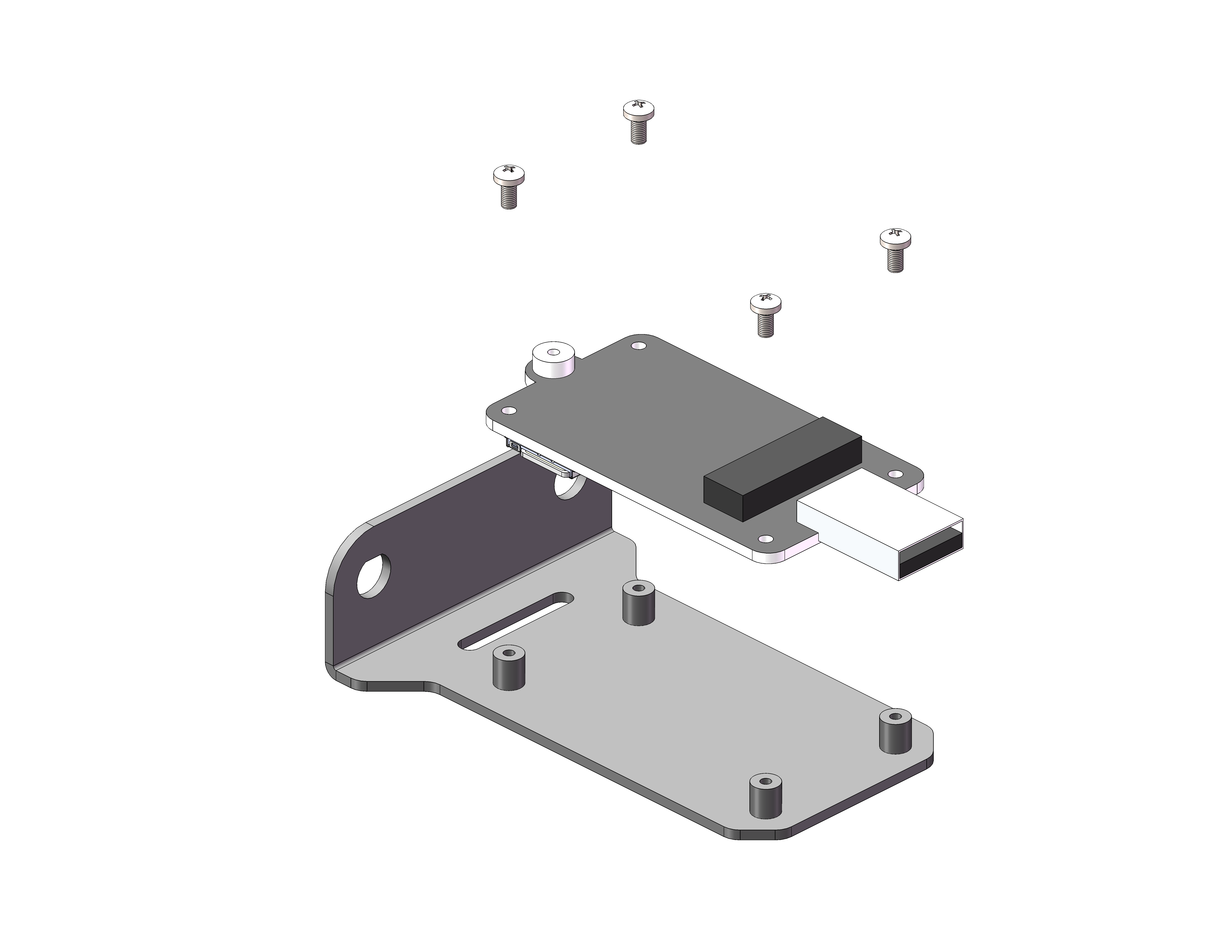
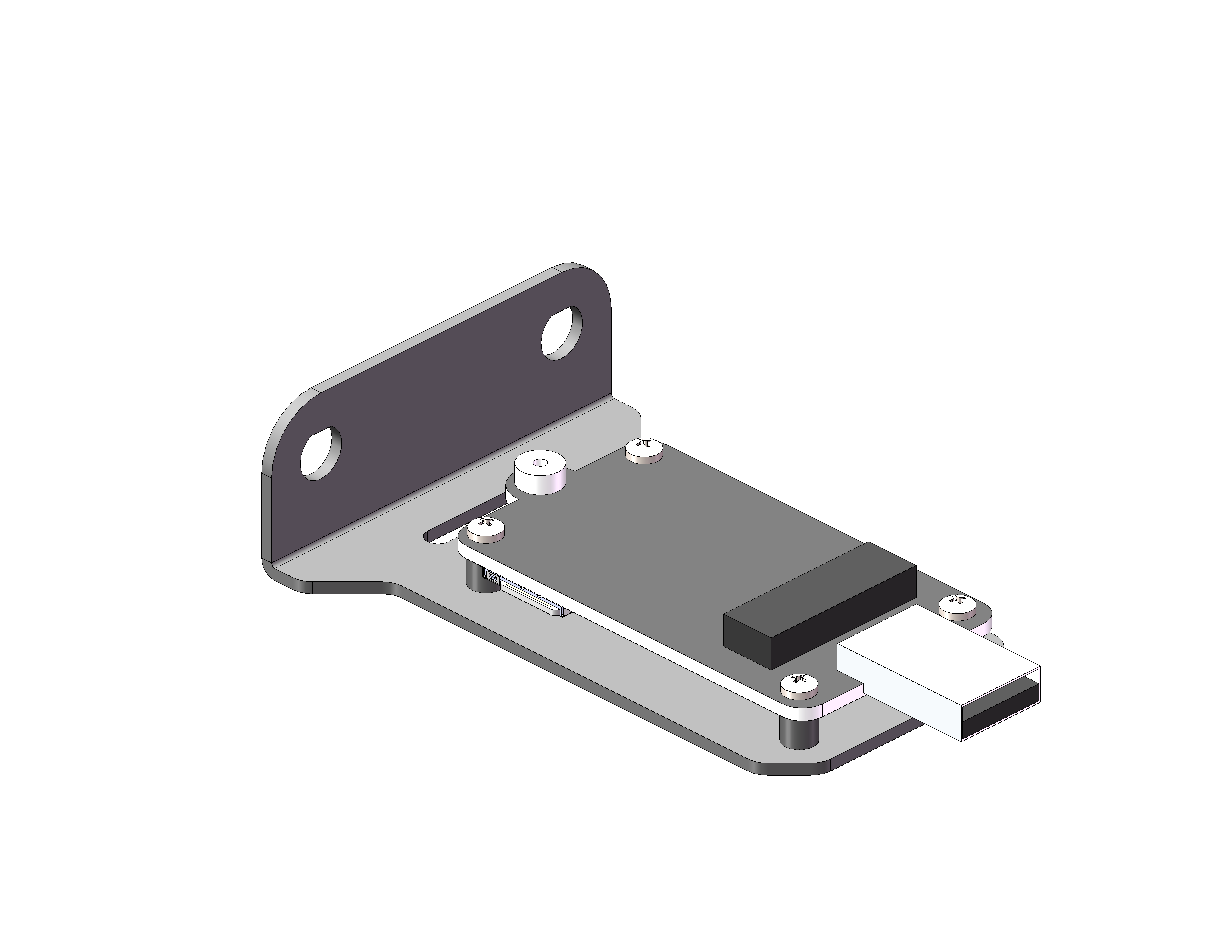
2. Install USB Expansion Board

03 4G Module - USB Adapter Board Fixing

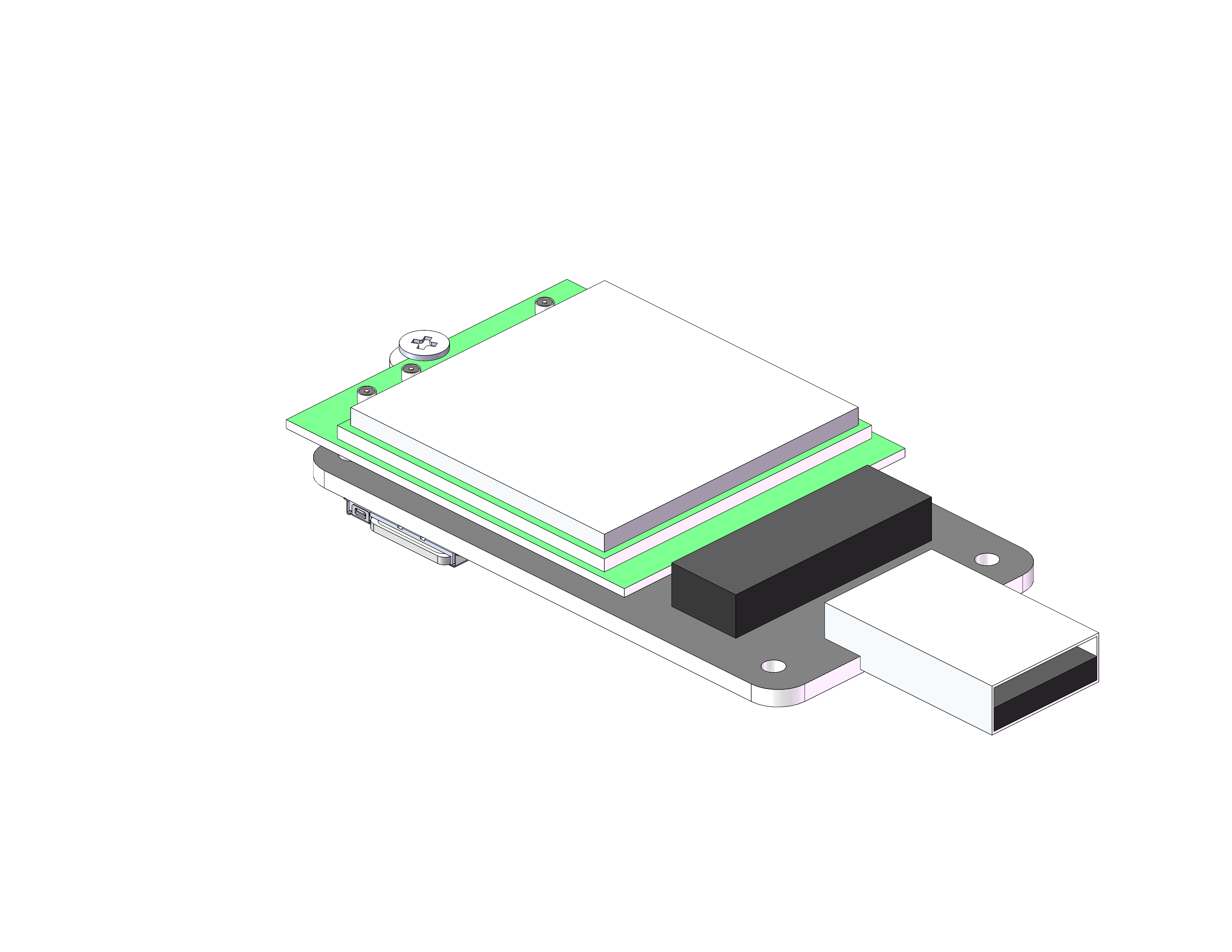
04 4G Module - USB Adapter Board Fixing Completed

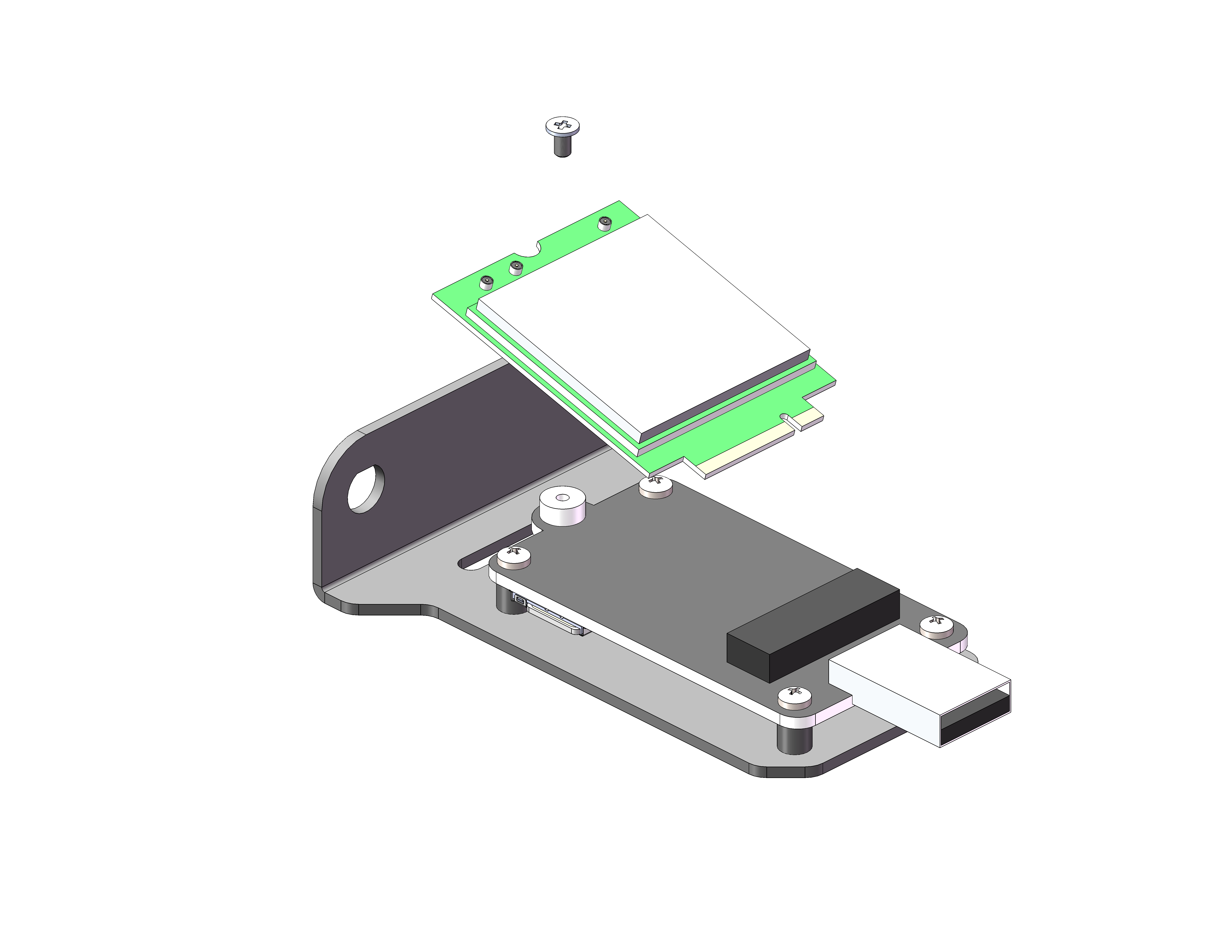
3. Install Module

05 4G Module SIM7600G Installation

06 4G Module SIM7600G Installation Completed

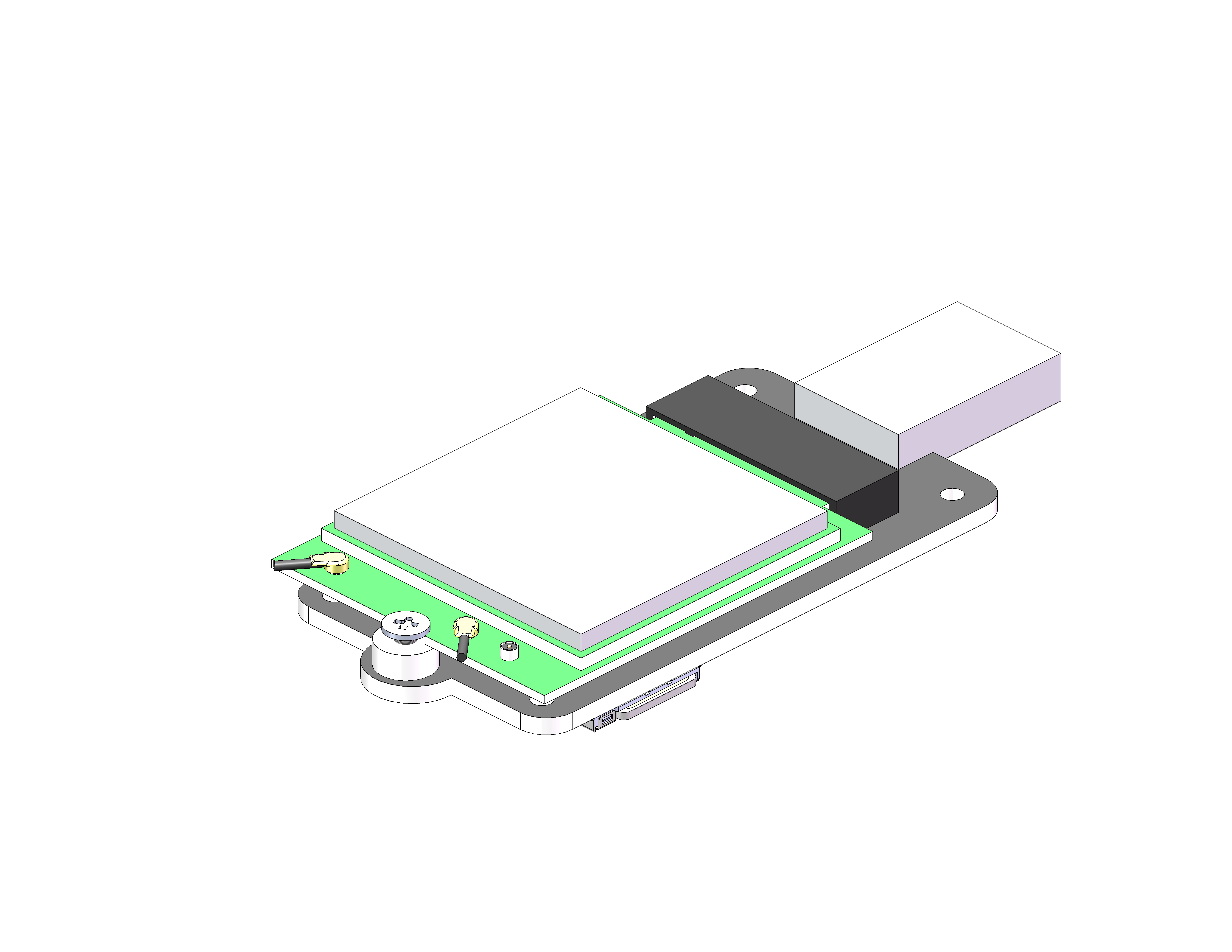
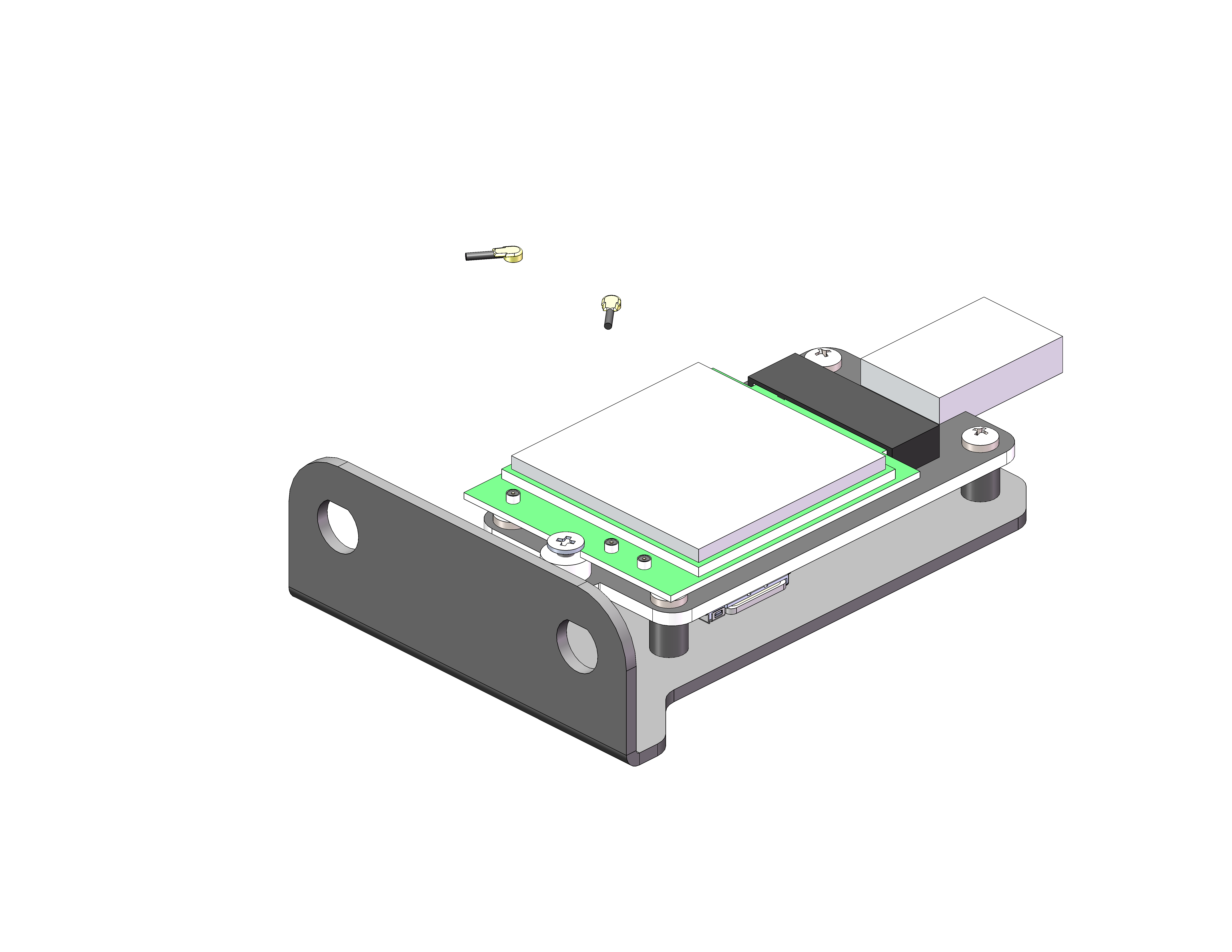
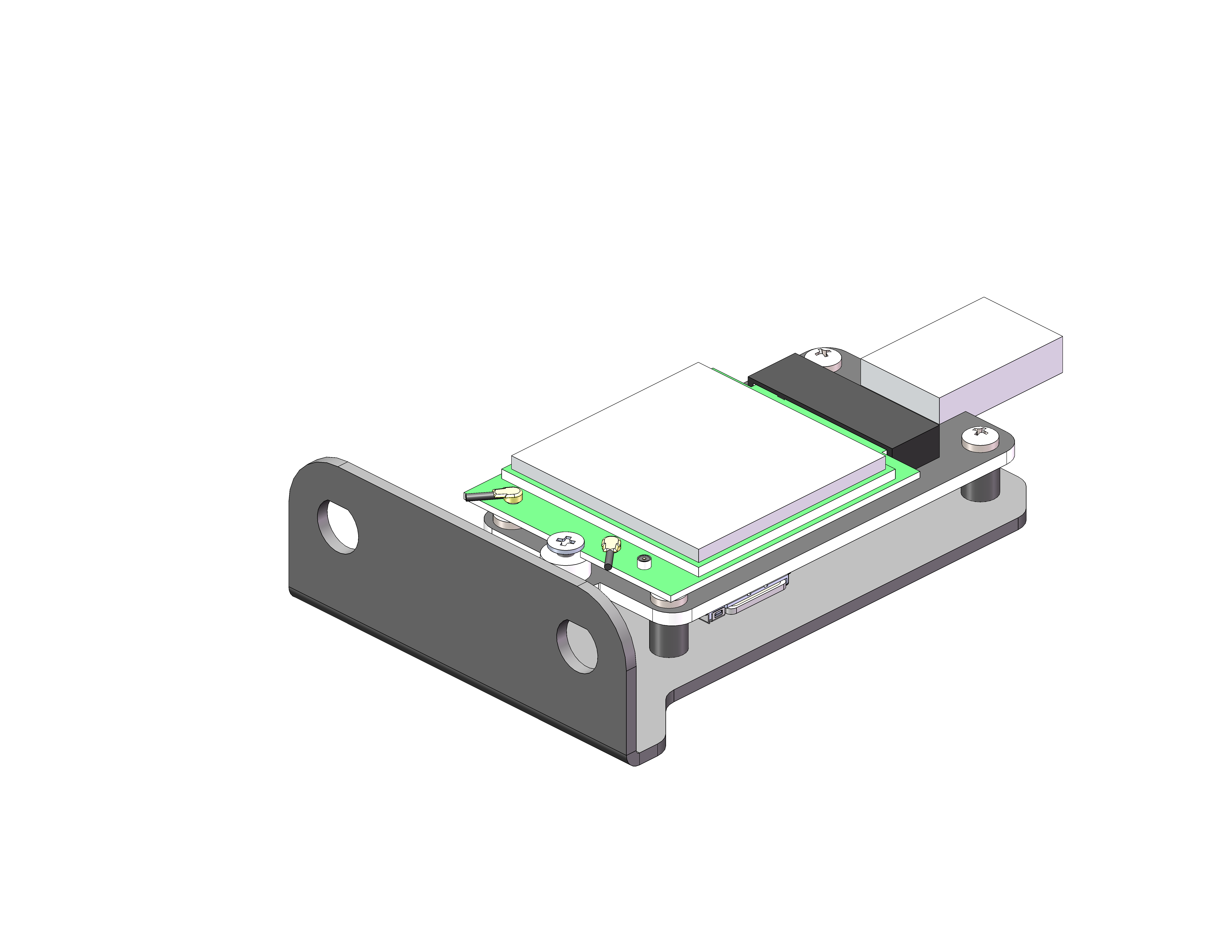
4. Install Antenna

Note: Install two antennas to the MAIN and AUX interfaces.
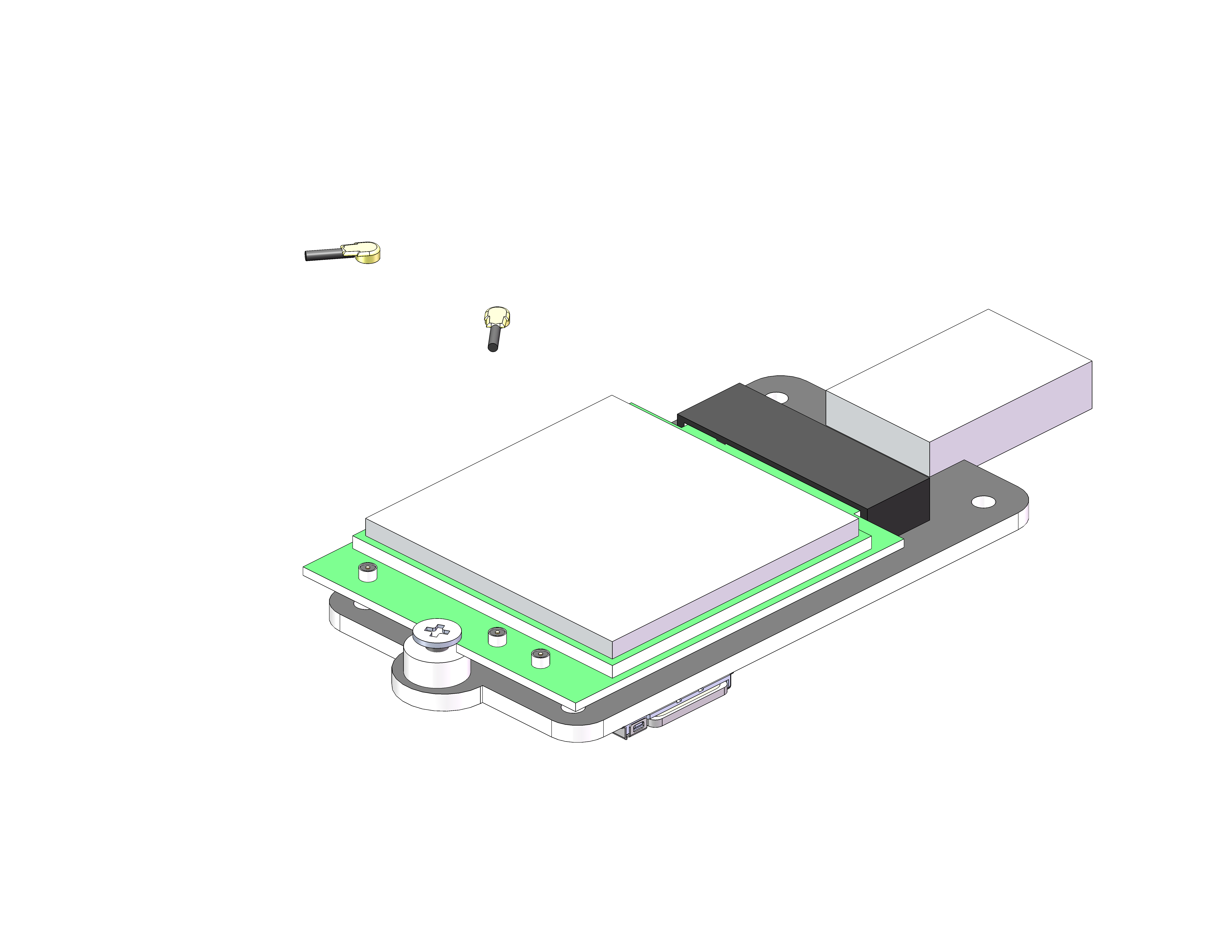
07 Connect Antenna

08 Antenna Connection Completed

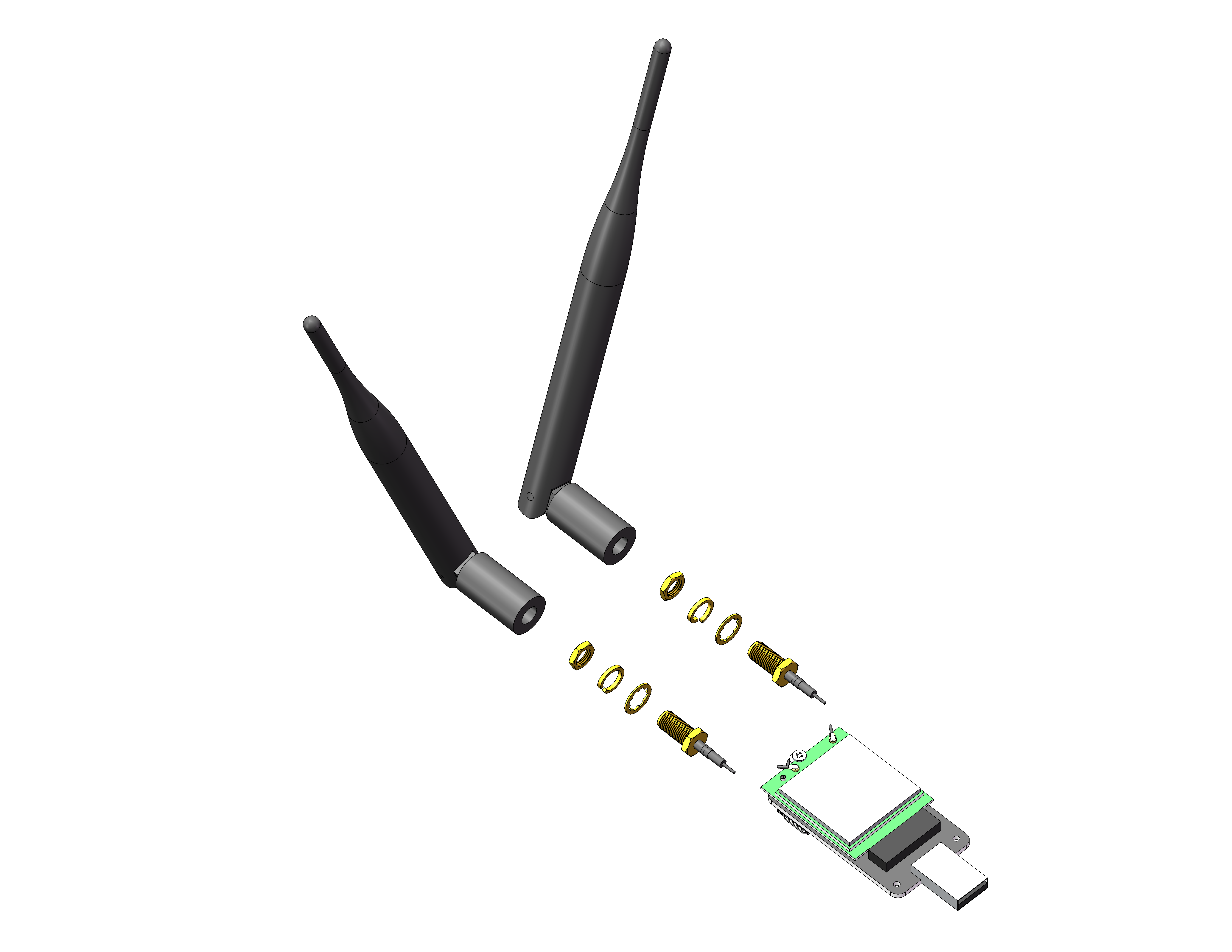
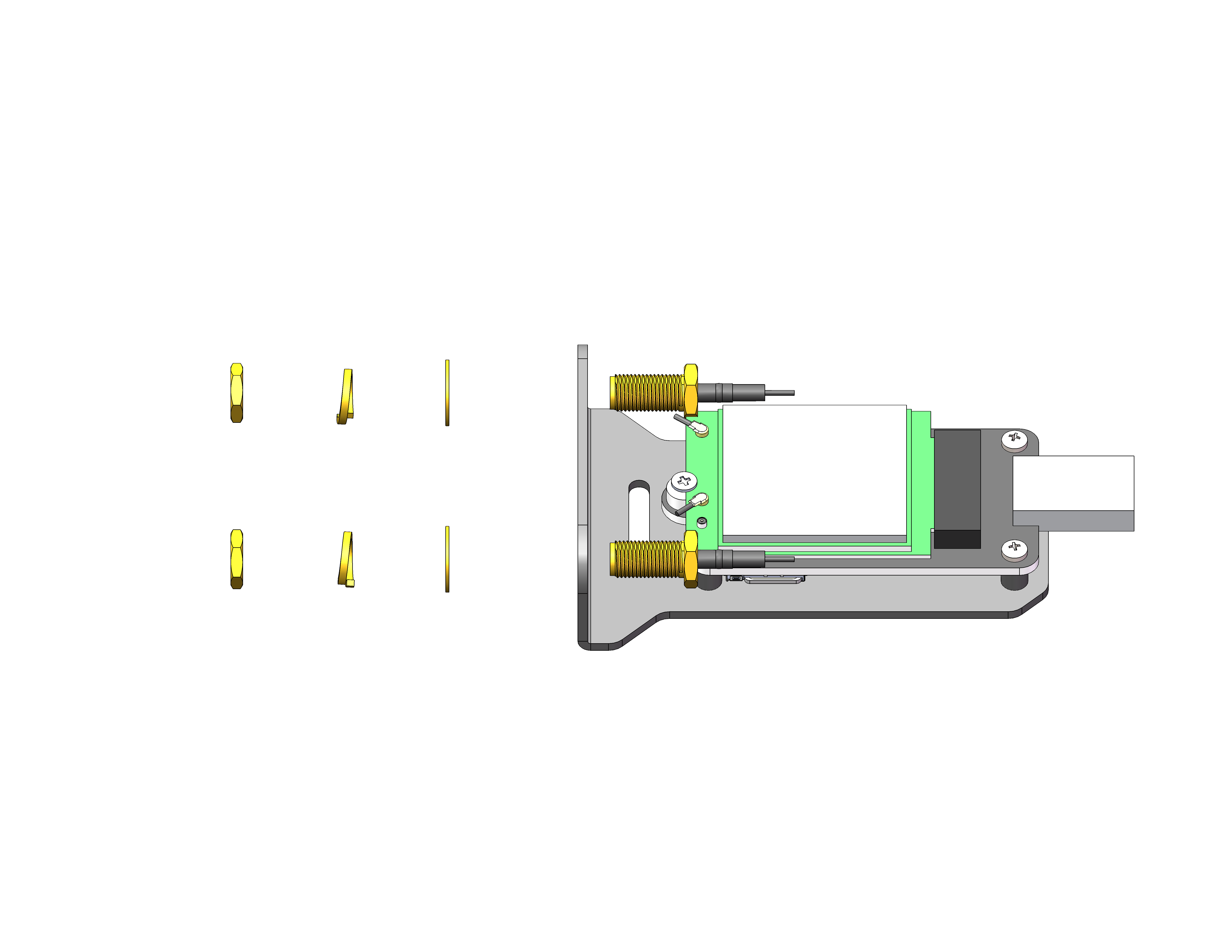
09 SMA Connector Fixing

10 SMA Connector Fixing Completed

11 Rod Antenna Installation

12 Rod Antenna Installation Completed


4G Module Introduction
USB Device Connection

COMPANY

  • About us
  • Team Style
  • Blog

LEARNING & EXPLORATION

  • Tutorials
  • Edge AI hardware
  • Educational robots
  • Embedded intelligent hardware

WHERE TO BUY

  • Yahboom Online Store
  • Amazon
  • Alibaba
  • AliExpress
  • Mercado

TECHNOLOGY SUPPORT

  • Email: support@yahboom.com

BE A DISTRIBUTOR

  • Email: sales@yahboom.com
QR Code

Copyright © 2017-2026 Yahboom. All Rights Reserved.

EN/中文