Welcome to DOFBOT SE repository
2. Flash the firmware (Must read)
Firmware Flashing (Must Read)
1. Firmware Upgrade
Since the original firmware does not include spam voice recognition commands, you need to upgrade the firmware to use the subsequent voice control spam voice recognition function. The firmware and firmware upgrade tool can be obtained from the download section of the official website's tutorial link.
Connect the module to the computer
Open the "PACK_UPDATE_TOOL.exe" application
Select CI1302 chip, then click "Update"
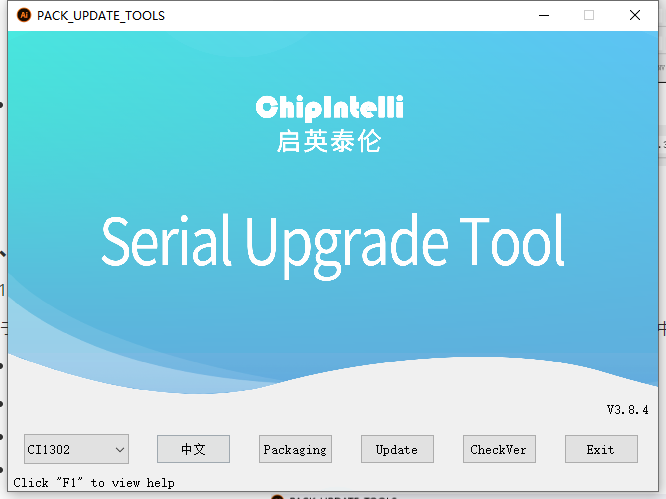
Click to select the factory firmware you just obtained,

Find the corresponding serial port number and check the blue box
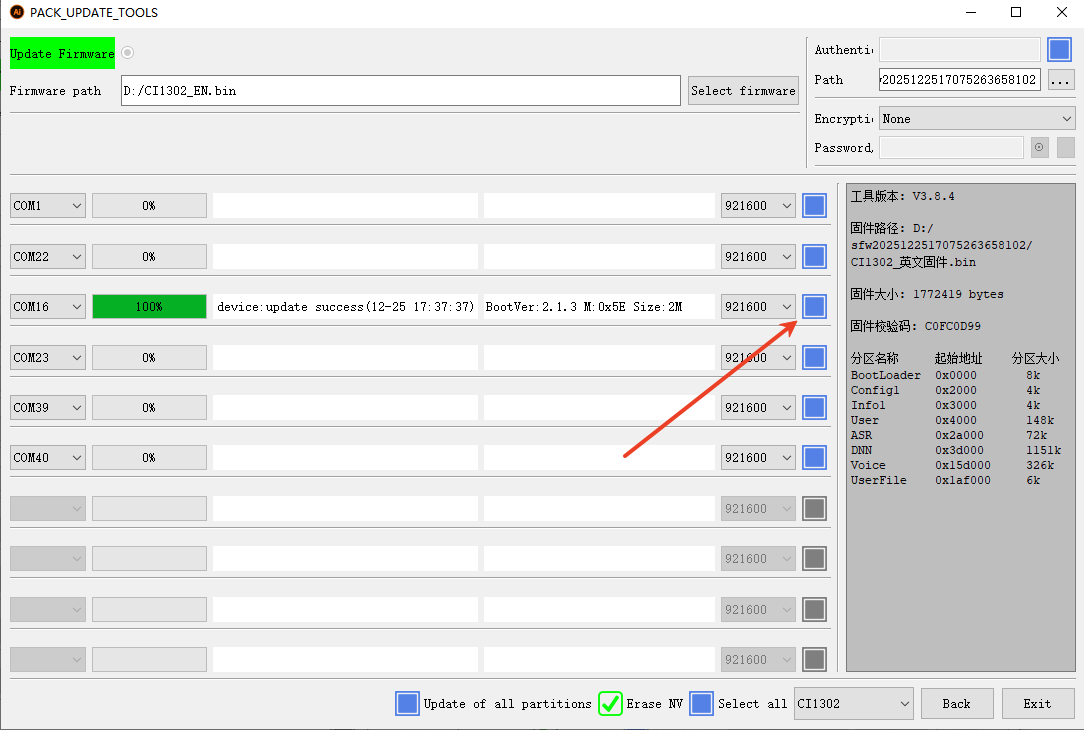
Press the RST key (the only button) on the module to enter flashing mode, wait for the flashing to complete successfully.

2. Install English Driver Library
Download the py_install_v0.0.3 file provided in the source code, located in [Code] -> [Firmware] -> [Voice module firmware], and place it in the /home/yahboom directory.
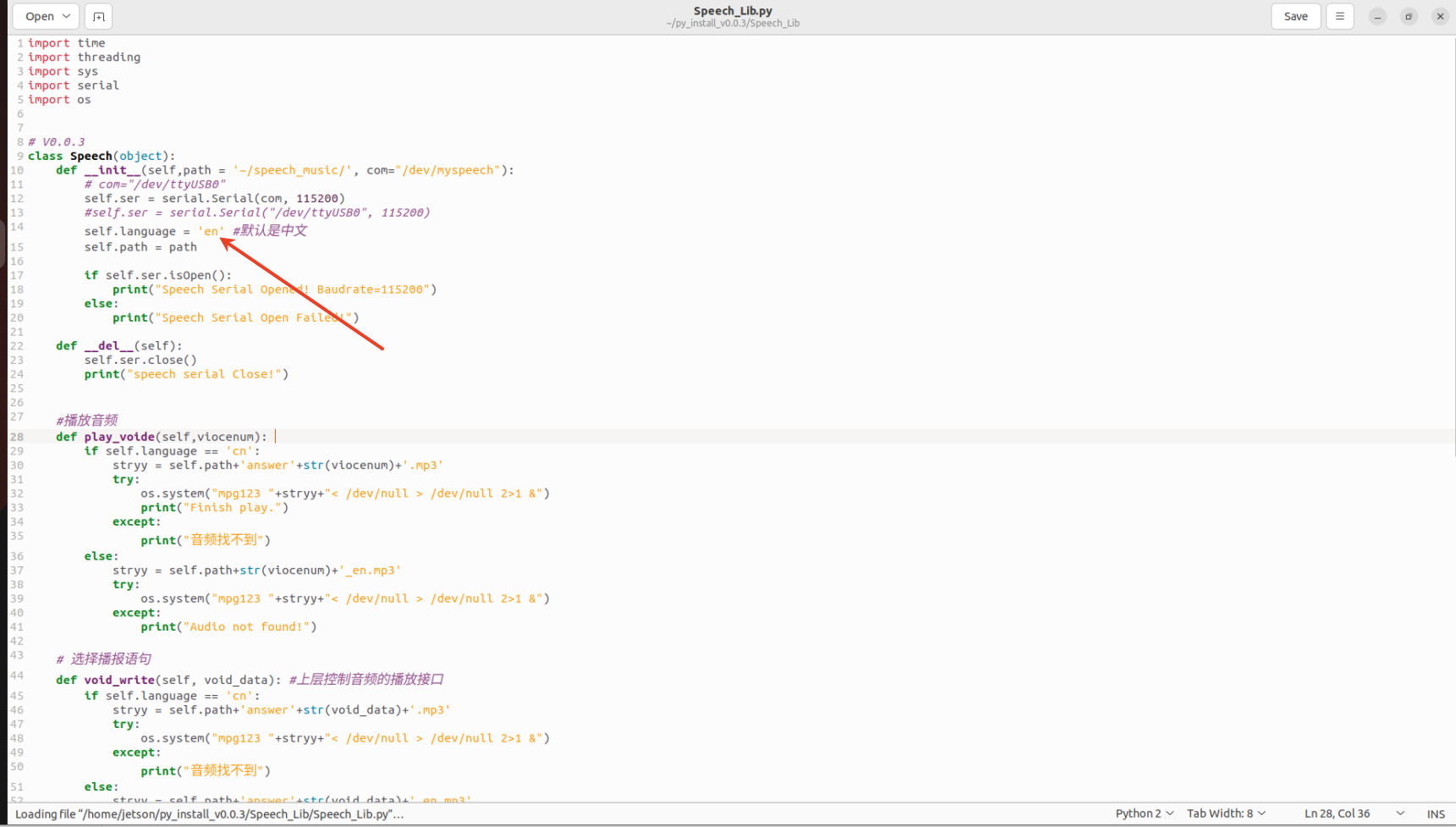
Open file path: /home/yahboom/py_install_v0.0.3/Speech_Lib
File name: Speech_Lib.py
Change line 14 to "en"
Install python driver library
cd /home/yahboom/py_install_v0.0.3sudo python3 setup.py install
Import the speech_ID.xlsx file (pre-placed at the factory)
Open the program source code path and import the file: speech_ID into the /home/yahboom path.