Welcome to WiFi Camera Module repository
2. Cat and dog detection
Cat and dog detection
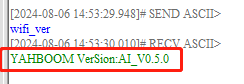
- First determine whether the version of the image transmission module is the AI version firmware. If you already know the firmware version, you can ignore this step and use the wifi_ver command to query, as shown in the figure below
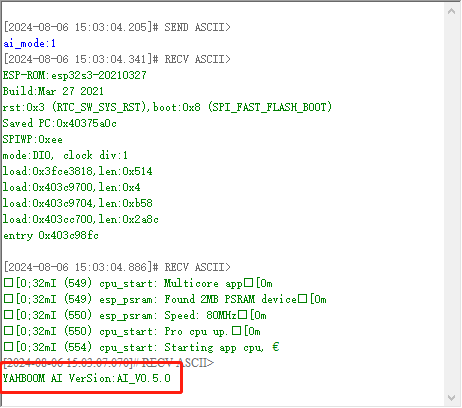
- Switch the mode to the cat and dog detection mode. Use the following command to send ai_mode:1 through the serial assistant. After successful configuration, the module will restart and print the current firmware version. You can start cat and dog detection, as shown in the figure
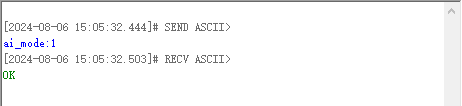
Note: If the current mode is already cat and dog detection mode, the module only returns ok
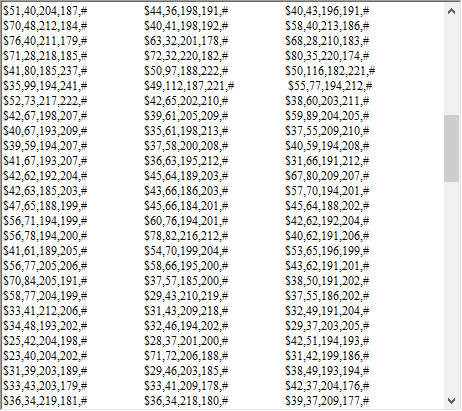
- Start identifying cats and dogs If recognized, the coordinates of the upper left corner and lower right corner of the first frame will be sent out through the serial port.
The specific content is $upper left corner x-axis coordinate, upper left corner y-axis coordinate, lower right corner x-axis coordinate, lower right corner y-axis coordinate, #
Note: You need to open the screen to start recognition. If the screen is closed in the middle, the recognition will also be closed.
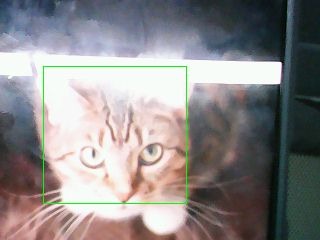
Cat*
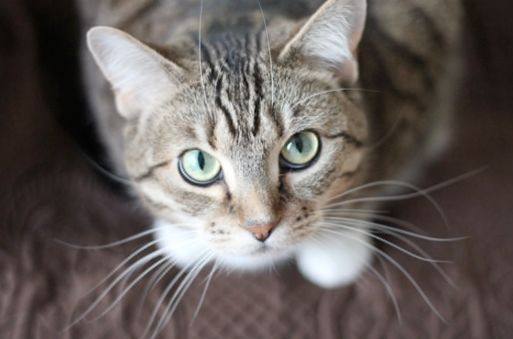 Result:
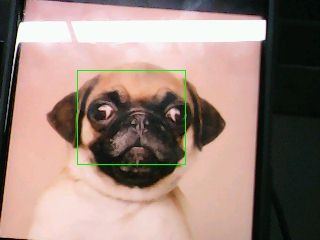
Dog
 Result:
Serial port information:
Due to the model, this mode can only detect cats and dogs, and cannot distinguish between cats and dogs