Welcome to 10-axis IMU Navigation Module repository
2.1 Install serial driver
Install serial driver
If the driver of the CP2102 chip has been installed in the computer system, you can skip the following content and do not need to install the driver again.
- Find the CP2102_USB driver.zip file in the supporting materials, download it to the local computer and unzip it, and get the following files.
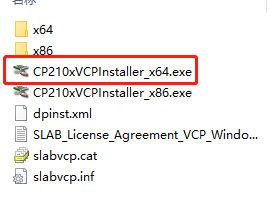
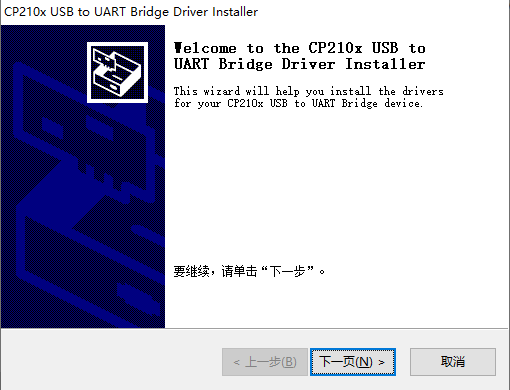
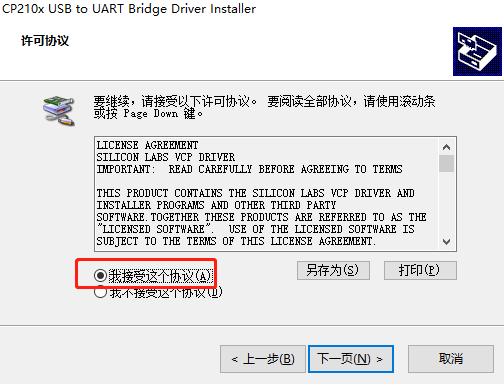
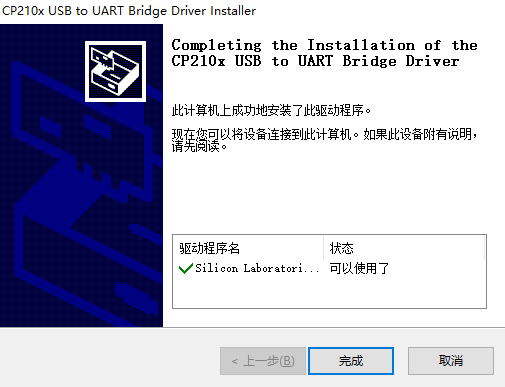
- Take Win10 64-bit system as an example, double-click the CP210xVCPInstaller_x64.exe file to open the installer, and then follow the prompts to click Next until it is completed.
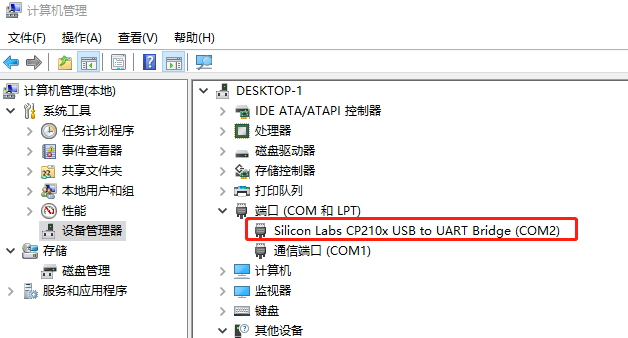
- Check whether the serial port is detected.
Right-click on 'My Computer', select 'Manage', then click on 'Device Manager', and double-click on 'Ports' to display the list.
Insert the USB-TypeC data cable to connect the module to the USB port of the computer, and the CP210x USB device port will be added at this time.