Welcome to 10-axis IMU Navigation Module repository
2.5 Graphically display data
Graphically display data
Before performing the following operations, please confirm that the IMU module has been connected to the PC software.
Graphically display data1. Display data2. Graphical display data of Acceleration3. Graphical display data of Angular Velocity4. Graphical display data of Angle5. Graphical display data of Magnetic Field
Note: For all the data to be selected, you need to tick the corresponding data output in the menu bar 'Config'-'Content' to be valid.
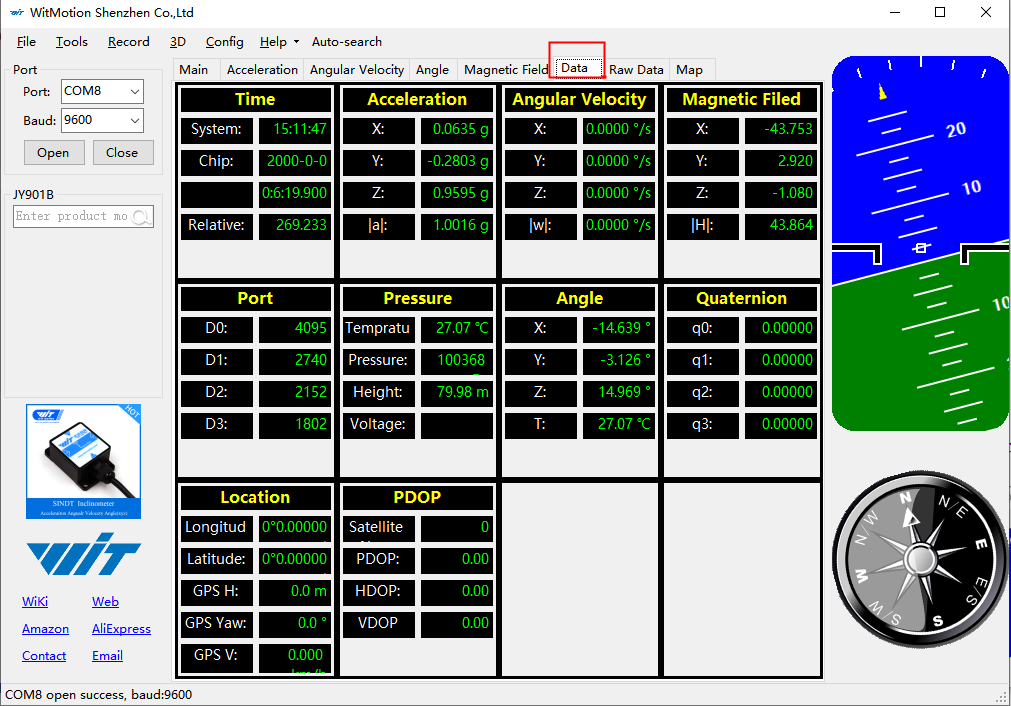
1. Display data
Click on the 'Data' interface to see all the data.
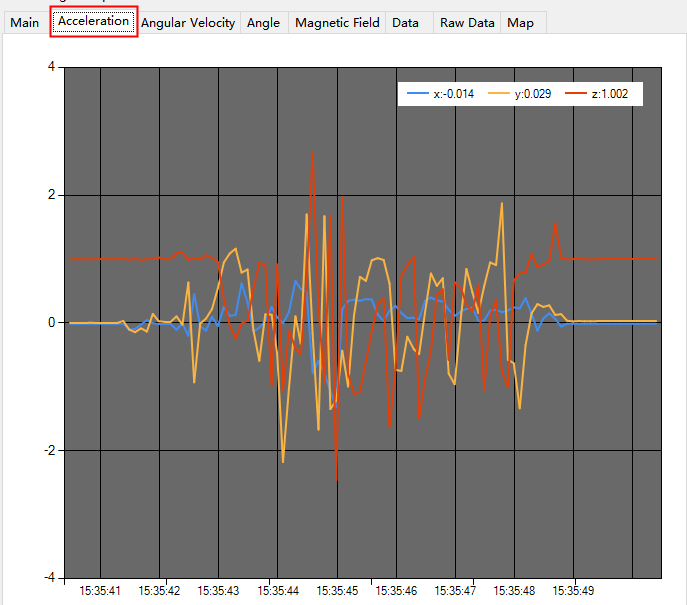
2. Graphical display data of Acceleration
Click on the 'Acceleration' interface
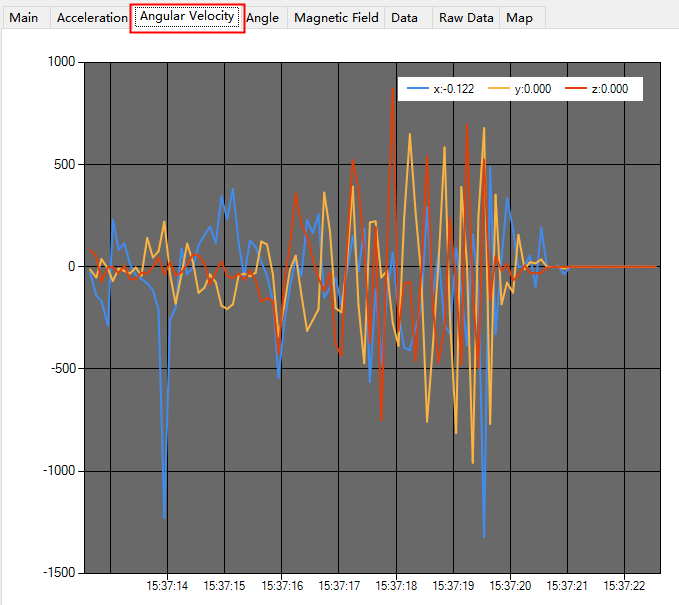
3. Graphical display data of Angular Velocity
Click on the 'Angular Velocity' interface
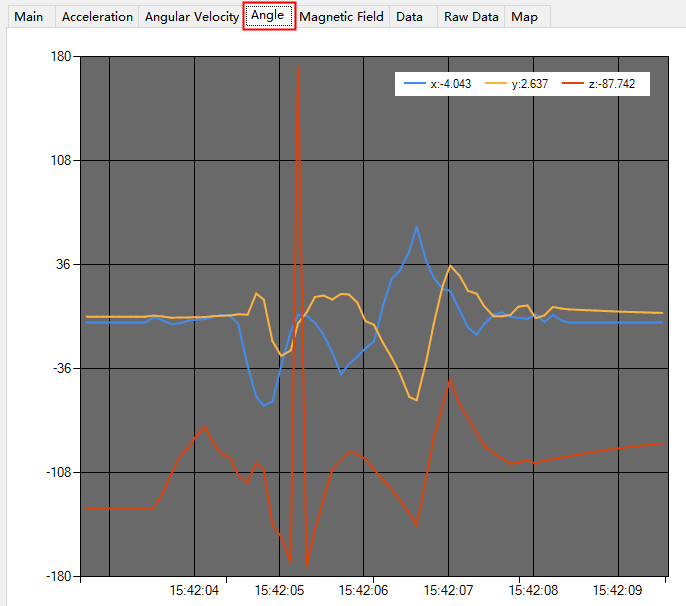
4. Graphical display data of Angle
Click on the 'Angle' interface
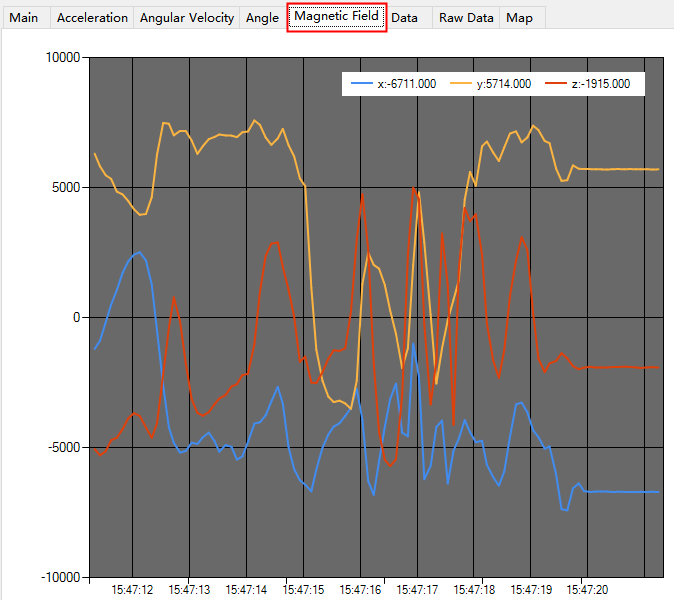
5. Graphical display data of Magnetic Field
Click on the 'Magnetic Field' interface