Welcome to ROSMASTER X3 repository
4. AR Vision
4、AR Vision
1、overview
Augmented Reality,Abbreviated as "AR" technology,It is a technology that cleverly integrates virtual information with the real world, widely utilizing various technical means such as multimedia, 3D modeling, real-time tracking and registration, intelligent interaction, and sensing.It can simulate and simulate virtual information such as computer-generated text, images, 3D models, music, videos, etc., and apply them to the real world. The two types of information complement each other, thereby achieving "enhancement" of the real world.
The AR system has three prominent characteristics:① Information integration between real and virtual worlds; ② Real time interactivity; ③ It is the addition of positioning virtual objects in three-dimensional scale space.
Augmented reality technology includes new technologies and new approaches such as multimedia, 3D modeling, real-time video display and control, multi-sensor fusion, real-time tracking and registration, and scene fusion.
2、Usage method
When using AR cases, it is necessary to have camera internal parameters, otherwise it cannot run. The internal parameter file and code are in the same directory, and different cameras correspond to different internal parameters. Internal reference calibration can be quickly calibrated using a checkerboard pattern. The specific method can be found in the second section of the "RGB and IR Calibration" section of the "Twelve Depth Camera Series Courses"
NOTE:((This step has already been completed in the Docker image))
After the calibration work is completed, a 【calibrationdata. tar. gz]】file will be generated and moved to the 【home】 directory.After decompression, open the [ost. yaml] in the folder, locate the camera's internal parameter matrix and distortion coefficient, and modify them to the corresponding location in the [astra. yaml] file. Simply modify the contents of the [data] in two places. For example, the following content:
camera_matrix!!opencv-matrix rows3 cols3 dtd data615.50506 0. 365.84388 0. 623.69024 238.778 0. 0. 1. distortion_modelplumb_bobdistortion_coefficients!!opencv-matrix rows1 cols5 dtd data0.166417 -0.160106 -0.008776 0.025459 0.000000There are a total of 12 effects in this case study,
xxxxxxxxxx["Triangle", "Rectangle", "Parallelogram","WindMill","TableTennisTable", "Ball","Arrow", "Knife", "Desk","Bench", "Stickman", "ParallelBars"]3、start command
Code reference path,
x~/yahboomcar_ros2_ws/yahboomcar_ws/src/yahboomcar_visual/yahboomcar_visual/simple_AR.py
Raspberry Pi PI5 master control needs to enter the docker container first, Orin master control does not need to enter,
the terminal inputs,
xxxxxxxxxxros2 run yahboomcar_visual simple_AR
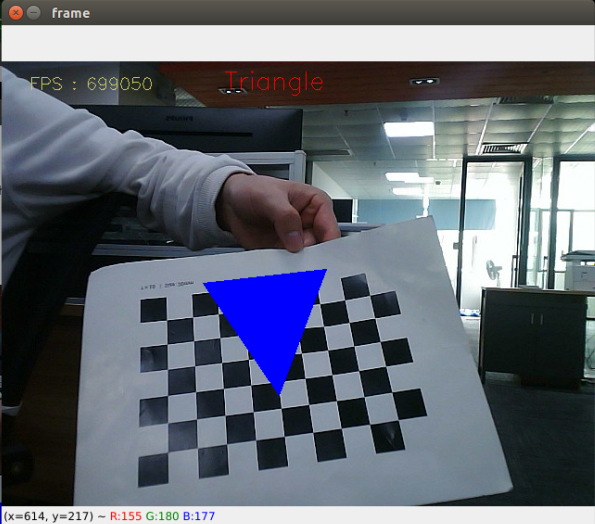
【q】 Press the key to exit, and press the 【f】 key to switch between different effects.
3.1.1、ROS deployment
This course also deployed ROS, which mainly has the following two functions:
Subscribe to topic data and switch between different effects
Publish Image
View the ROS topic through the following command, enter it on the Docker terminal,
xxxxxxxxxxros2 topic list
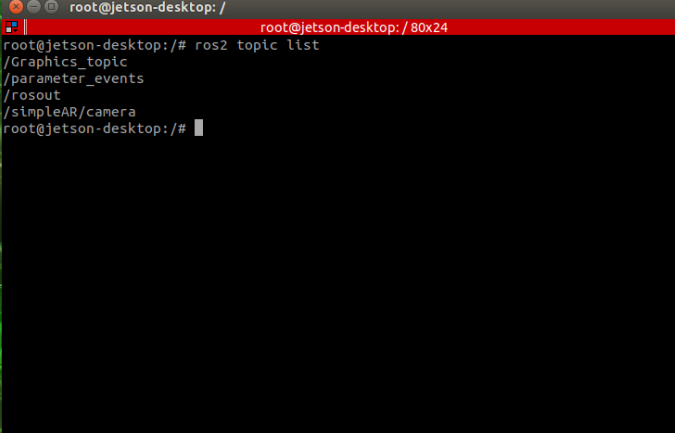
/Graphics_topic:The topic name of the effect and the effect that needs to be recognized for subscription.
/simpleAR/camera:The topic name of the image, publishing the image.
The modification effect can be modified using the following command, for example, I will first modify it to Desk and enter it on the Docker terminal,
xxxxxxxxxxros2 topic pub /Graphics_topic std_msgs/msg/String "data: Desk"
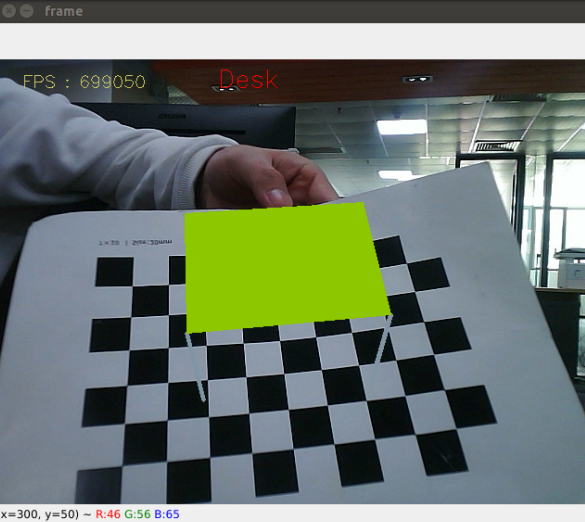
Viewing published images can be done using rqt_ Image_ View to view, Docker terminal input,
xxxxxxxxxxros2 run rqt_image_view rqt_image_view
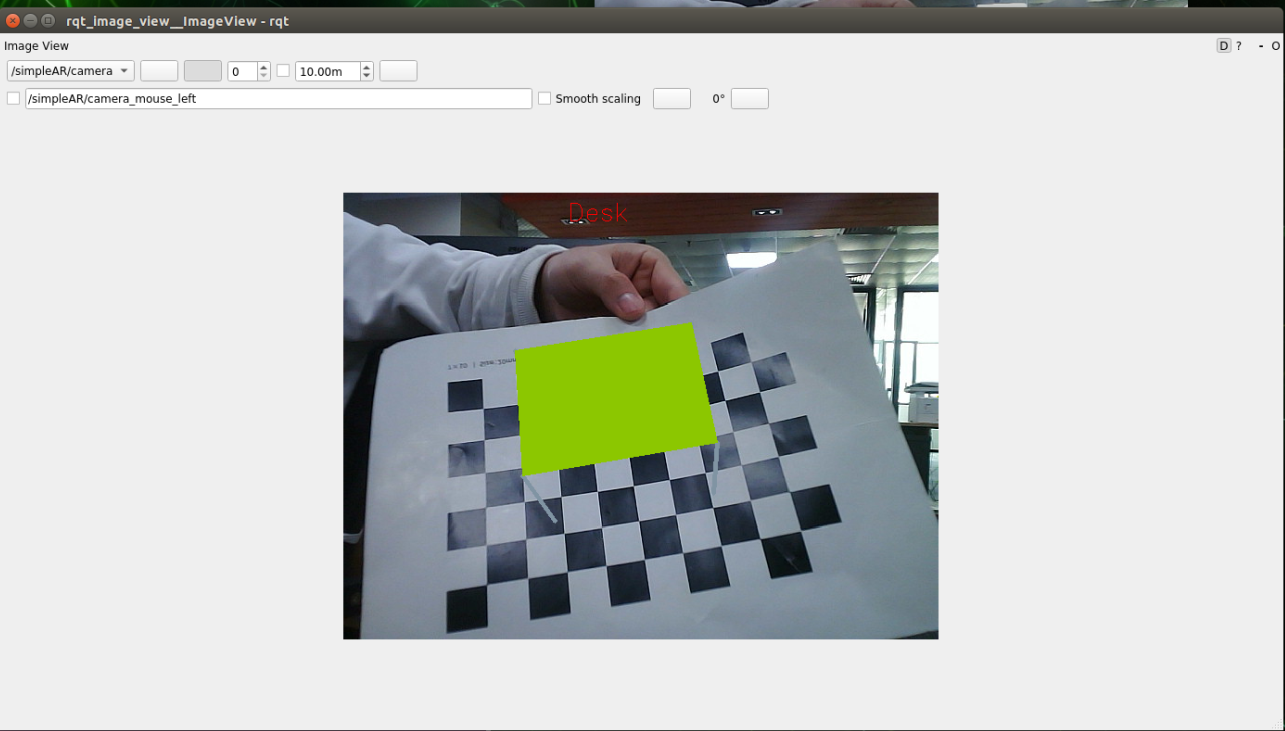
Select/simpleAR/camera in the top left corner of the topic to view the image.