Welcome to ROS-WiFi Camera Module repository
7. QR code recognition
QR code recognition
Note: The ROS-DOMAIN-ID of the virtual machine and ROS wifi image transmission module needs to be consistent and set to 20.
1、Gameplay Introduction
This course mainly utilizes the camera of a robot to obtain the image of the camera and recognize QR code information.
2、Program code reference path
The source code for this feature is located at,
/home/yahboom/yahboomcar_ws/src/yahboom_esp32ai_car/yahboom_esp32ai_car/qrTracker.py
3、Program startup
3.1、Start command
xxxxxxxxxxros2 run yahboom_esp32ai_car qrTracker
**If the image of the camera is inverted, you need to refer to the * * 3. Camera Image Change * * document and correct it yourself. This experiment will not be elaborated on further.
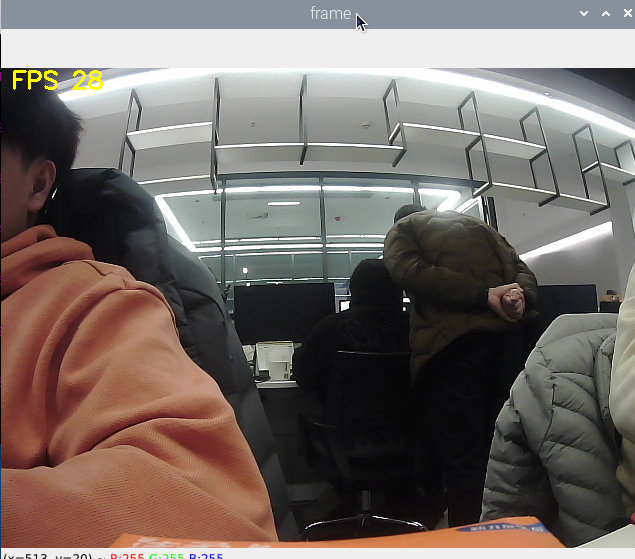
Successfully displayed camera screen
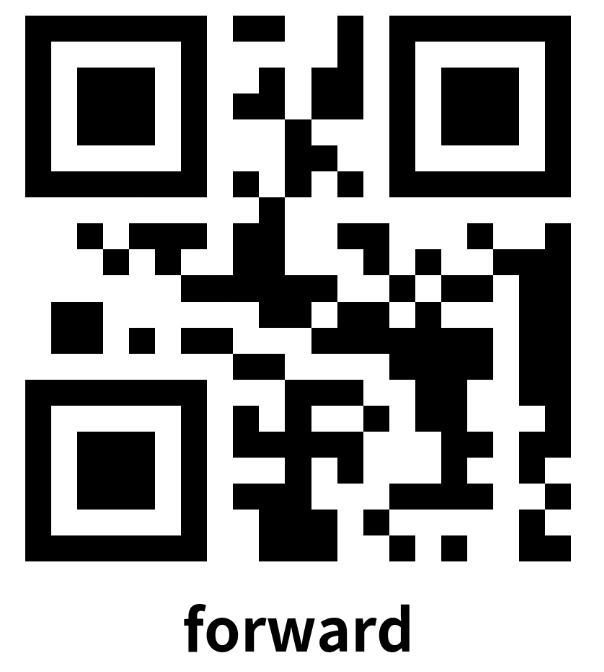
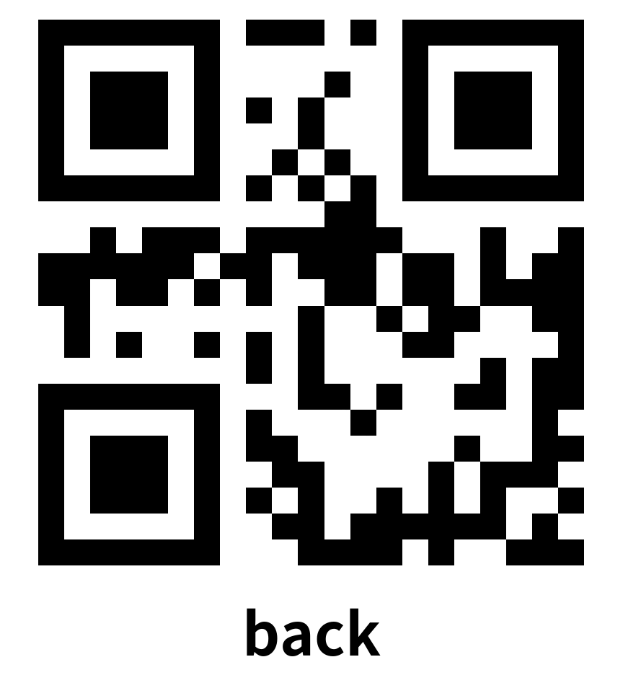
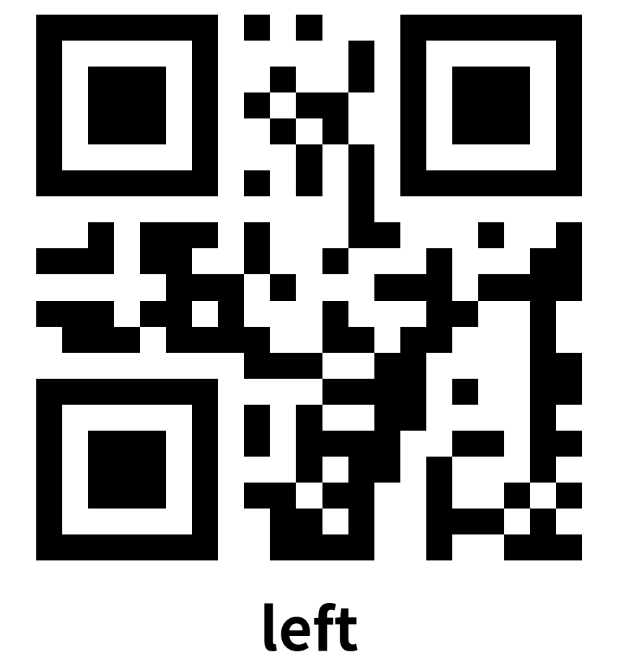
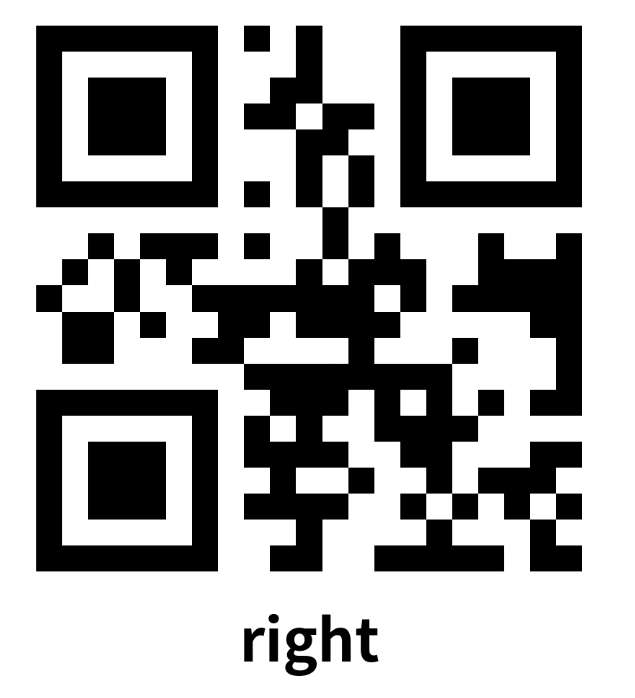
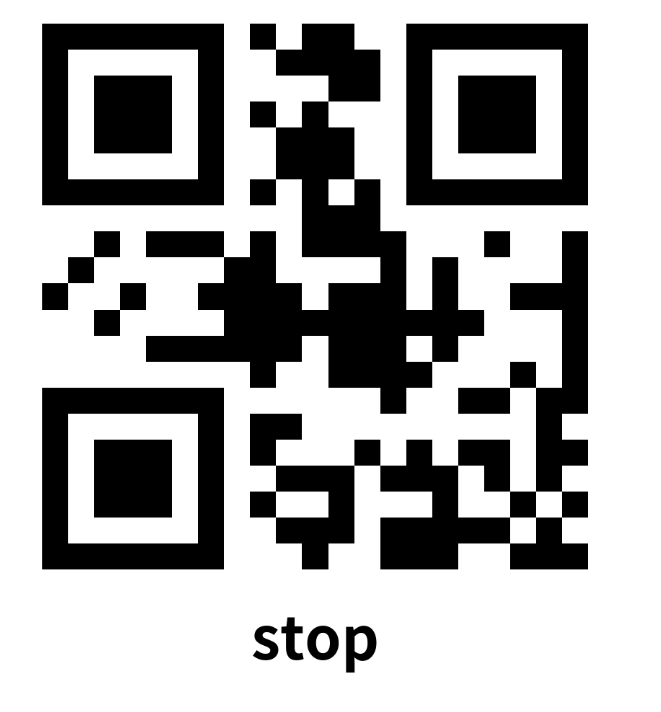
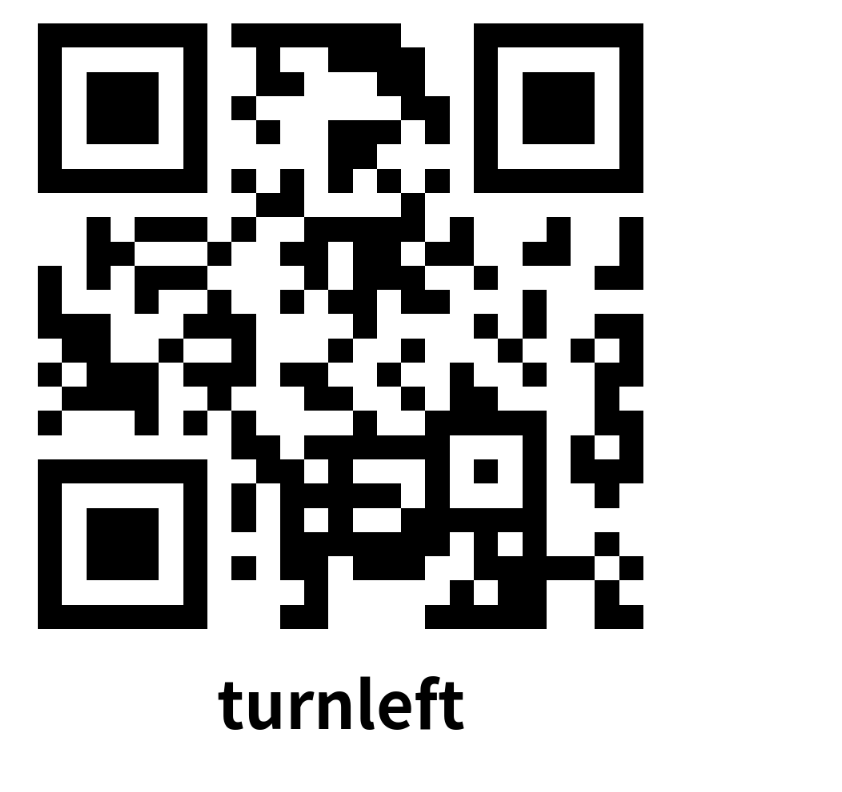
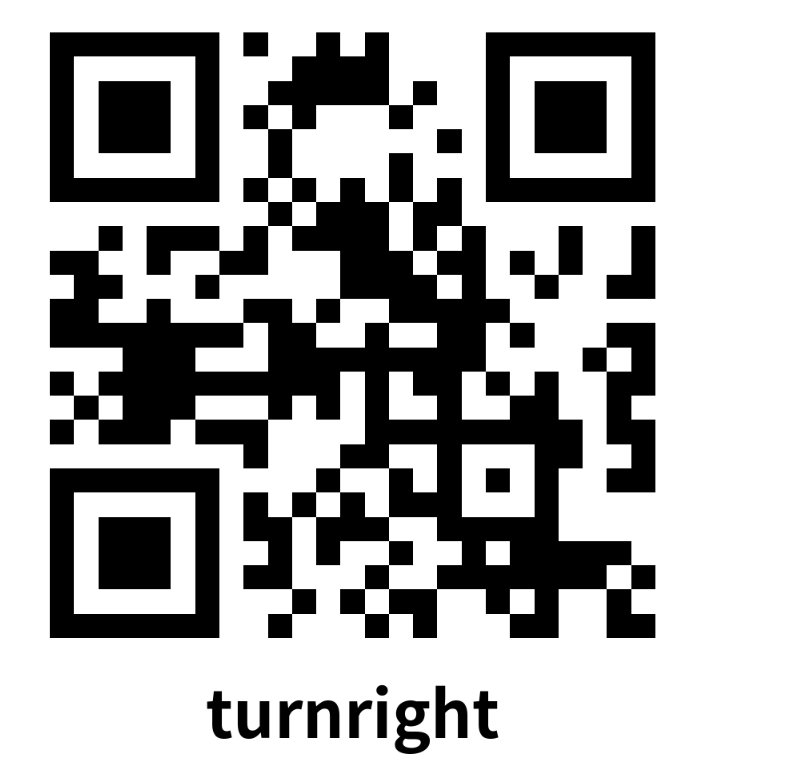
Enable recognition of QR codes and execute commands. The currently recognizable QR code in the routine is QRCode, with information such as "forward" indicating forward, "back" indicating backward, "left" indicating left translation, "right" indicating right translation, and "stop" indicating stop. "Turnleft" represents left rotation, "turnright" represents right rotation, and "stop" represents stop.
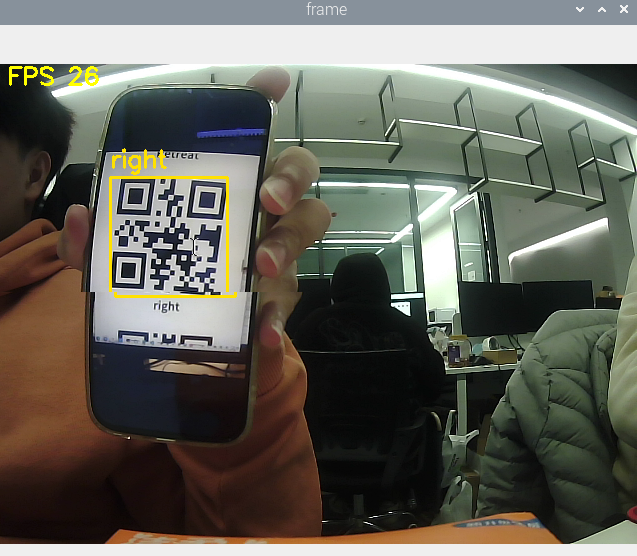
4、Core code
Import QR code parsing library pybar
xxxxxxxxxximport pyzbar.pyzbar as pyzbarfrom PIL import ImageIf pybar is not installed in the system, please open the terminal and run the following command to install.
Virtual machines with data tape do not require operation
xxxxxxxxxxpip3 install pyzbarsudo apt install libzbar-dev
Analyze grayscale images, extract information about QR codes and image positions from the images. If there is no QR code in the image, the information is None.
xxxxxxxxxxdef detect_qrcode(image): # 转为灰度图像 Convert to grayscale image gray = cv2.cvtColor(image, cv2.COLOR_BGR2GRAY) barcodes = pyzbar.decode(gray) for barcode in barcodes: # 提取二维码的数据和边界框的位置 The data of the QR code and the position of the bounding box are extracted (x, y, w, h) = barcode.rect barcodeData = barcode.data.decode("utf-8") barcodeType = barcode.type # print("[INFO] Found {} barcode: {}".format(barcodeType, barcodeData)) car_control(barcodeData) return barcodeData, (x, y, w, h) return None, (0, 0, 0, 0)Image processing program
xdef handleTopic(self, msg): self.last_stamp = msg.header.stamp if self.last_stamp: total_secs = Time(nanoseconds=self.last_stamp.nanosec, seconds=self.last_stamp.sec).nanoseconds delta = datetime.timedelta(seconds=total_secs * 1e-9) seconds = delta.total_seconds()*100
if self.new_seconds != 0: self.fps_seconds = seconds - self.new_seconds
self.new_seconds = seconds
start = time.time() frame = self.bridge.compressed_imgmsg_to_cv2(msg) frame = cv2.resize(frame, (640, 480)) action = cv2.waitKey(10) & 0xFF
payload, (x, y, w, h) = self.QRdetect.detect_qrcode(frame.copy()) if payload != None: cv2.rectangle(frame, (x, y), (x + w, y + h), (0, 225, 255), 2) cv2.putText(frame, payload, (x, y - 10), cv2.FONT_HERSHEY_SIMPLEX, 0.8, (0, 225, 255), 2) self.QRdetect.robot_action(payload) else: self.QRdetect.pub_vel(0.0,0.0,0.0) end = time.time() fps = 1 / ((end - start)+self.fps_seconds) text = "FPS : " + str(int(fps)) cv2.putText(frame, text, (10,20), cv2.FONT_HERSHEY_SIMPLEX, 0.8, (0,255,255), 2) cv2.imshow('frame', frame)appendix: