Welcome to ROS-WiFi Camera Module repository
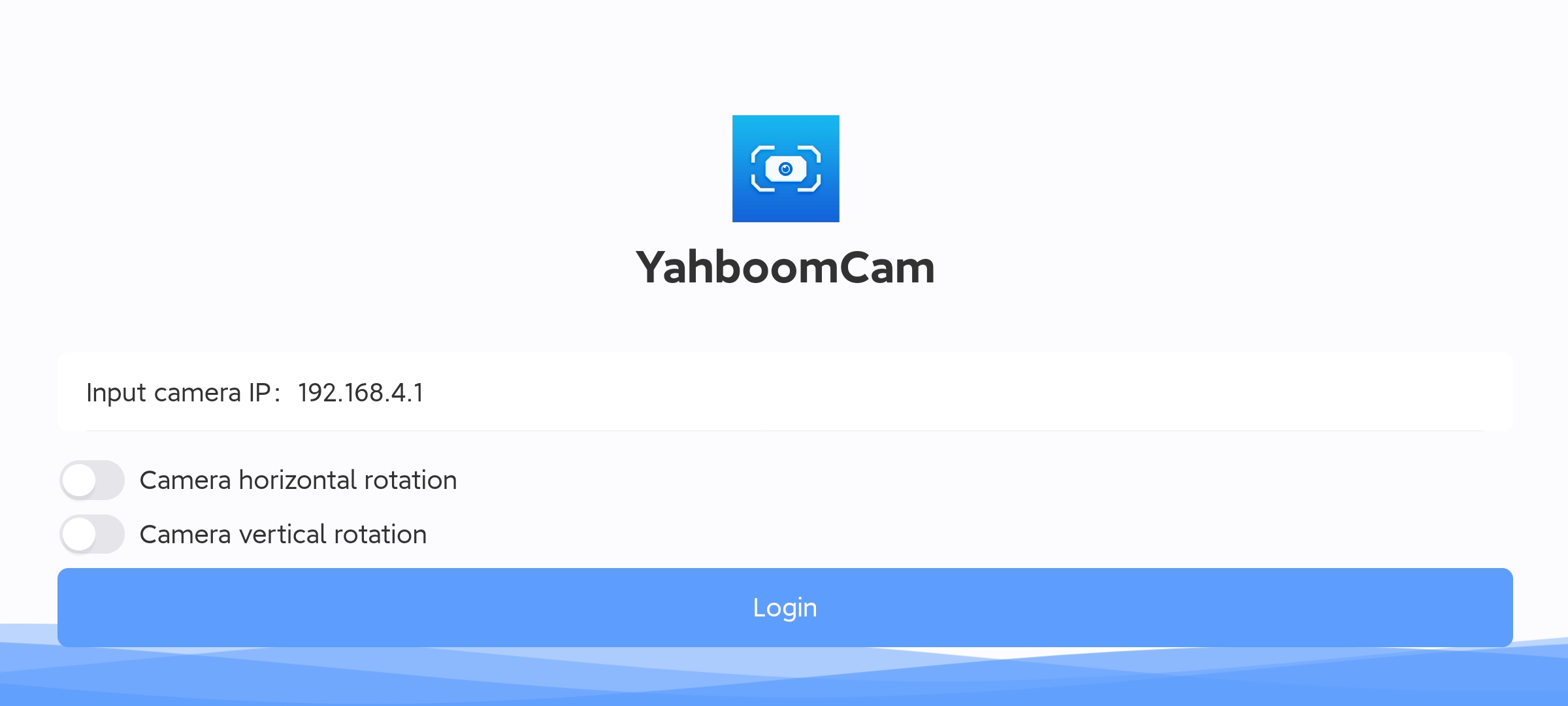
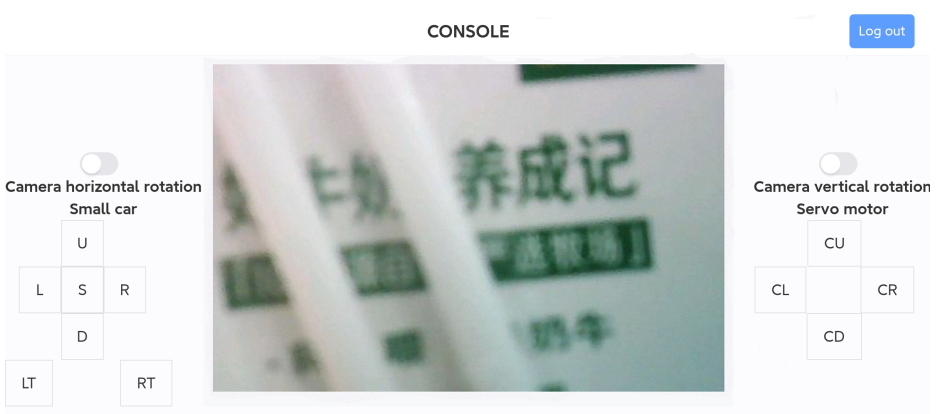
1. YahboomCam APP screen view
YahboomCam APP screen view
This app only needs to obtain the IP address of the camera to view the page on the app
Method 1: Obtain the IP address of the camera through the serial port query command (sta_ip), and then enter the IP address in the app to view the camera screen. Serial port query command information to obtain camera IP as shown in the figure
 IP:192.168.2.199
Method 2: Obtain the IP address of the camera by connecting to the Docker's proxy information, and then enter the IP address in the app to view the camera screen.
Docker's proxy information obtains the IP address of the camera as shown in the figure.
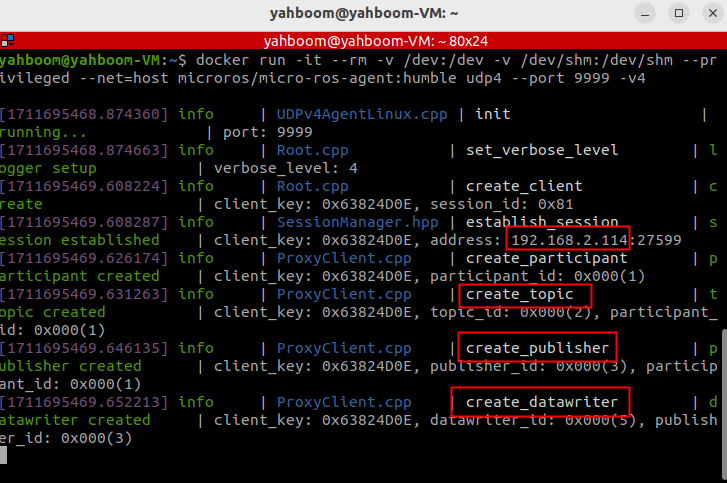 IP:192.168.2.114
Open the YahboomCam app and enter the obtained IP address to view the screen.