Welcome to Tiny:bit Pro repository
1.3 microbit connection use
Note:
Before downloading the code to the Microbit board, you need to unplug the Microbit from the robot car.
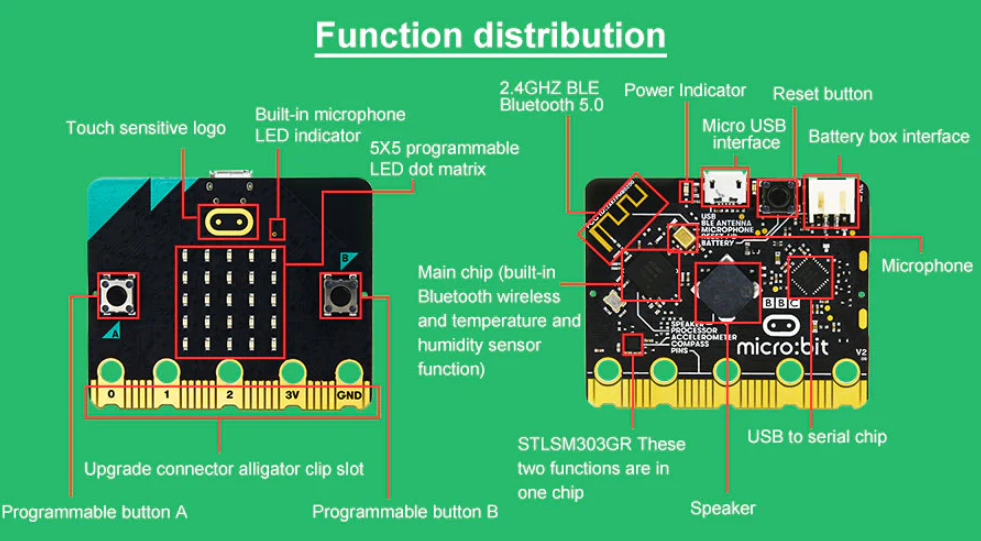
1. Microbit introduction
2.Microbit board connection
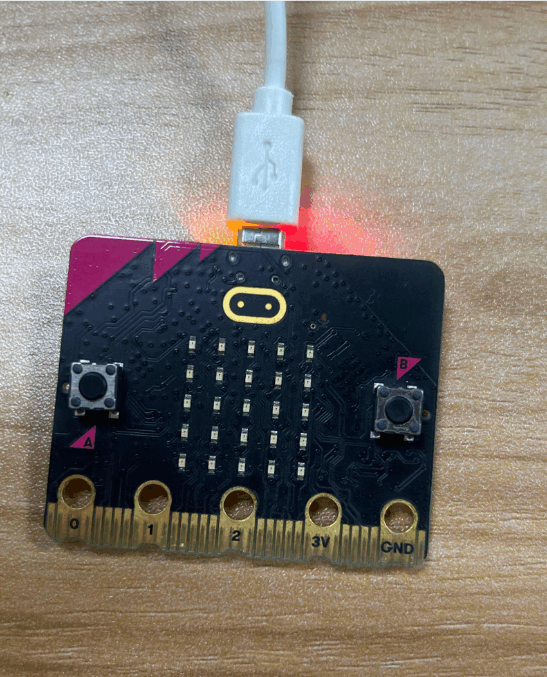
Remove the microbit board from the car and connect it to the computer via micro usb cable, a USB stick will pop up after connecting.
Then, select the code you want to upload and right click to send it to the microbit disk.
When the sending is done, unplug the microbit usb cable. Plug the microbit board back into the car.