Welcome to Tiny:bit Pro repository
3.2 Barcode recognition
3.2 Barcode recognition
3.2 Barcode recognition1. Learning Objectives2. Preparation for Class3. Programming Methods4. Blocks used5. Assortment blocks6. Download code7. Experimental Phenomena
1. Learning Objectives
In this course. The K210 vision module recognizes barcodes. When the barcode is recognized, the content of the barcode is displayed on the microbit motherboard and the color of the car's searchlight changes to green. When the barcode is not recognized, the searchlight color changes to red.
2. Preparation for Class
- Remove the TF card from the k210 vision module and insert it into the card reader.
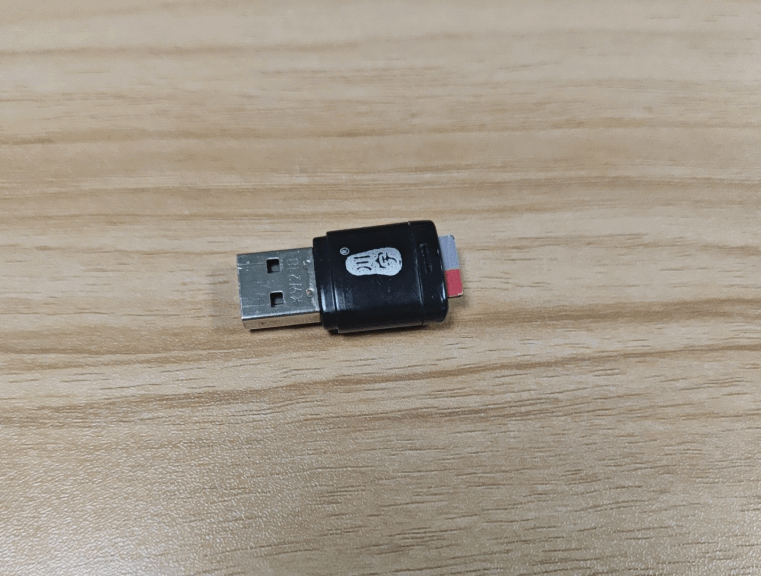
- Plug the card reader into the computer, and wait for the computer to recognize the USB disk.
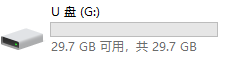
- Then, enter the TF card. You will see following content.
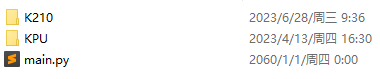
- Go to the k210 folder, find the 2.2_3.2_find_barcodes.py file from the folder and copy it to the root directory.
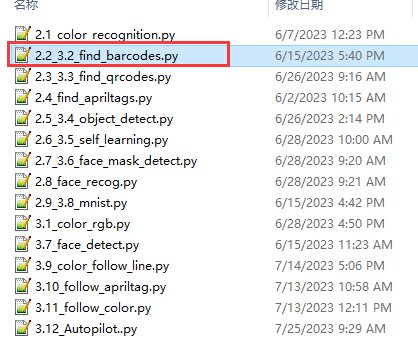
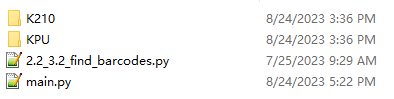
Delete the original main.py file.
Then, re-name the 2.2_3.2_find_barcodes.py file as the main.py file.

- After re-name, pull out the card reader, remove the TF card and insert it back into the k210 vision module.
3. Programming Methods
Online programming: first copy this URL https://makecode.microbit. and enter the online programming interface.
Click Extension, copy the package URL: https://github.com/YahboomTechnology/K210-Module.git to the input field, click Confirm to add package,
Click Extension again, copy the package URL: https://github.com/YahboomTechnology/Tiny-bitLib to the input field, click Confirm to add the package.
Finally you can use the K210 Vision Module package and Tinybit's building blocks.
4. Blocks used
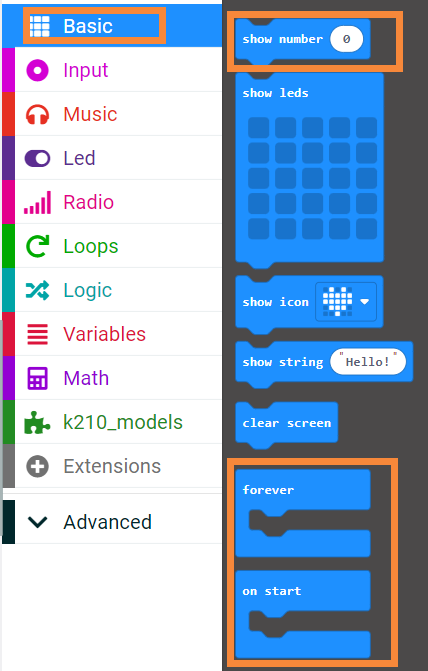
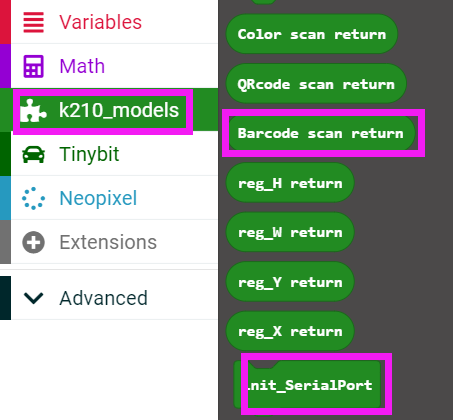
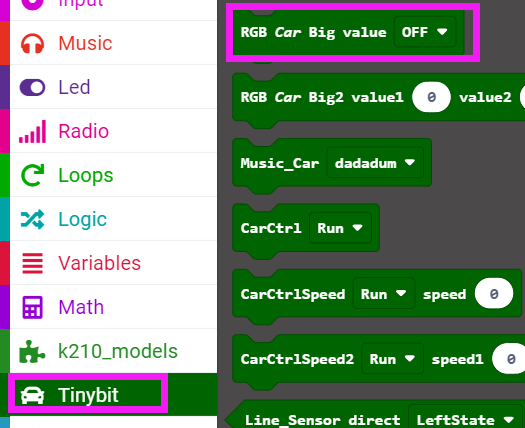
5. Assortment blocks
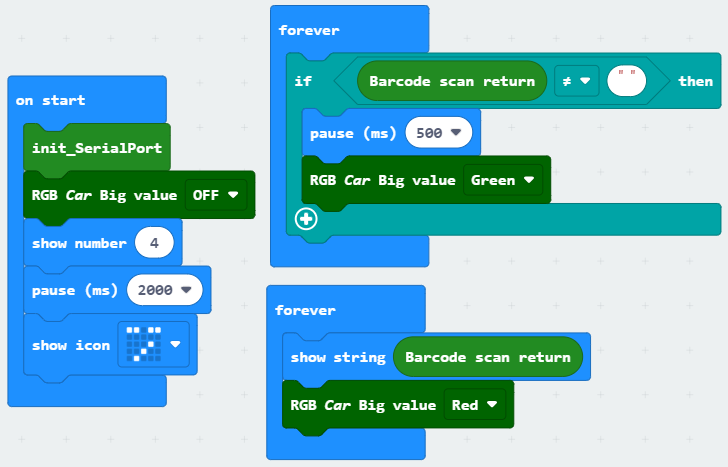
6. Download code
Connect the Micro:bit board to the computer via microusb cable, the computer will pop up a USB stick.
Then, select the k210_barcode.hex code and right click to send it to the Micro:bit U disk.
Wait until sending is complete and unplug the Micro:bit usb cable. Plug the Micro:bit board into the car.
7. Experimental Phenomena
After starting the car, wait for the screen to display the camera image.
Wait for the screen to display the camera screen, then point the camera at the barcode to be identified, after identification, the micro:bit board will display the content of the barcode and the searchlight color will turn green.
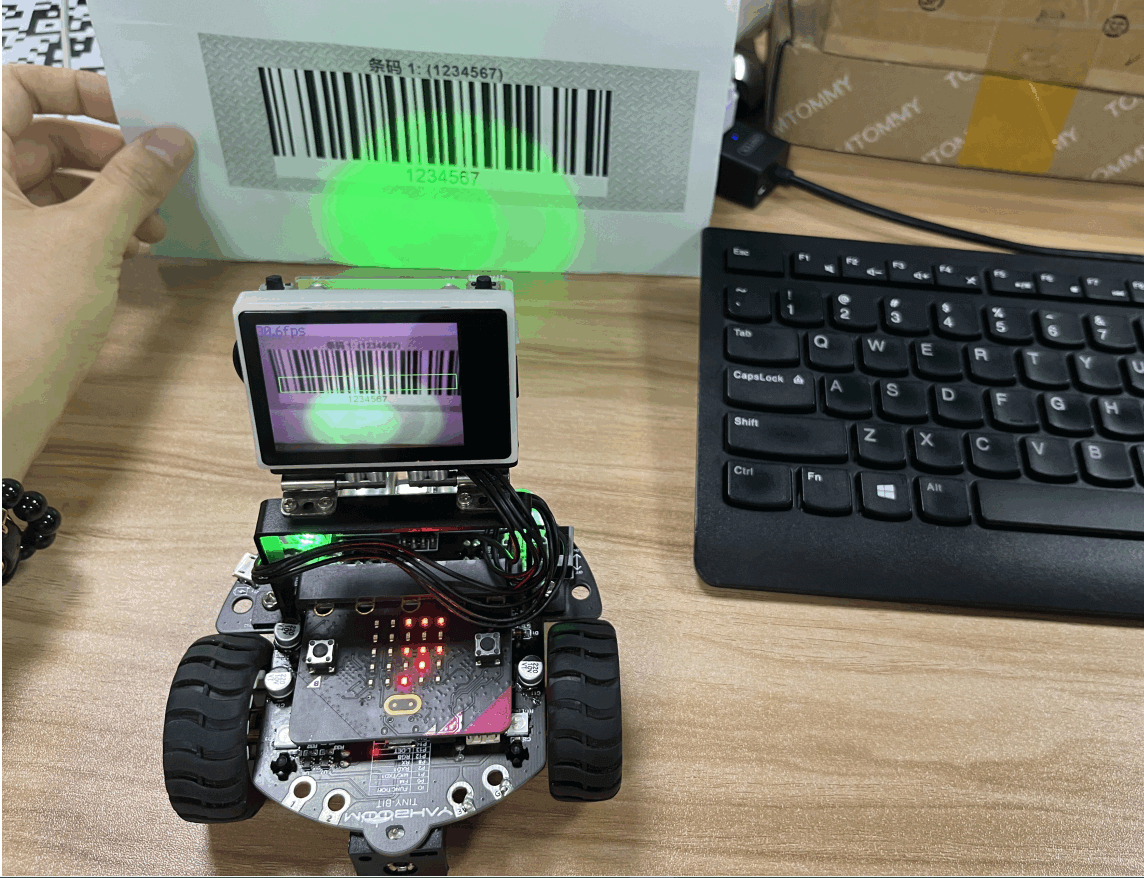
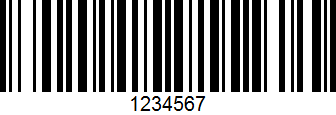
Barcode picture: