Welcome to AI Voice Interaction Module repository
For Jetson
Jetson nano IIC communication
1. Experimental preparation
- Jetson nano
- Voice interaction module
- Dupont line
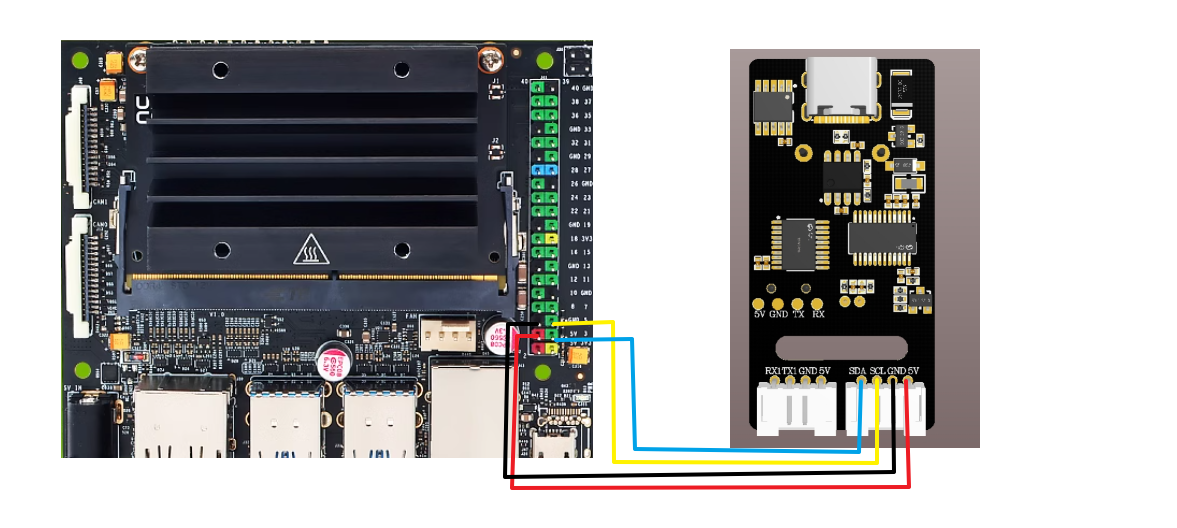
2. Wiring diagram
- Wiring diagram
| Jetson nano | Voice interaction module |
|---|---|
| 3 | SDA |
| 5 | SCL |
| GND | GND |
| 5V | 5V |
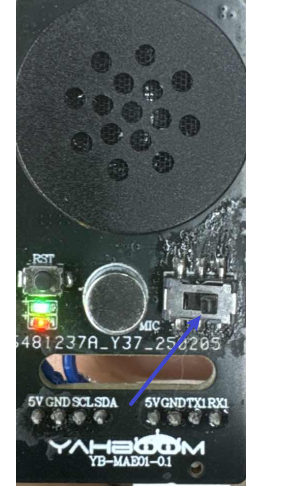
- Slide the module to the right position, use the serial port of the stc firmware,
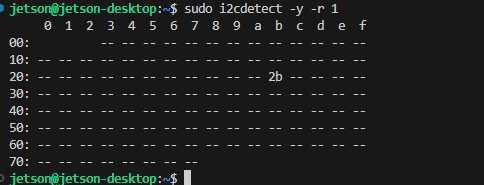
- Enter the command in the terminal, and the iic device address appears, indicating that it has been recognized normally.
xxxxxxxxxxsudo i2cdetect -y -r 1
3.Achievement effect
- Select the broadcast content by modifying the code in the program as shown below
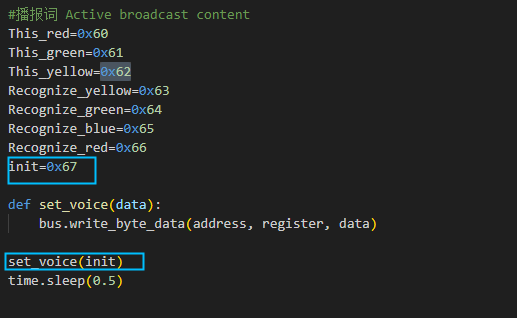
- The broadcast content can be viewed according to the Command word broadcast word protocol list V3_EN file provided in the attachment,
where the first and second bytes are AA FF indicates the frame header of the protocol, the third byte FF indicates the broadcast function, and the fourth is the ID of the broadcast content. Here you can see that "I am ready" is hexadecimal 67, so in the program, sending 0x67 to register 0x03 can broadcast the corresponding content. The fifth byte is the end frame

- Enter the following command in the terminal to run the program. When you hear I am ready, it means the program is running
xxxxxxxxxxpython3 iic_test.py
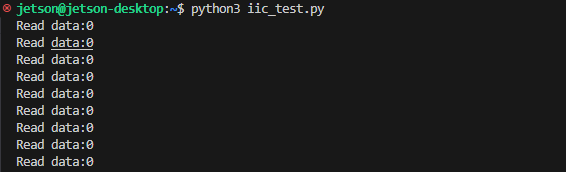
- After I say the wake-up word to wake up, I say "close light" and the debugging assistant will reply to receive 10
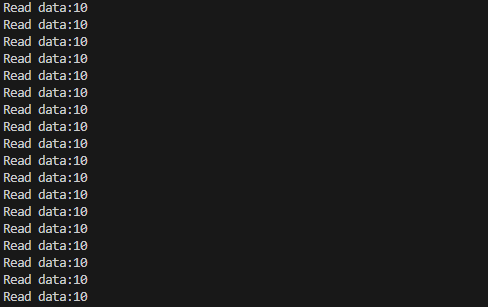
- At this time, you can open the attached Command Word Broadcast Word Protocol List V3_EN file to view the "Turn off the light" protocol

The first and second bytes AA FF represent the frame header of the protocol, the third byte represents the ID of the ten function words of the chip, and the fourth is the command word ID. Here you can see "close light" is hexadecimal 0A, decimal 10. The fifth byte is the end frame.
- Say other command words, the serial port debugging assistant will also print the corresponding command word ID, you can try it yourself