Welcome to DOFBOT Pro repository
10.Contour moment
10.Contour moment
This section is a dedicated course for the Jetson-Nano mainboard. The Orin mainboard does not have a ROS1 environment and cannot run the following programs. The startup commands for this section are run on the Jetson-Nano host machine (mainboard). Simply open a terminal directly on the mainboard and enter the course commands; there is no need to run them in Docker.
Moment functions are widely used in image analysis, such as pattern recognition, target classification, target recognition and orientation estimation, image encoding and reconstruction, etc. The moment set calculated from an image can not only describe the global characteristics of the image shape, but also provide a large amount of different geometric feature information about the image, such as size, position, direction and shape. The description ability of image moments is widely used in target recognition and orientation estimation in various fields of image processing, computer vision and robotics.
First moment: related to shape;
Second moment: shows how much the curve extends around the mean of the straight line;
Third-order moment: a symmetry measurement about the mean value; 7 invariant moments can be derived from the second-order moment and the third-order moment. The invariant moment is a statistical characteristic of the image, which satisfies the invariance of translation, expansion and contraction, and rotation, and is widely used in the field of image recognition.
10.1 Use
Source code launch file path:~/dofbot_ws/src/opencv_apps/launch
Step 1: Start the camera
roslaunch dofbot_visual opencv_apps.launch img_flip:=false
- img_flip parameter: whether the image needs to be flipped horizontally, the default is false.
Step 2: Start the corner detection function of Opencv_apps
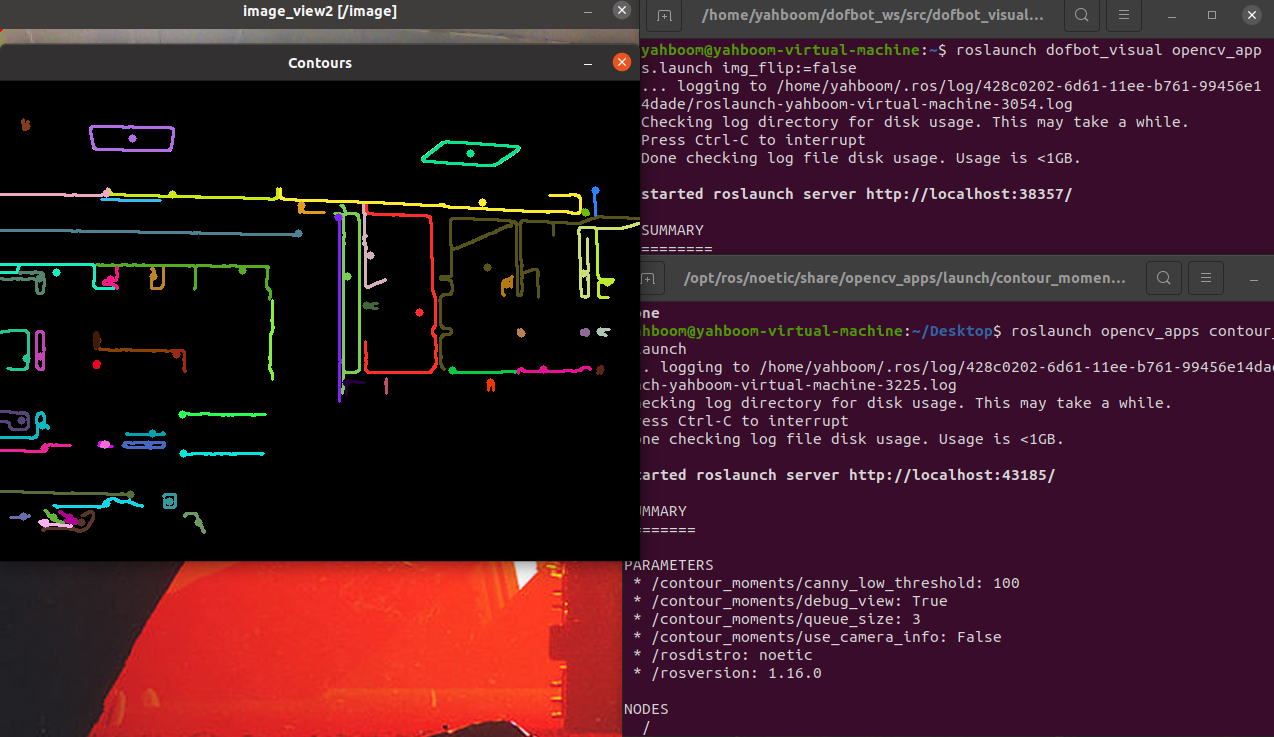
xxxxxxxxxxroslaunch opencv_apps contour_moments.launch # 轮廓矩 Each functional case will have a parameter [debug_view], Boolean type, whether to use Opencv to display images, which is displayed by default.
If no display is required, set it to [False], for example
xxxxxxxxxxroslaunch opencv_apps contour_moments.launch debug_view:=FalseHowever, after starting in this way, some cases cannot be displayed in other ways, because in the source code, some [debug_view] is set to [False], which will turn off image processing.
10.2 Display method
- rqt_image_view
Enter the following command to select the corresponding topic
xxxxxxxxxxrqt_image_view
- opencv
The system displays it by default, no need to do anything.
10.3 Effect display
Contour moments use parameters. There will be a topic for subscribing images and publishing images.
| Parameter | Type | Default | Analyze |
|---|---|---|---|
| ~use_camera_info | bool | true | Subscribe to the topic [camera_info] to get the default coordinate system ID, otherwise use the image information directly. |
| ~debug_view | bool | false | Whether to create a window to display the node image |
| ~canny_low_threshold | int | 0 | Canny edge detection low threshold |
| ~queue_size | int | 3 | Queue size |
Effect picture: