Welcome to L-Type Motor repository
4. Common Driver Installation
Common Driver Installation
This tutorial is about how to install drivers on Windows platforms
1、Serial port driver
CH340 and CP210x are two common serial port to USB chip models.
1.1、CH340
Administrator
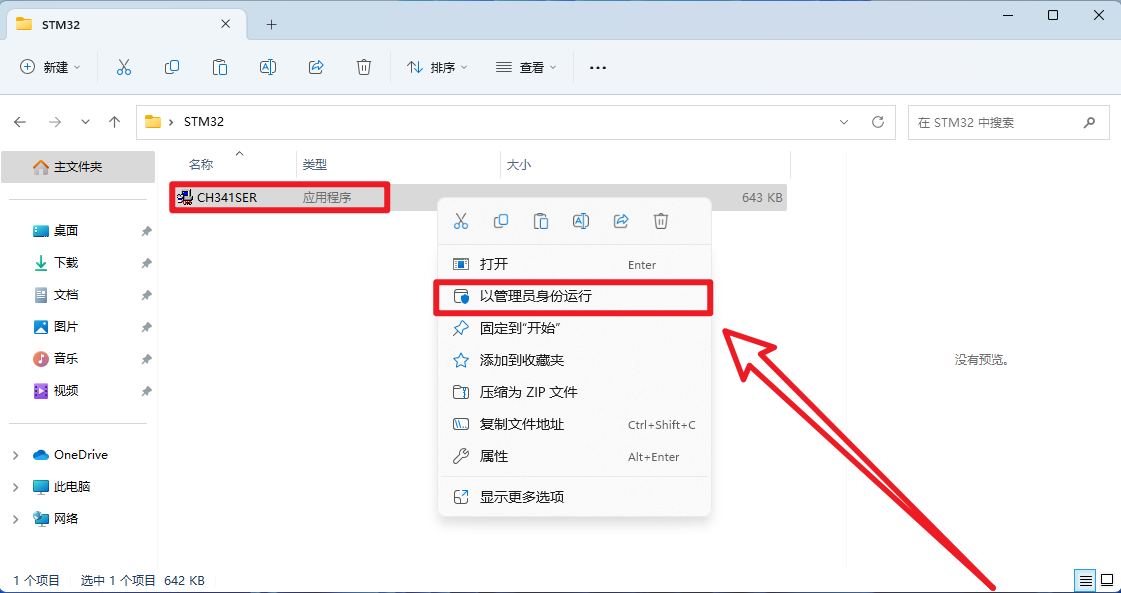
Open the installation package as an administrator
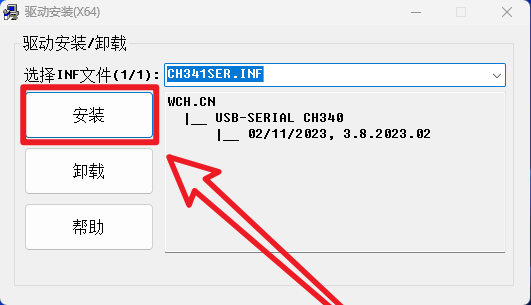
install
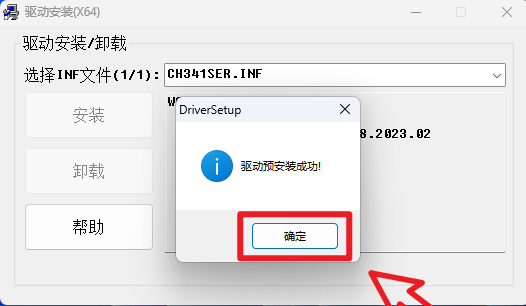
Effection
Use the product with CH340 driver chip to connect to the computer and see if it can be recognized normally (go to the system device manager → port to check)
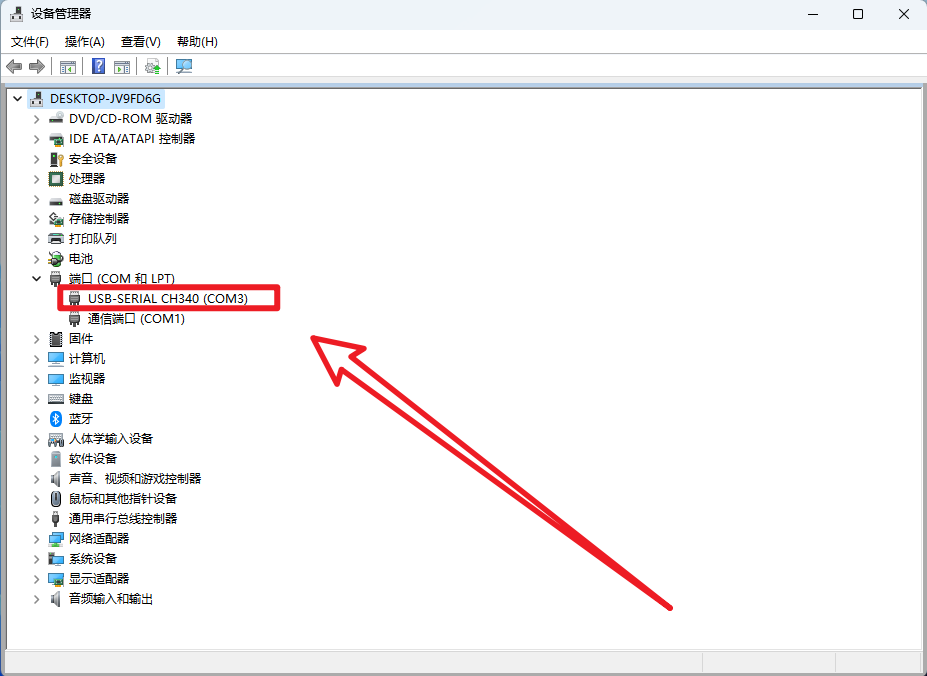
After installing the driver, you can restart the system and then access the serial communication equipment
1.2、CP210x
Installation
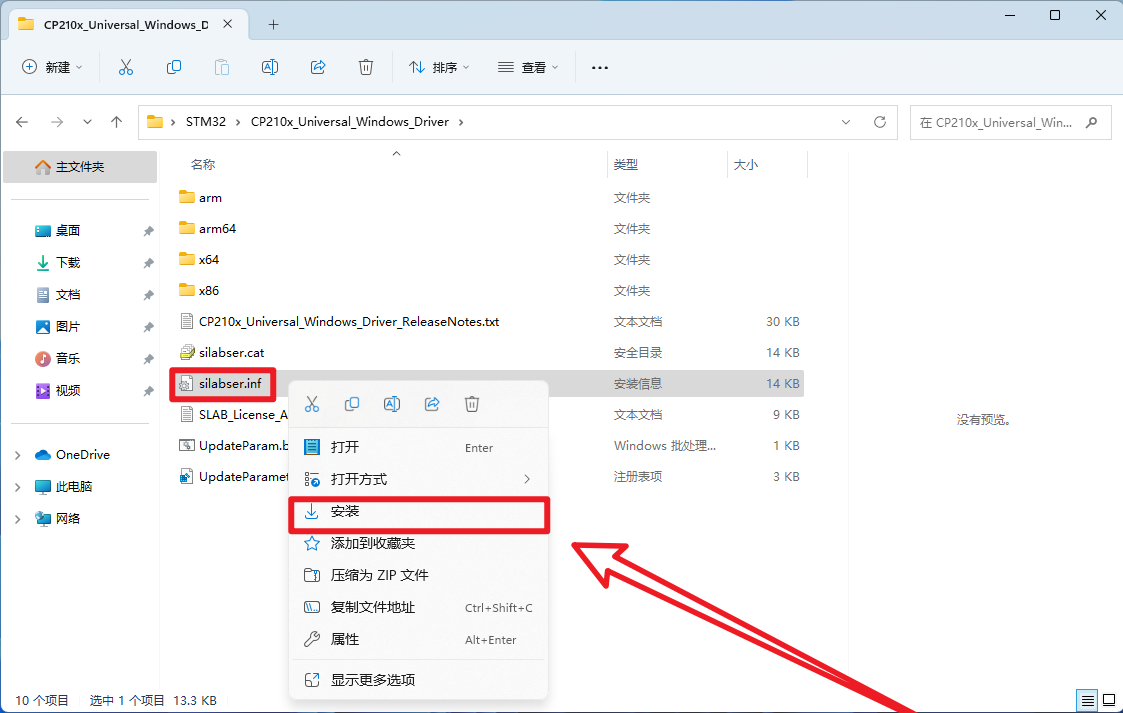
After unpacking the downloaded compressed package, select the "silabser.inf" file to install.
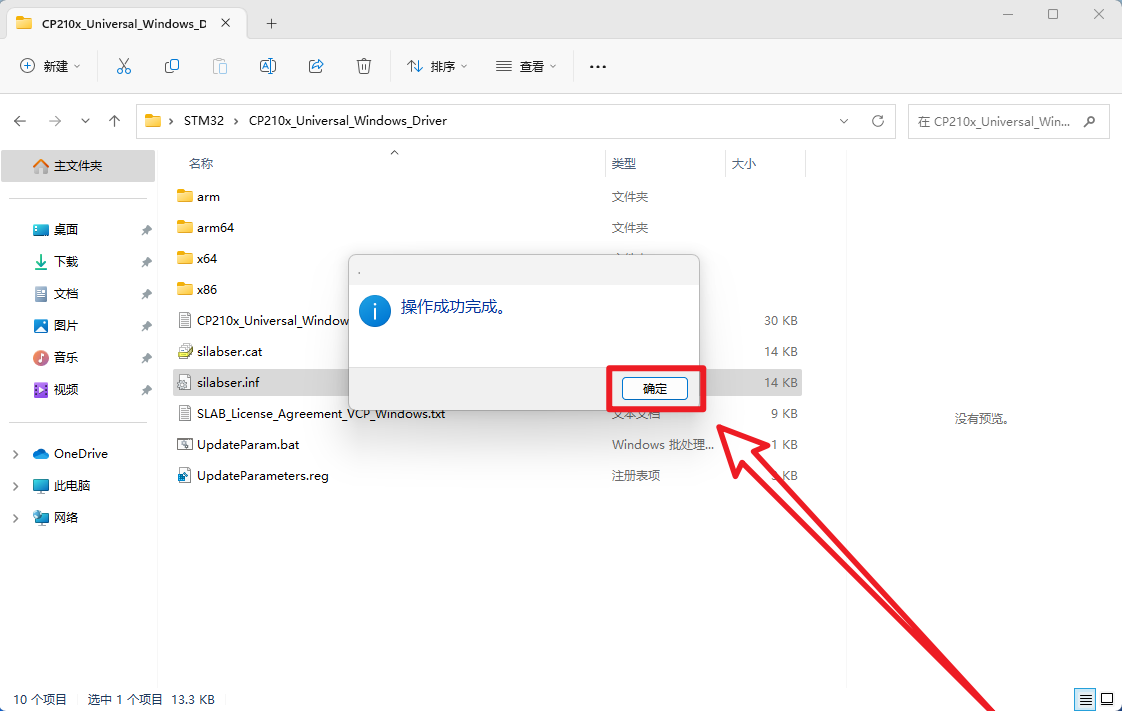
Click on OK button
Effection
Use the product with CP210x driver chip to connect to the computer and see if it can be identified normally (go to the system device manager → port to check).
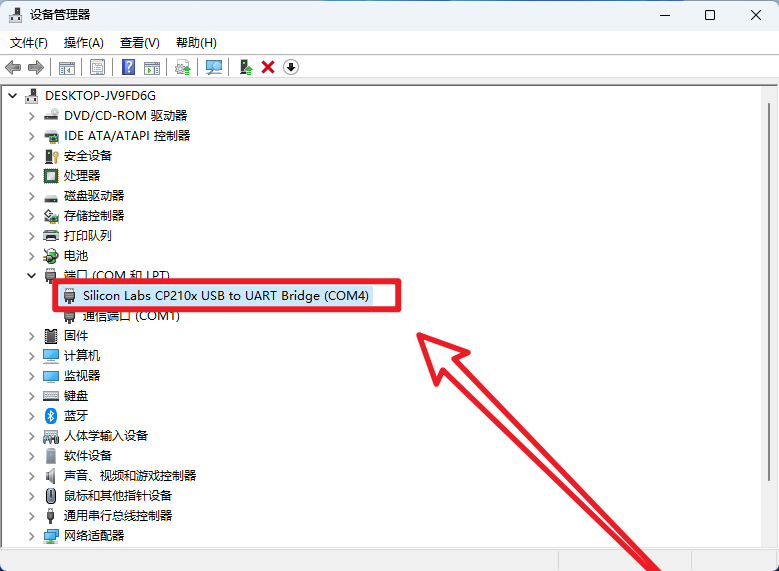
xxxxxxxxxxAfter installing the driver, you can restart the system and then connect to the serial communication device.
2、ST-Link drive
This chapter only describes the ST-Link driver installation, not the rest.
xIf you followed this tutorial from scratch, you do not need to install any emulator drivers because you already installed the ST-Link drivers when installing the software.MDK-ARM installation tutorial: ST-Link driver installedSTM32CubeIDE Installation - Usage Tutorial: Installing ST-Link and J-Link drivers
Normal drive
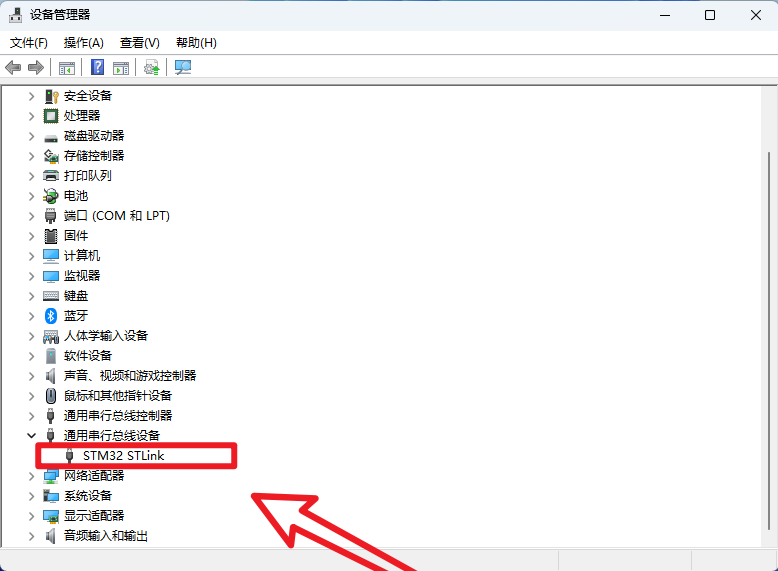
xxxxxxxxxxShown here is the ST-Link driver installed by default in the software
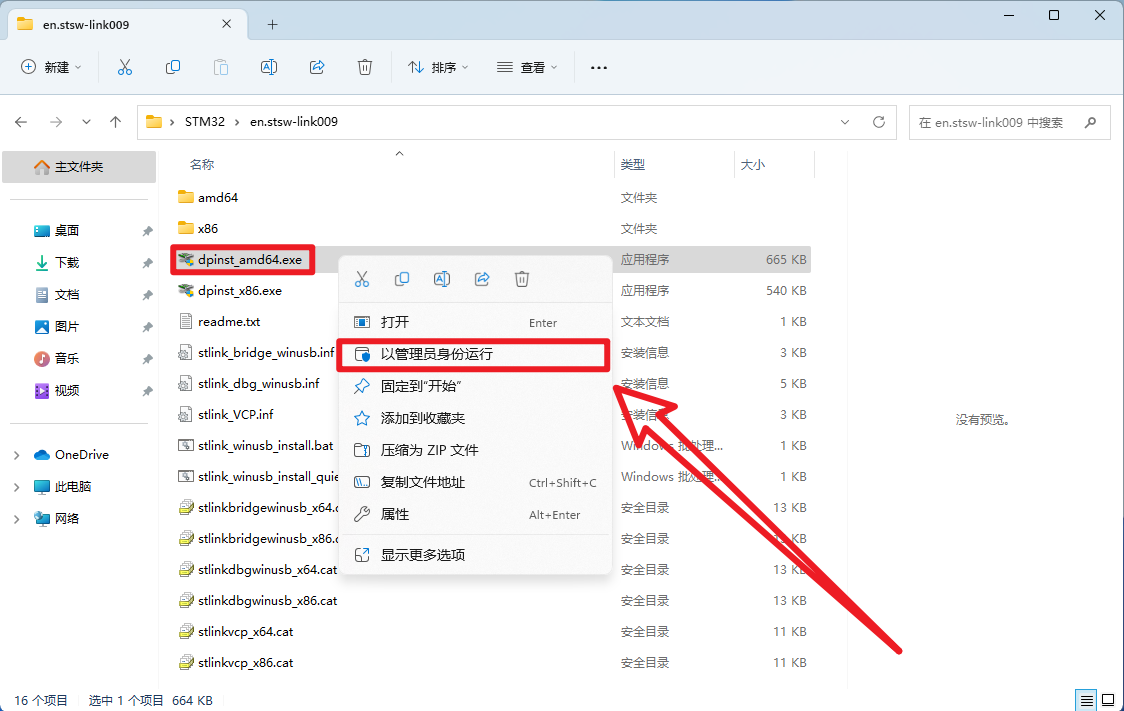
Installing the driver
After extracting the archive, open the installation package as an administrator
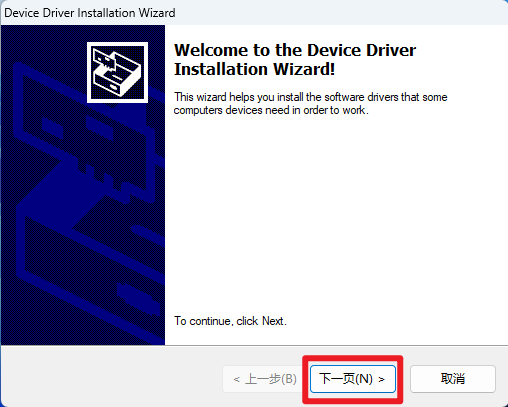
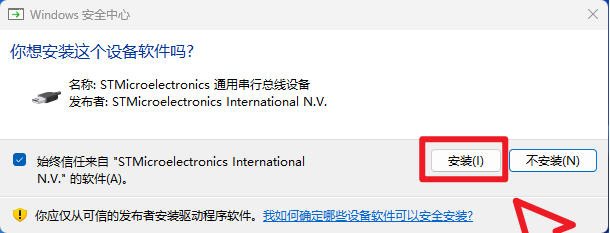
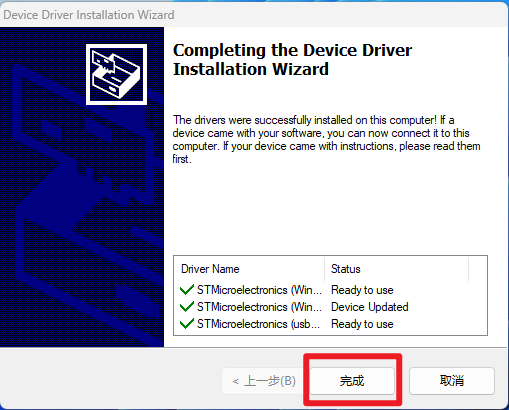
Effection
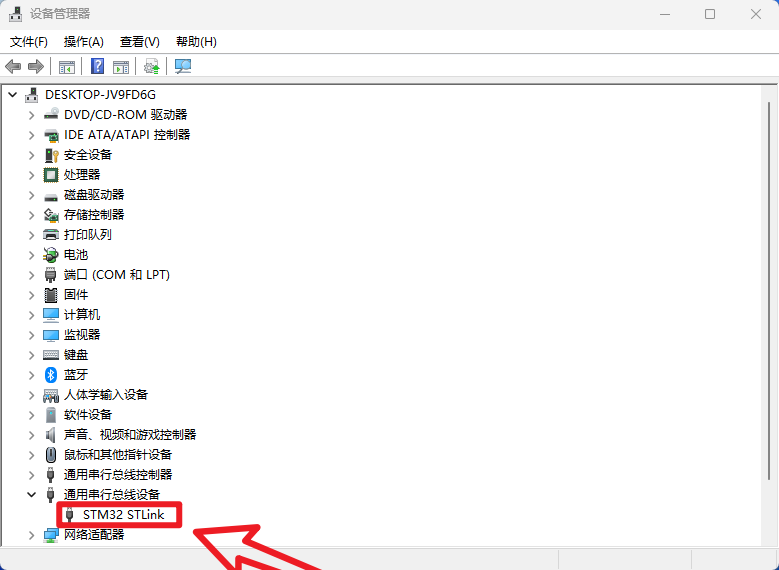
Connect the ST-Link to the computer to see if it can be recognized normally (go to the system Device Manager → Universal Serial bus device to see).