Welcome to K210 Module repository
5.Call custom py library
5 Call custom py library
5 Call custom py library5.1 Custom py library description5.2 Import the py library5.3 Calling the py library
5.1 Custom py library description
For those of you who have used Python, Python allows you to call custom py libraries (or third-party py libraries) from the same directory, and MicroPython allows you to call custom py libraries as well. Before calling the custom py library, you need to import the py library file into K210.
5.2 Import the py library
For example, consider importing simplePID.py.
There are two ways to import the custom py library. The first way is to copy the custom py library file directly to the root directory of the memory card, and then insert the memory card to call it.
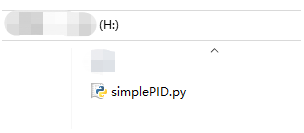
The second is through the CanMV IDE to import, the details of the operation please see the following content.
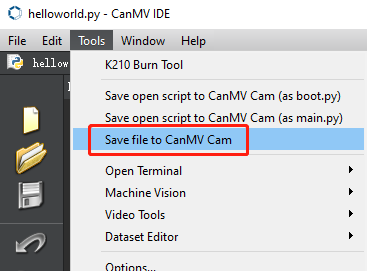
Go to Tools -> Save file to CanMV Cam.
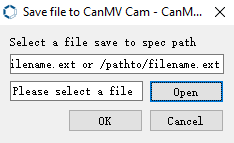
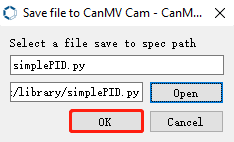
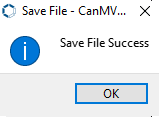
Click Open, select the py file you want to pass in, change the filename to simplePID.py, and click OK to start writing to the file.
Note: The files written here are first written to the memory card.
5.3 Calling the py library
from simplePID import PIDprint("import simplePID OK")PID_controller = PID(0, 10, 0, 1)print("PID test OK")
Run the above code, if normal, it will print the test OK message in the serial terminal at the bottom of the IDE.
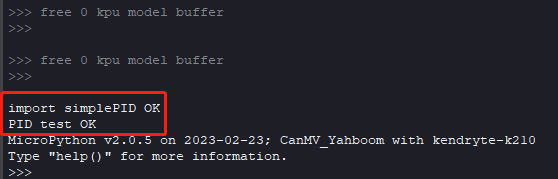
You'll get an error if you didn't import simplePID.py earlier or if the names don't match.