Welcome to 310 Motor repository
1. Common development tools
Common Development Tools
Common Development Tools1、Integrated development environment(IDE)1.1、STM32CubeMXMain Features1.2、MDK-ARMMain Features1.3、STM32CubeIDEMain Features1.4、Summary2、Emulator2.1、ST-Link2.2、J-Link2.3、DAP3、Serial port burning software3.1、FlyMcu3.2、mcuisp4、Serial port debugging assistant4.1、UartAssist4.2、XCOM
1、Integrated development environment(IDE)
IDE is the abbreviation of Integrated Development Environment, which is used to integrate various development tools and functions to provide a unified development environment.
Tutorials are developed using STM32CubeIDE software
1.1、STM32CubeMX
STM32CubeMX is a powerful visualization tool for generating initialization code and configuring STM32 microcontrollers .
Main Features
Visualization configuration: pin configuration, clock configuration, peripheral configuration, etc
An intuitive graphical interface is provided, so that developers can easily configure the STM32 microcontroller.
Support HAL library, LL library;
Supports multiple development tools;
Automatically generate engineering framework, support export EWARM, MDK-ARM, STM32CubeIDE, Makefile engineering files.
1.2、MDK-ARM

MDK-ARM is an integrated development environment (IDE) developed by Keil for software development of embedded systems, supporting MCU from multiple chip vendors (including STMicroelectronics STM32 series), providing a complete development environment.
Main Features
Stable and mature development environment;
Support development tasks such as code editing, compilation, debugging, and simulation.;
Provides a powerful ARM compiler and optimization options to generate efficient object code.。
1.3、STM32CubeIDE
STM32CubeIDE is an Eclipse-based integrated development environment specifically designed to develop STM32 applications.
Main Features
Integrate CubeMX configuration tool;
Rich plugin and toolchain support is provided;
Developers can write, debug, and test code directly.
1.4、Summary
| IDE | Characteristics |
|---|---|
| STM32CubeMX | Quickly configure and initialize code generation |
| MDK-ARM | Stable development tools |
| STM32CubeIDE | Comprehensive development environment |
2、Emulator
For tutorials involving simulation: Use the ST-Link emulator
2.1、ST-Link
ST-Link is an emulator provided by STMicroelectronics;
Support for SWD and JTAG debug interfaces;
Support STM32CubeIDE, Keil MDK development environment.
2.2、J-Link
J-Link is an emulator provided by SEGGER;
Support SWD, JTAG debug interface;
Support Keil MDK, IAR and other development environments.
2.3、DAP
DAP is an open source simulator provided by ARM company;
It has the function of virtual serial port, which is convenient for data receiving, sending and debugging;
Support STM32CubeIDE, Keil MDK and other development environments.
All the above simulators support the simulation and debugging of STM32
3、Serial port burning software
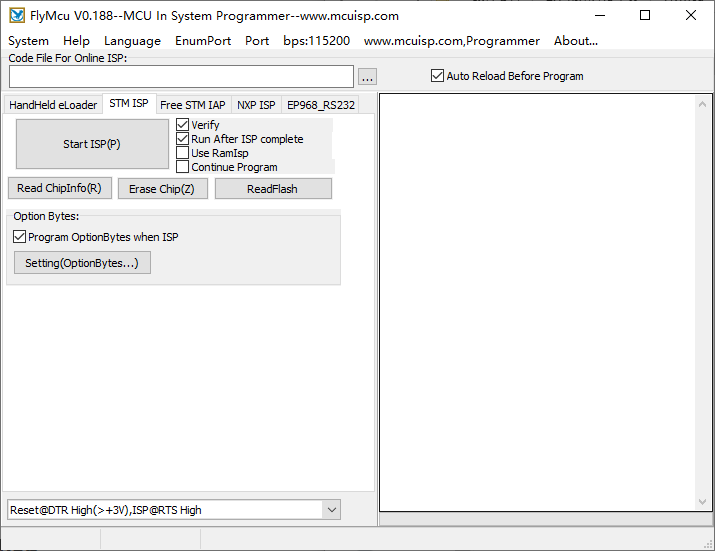
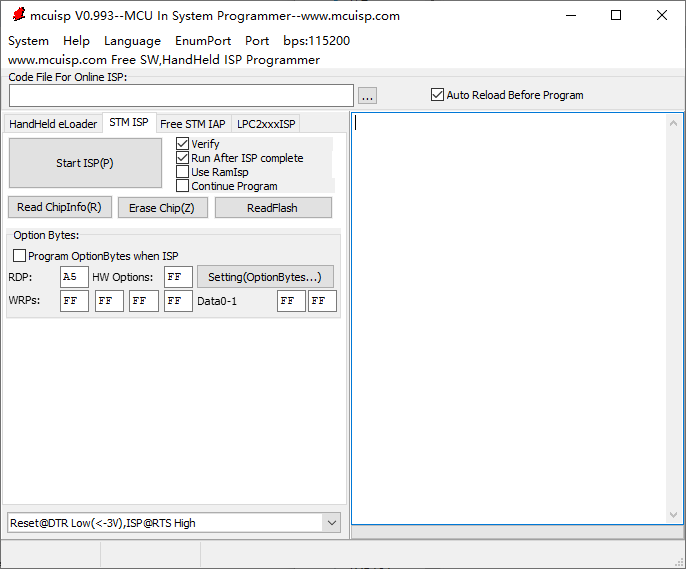
Two free serial ISP download software, through the serial port for program burning.
3.1、FlyMcu
3.2、mcuisp
xxxxxxxxxxThis tutorial is not recommended, choose your own serial debugging assistant
4、Serial port debugging assistant
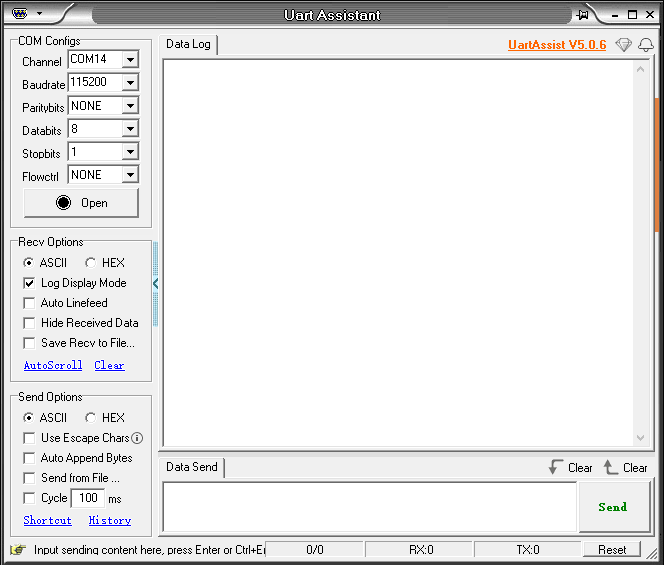
4.1、UartAssist
Powerful, simple operation, easy to use
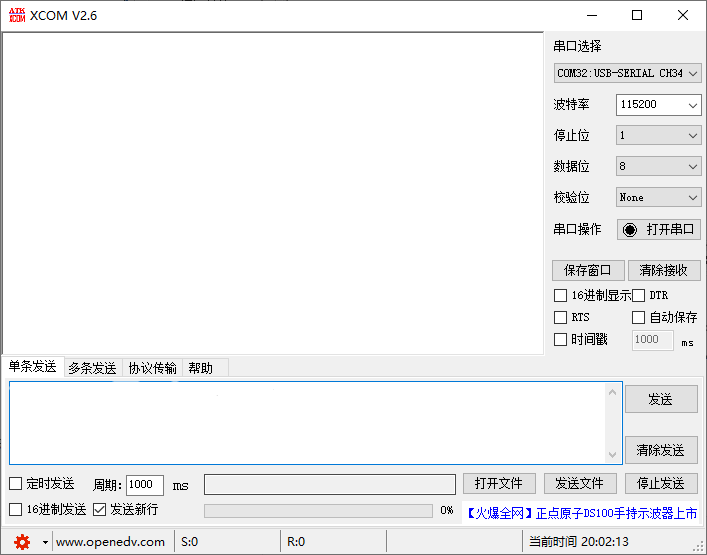
4.2、XCOM
stable, multi-function, easy to use
xxxxxxxxxxThis tutorial is not recommended, choose your own serial debugging assistant