Welcome to MicroROS Robot repository
6.Gesture control car movement
Gesture control car movement
Note: The VM and ROS-wifi image transfer module must be consistent with the microROS control board ROS_DOMAIN_ID and set the value to 20. You can check [MicroROS control board Parameter configuration] to set the microROS control board ROS_DOMAIN_ID. Check the tutorial Connecting to MicroROS Agents to see if the ids are the same.
1、Program function specification
When the function is turned on, the camera captures images and recognizes gestures to control the car's movement.
| Sign "5" | Cart along |
|---|---|
| fist | Car back |
| 1 finger | Car turn left |
| 2 finger | Car turn right |
MediaPipe Hands extrapolates the 3D coordinates of 21 hand-valued joints from a single frame

2、Program code reference path
After entering the docker container, the location of the feature source code is located,
/home/yahboom/yahboomcar_ws/src/yahboom_esp32ai_car/yahboom_esp32ai_car/HandCtrl.py
3、Program initiation
3.1、Program initiation
Terminal input
xxxxxxxxxxros2 run yahboom_esp32ai_car HandCtrl
If the camera Angle is not at this Angle, please press CTRL+C to end the program and run it again, this is because the network delay causes the Angle of sending the steering gear to lose packets.
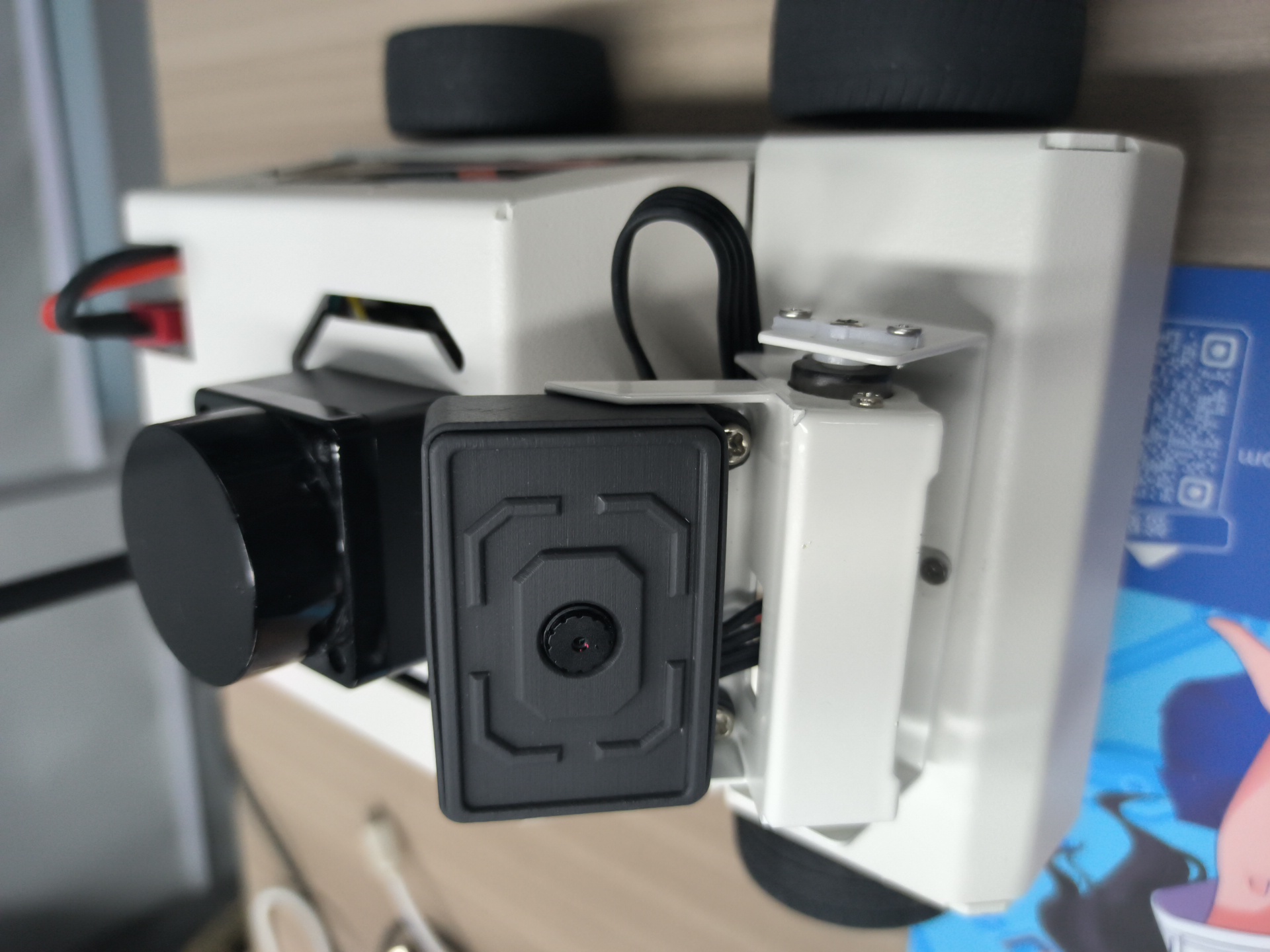
If the camera picture image appears upside down, you need to see 3. Camera picture correction (must see) document itself correction, the experiment is no longer described.
Open the function, and then put your hand in front of the camera, the picture will draw the shape of the finger, the program recognizes the gesture, it will send the speed to the chassis, and then control the car movement.

4、Core code
4.1、HandCtrl.py
Import key library
xxxxxxxxxxfrom media_library import *Get finger data
xxxxxxxxxxframe, lmList, _ = self.hand_detector.findHands(frame)fingers = self.hand_detector.fingersUp(lmList)sum(fingers)fingers[]
As you can see, it is first detected to get the value of lmList and then passed to the fingersUp function. The fingersUp function is used to detect which fingers are straight, the value of which is 1, and you can also see media_library,py function for a detailed explanation of the code, which is to determine the xy value of the finger joint to determine when it is straight. The sum(fingers) function is used to count the number of straight fingers, fingers[] can be used to enumerate fingers, such as the index finger, we use fingers[1].
Release speed to chassis
xxxxxxxxxxself.media_ros.pub_vel(x,y,z)
4.2、Flow chart
