Welcome to JetCobot repository
16.Contour detection
16、Contour detection
16.1、 Use
Source code launch file path:~/jetcobot_ws/src/opencv_apps/launch
Step 1: Start the camera
xxxxxxxxxxroslaunch jetcobot_visual opencv_apps.launch img_flip:=false
img_flip parameters: Whether the image needs to be flipped horizontally, the default is false.
Step 2: Start the corner detection function of Opencv_apps
xxxxxxxxxxroslaunch opencv_apps find_contours.launch # Contour detection
Each functional case will have a parameter [debug_view], Boolean type, whether to use Opencv to display images, which is displayed by default.
If no display is required, set it to [False], for example
xxxxxxxxxxroslaunch opencv_apps contour_moments.launch debug_view:=False
However, after starting in this way, some cases cannot be displayed in other ways, because in the source code, some [debug_view] is set to [False], which will turn off image processing.
16.2、Display method
rqt_image_view
Enter the following command to select the corresponding topic
xxxxxxxxxxrqt_image_view
opencv
The system displays it by default and no processing is required.
16.3、Effect display
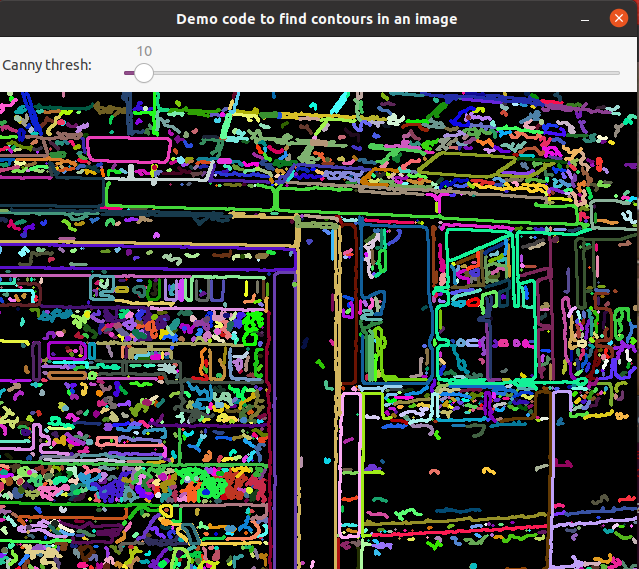
You can drag the slider to view the outline of the screen.