Welcome to JetCobot repository
4. JupyterWidgets Configuration Tutorial
JupyterWidgets Configuration Tutorial
1. Install the plugin
Please make sure that Jupyter lab has been installed, open the system terminal, and enter the following command to install the plugin.
xxxxxxxxxxsudo jupyter labextension install @jupyter-widgets/jupyterlab-managersudo jupyter labextension install @jupyterlab/statusbar
2. Test
- Open and enter jupyter lab
xxxxxxxxxxjupyter lab
- Enter Notebook
- Copy and paste the sample code
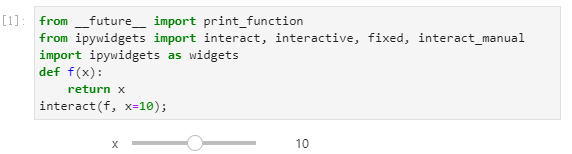
xxxxxxxxxxfrom __future__ import print_functionfrom ipywidgets import interact, interactive, fixed, interact_manualimport ipywidgets as widgetsdef f(x):return xinteract(f, x=10);
- Use the shortcut key to start running. If the result is as follows, Jupyter Widgets configuration completed
Shift+Enter