Welcome to RDK S600 Developer Kit repository
2.8 Using the USB Camera
Using USB Cameras
The development board has the usb_camera_snap.py program installed to test the data pipeline of USB cameras. This example captures real-time image data from a USB camera and saves it locally as img.jpg.
1. Environment Setup
- Connect the USB camera to the development board and confirm that the
/dev/videoXdevice node is created, whereXis a number (e.g.,/dev/video0). - Connect the development board to a display using an HDMI cable.
2.How to Run
Execute the program with the following commands:
sunrise@ubuntu:~$ cd /app/pydev_demosunrise@ubuntu:/app/pydev_demo$ PYTHONPATH=/app/pydev_demo python usb_camera_sample/usb_camera_yolov5x.py
3. Expected Result
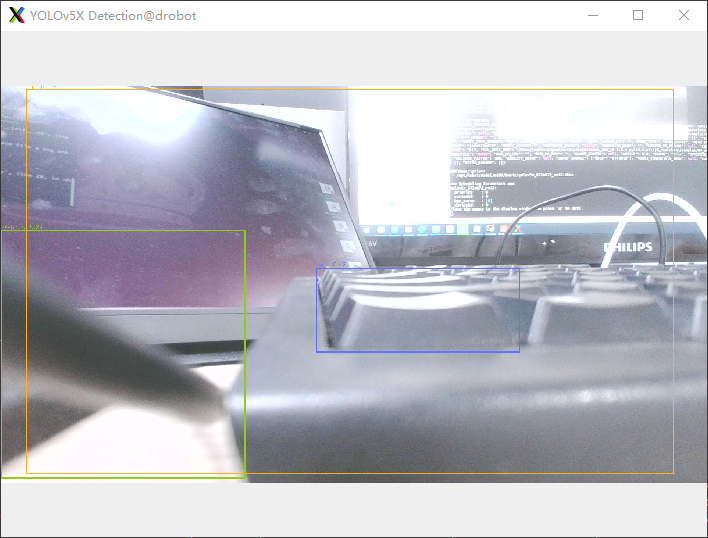
After running the program, the display will capture and show the current camera frame, as shown below: