Welcome to MicroROS Self-balancing Robot Car repository
6.Angular velocity calibration
Angular velocity calibration
Note: The virtual machine needs to be in the same LAN as the car, and the ROS_DOMAIN_ID needs to be the same. You can check [Must-read before use] to set the IP and ROS_DOMAIN_ID on the board.
1. Program function description
The car connects to the proxy, runs the program, and adjusts the parameters here to calibrate the angular velocity of the car through the dynamic parameter regulator. The intuitive manifestation of angular velocity calibration is to let the car rotate 360 degrees (one circle) to see how many degrees it actually rotates and whether it is within the error range.
xxxxxxxxxxNote: Before running the program, the car needs to be restarted in a stable standing position to ensure that all sensors are reset
2. Start and connect the agent
Take the matching virtual machine as an example, enter the following command to start the agent,
xxxxxxxxxxsudo docker run -it --rm -v /dev:/dev -v /dev/shm:/dev/shm --privileged --net=host microros/micro-ros-agent:humble udp4 --port 8899 -v4 
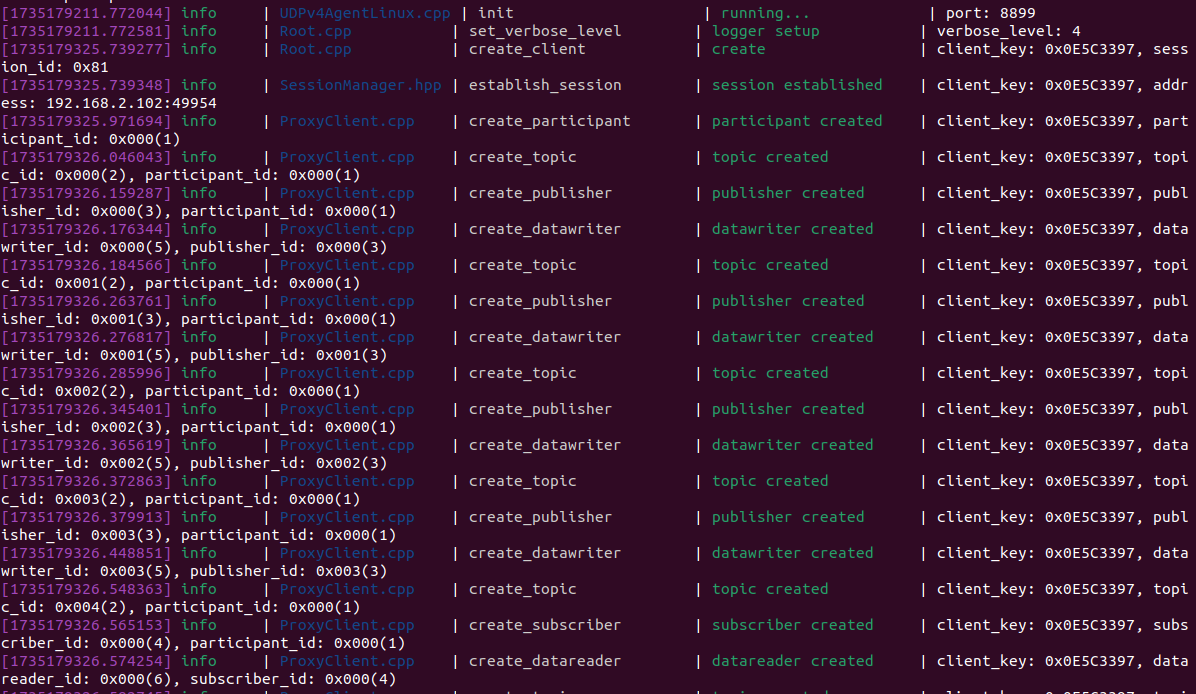
Then, turn on the car switch and wait for the car to connect to the proxy. The connection is successful as shown in the figure below.
3. Start the program
3.1 Run the command
Take the matching virtual machine as an example, input in the terminal,
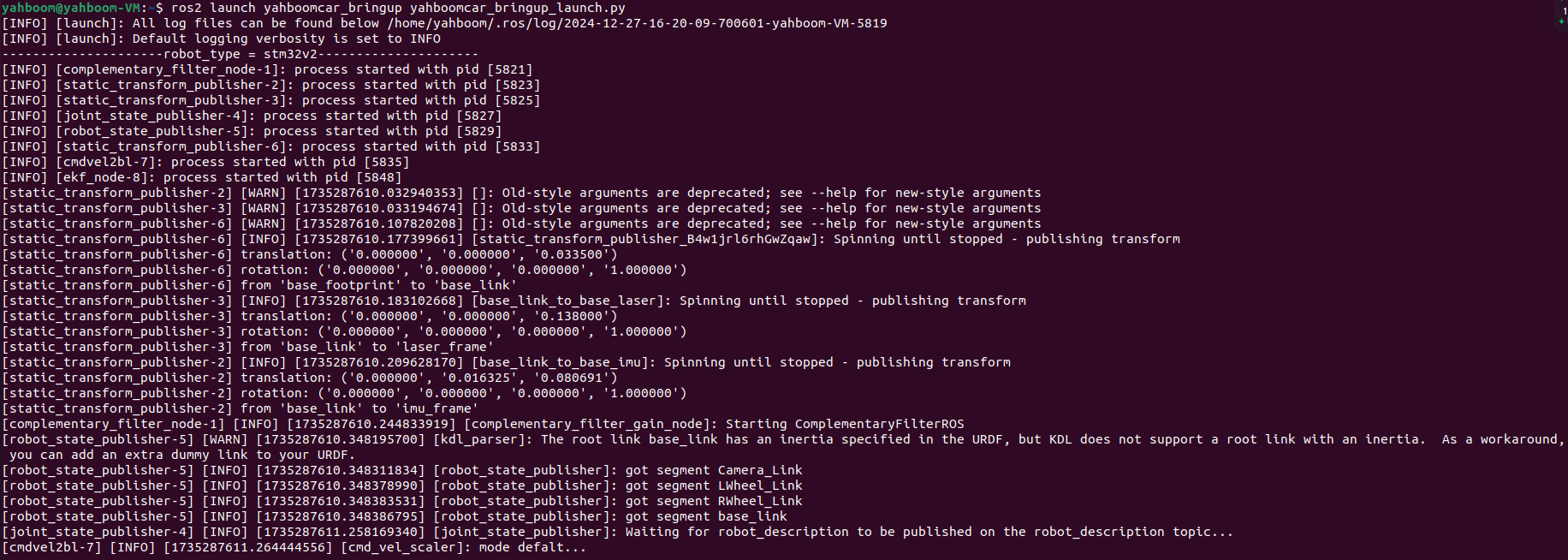
xxxxxxxxxxros2 launch yahboomcar_bringup yahboomcar_bringup_launch.pyFirst, start the car to process the underlying data program. The program will publish the TF transformation of odom->base_footprint. With this TF transformation, we can calculate "how many degrees the car has turned".
Then, start the car angular velocity calibration program, enter in the terminal,
xxxxxxxxxxros2 run yahboomcar_bringup calibrate_angular 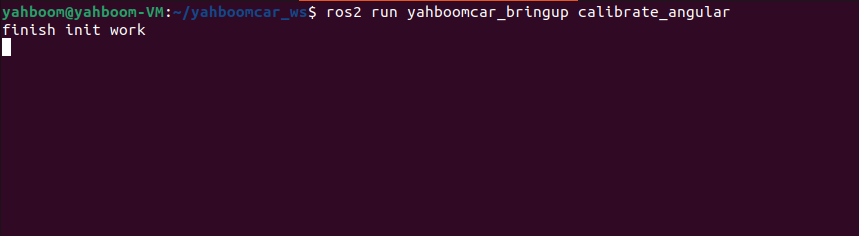
Finally, open the dynamic parameter regulator, enter in the terminal,
xxxxxxxxxxros2 run rqt_reconfigure rqt_reconfigure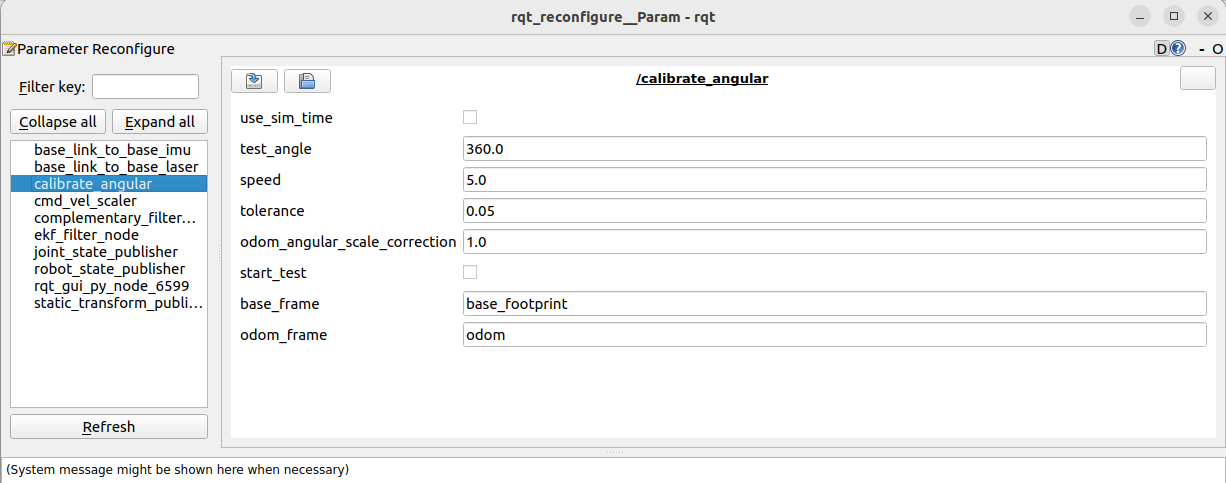
Note: The above nodes may not appear when you first open the application. Click Refresh to see all nodes. The calibrate_angular node is the node for calibrating angular velocity.
If conversion or other errors occur, this is due to network delay. The coordinate conversion of odom is not successful. You need to restart the car and connect to the agent again.

4. Start calibration
In the rqt_reconfigure interface, select the calibrate_angular node. There is a start_test below. Click the box on the right to start calibration. The other parameters of the rqt interface are as follows:
test_angle: the angle of the calibration test, here the test rotates 360 degrees;
speed: angular velocity;
tolerance: tolerance of error;
odom_angular_scale_correction: linear velocity scale coefficient. If the test result is not ideal, modify this value;
start_test: test switch;
base_frame: the name of the base coordinate system;
odom_frame: the name of the odometer coordinate system.
Click start_test to start calibration. The car will monitor the TF transformation of base_footprint and odom, calculate the theoretical distance traveled by the car, and issue a stop command when the error is less than tolerance.
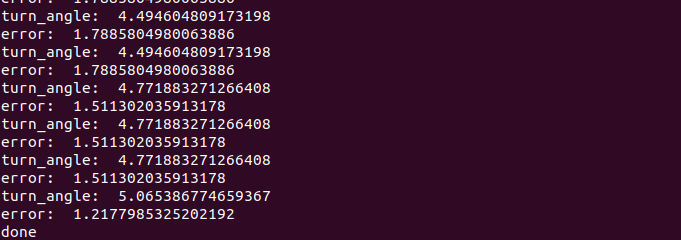
The turn_angle here is in radians. If the actual rotation angle of the car is not 360 degrees, then modify the odom_angular_scale_correction parameter in rqt. After modification, click on the blank space, click start_test again, reset start_test, and then click start_test again to calibrate. Modifying other parameters is the same. You need to click on the blank space to write the modified parameters. You can also record the parameters, modify the source code directly, and recompile and update the environment.
5. Code analysis
Source code reference path (taking the supporting virtual machine as an example):
xxxxxxxxxx/home/yahboom/yahboomcar_ws/src/yahboomcar_bringup/yahboomcar_bringupcalibrate_angular.py, the core code is as follows,
x
#Monitor TF transformation of base_footprint and odomdef get_odom_angle(self): try: now = rclpy.time.Time() rot = self.tf_buffer.lookup_transform(self.odom_frame,self.base_frame,now) cacl_rot = PyKDL.Rotation.Quaternion(rot.transform.rotation.x, rot.transform.rotation.y, rot.transform.rotation.z, rot.transform.rotation.w) angle_rot = cacl_rot.GetRPY()[2] return angle_rot #Calculate the rotation angle and errordef on_timer(self): self.start_test = self.get_parameter('start_test').get_parameter_value().bool_value self.odom_angular_scale_correction = self.get_parameter('odom_angular_scale_correction').get_parameter_value().double_value self.test_angle = self.get_parameter('test_angle').get_parameter_value().double_value self.test_angle = radians(self.test_angle) self.tolerance = self.get_parameter('tolerance').get_parameter_value().double_value self.speed = self.get_parameter('speed').get_parameter_value().double_value self.speed = self.speed * 100 move_cmd = Twist() self.test_angle *= self.reverse self.error = self.test_angle - self.turn_angle