Welcome to Raspberry Pi 4B repository
4. Mediapipe development
4.MediaPipe Development
mediapipe github:https://github.com/google/mediapipe
mediapipe official website:https://google.github.io/mediapipe/
dlib official website:http://dlib.net/
dlib github:https://github.com/davisking/dlib
4.Introduction
MediaPipe is an open source data stream processing machine learning application development framework developed by Google. It is a graph-based data processing pipeline for building data sources using many forms, such as video, audio, sensor data, and any time series data. MediaPipe is cross-platform and can run on embedded platforms (Raspberry Pi, etc.), mobile devices (iOS and Android), workstations and servers, and supports mobile GPU acceleration. MediaPipe provides cross-platform, customizable ML solutions for live and streaming media.
The core framework of MediaPipe is implemented in C++ and provides support for languages such as Java and Objective C. The main concepts of MediaPipe include Packet, Stream, Calculator, Graph and Subgraph.
Features of MediaPipe:
- End-to-end acceleration: Built-in fast ML inference and processing accelerates even on commodity hardware.
- Build once, deploy anywhere: Unified solution for Android, iOS, desktop/cloud, web and IoT.
- Ready-to-use solutions: Cutting-edge ML solutions that showcase the full capabilities of the framework.
- Free and open source: framework and solutions under Apache2.0, fully scalable and customizable.
Deep Learning Solutions in MediaPipe
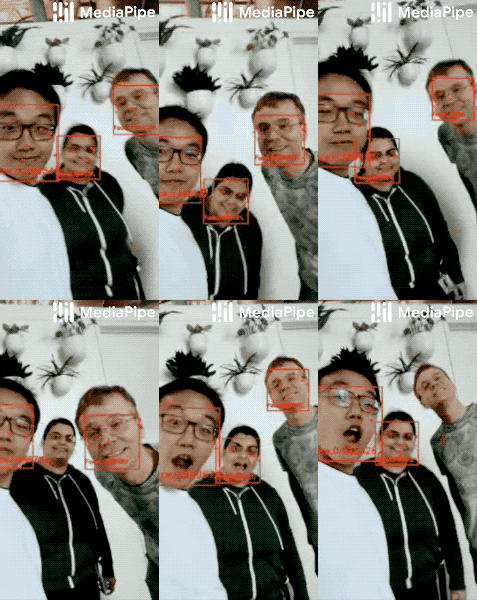
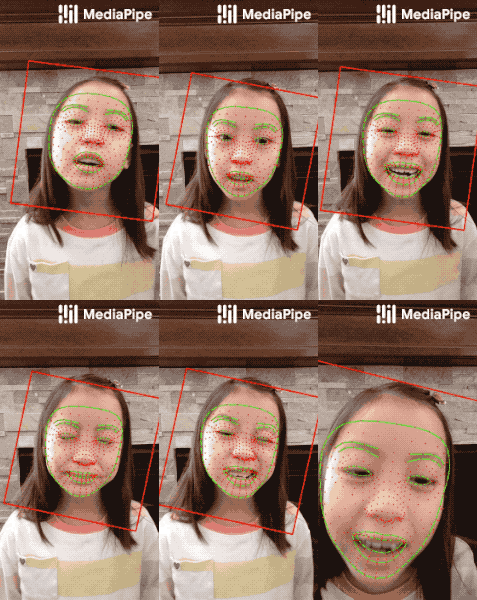
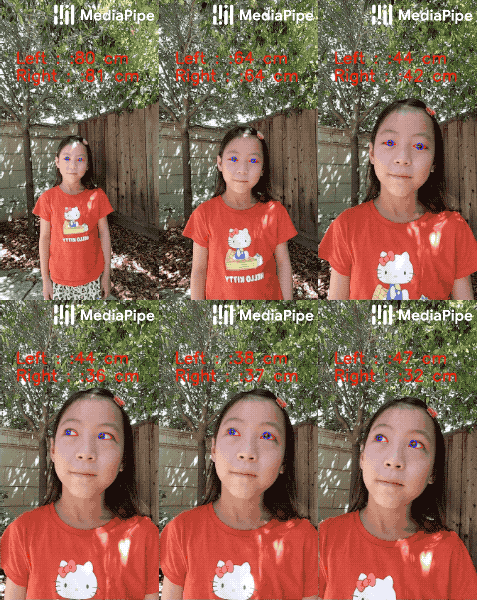
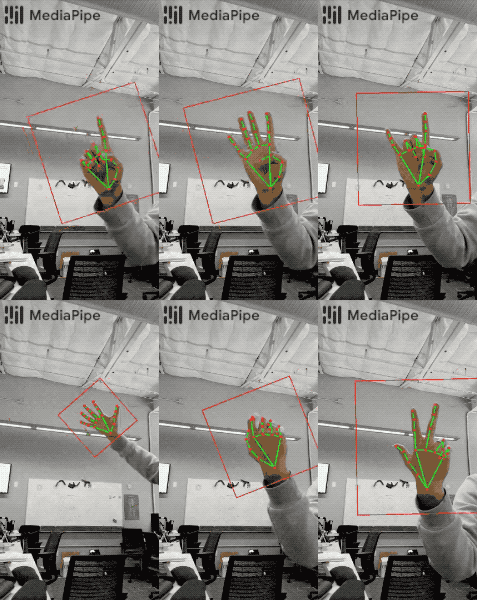
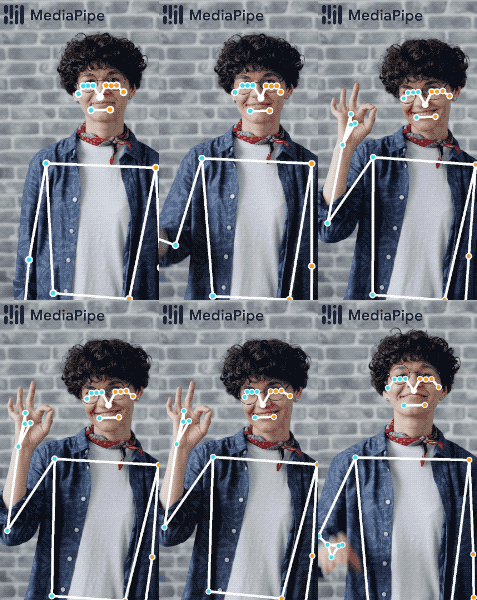
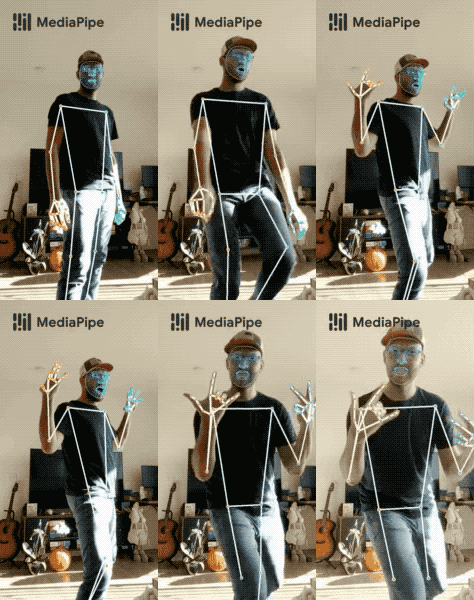
| Face Detection | Face Mesh | Iris | Hands | Pose | Holistic |
|---|---|---|---|---|---|
 |  |  |  |  |  |
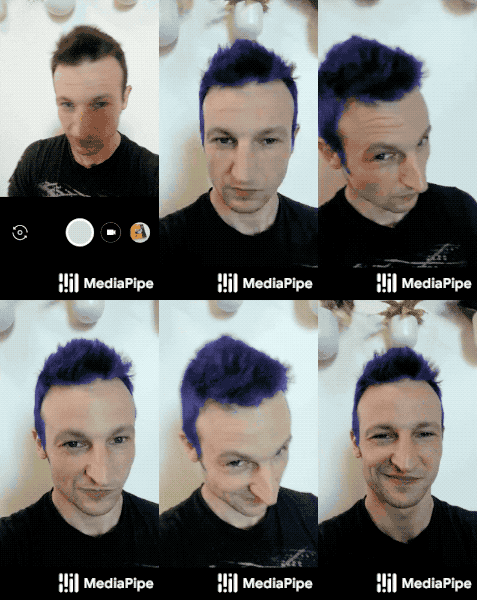
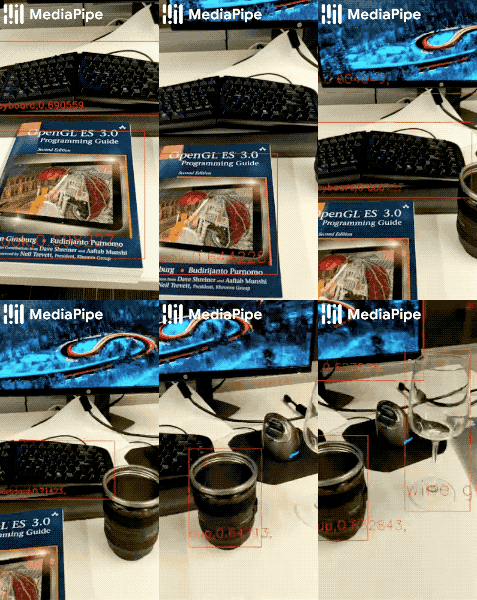
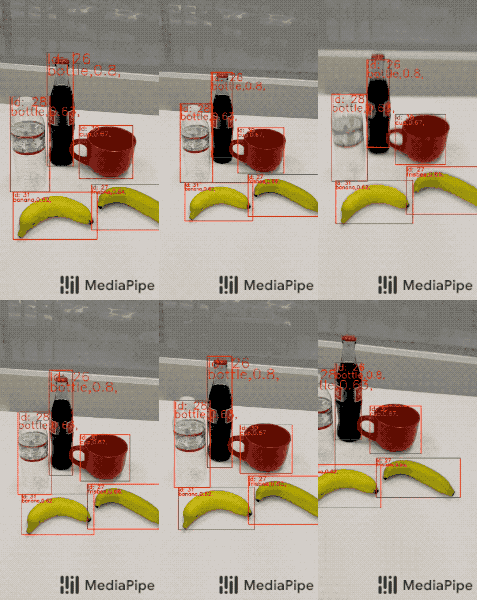
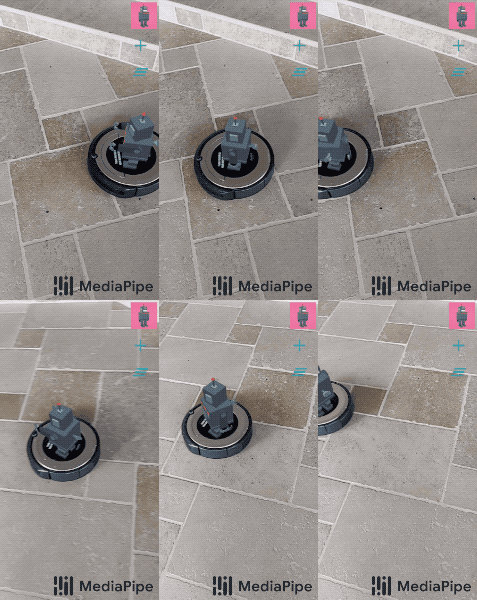
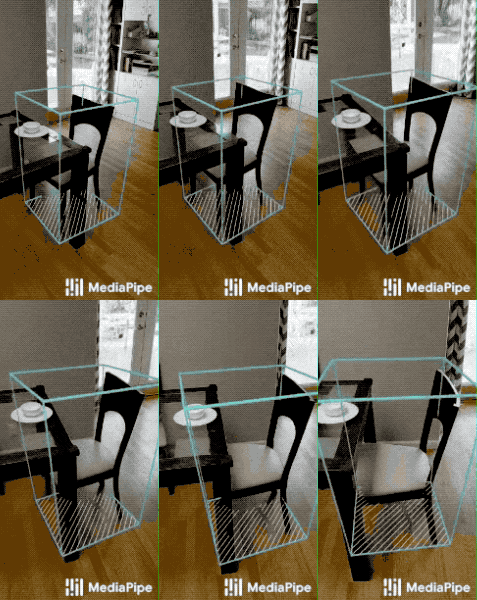
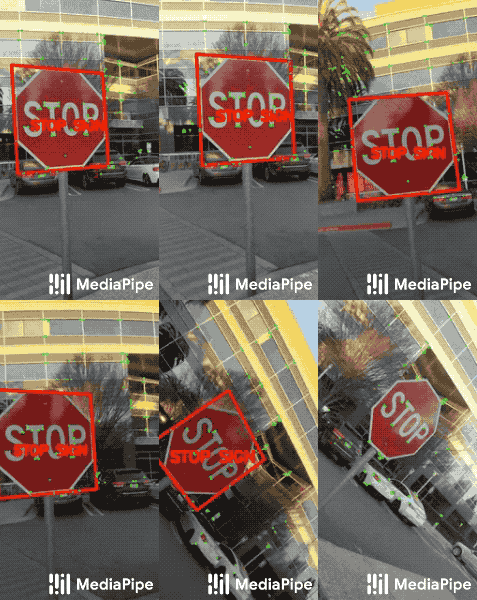
| Hair Segmentation | Object Detection | Box Tracking | Instant Motion Tracking | Objectron | KNIFT |
 |  |  |  |  |  |
| Android | iOS | C++ | Python | JS | Coral | |
|---|---|---|---|---|---|---|
| Face Detection | ✅ | ✅ | ✅ | ✅ | ✅ | ✅ |
| Face Mesh | ✅ | ✅ | ✅ | ✅ | ✅ | |
| Iris | ✅ | ✅ | ✅ | |||
| Hands | ✅ | ✅ | ✅ | ✅ | ✅ | |
| Pose | ✅ | ✅ | ✅ | ✅ | ✅ | |
| Holistic | ✅ | ✅ | ✅ | ✅ | ✅ | |
| Selfie Segmentation | ✅ | ✅ | ✅ | ✅ | ✅ | |
| Hair Segmentation | ✅ | ✅ | ||||
| Object Detection | ✅ | ✅ | ✅ | ✅ | ||
| Box Tracking | ✅ | ✅ | ✅ | |||
| Instant Motion Tracking | ✅ | |||||
| Objectron | ✅ | ✅ | ✅ | ✅ | ||
| KNIFT | ✅ | |||||
| AutoFlip | ✅ | |||||
| MediaSequence | ✅ | |||||
| YouTube 8M | ✅ |
4.2. Use
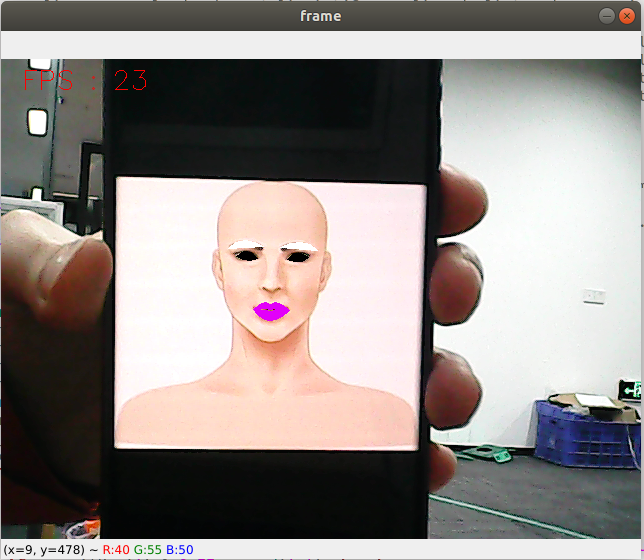
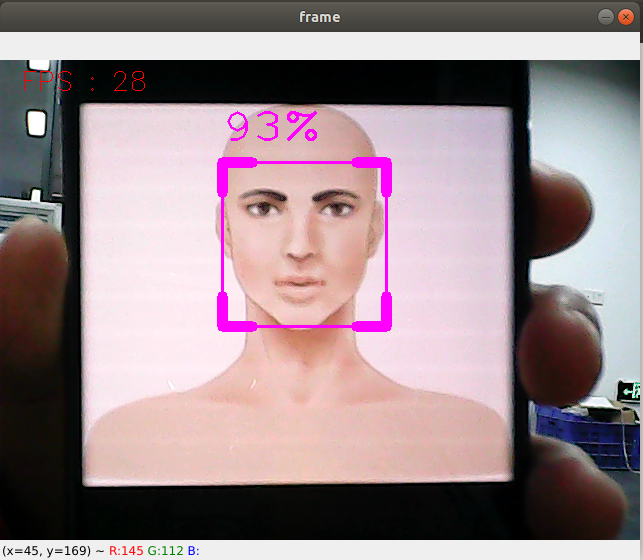
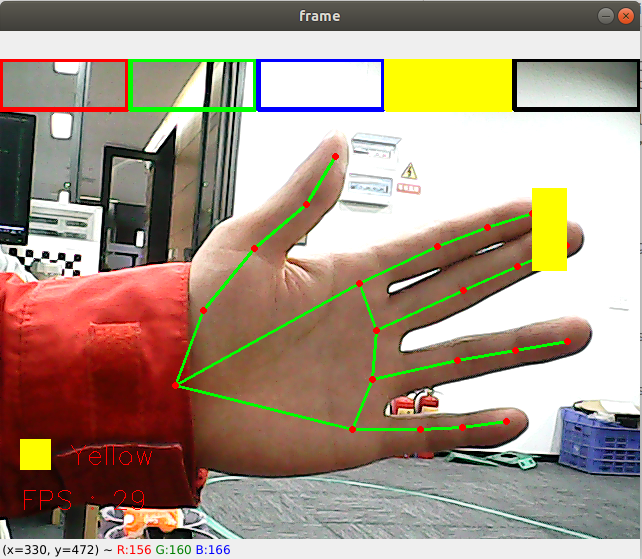
cd ~/yahboomcar_ws/src/yahboomcar_mediapipe/scripts # Enter the directory where the source code is locatedpython3 06_FaceLandmarks.py # face effectspython3 07_FaceDetection.py # Face Detectionpython3 08_Objectron.py # 3D object recognitionpython3 09_VirtualPaint.py # Paintbrushpython3 10_HandCtrl.py # finger controlpython3 11_GestureRecognition.py # Gesture RecognitionDuring use, you need to pay attention to the following:
- All functions [q key] are for exit.
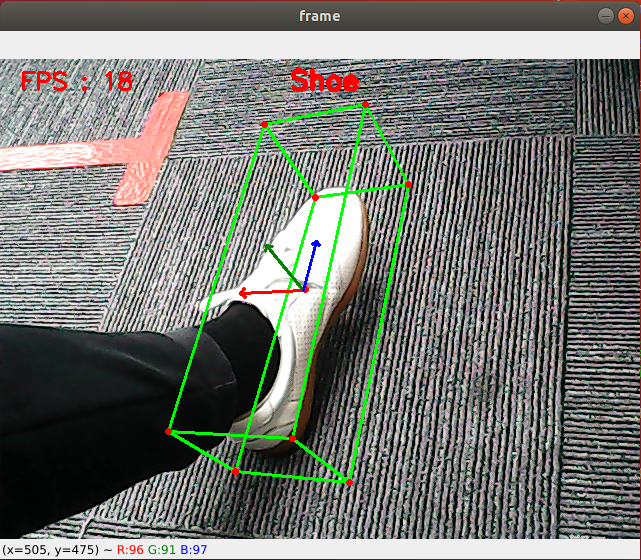
- 3D object recognition: Recognizable objects are: ['Shoe', 'Chair', 'Cup', 'Camera'], a total of 4 categories; click the [f key] to switch to recognize objects; jetson series cannot use keyboard keys to switch recognition The object needs to change the [self.index] parameter in the source code.
- Paintbrush: When the index finger and middle finger of the right hand are combined, it is in the selection state, and the color selection box will pop up at the same time. When the two fingertips move to the corresponding color position, the color will be selected (black is the eraser); Draw freely on.
- Finger control: Click [f key] to switch the recognition effect.
- Gesture recognition: Gesture recognition designed for the right hand can be accurately recognized when certain conditions are met. Recognizable gestures are: [Zero, One, Two, Three, Four, Five, Six, Seven, Eight, Ok, Rock, Thumb_up (like), Thumb_down (thumb down), Heart_single (one-handed comparison)] , a total of 14 categories. | | :--------------: | ------------------------------------------------------------ |
| 06.face effects | 07. Face detection |
|---|---|
 |  |
| 08. Three-dimensional object recognition | 09. Paintbrush |
 |  |
| 10. Finger control | 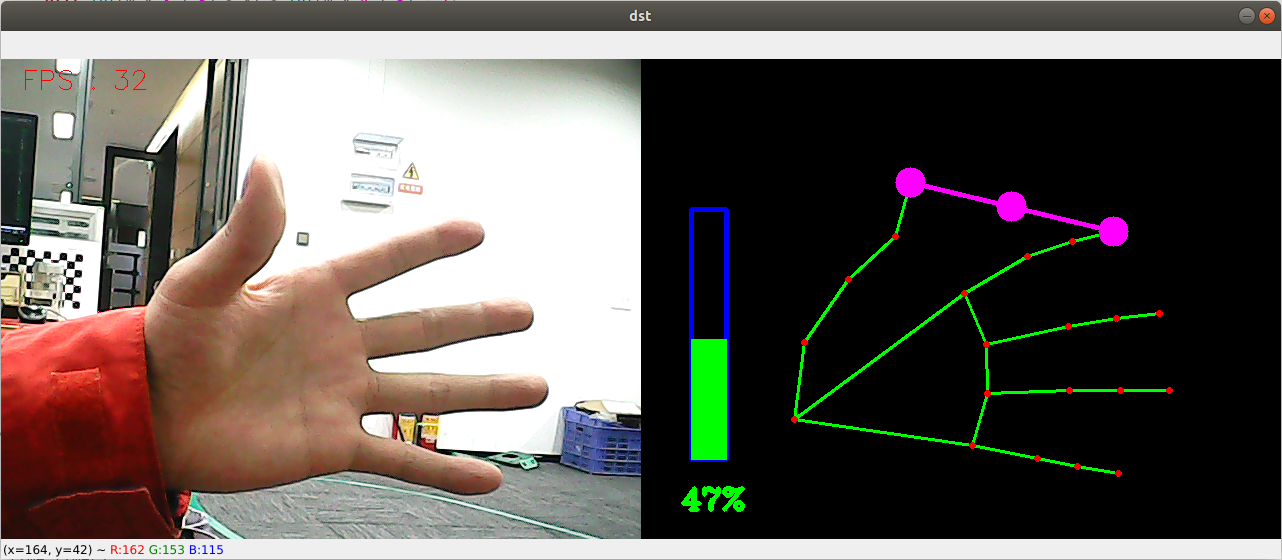 |
|---|---|
| 11. Gesture recognition | 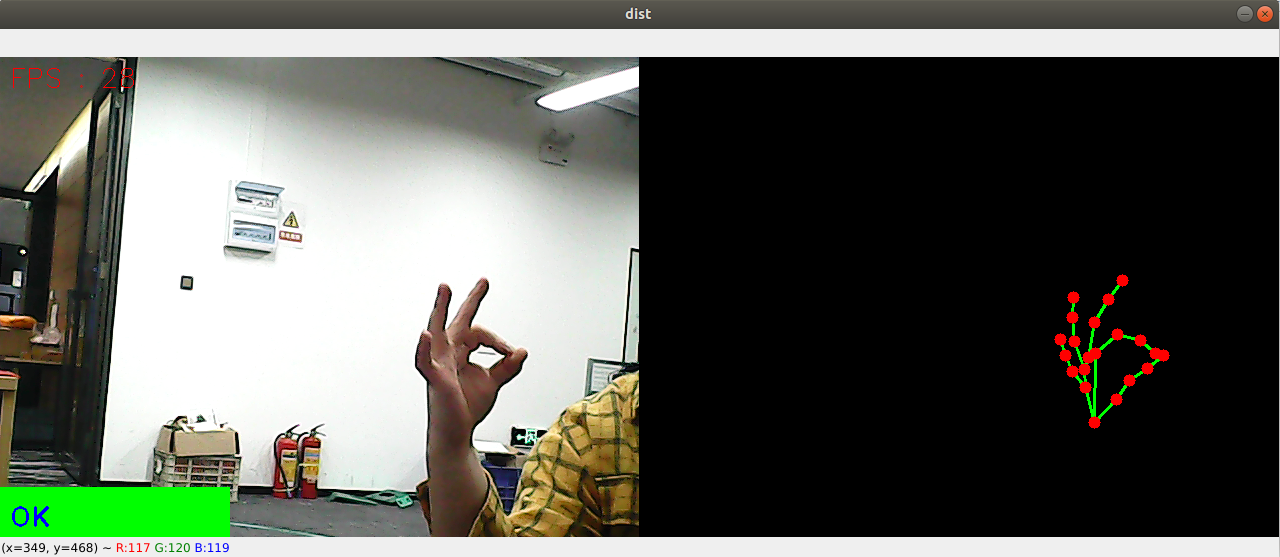 |
4.3.MediaPipe Hands
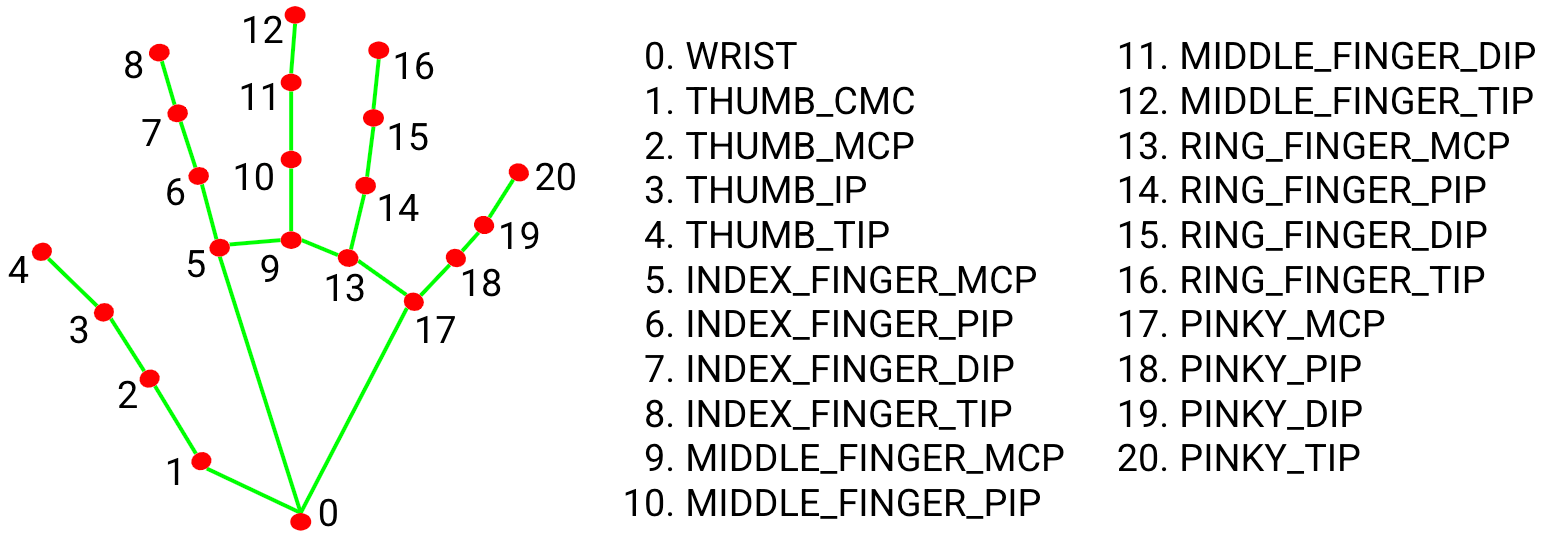
MediaPipe Hands is a high fidelity hand and finger tracking solution. It uses machine learning (ML) to infer the 3D coordinates of 21 hands from one frame.
After palm detection on the entire image, the 21 3D hand joint coordinates in the detected hand area are accurately positioned by regression according to the hand marking model, that is, direct coordinate prediction. The model learns a consistent internal hand pose representation that is robust even to partially visible hands and self-occlusions.
In order to obtain ground truth data, about 30K real-world images were manually annotated with 21 3D coordinates, as shown below (get the Z value from the image depth map, if there is a Z value for each corresponding coordinate). To better cover possible hand poses and provide additional supervision over the nature of the hand geometry, high-quality synthetic hand models in various backgrounds are also drawn and mapped to corresponding 3D coordinates.
4.4.MediaPipe Pose
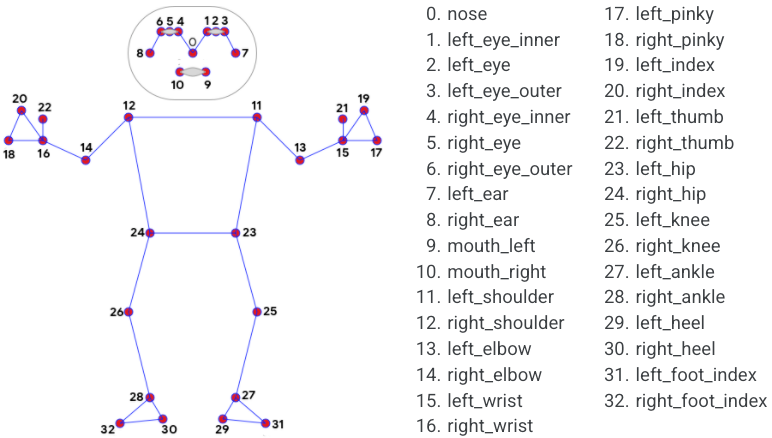
MediaPipe Pose, an ML solution for high-fidelity body pose tracking, leverages BlazePose research to infer 33 3D coordinates and a full-body background segmentation mask from RGB video frames, which also powers the ML Kit pose detection API.
The landmark model in MediaPipe poses predicts the location of 33 pose coordinates (see image below).
4.5.dlib
The corresponding case is face special effects.
DLIB is a modern C++ toolkit containing machine learning algorithms and tools for creating complex software in C++ to solve real-world problems. It is widely used by industry and academia in fields such as robotics, embedded devices, mobile phones, and large-scale high-performance computing environments.
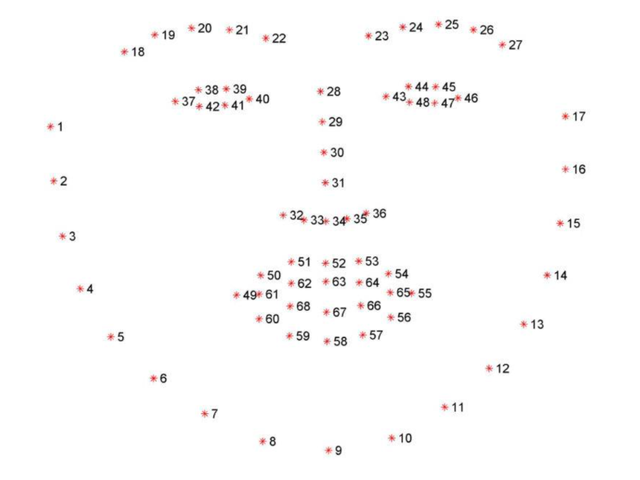
The dlib library uses 68 points to mark important parts of the face, such as 18-22 points to mark the right eyebrow, and 51-68 to mark the mouth. Use the get_frontal_face_detector module of the dlib library to detect the face, and use the shape_predictor_68_face_landmarks.dat feature data to predict the face feature value