Welcome to Jetson AGX Orin repository
当製品の日本語版マニュアル資料は、こちらからご取得ください。
08.Solid State Drive Speed Test
Testing SSD Speed
Open the terminal on your Jetson AGX Orin system.
- View the SSD's mount information.
df -h
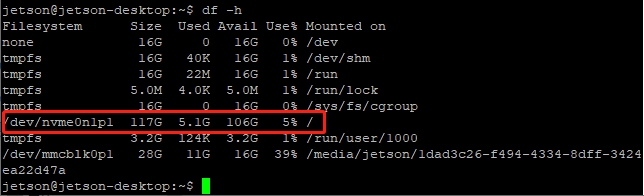
/dev/nvme0n1p1 is the SSD you want to test.
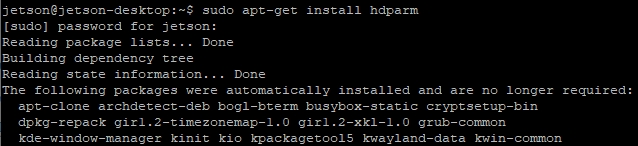
- Install hdparm.
sudo apt-get install hdparm
- Test file read speed.
sudo hdparm -tT /dev/nvme0n1p1

- Test file write speed. The test time depends on the final count; here, 5000 represents approximately 5GB of data. You can increase or decrease this count as needed.
sudo dd if=/dev/zero of=/home/jetson/test_write.img bs=1M count=5000

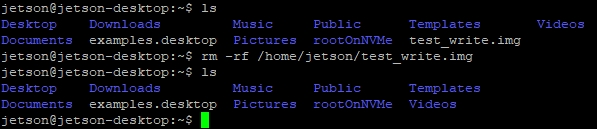
- Delete the file
The write speed test above will generate a 5GB file named test_write.img in the jetson user directory. You need to manually delete it using the following command:
rm -rf /home/jetson/test_write.img
Note: Due to the storage characteristics of SSDs, increased storage space usage will affect read and write speeds. Therefore, try to test when there is plenty of free disk space.
Read and write speeds will vary from test to test. As long as the test data is not significantly different from the product specifications, it is considered normal. You can test multiple times to check the stability of the read and write speeds.