Welcome to Jetson AGX Orin repository
当製品の日本語版マニュアル資料は、こちらからご取得ください。
10. Change screen resolution
Change Screen Resolution
Note: The factory default system resolution is 1920x1080. If you are using a 1920x1080 monitor, you can skip this tutorial.
Connect the screen and mouse correctly to the Jetson AGX Orin motherboard, or you can use VNC to remotely log in to the desktop to operate.
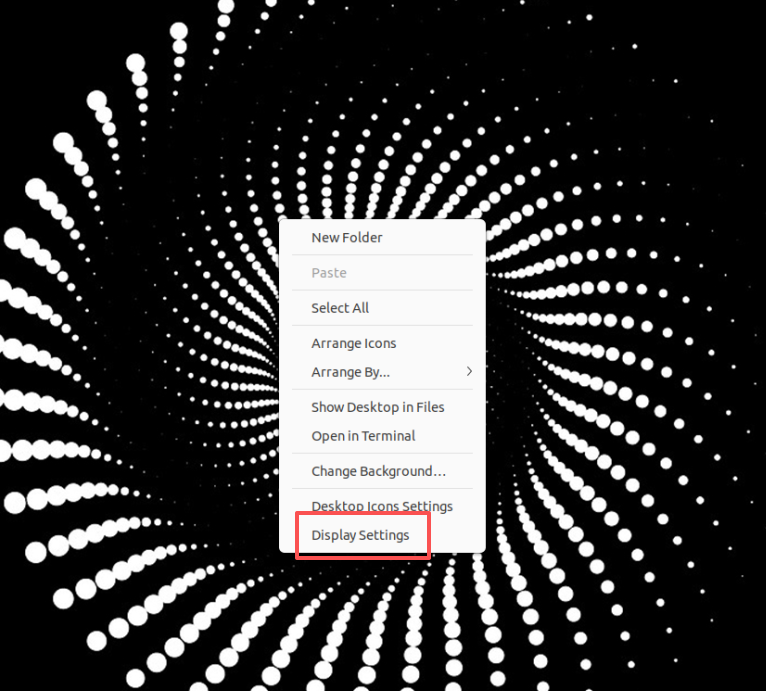
Right-click on the desktop and select Display Settings
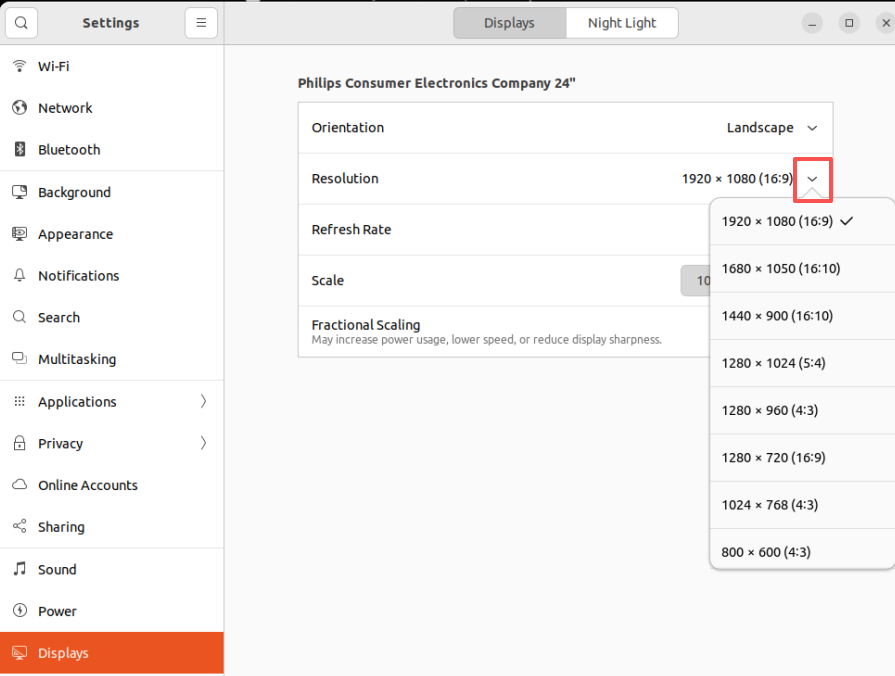
Click Resolution. Since the resolution of the 15.6-inch screen is 1920x1080, select 1920x1080 here.
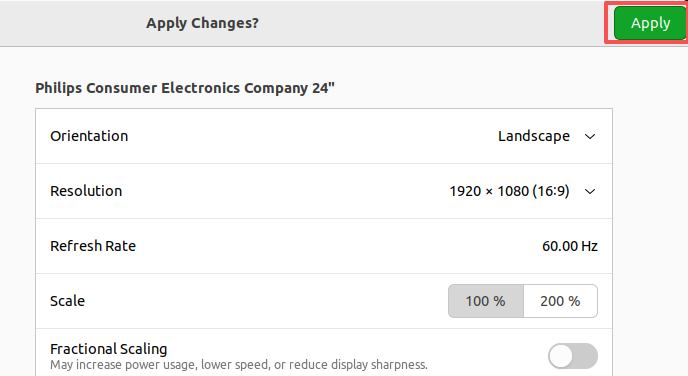
After selecting, click "Apply" in the upper right corner.
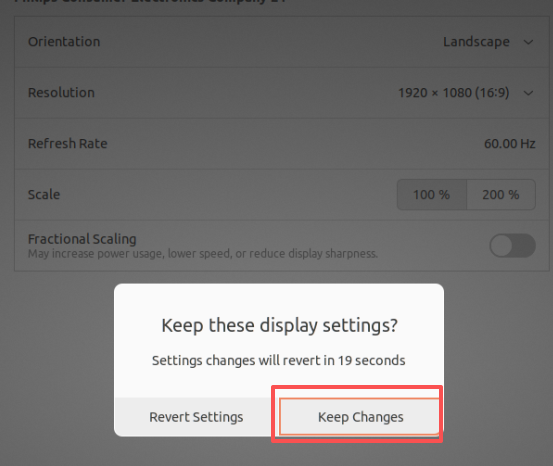
After clicking "Apply," you will see the prompt shown in the image below. Click "Keep Changes."
After completing the above steps, the changes are complete.