Welcome to Jetson Orin NX SUPER repository
当製品の日本語版マニュアル資料は、こちらからご取得ください。
01.Basic knowledge
Linux Basics
Linux Basics1. Terminal1.1. Open the terminal1.2. Basic commands1.3. Shortcut keys2. Text editor2.1. Gedit (Easy)2.2, Nano (Medium)2.3, Vi/Vim (difficult)
1. Terminal
Terminal is a command line interface used to interact with the operating system.
1.1. Open the terminal
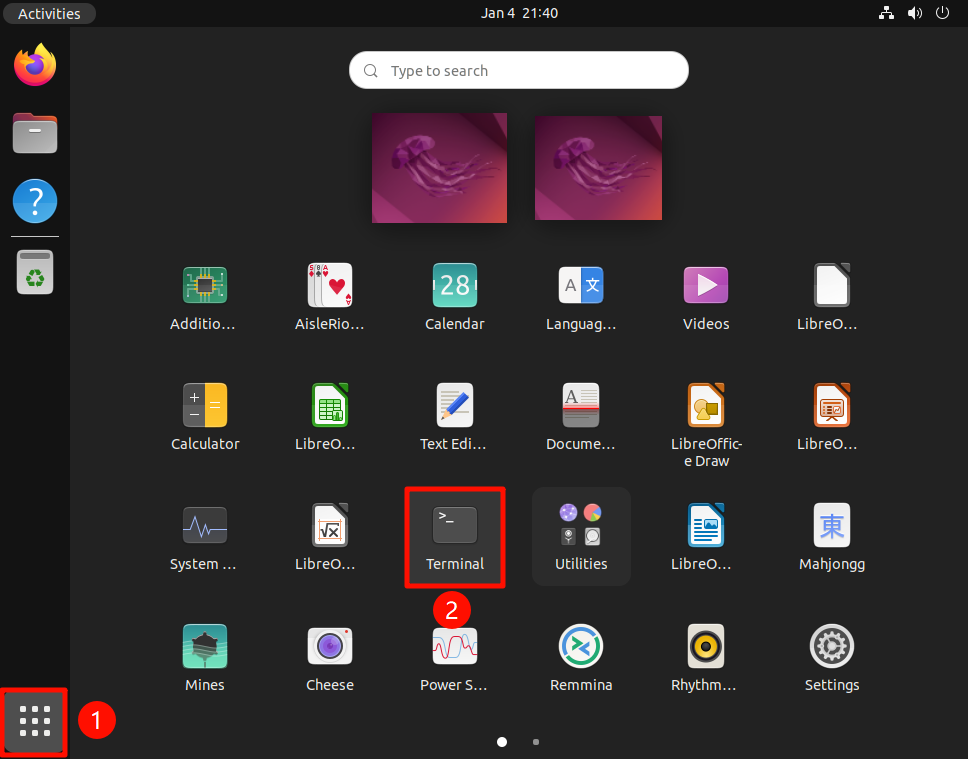
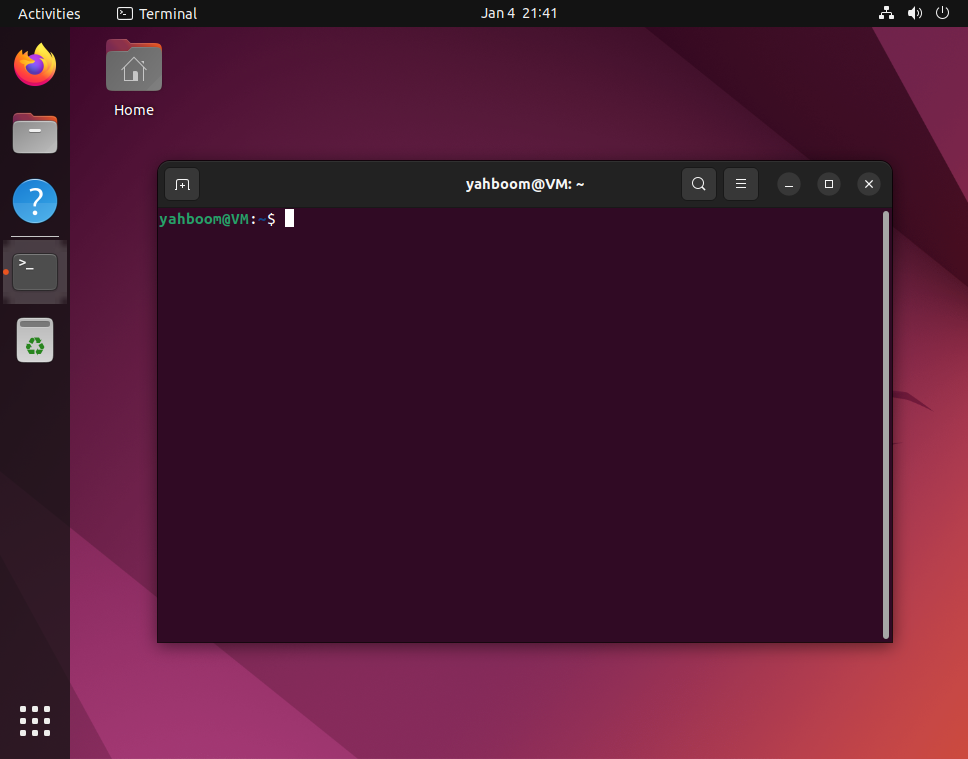
In Ubuntu, you can open it by using the shortcut keys Ctrl + Alt + T or by finding the terminal in the application menu:
1.2. Basic commands
View the current directory
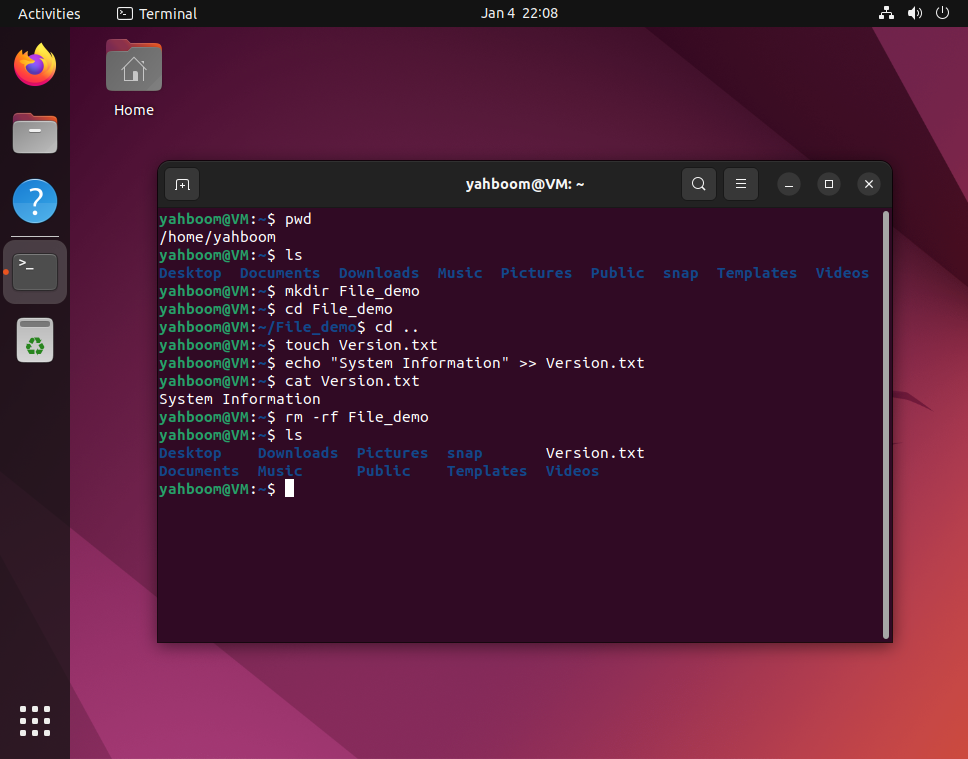
Display the full path of the current working directory:
pwd
List files/directories
List files and subdirectories in the current directory:
xxxxxxxxxxls
Create a new directory
Create the File_demo directory:
xxxxxxxxxxmkdir File_demo
Change directory
Enter File_demo directory:
xxxxxxxxxxcd File_demo
Return to parent directory
xxxxxxxxxxcd ..
Create new file
Create Version.txt file:
xxxxxxxxxxtouch Version.txt
Modify file
Add System Information to Version.txt file:
xxxxxxxxxxecho "System Information" >> Version.txt
View file
View Version.txt file content:
xxxxxxxxxxcat Version.txt
Delete directory
Delete File_demo directory:
xxxxxxxxxxrm -rf File_demo
1.3. Shortcut keys
Ctrl + C
Terminate the currently running command
Ctrl + Z
Suspend the current process
Tab
Automatically complete the file name or command
2. Text editor
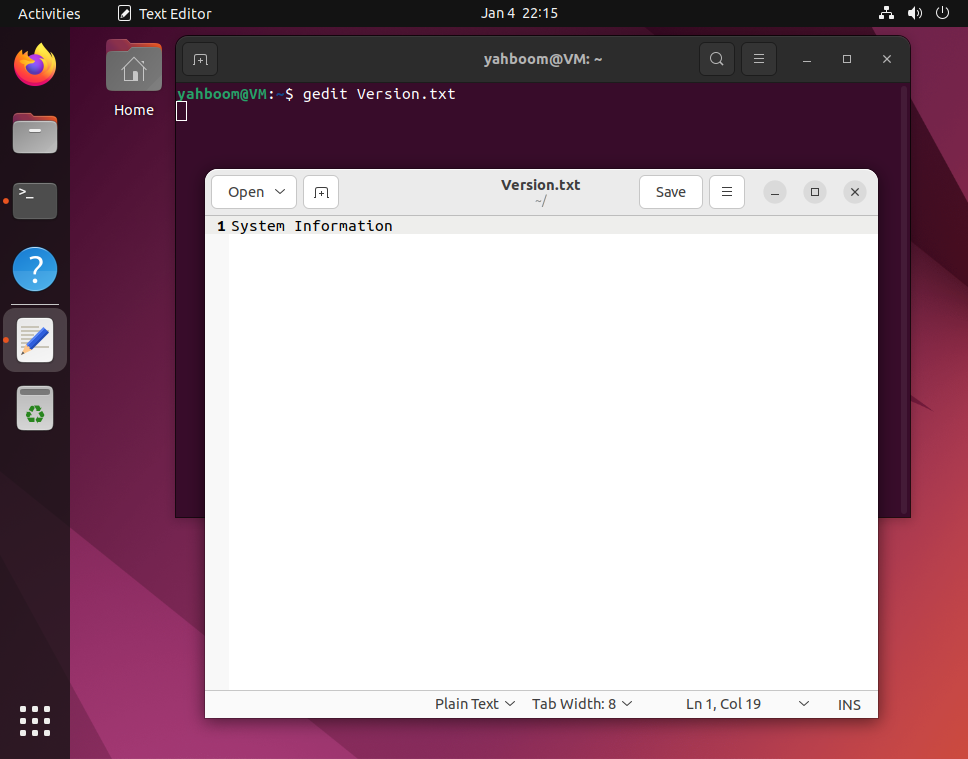
2.1. Gedit (Easy)
The default text editor in the GNOME desktop environment, with a graphical user interface (GUI).
Open file
xxxxxxxxxxgedit Version.txt
2.2, Nano (Medium)
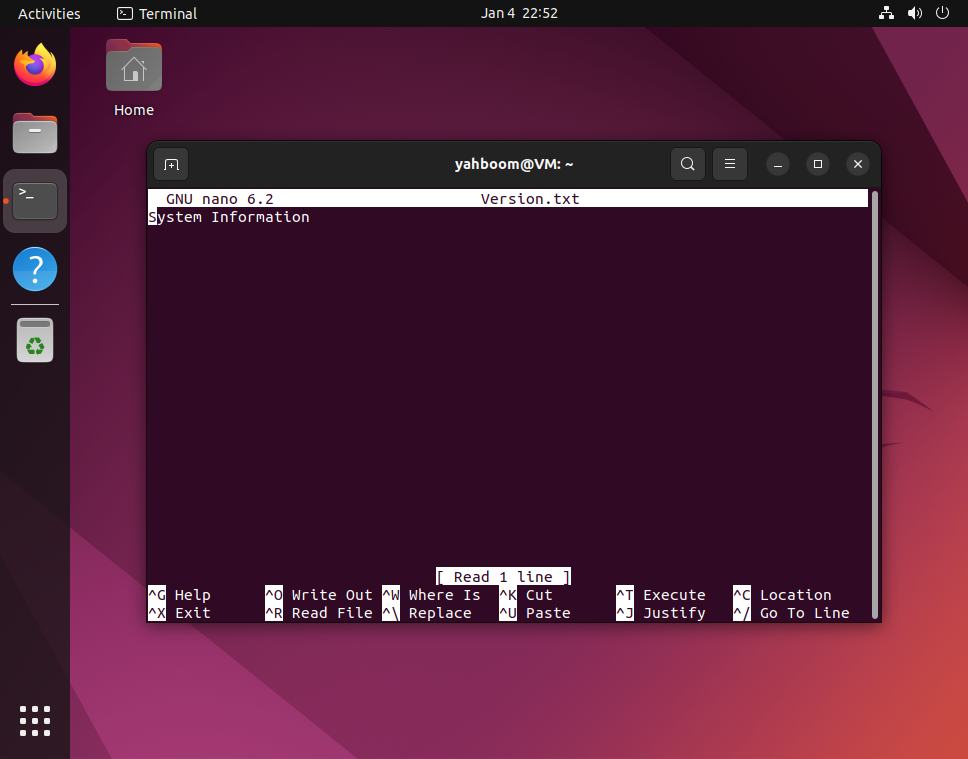
Simple and easy-to-use command line text editor, suitable for beginners.
Install
xxxxxxxxxxsudo apt updatesudo apt install nano -y
Open file
xxxxxxxxxxnano Version.txt
Ctrl + X: Exit (if there are unsaved changes, you will be prompted to save)
Ctrl + U: Paste clipboard contents
Ctrl + W: Search text
2.3, Vi/Vim (difficult)
Vim is an enhanced version of Vi editor, suitable for almost all Unix and Linux systems.
Open file
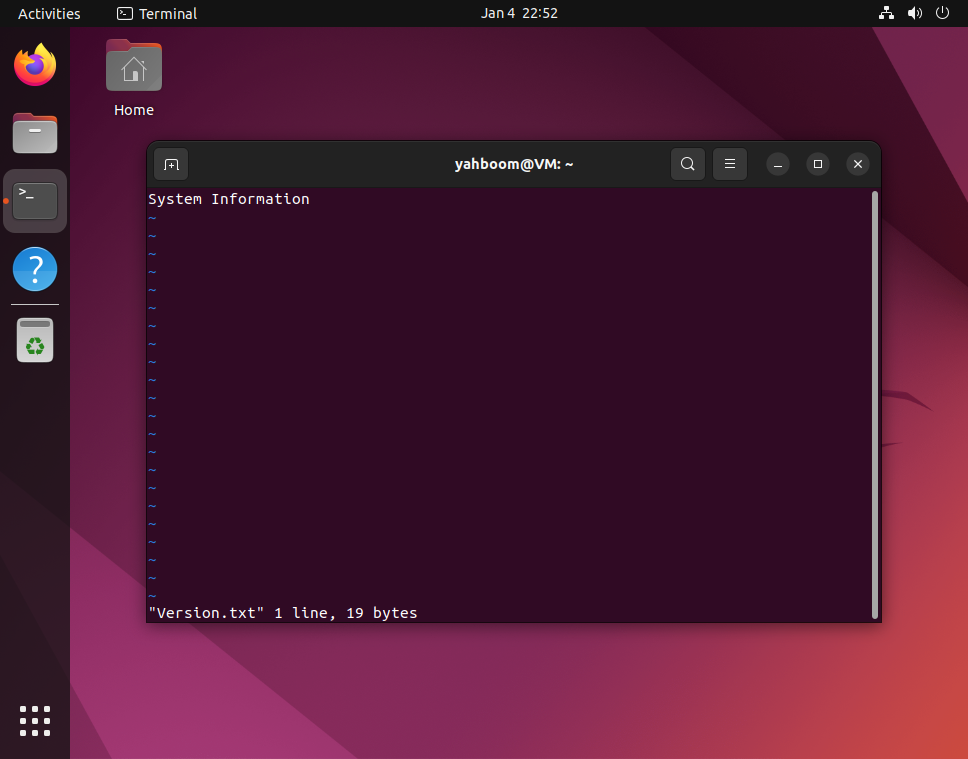
xxxxxxxxxxvi Version.txt
Mode
Command mode: default state
Insert mode: press i to enter, press ESC to exit command mode
Last line mode: enter : in command mode, press ESC to exit command mode
Save/Exit
Last line mode
:w: Save file
:q: Exit
:wq: Save and exit
:q!: Force exit without saving