Welcome to Jetson Orin NX SUPER repository
当製品の日本語版マニュアル資料は、こちらからご取得ください。
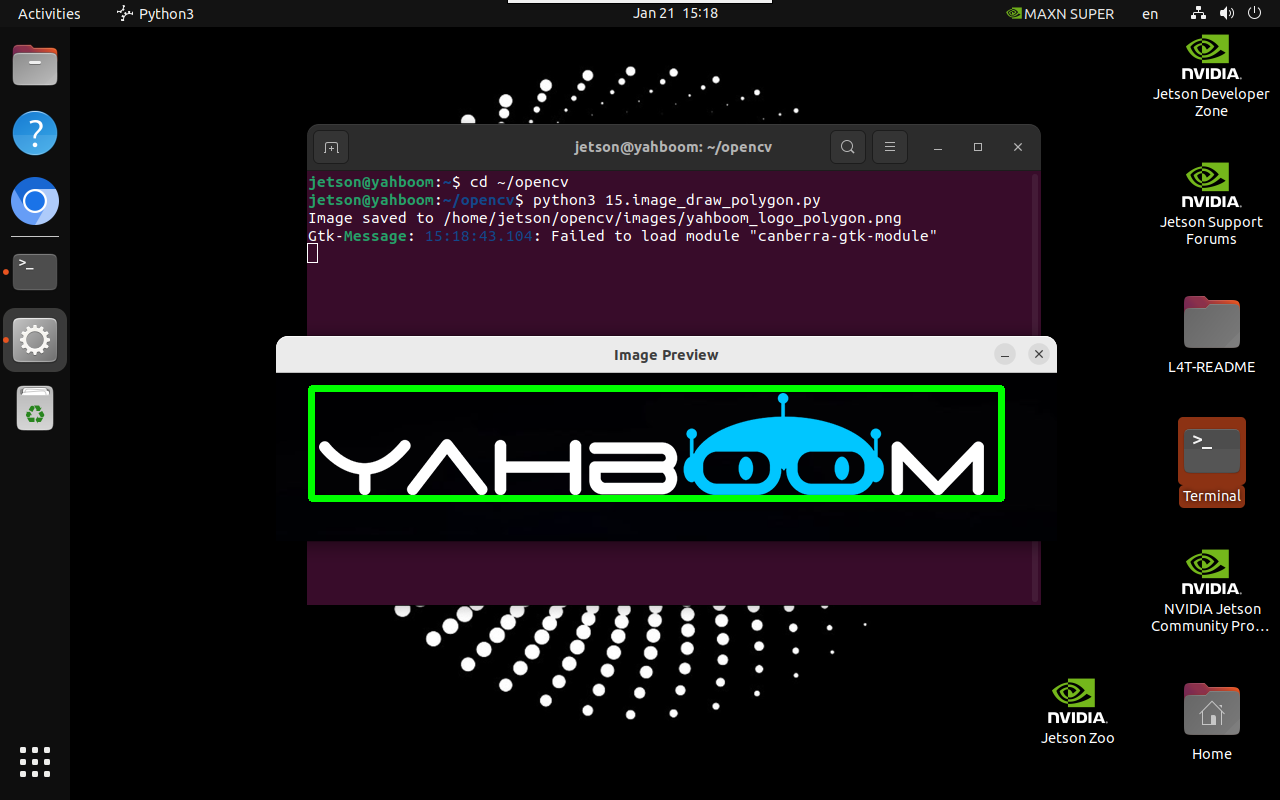
15.Add polygons
Add polygons
1. Implementation principle
Use cv2.polylines() function to draw polygons on the image.
2. Implementation effect
xxxxxxxxxxcd ~/opencv
xxxxxxxxxxpython3 15.image_draw_polygon.py
Note: Select the image and press q to exit the program!
3. Implementation code
ximport cv2import numpy as npdef draw_polygon(input_path, output_path, points, is_closed, color, thickness):image = cv2.imread(input_path)if image is None:print("Error: Unable to open image file.")returnpoints = np.array(points, np.int32)points = points.reshape((-1, 1, 2))cv2.polylines(image, [points], is_closed, color, thickness)if cv2.imwrite(output_path, image):print(f"Image saved to {output_path}")cv2.imshow('Image Preview', cv2.imread(output_path))cv2.waitKey(0)cv2.destroyAllWindows()else:print("Error: Unable to save image file.")draw_polygon('/home/jetson/opencv/images/yahboom_logo.png', \'/home/jetson/opencv/images/yahboom_logo_polygon.png', \[(35, 15), (725, 15), (725, 125), (35, 125)], True, (0, 255, 0), 5)