Welcome to Jetson Orin NX SUPER repository
当製品の日本語版マニュアル資料は、こちらからご取得ください。
02.PyTorch
PyTorch
PyTorch1. System Information2. Installation dependencies3. Install PyTorch3.1. Offline installation3.2 Online Installation4. Verify the installationReferences
PyTorch is an open source deep learning framework developed by Meta (formerly Facebook). It is known for its flexibility and ease of use and is widely used in academic research and industrial applications.
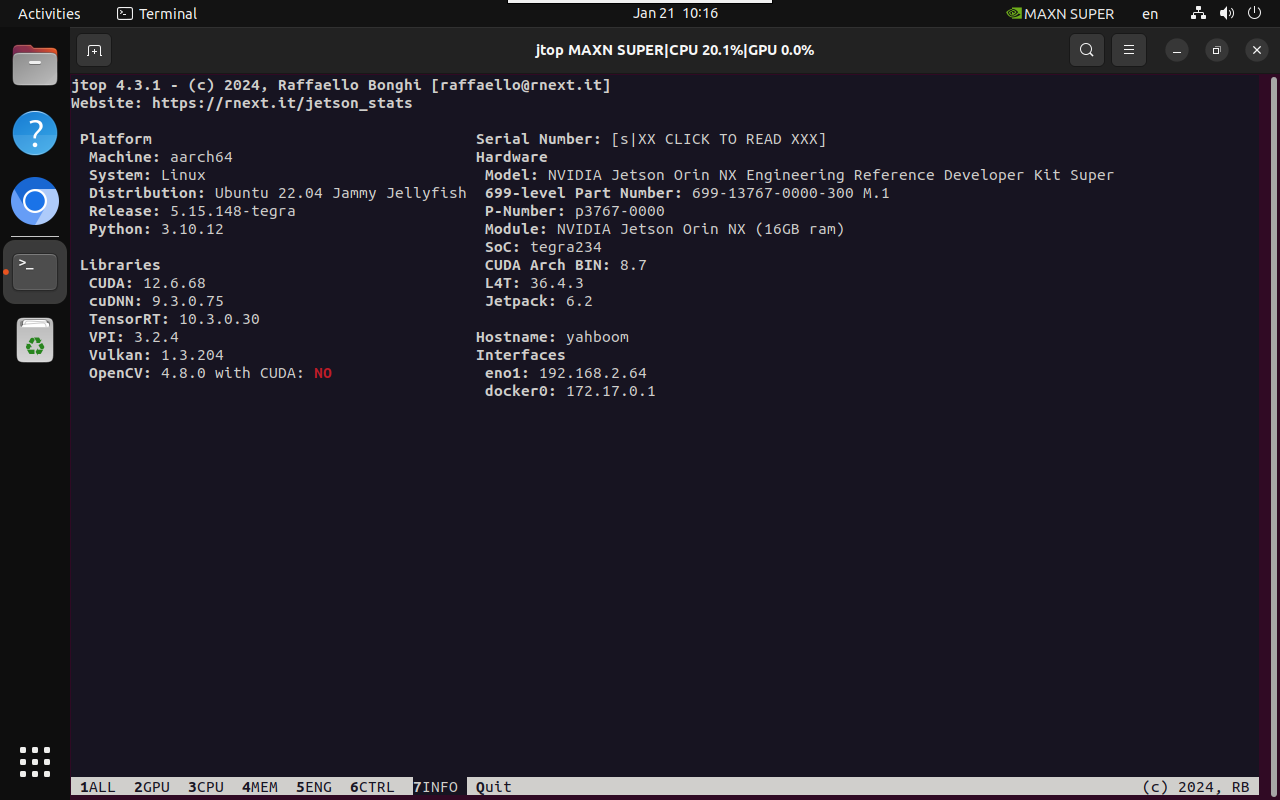
1. System Information
2. Installation dependencies
wget https://developer.download.nvidia.com/compute/cuda/repos/ubuntu2204/arm64/cuda-keyring_1.1-1_all.debsudo dpkg -i cuda-keyring_1.1-1_all.debsudo apt updatesudo apt -y install libcusparselt0 libcusparselt-dev -y
xxxxxxxxxxsudo apt remove python3-sympy
3. Install PyTorch
To install PyTorch, choose either offline or online!
3.1. Offline installation
Manually go to the download website to download the specified PyTorch version.
Download website: https://developer.download.nvidia.com/compute/redist/jp/v61/pytorch/
xxxxxxxxxxcd Downloads/
xxxxxxxxxxsudo pip3 install torch-2.5.0a0+872d972e41.nv24.08.17622132-cp310-cp310-linux_aarch64.whl
3.2 Online Installation
xxxxxxxxxxexport TORCH_INSTALL=https://developer.download.nvidia.cn/compute/redist/jp/v61/pytorch/torch-2.5.0a0+872d972e41.nv24.08.17622132-cp310-cp310-linux_aarch64.whl
xxxxxxxxxxsudo python3 -m pip install --no-cache $TORCH_INSTALL
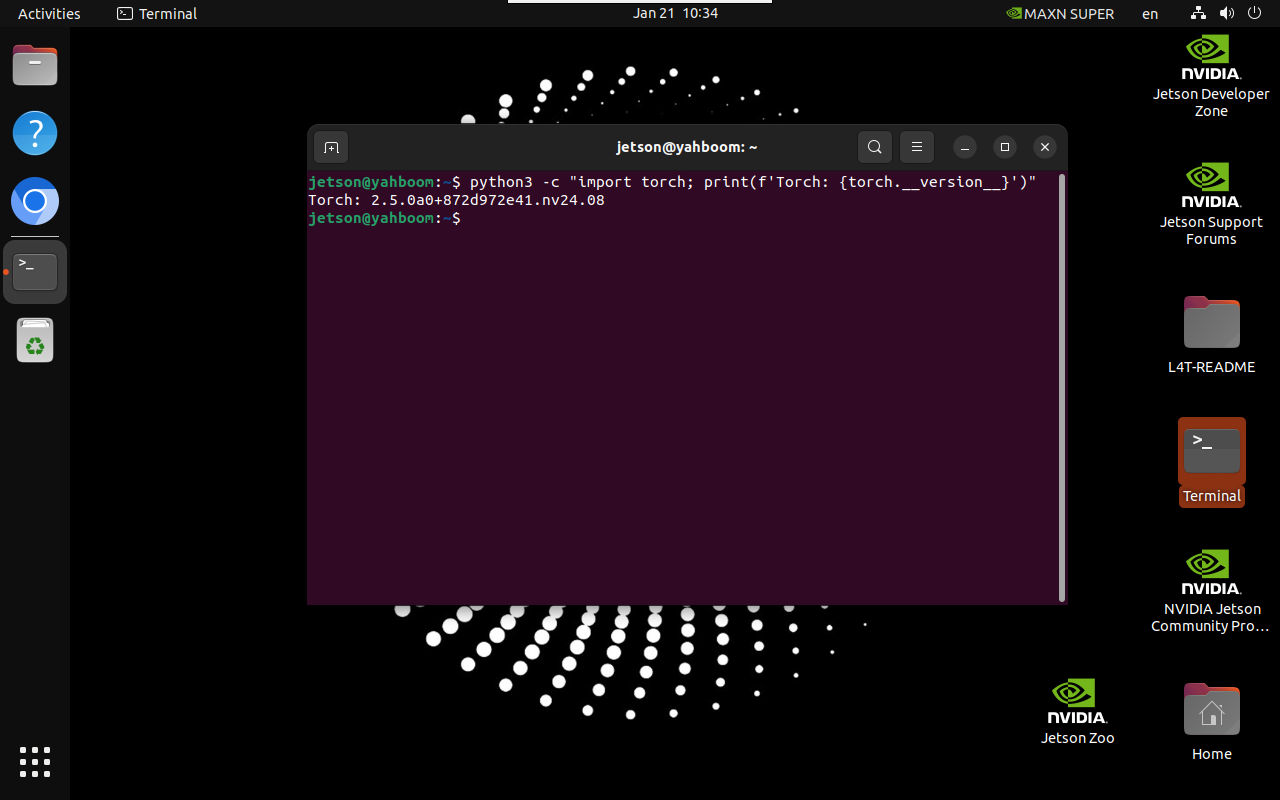
4. Verify the installation
xxxxxxxxxxpython3 -c "import torch; print(f'Torch: {torch.__version__}')"
References
https://docs.nvidia.com/deeplearning/frameworks/install-pytorch-jetson-platform/index.html