Welcome to Jetson Orin NX SUPER repository
当製品の日本語版マニュアル資料は、こちらからご取得ください。
01.CSI camera preview
CSI camera preview
CSI camera preview1. Configure CSI camera pins2. Check the video device3. Preview the camera screen3.1. Specify the camera3.2. Specify the preview resolution
1. Configure CSI camera pins
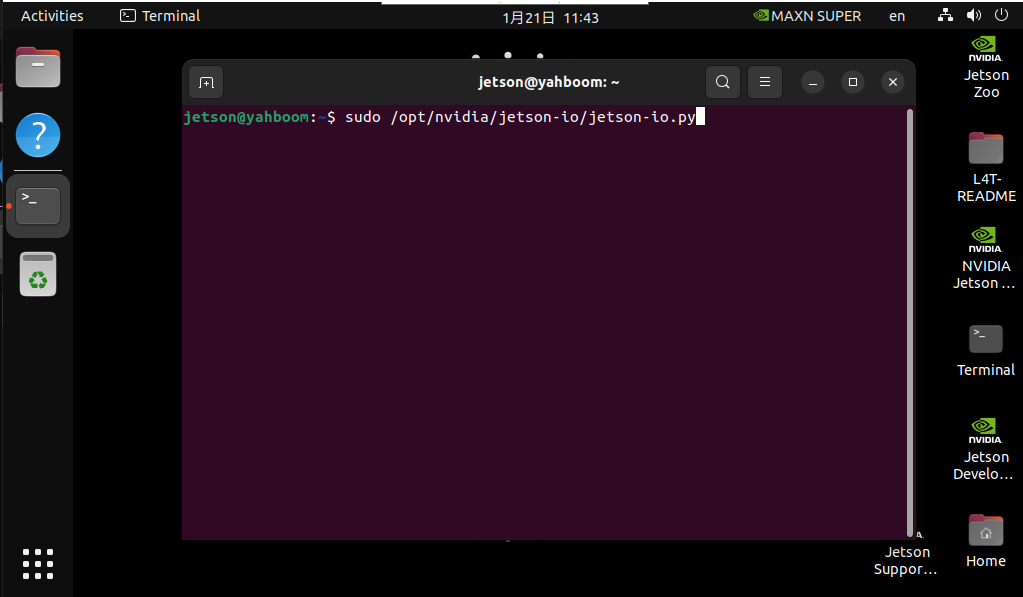
sudo /opt/nvidia/jetson-io/jetson-io.py
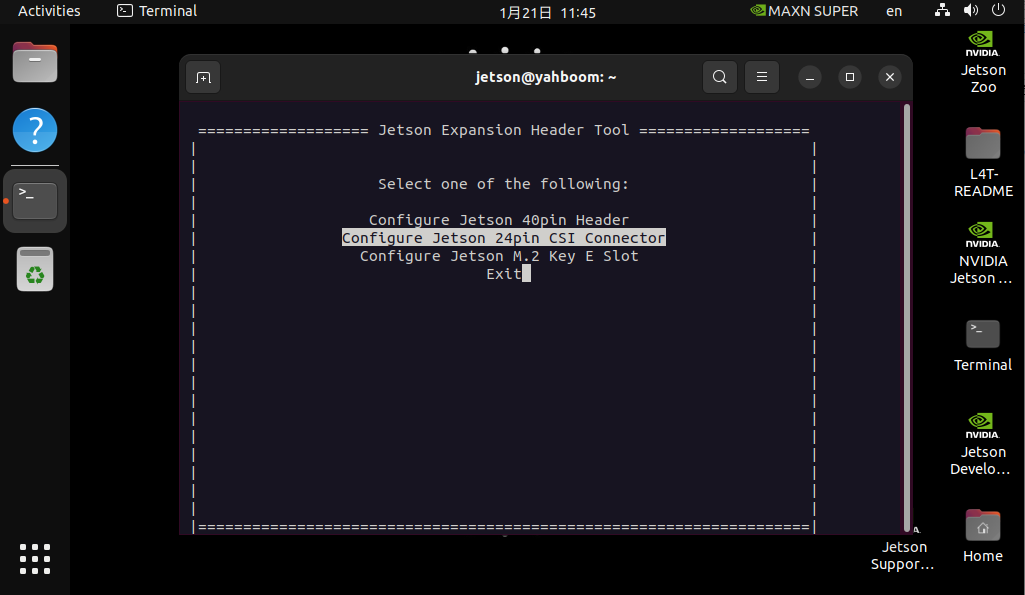
Press the arrow keys to select Configure Jetson 24pin CSI Connector. Then press Enter to go to the next option
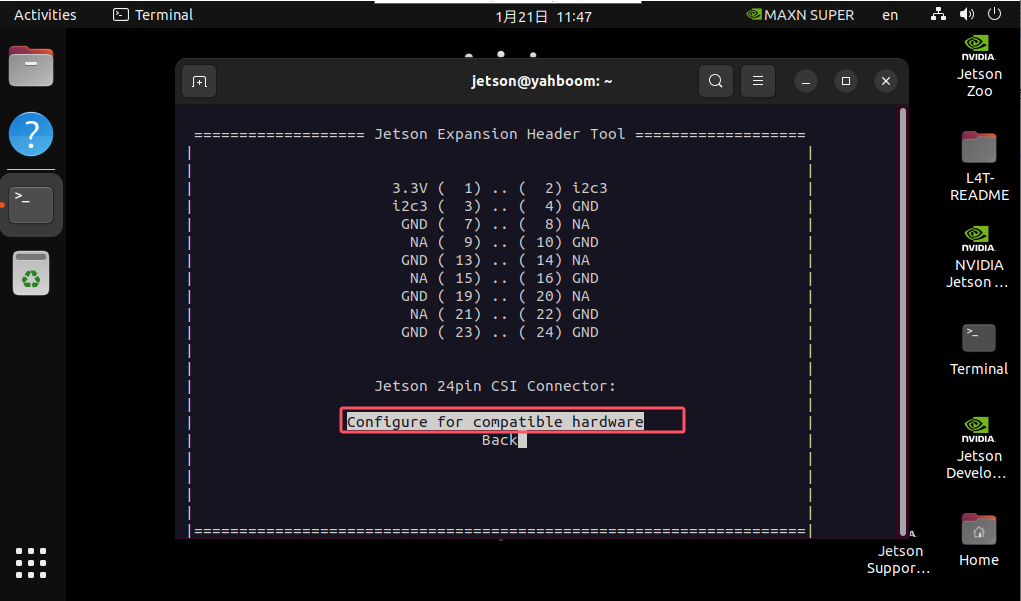
Select Configure for compatible hardware and press Enter.
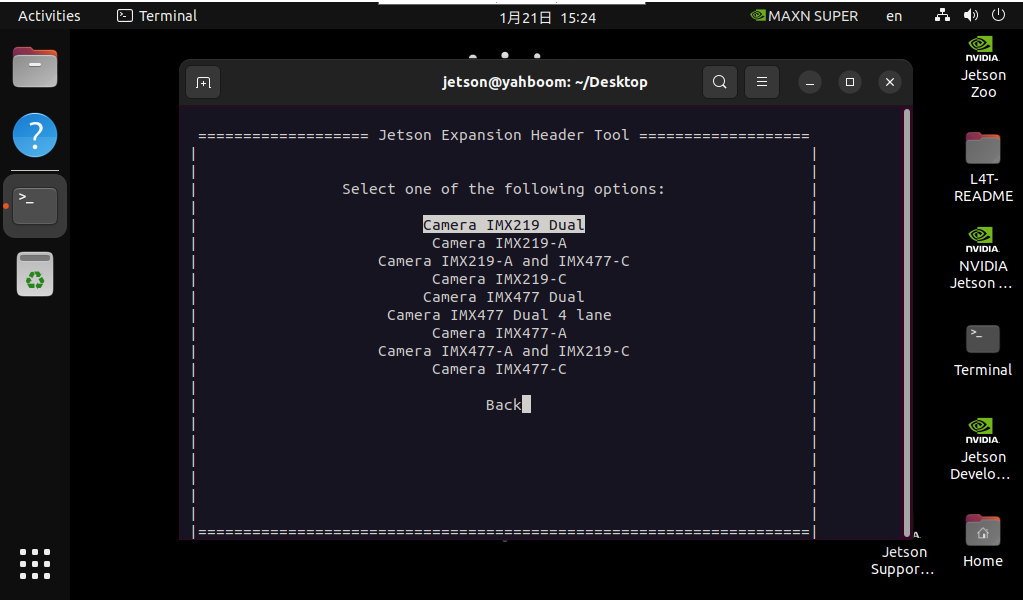
Press the arrow keys to select Camera IMX219 Dual, and then press Enter.
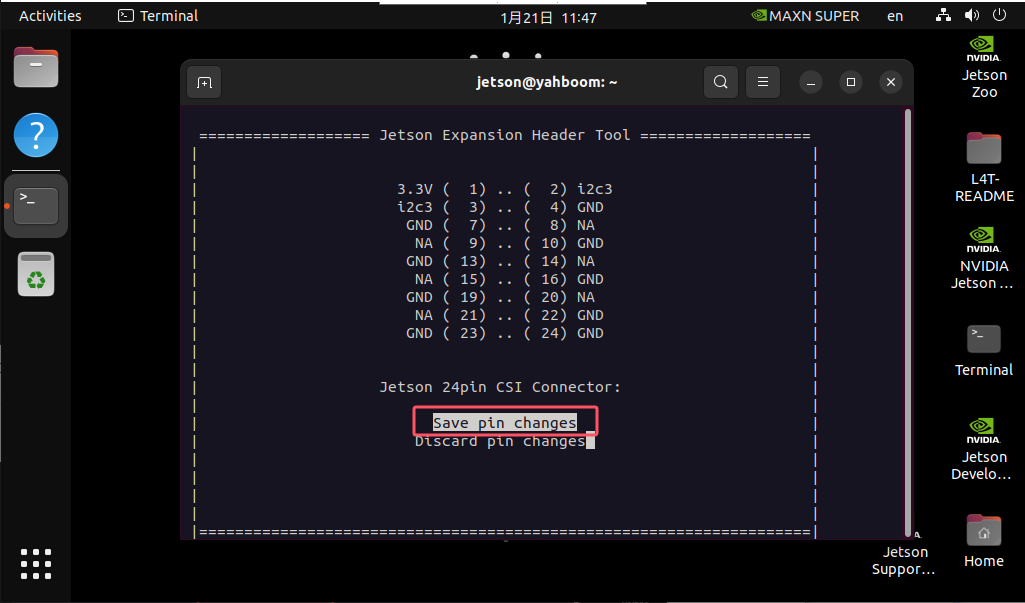
Select Save pin changes, and then press Enter.
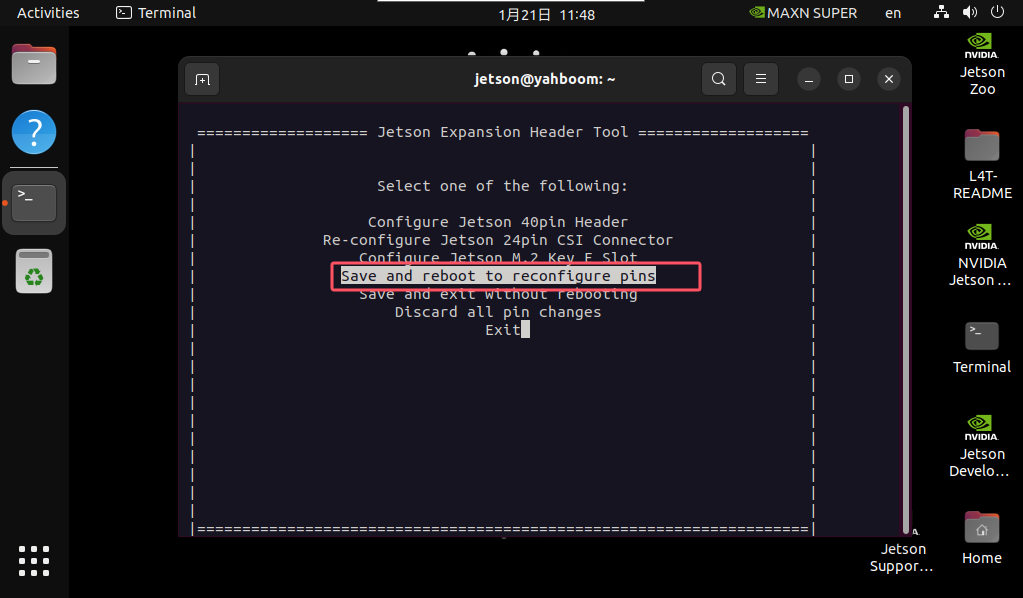
Press the arrow keys to select Save and reboot to reconfigure pins, and then press Enter.
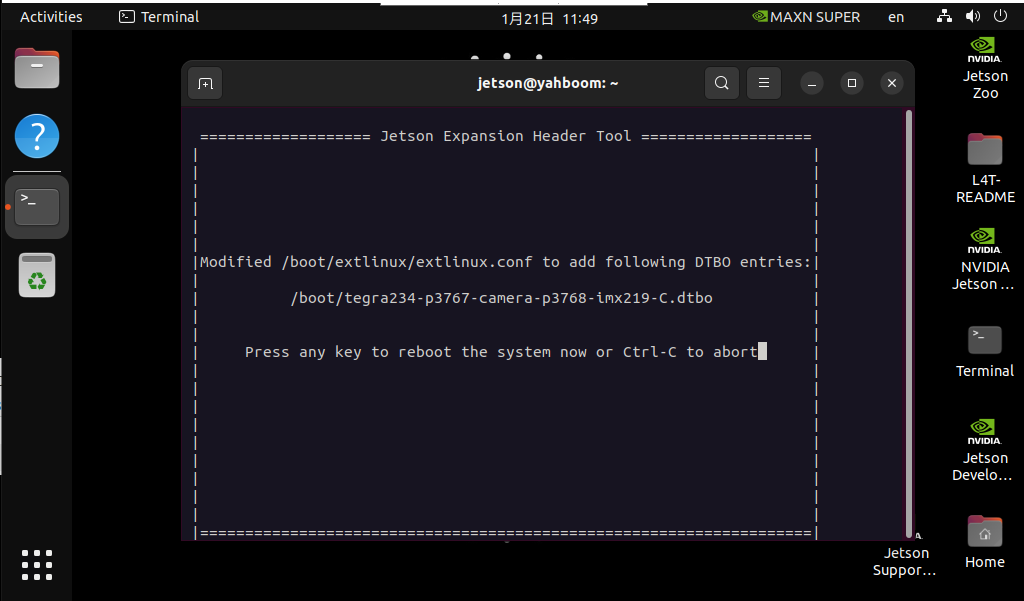
When the following interface appears, press Enter directly and the motherboard will restart.
2. Check the video device
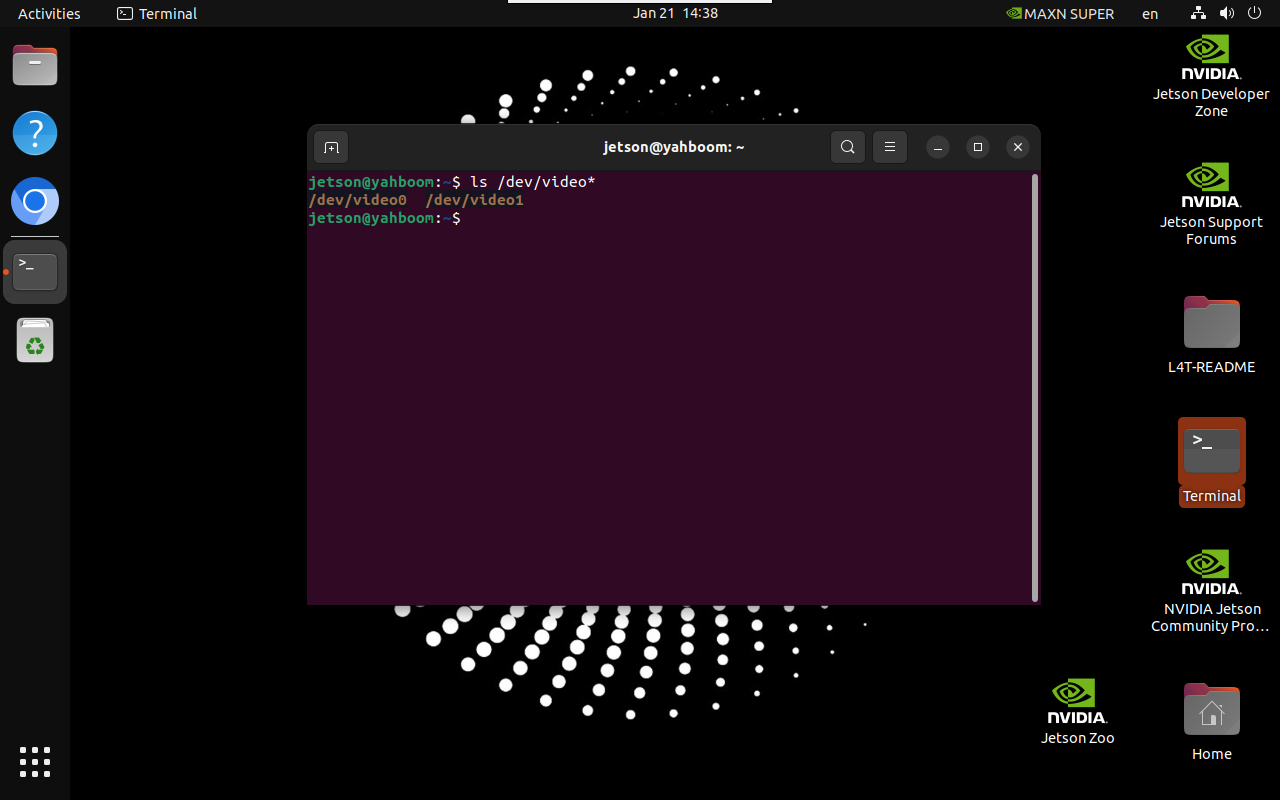
xxxxxxxxxxls /dev/video*
The result of the picture is the result of connecting two CSI cameras: generally one CSI camera displays one video device
3. Preview the camera screen
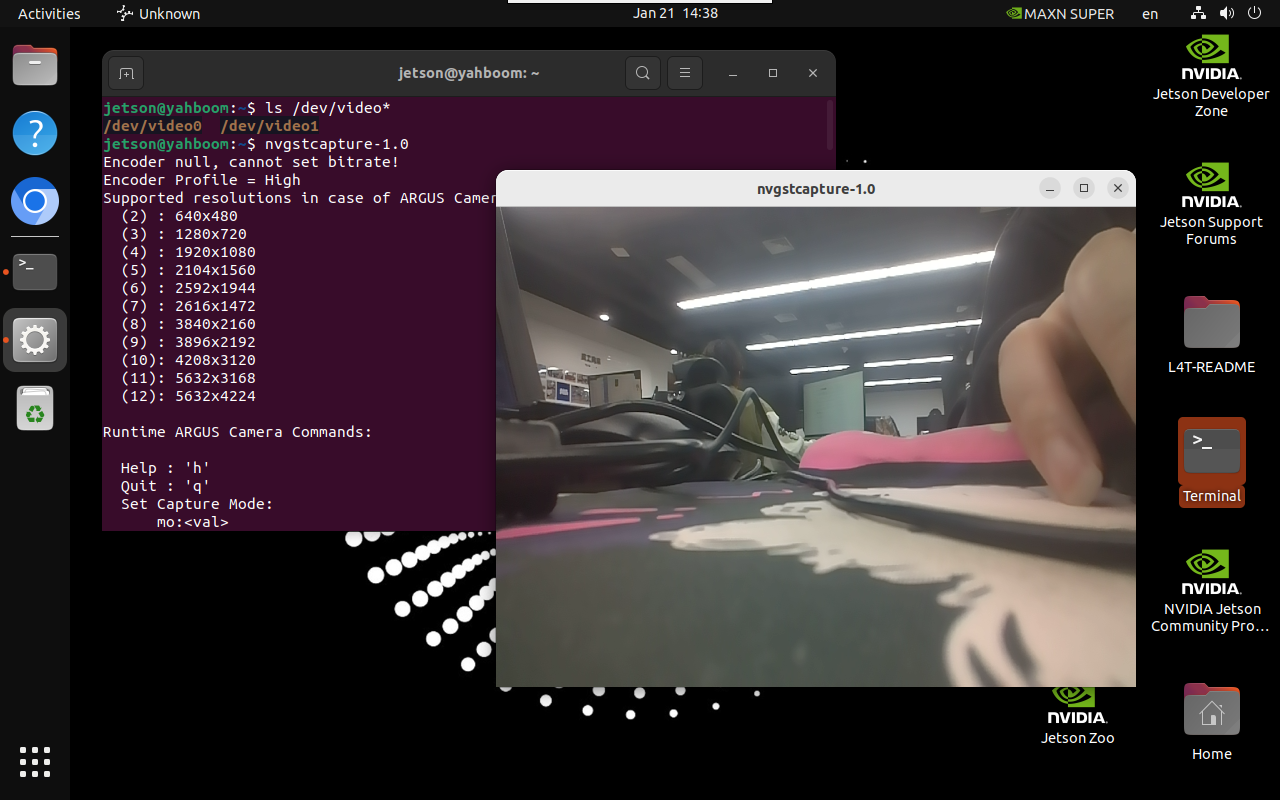
Enter the following command in the terminal, and the system will automatically pop up the camera screen window: open the /dev/video0 device by default
xxxxxxxxxxnvgstcapture-1.0
3.1. Specify the camera
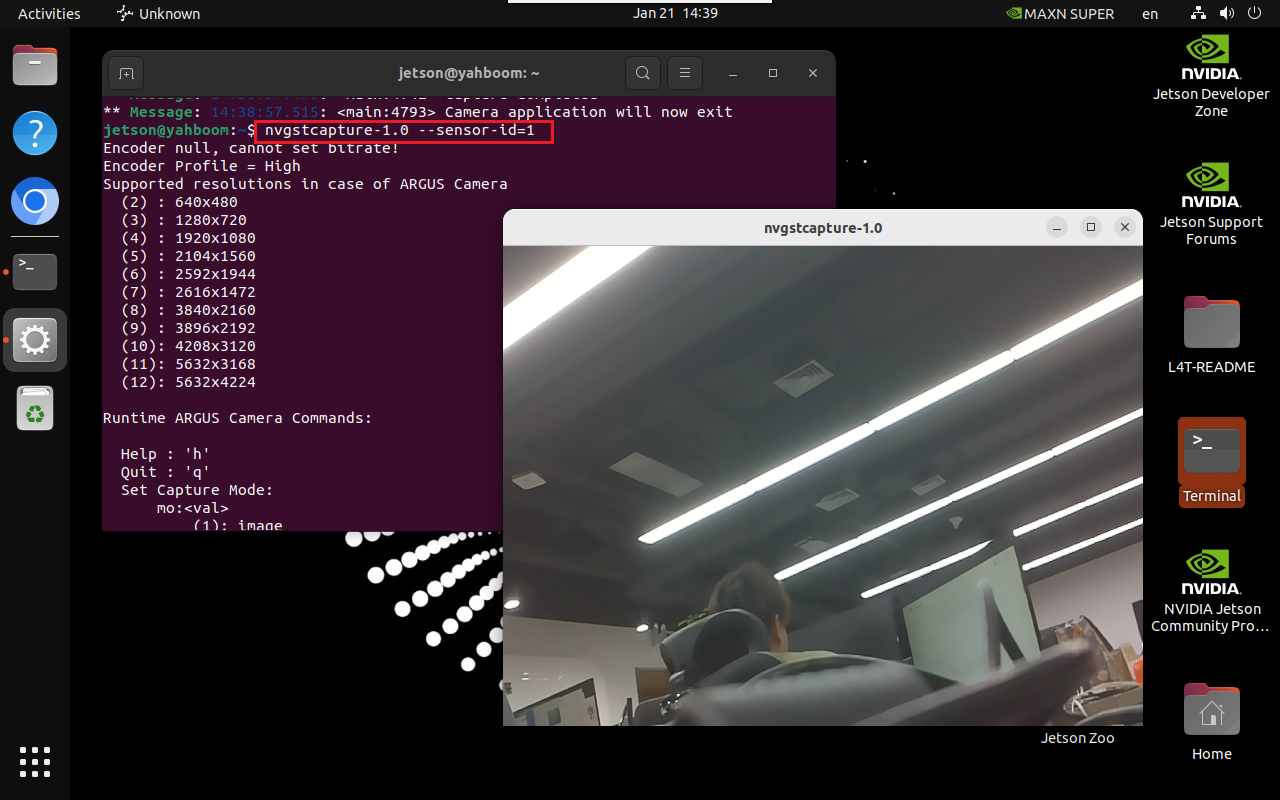
If there are multiple cameras, you can specify the camera ID:
xxxxxxxxxxnvgstcapture-1.0 --sensor-id=1
3.2. Specify the preview resolution
If there is only one CSI camera, you can change --sensor-id=1 to --sensor-id=0:
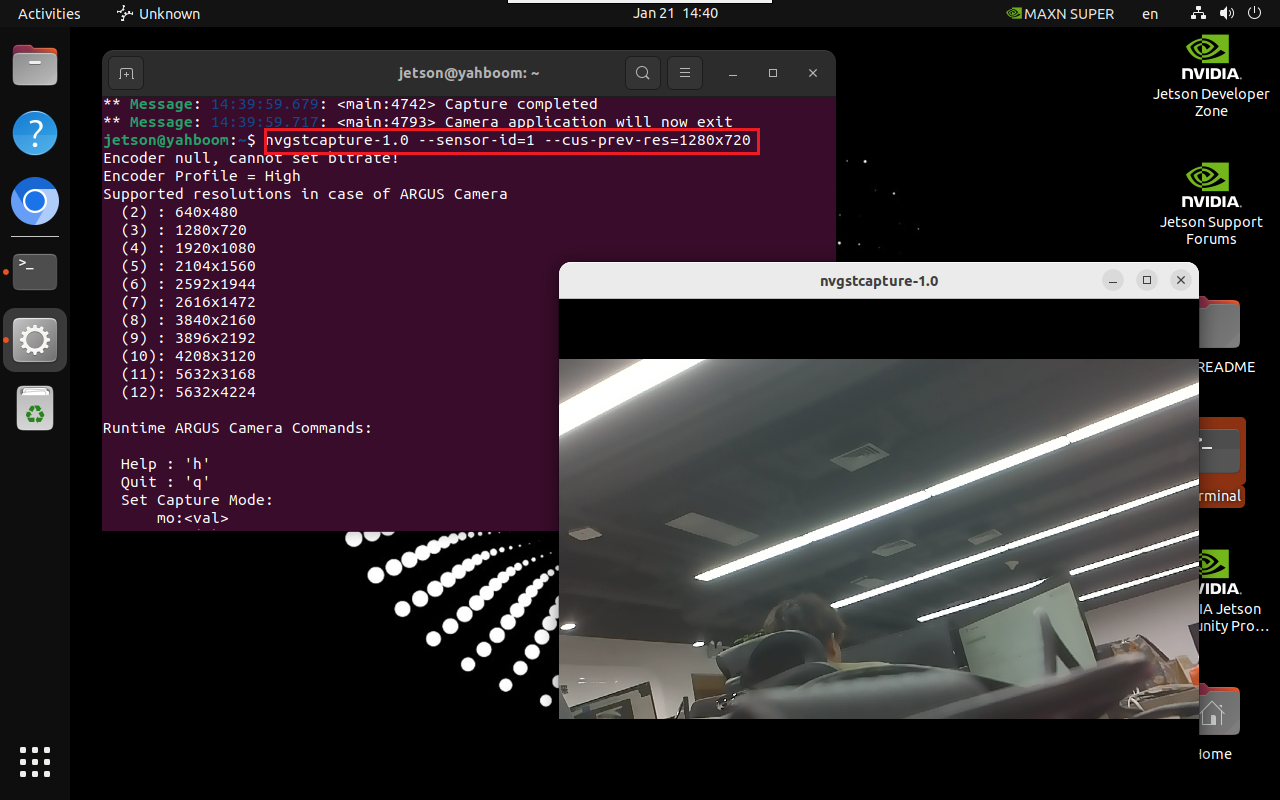
xxxxxxxxxxnvgstcapture-1.0 --sensor-id=1 --cus-prev-res=1280x720