Welcome to Jetson ORIN NANO SUPER repository
当製品の日本語版マニュアル資料は、こちらからご取得ください。
06.Jtop tool
Jtop tool
Jtop tool1. Install Jtop2. Best performance mode2.2. Enable MAXN mode2.2. Enable Jetson Clocks3. Use Jtop
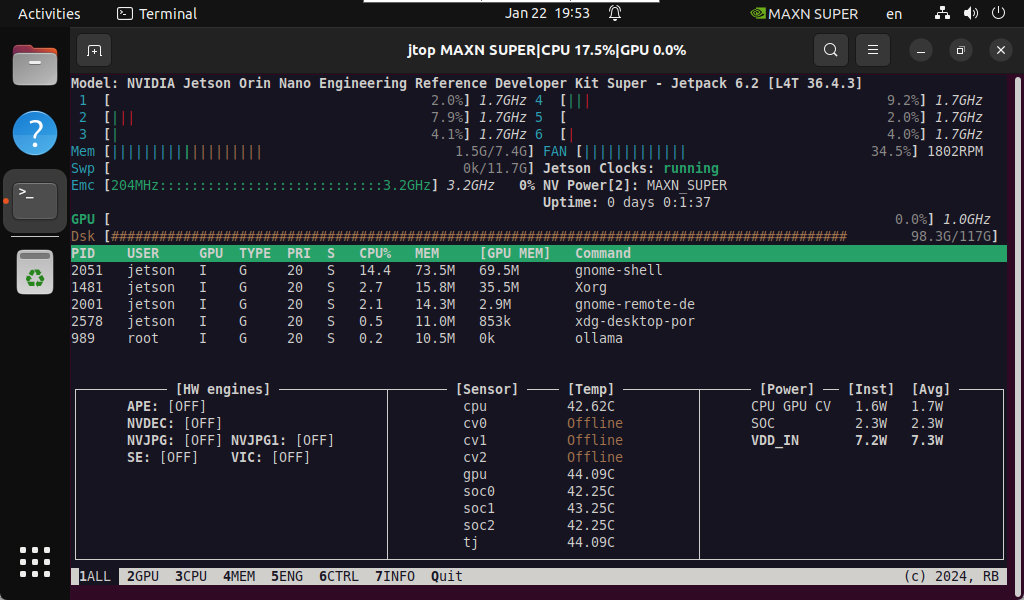
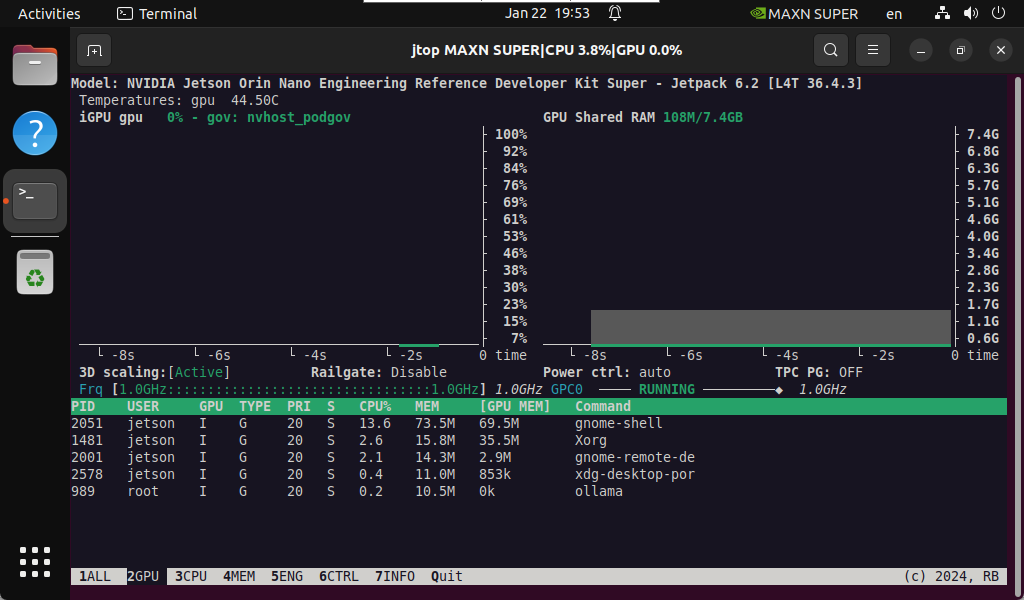
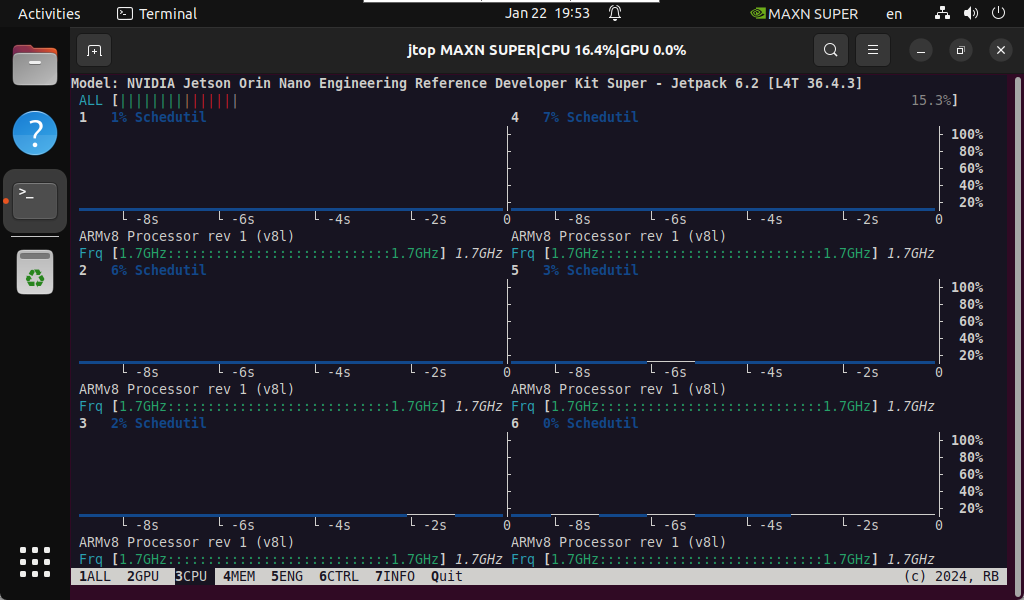
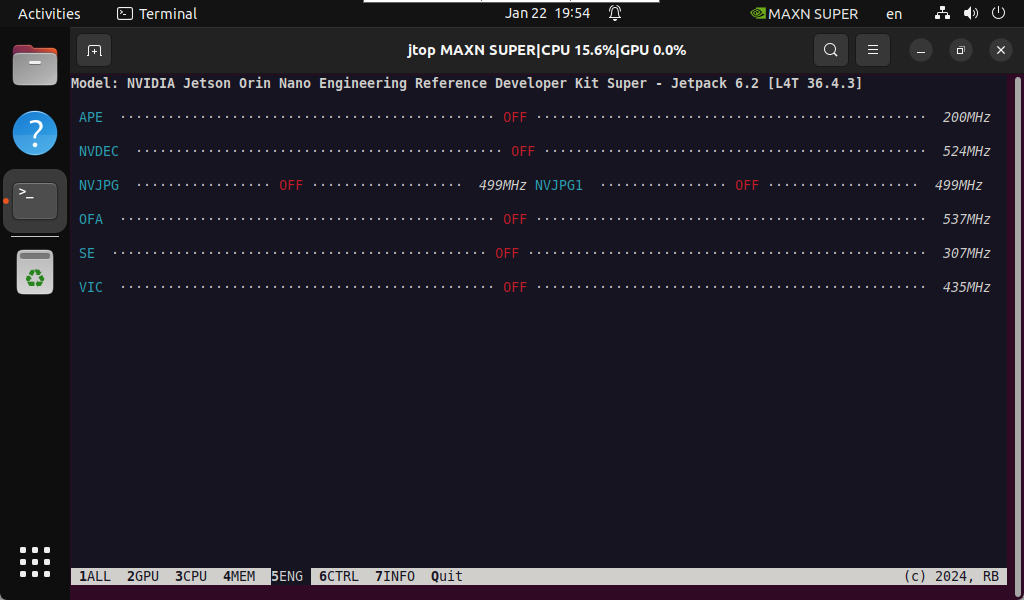
Jtop is a system monitoring tool developed for NVIDIA Jetson series devices. It can display the resource usage of various aspects of Jetson devices, such as CPU, GPU, memory, disk, network, etc., and can display different hardware temperatures, power consumption, frequency, etc. in real time.
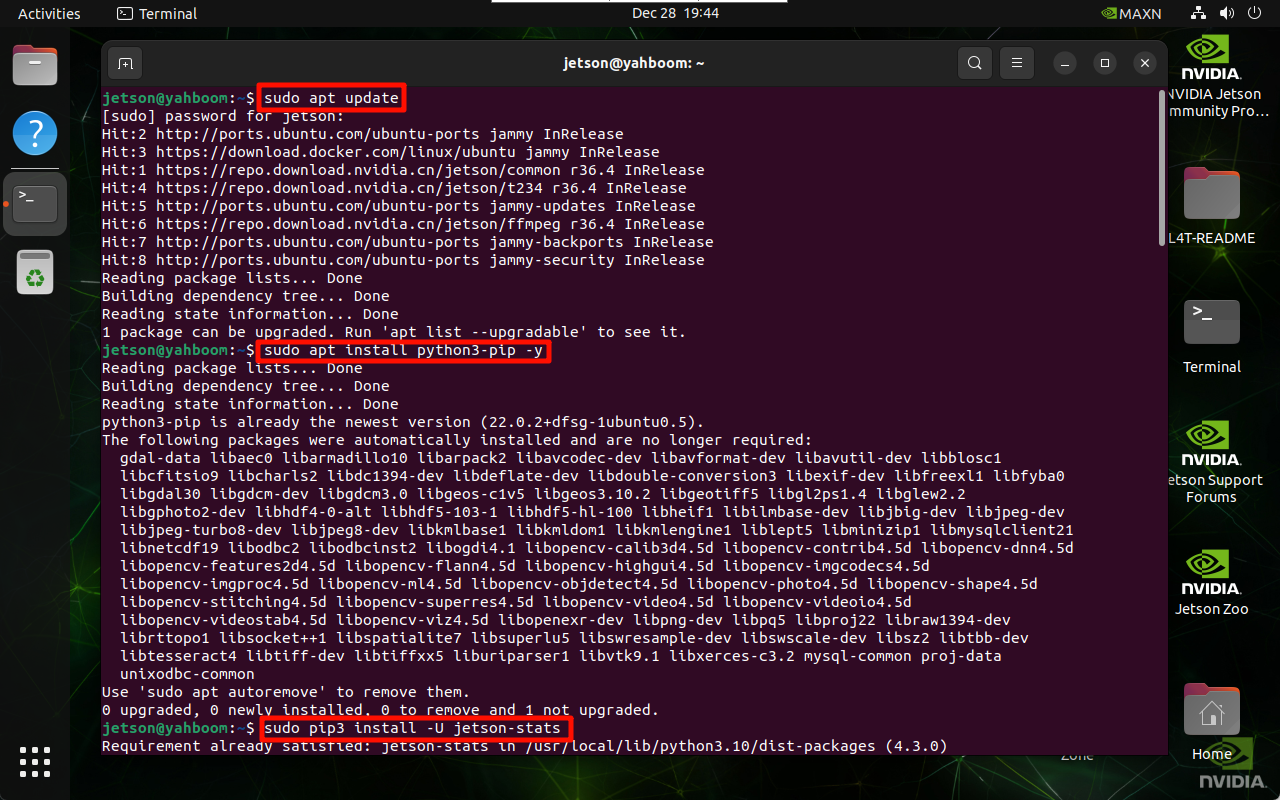
1. Install Jtop
sudo apt updatesudo apt install python3-pip -ysudo pip3 install -U jetson-stats
2. Best performance mode
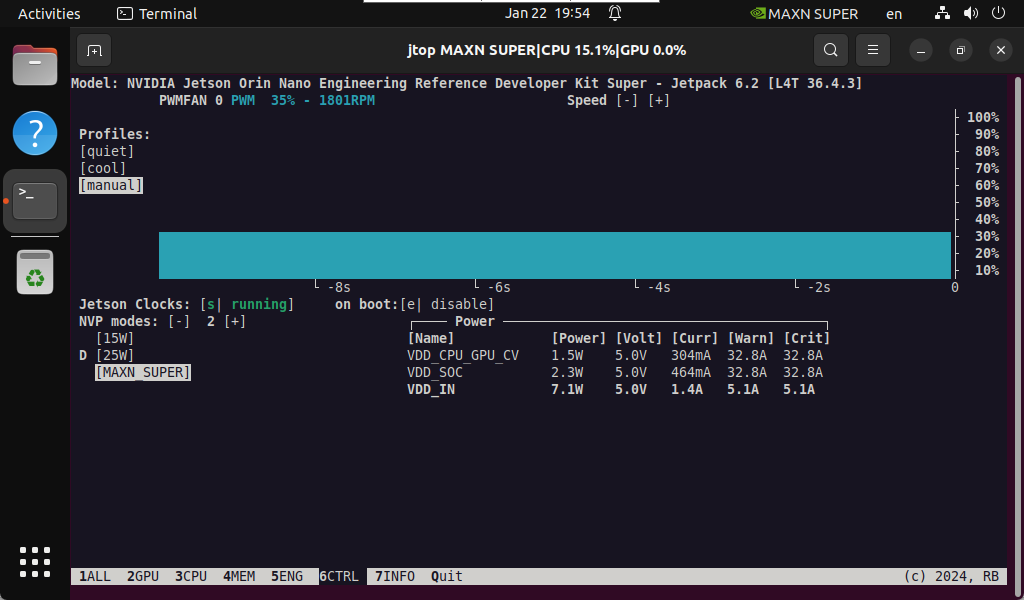
2.2. Enable MAXN mode
Enabling MAXN Power Mode on Jetson will ensure that all CPU and GPU cores are turned on:
xxxxxxxxxxsudo nvpmodel -m 2
2.2. Enable Jetson Clocks
Enabling Jetson Clocks will ensure that all CPU and GPU cores run at maximum frequency:
xxxxxxxxxxsudo jetson_clocks
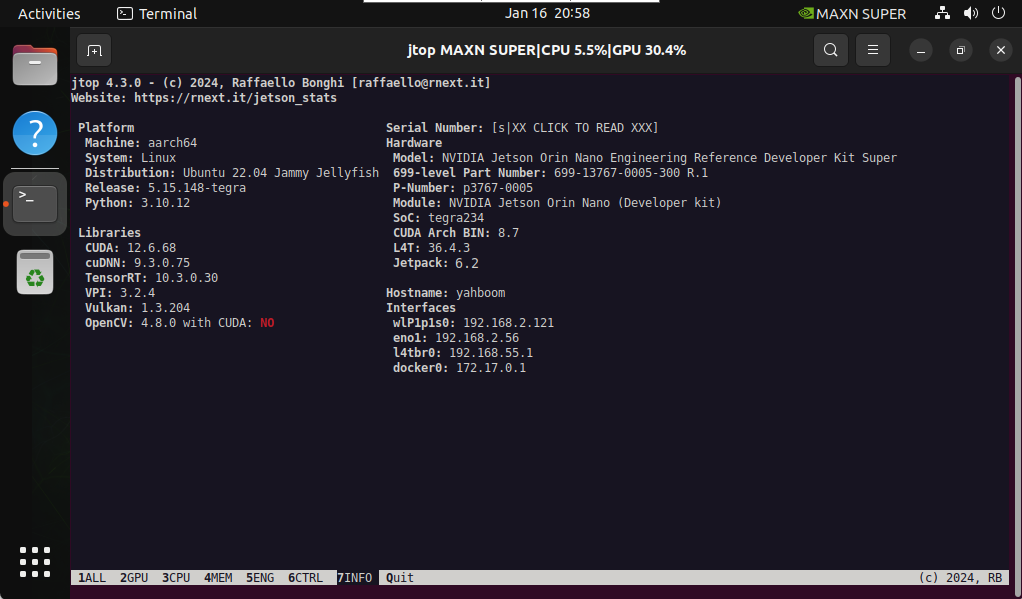
3. Use Jtop
Only after restarting the system can you enter the jtop command in the terminal to start the Jtop tool:
xxxxxxxxxxjtop
Note: The motherboard power mode must be set to MAXN to display the strongest performance parameters!