Welcome to Jetson ORIN NANO SUPER repository
当製品の日本語版マニュアル資料は、こちらからご取得ください。
07.ROS+Opencv basics
ROS+Opencv basics
ROS+Opencv basics1. Overview2. Enter Docker3. Start the USB camera3.1, Start the color image subscription node3.2, View the node graph
1. Overview
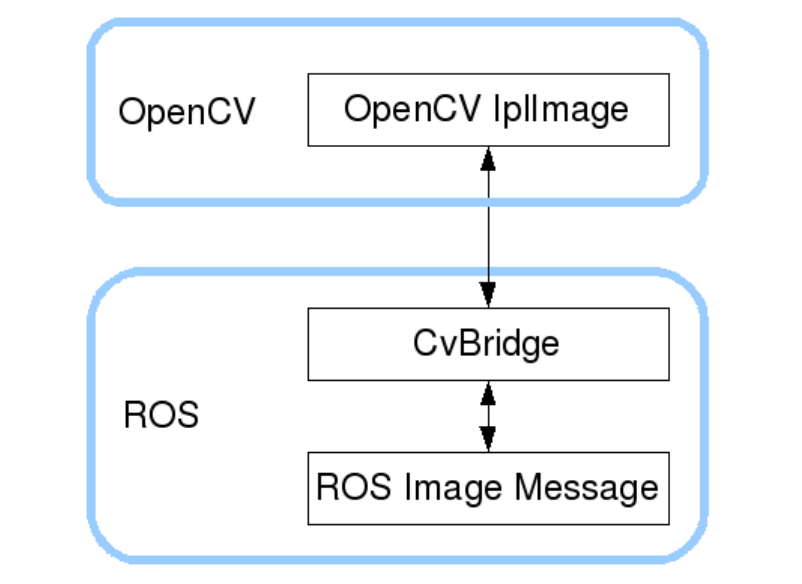
ROS has integrated Opencv3.0 and above during the installation process, so there is almost no need to consider the installation configuration too much. ROS transmits images in its own sensor_msgs/Image message format and cannot directly process images, but the provided [CvBridge] can perfectly convert and be converted image data formats. [CvBridge] is a ROS library, which is equivalent to a bridge between ROS and Opencv.
The image data conversion between Opencv and ROS is shown in the figure below:
Although the installation configuration does not require too much consideration, the use environment still needs to be configured, mainly the two files [package.xml] and [CMakeLists.txt]. This function package not only uses [CvBridge], but also requires [Opencv] and [PCL], so it is configured together.
- package.xml
Add the following content,
<build_depend>sensor_msgs</build_depend><build_export_depend>sensor_msgs</build_export_depend><exec_depend>sensor_msgs</exec_depend><build_depend>std_msgs</build_depend><build_export_depend>std_msgs</build_export_depend><exec_depend>std_msgs</exec_depend><build_depend>cv_bridge</build_depend><build_export_depend>cv_bridge</build_export_depend><exec_depend>cv_bridge</exec_depend><exec_depend>image_transport</exec_depend>【cv_bridge】:Image conversion dependency package.
- CMakeLists.txt
This file has a lot of configuration content, please check the source file for specific content.
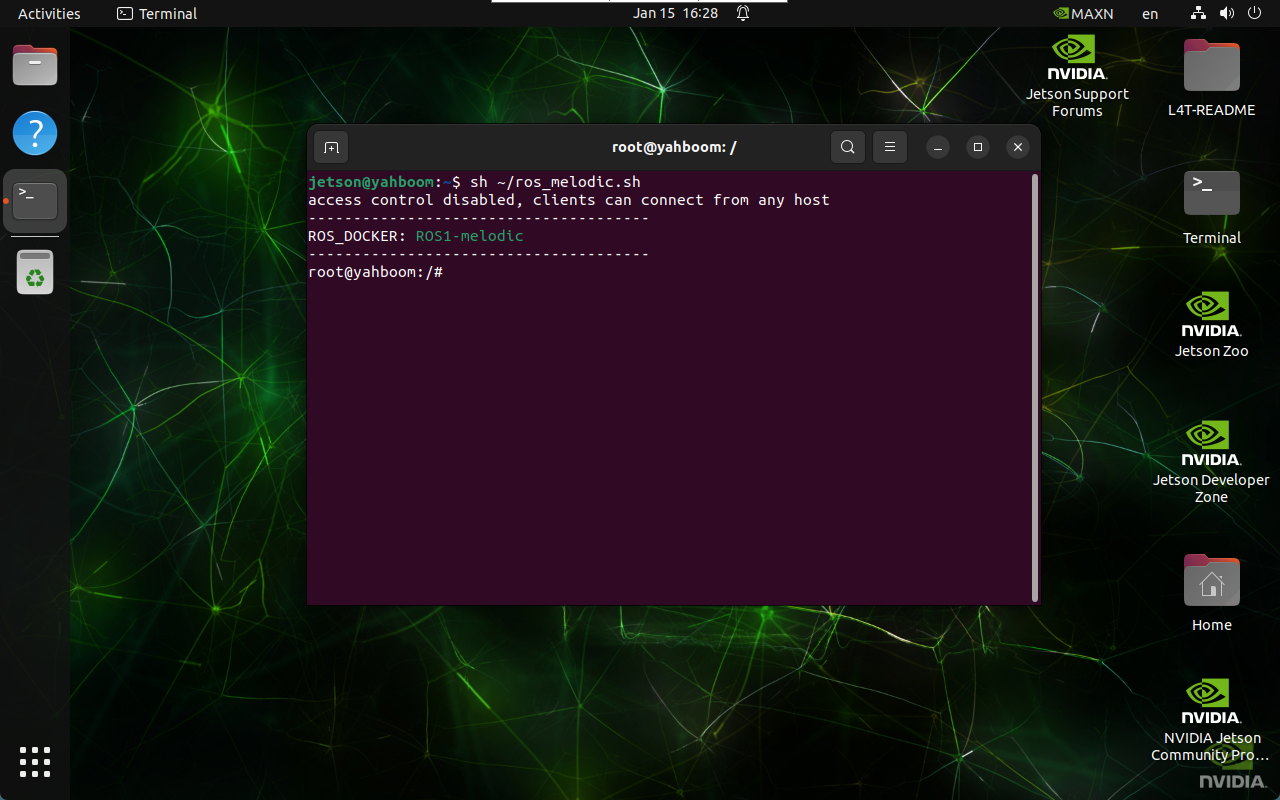
2. Enter Docker
xxxxxxxxxxsh ~/ros_melodic.sh
3. Start the USB camera
Terminal input,
xxxxxxxxxxroslaunch usb_cam usb_cam-test.launch
View topics
xxxxxxxxxxrostopic list
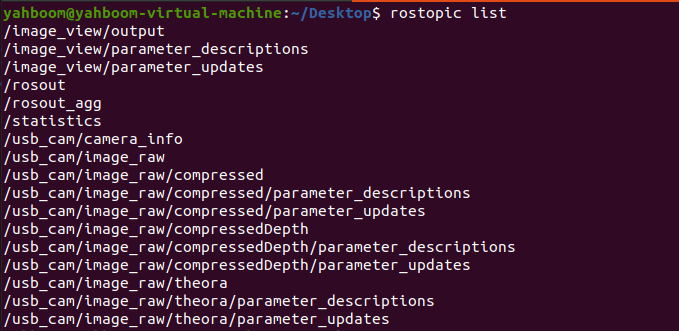
Commonly used are /usb_cam/image_raw and /usb_cam/image_raw/compressed. The former is a normal image, and the latter is a compressed image.
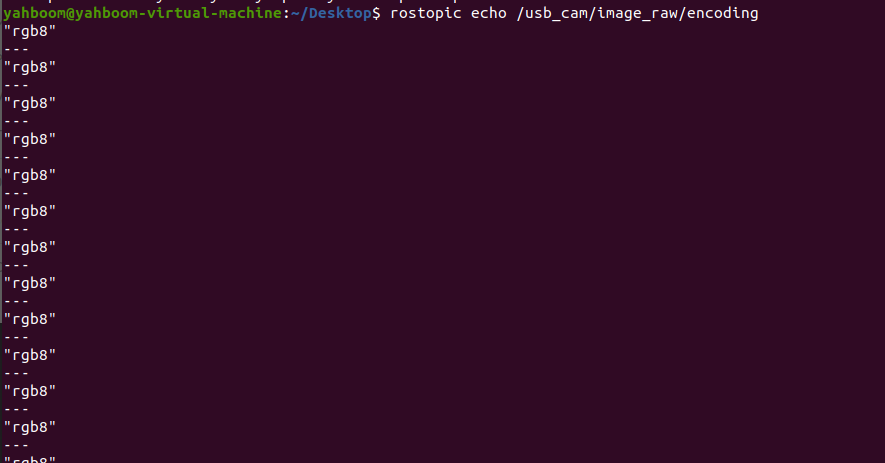
Check the encoding format of the topic: rostopic echo +【topic】+encoding, for example,
xxxxxxxxxxrostopic echo /usb_cam/image_raw/encoding
3.1, Start the color image subscription node
xxxxxxxxxxroslaunch usb_cam usb_cam-test.launchrosrun yahboomcar_visual usb_cam_image.py
3.2, View the node graph
Terminal input,
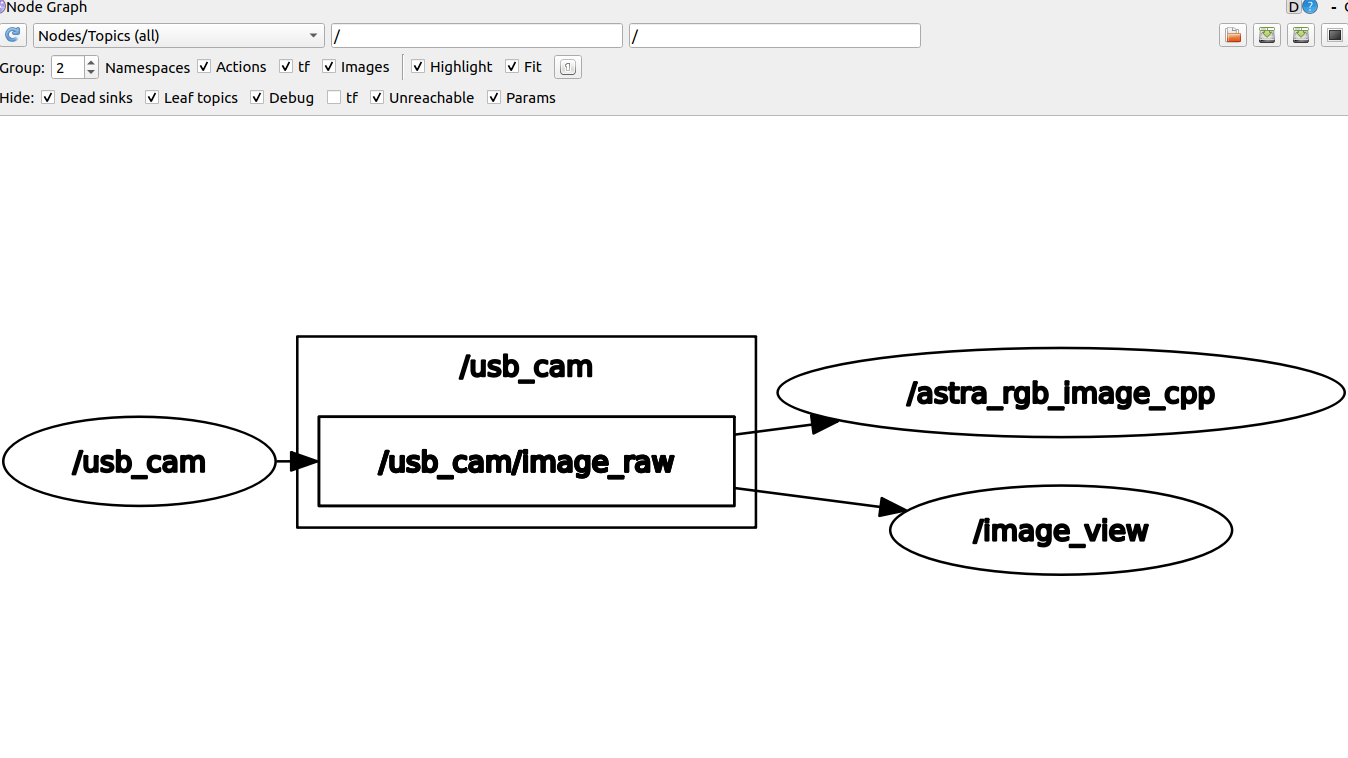
xxxxxxxxxxrqt_graph