Welcome to RDK S100(P) Board repository
2.3 System Update
System Update
For system security and stability, it is recommended that users update the system using the apt command after installation.
The /etc/apt/sources.list file contains the list of software repositories used by the apt command. Before installing software, you should first update the package list using apt.
- Open a terminal and run the following command:
xxxxxxxxxxsudo apt update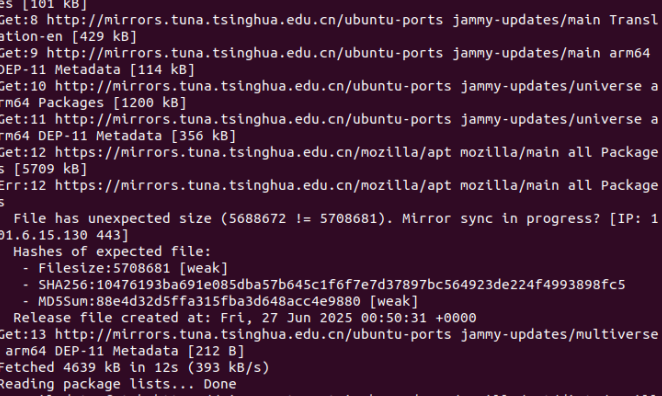
- Next, upgrade all installed packages to their latest versions with:
xxxxxxxxxxsudo apt full-upgradeNote: It is recommended to use full-upgrade instead of upgrade, as full-upgrade will also update dependency packages when dependencies change.
- After running
apt full-upgrade, drivers, kernel files, and some system software may be reinstalled. It is recommended to manually reboot the device to apply all updates:
sudo reboot