Welcome to RDK S100(P) Board repository
9. Lava Visual Multimodal Large Model
Llava
Llava1. Model Size2. Performance3. Using Llava3.1 Running Llava3.2 Initiating a Dialogue3.3 Visual Functions3.4 Ending a Dialogue3.5 Chinese DialogueReferences
Demo Environment
Development Board: RDK S100(P) Motherboard
1. Model Size
| Model | Size |
|---|---|
| llava:7b | 4.7GB |
2. Performance
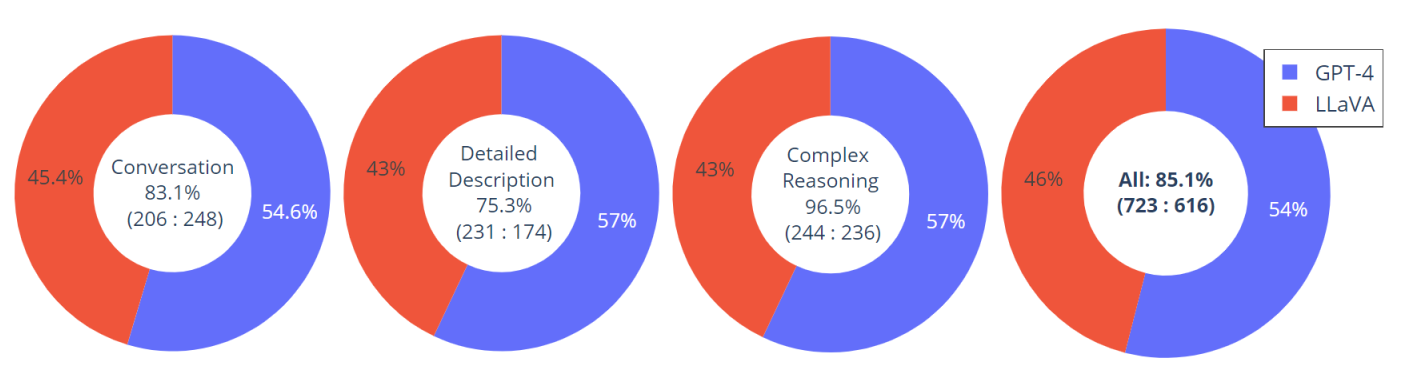
3. Using Llava
3.1 Running Llava
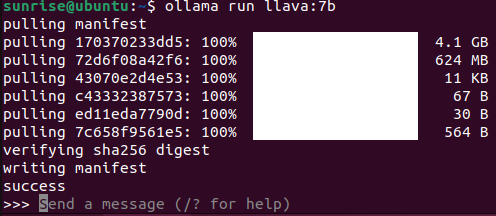
Use the run command to start running the model. If this model has not been downloaded, it will automatically pull the model from the Ollama model library:
xxxxxxxxxxollama run llava:7b
3.2 Initiating a Dialogue
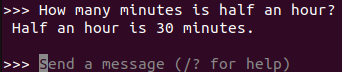
xxxxxxxxxxHow many minutes is half an hour?
Response time depends on hardware configuration; please be patient!
3.3 Visual Functions
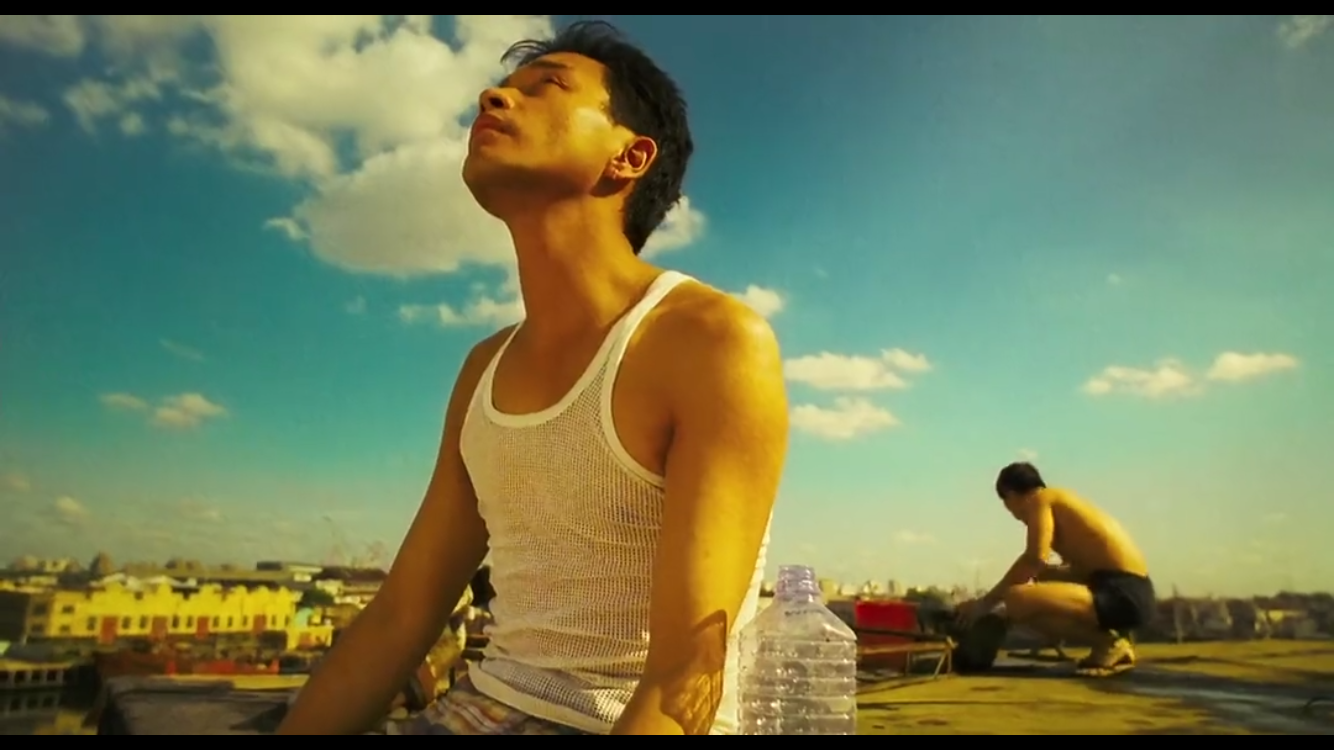
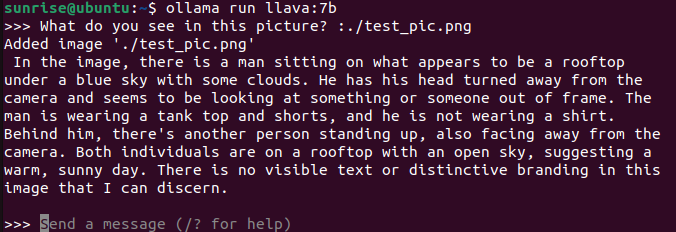
xxxxxxxxxxWhat do you see in this picture? :./test_pic.png# Using ": + image path" in the dialogue allows the model to use its visual functions to interpret information from the image.
3.4 Ending a Dialogue
Use the shortcut Ctrl+d or /bye to end the dialogue!
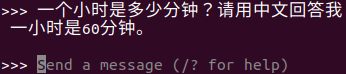
3.5 Chinese Dialogue
For those without a Chinese input method, please refer to the Chinese input method switching tutorial.
Chinese Dialogue:
References
Ollama
Official Website: https://ollama.com/
GitHub: https://github.com/ollama/ollama
Llava
Ollama's corresponding model: https://ollama.com/library/llava