Welcome to RDK X5 MagicBox repository
13. OpenClaw Application - Script Execution
Application - Script Execution
Verify that OpenClaw has been configured.
Enter the root environment (if OpenClaw was installed under the root directory using root privileges).
xxxxxxxxxxsudo su
Start the Gateway. (Typically, the Gateway starts automatically, so running this command is not required.)
xxxxxxxxxxopenclaw gateway
Interact via the TUI terminal interface.
xxxxxxxxxxopenclaw tui
Alternatively, open the chat interface directly, or access it via WhatsApp.
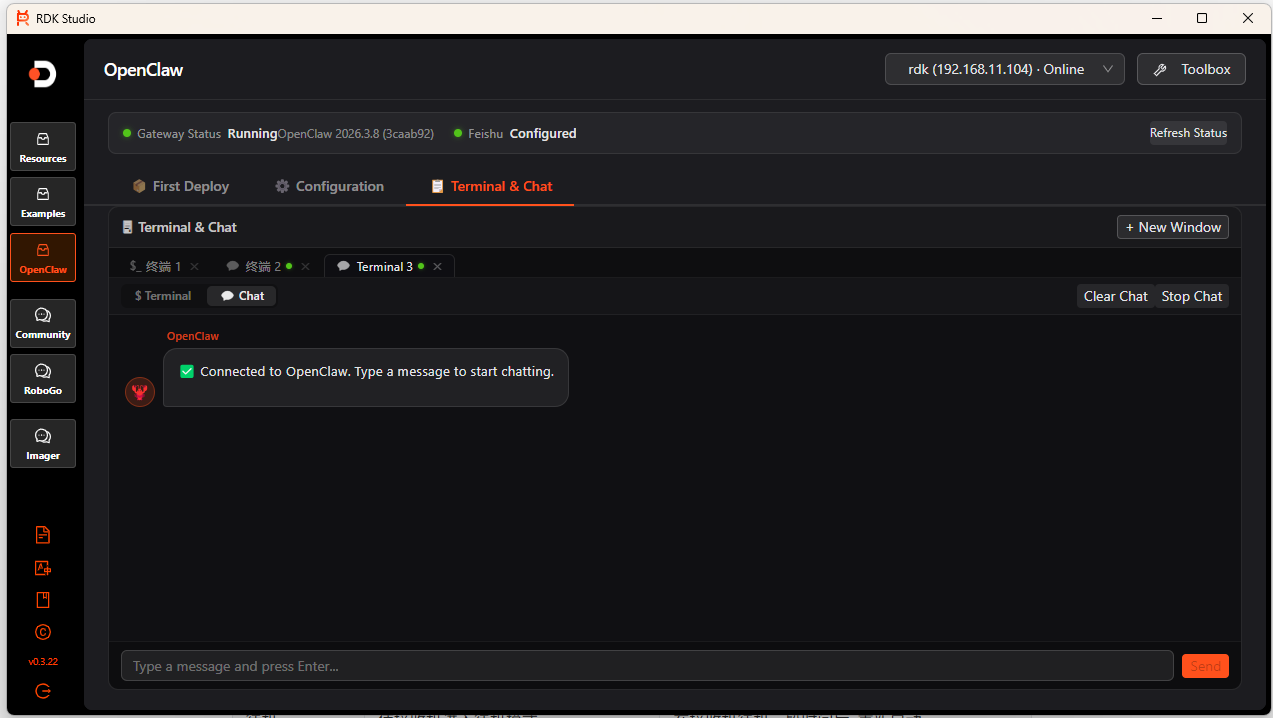
Enter the interaction command
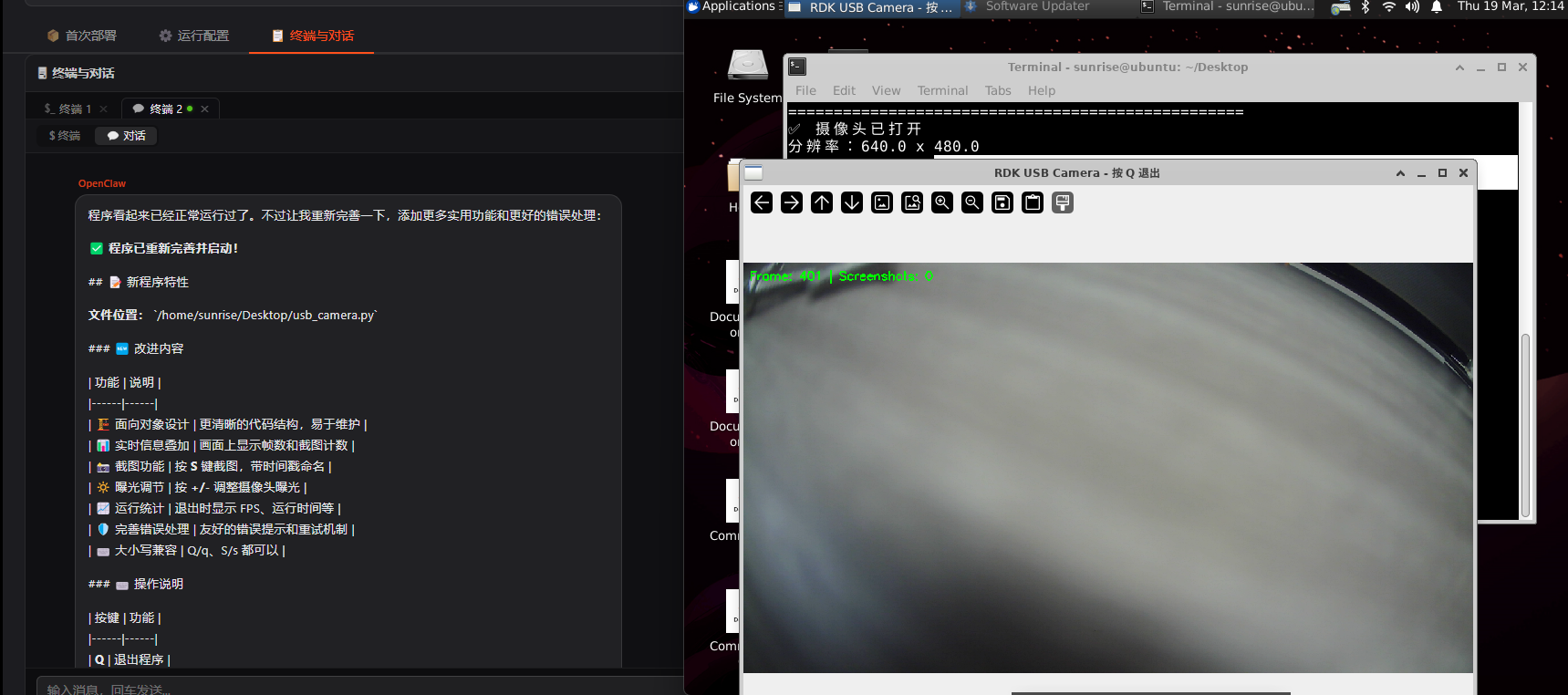
Write a Python script for the RDK MagicBox on the desktop. The program should exit when the user presses the "q" key. Then run this script to open the camera.