Welcome to DOFBOT-Ultra repository
5. MoveIt Forward Kinematics Design
MoveIt Forward Kinematics Design
Please ensure that the web control program backend process is not running in the background. To close it, refer to the [Get Started Quickly - 2. Access the Terminal] section in [Disable the Auto-Start Web Control Backend Process]. After closing, please restart DofbotUltra!!!
MoveIt Forward Kinematics Design1. Usage Environment2. Drive Real Robot2.1. Start Real Robot2.2. Start MoveIt23. Forward Kinematics DesignLaunch Command
1. Usage Environment
Motherboard: VMware Workstation virtual machine Ubuntu 22.04 image
ROS2: Humble
2. Drive Real Robot
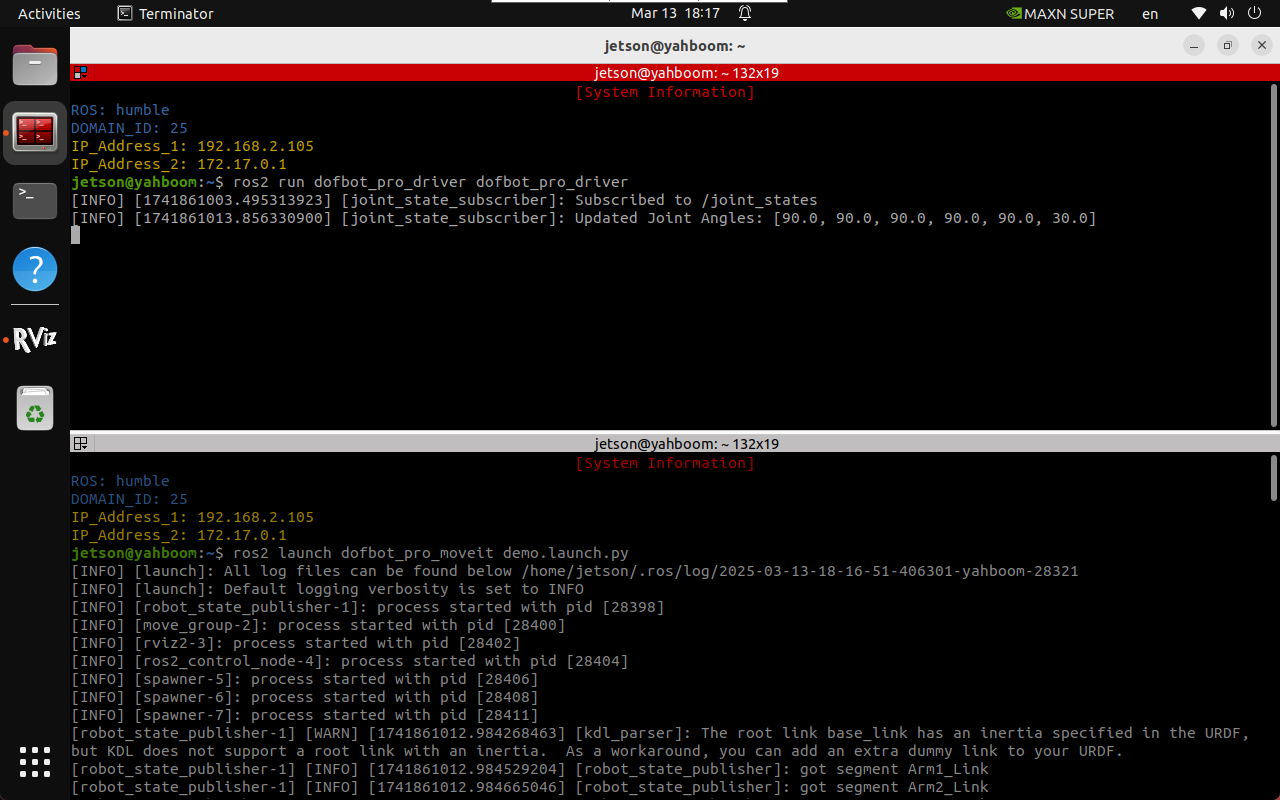
Driving the real robot is accomplished by subscribing to the MoveIt2 /joint_states topic, converting the joint state information of the arm into control commands for the real robot.
Note: Since the real robot does not have obstacle avoidance functionality, some poses may hit obstacles. Therefore, planned arm motions should be as reasonable as possible and avoid positions with obstacles.
(It is recommended to use preset poses for demonstrating driving the real robot.)
2.1. Start Real Robot
If not driving a real robot, use MoveIt simulation to demonstrate arm motions:
ros2 run dofbot_ultra_driver dofbot_ultra_driver
2.2. Start MoveIt2
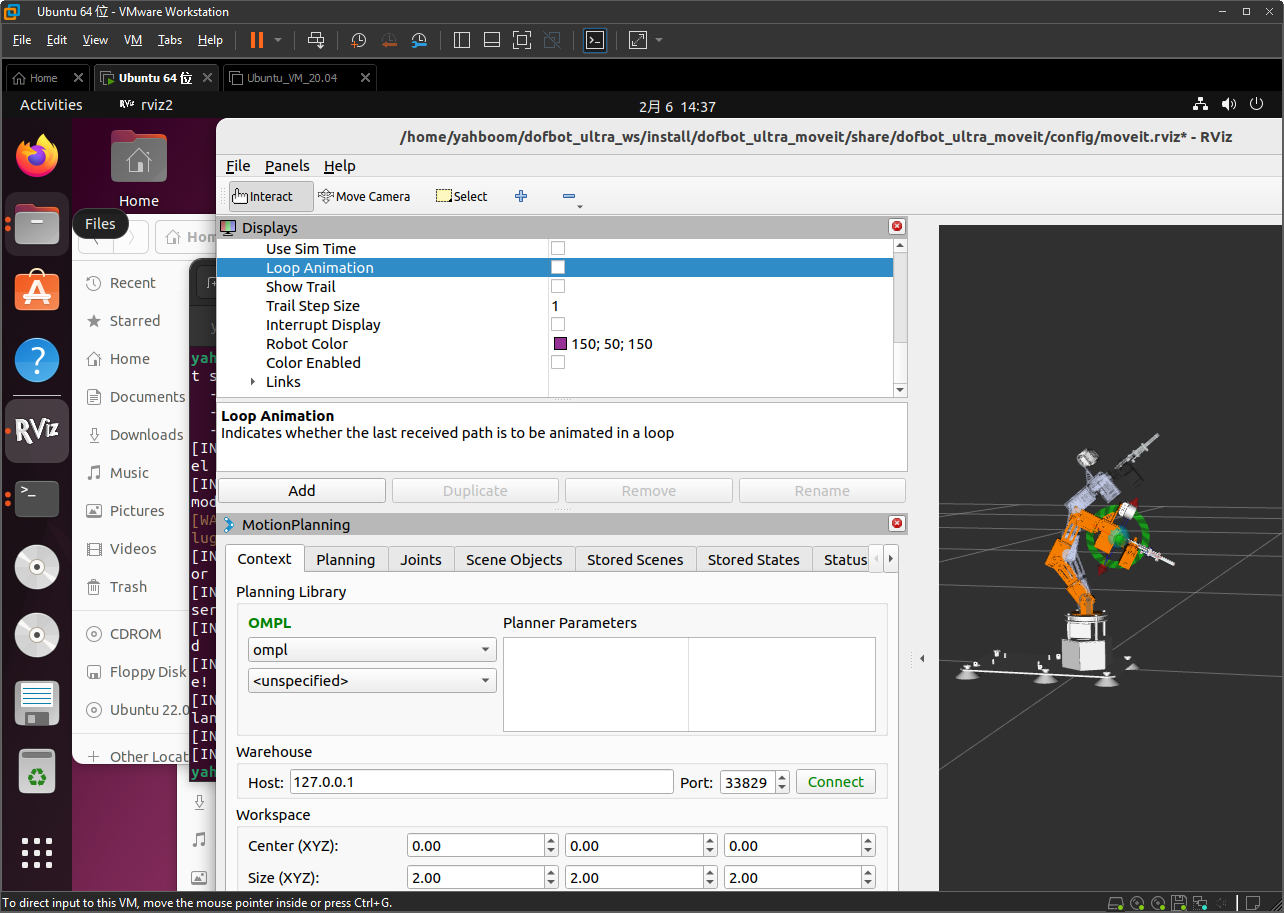
xxxxxxxxxxros2 launch dofbot_ultra_moveit demo.launch.py
3. Forward Kinematics Design
Forward Kinematics refers to calculating the spatial coordinates in the world coordinate system given each joint angle of the arm. MoveIt then plans to the target pose.
Launch Command
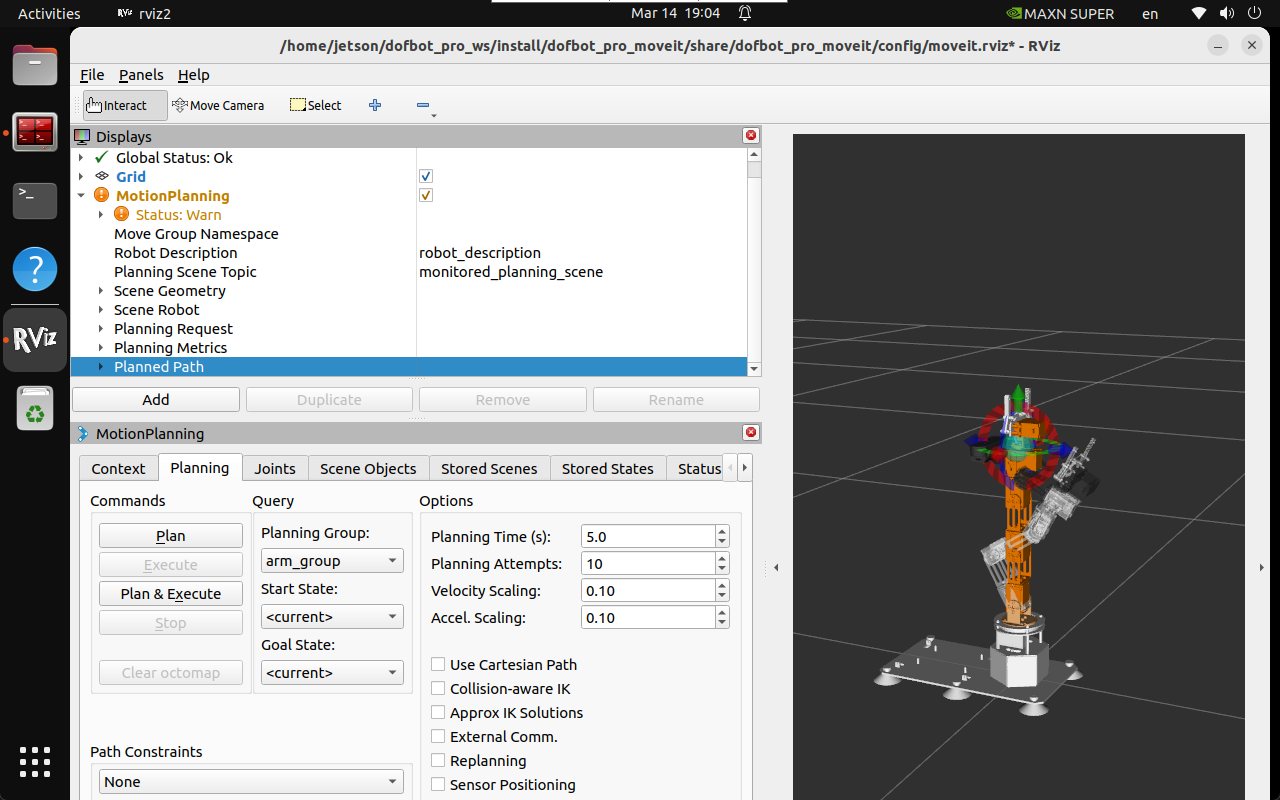
After MoveIt has successfully loaded and You can start planning now! appears, run the following command. The arm will plan to the target pose by itself.
xxxxxxxxxxros2 run dofbot_ultra_moveit set_target_joints
Function
Reads the planning group's active joints list (
getActiveJoints())Writes the given target joint values (default in degrees, internally converted to radians)
If
plan()succeeds, it executes withexecute()
Use Cases
Simple "arm to a specific joint pose"
Common Parameters
group: Planning group name (default"arm_group")use_degrees: true meanstarget_jointsuse degree input (default true), false means use radianstarget_joints: Target joint array (default{30,-30,45,60,0})
Run Example
xxxxxxxxxxros2 run dofbot_ultra_moveit set_target_joints --ros-args \ -p group:=arm_group \ -p use_degrees:=true \ -p target_joints:="[10.0, -20.0, 30.0, 40.0, 0.0]"