Welcome to DOFBOT-Ultra repository
2. CLI Usage
CLI Usage
CLI Usage1. Using CLI for Prediction2. CLI Usage Syntax3. Image PredictionPreview4. Video PredictionPreview5. Real-time PredictionReferences
1. Using CLI for Prediction
CLI (Command-Line Interface) is a way for users to interact with a computer or software program by typing text commands to run programs or perform tasks, rather than clicking icons or buttons in a graphical user interface (GUI).
2. CLI Usage Syntax
xyolo TASK MODE ARGSWhere TASK (optional) is one of [detect, segment, classify, pose, obb]MODE (required) is one of [train, val, predict, export, track, benchmark]ARGS (optional) are any number of custom 'arg=value' pairs like 'imgsz=320' that override defaults.
3. Image Prediction
Use yolo26n.pt to predict images that come with the ultralytics project: If the system does not find the corresponding model file in the directory where the command is run, it will automatically download it (if unable to download, you can manually copy the model in).
Navigate to the project folder:
xxxxxxxxxxcd /home/sunrise/ultralytics/ultralytics
Use yolo26n.pt to detect images in the target folder and output results:
xxxxxxxxxxyolo predict model=yolo26n.pt source='/home/sunrise/ultralytics/ultralytics/assets'
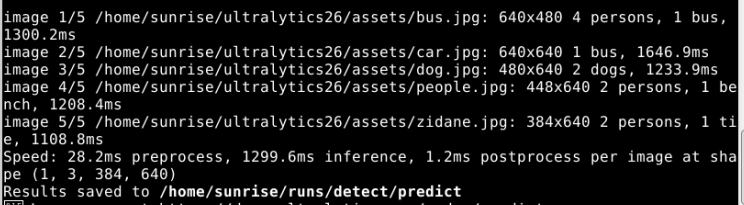
Preview
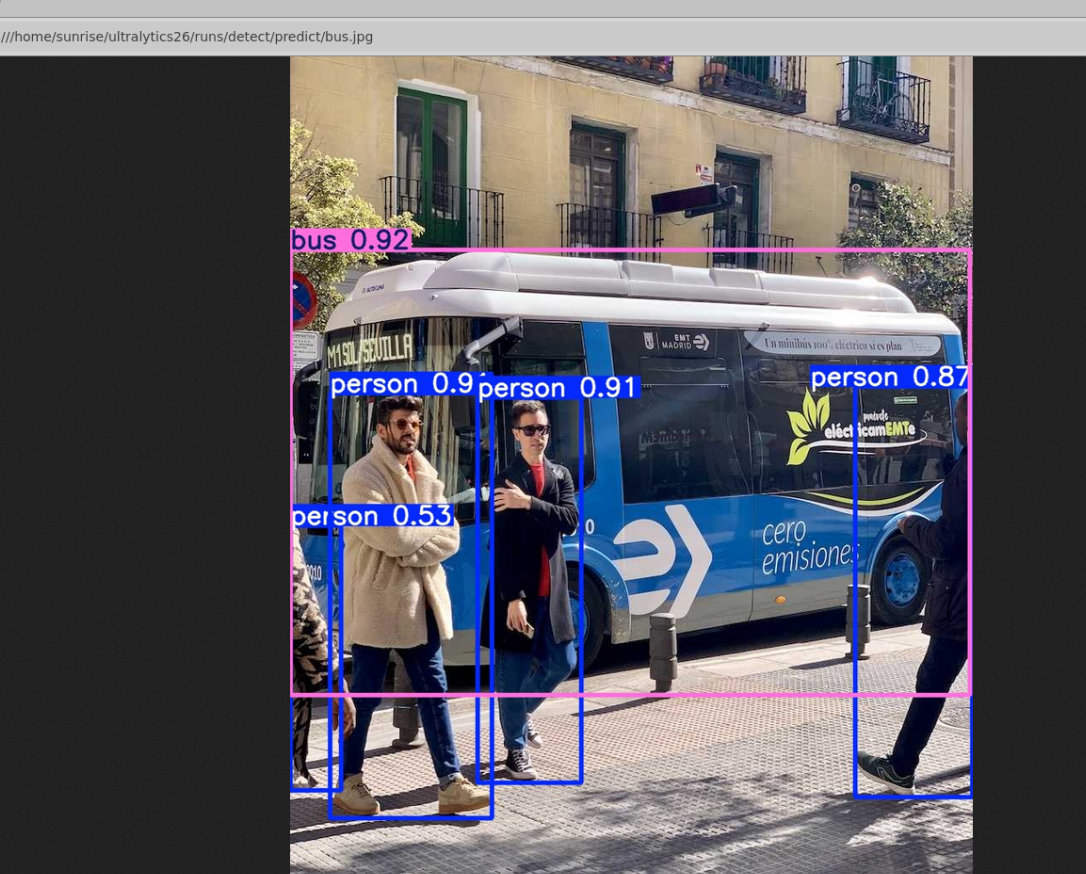
yolo recognition output video location: /home/sunrise/ultralytics/ultralytics/runs/detect/predict
Each time it runs, the predict folder increments automatically by 1.
4. Video Prediction
Use yolo26n.pt to predict videos in the ultralytics project (non-ultralytics built-in videos): If the system does not find the corresponding model file in the directory where the command is run, it will automatically download it (if unable to download, you can manually copy the model in).
Navigate to the project folder:
xxxxxxxxxxcd /home/sunrise/ultralytics/ultralytics
Use yolo26n.pt to detect videos in the target folder and output results:
xxxxxxxxxxyolo predict model=yolo26n.pt source='/home/sunrise/ultralytics/ultralytics/videos'
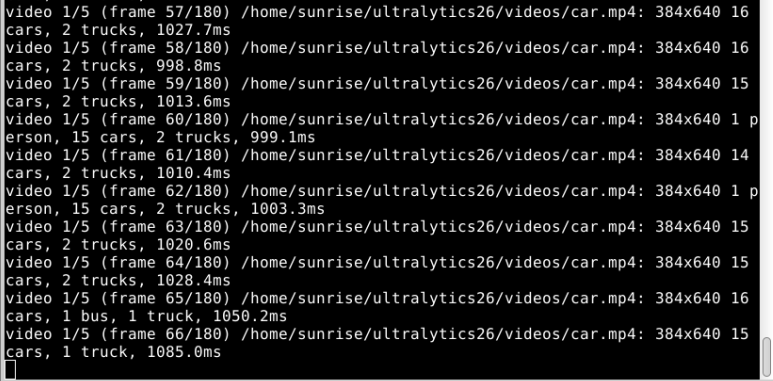
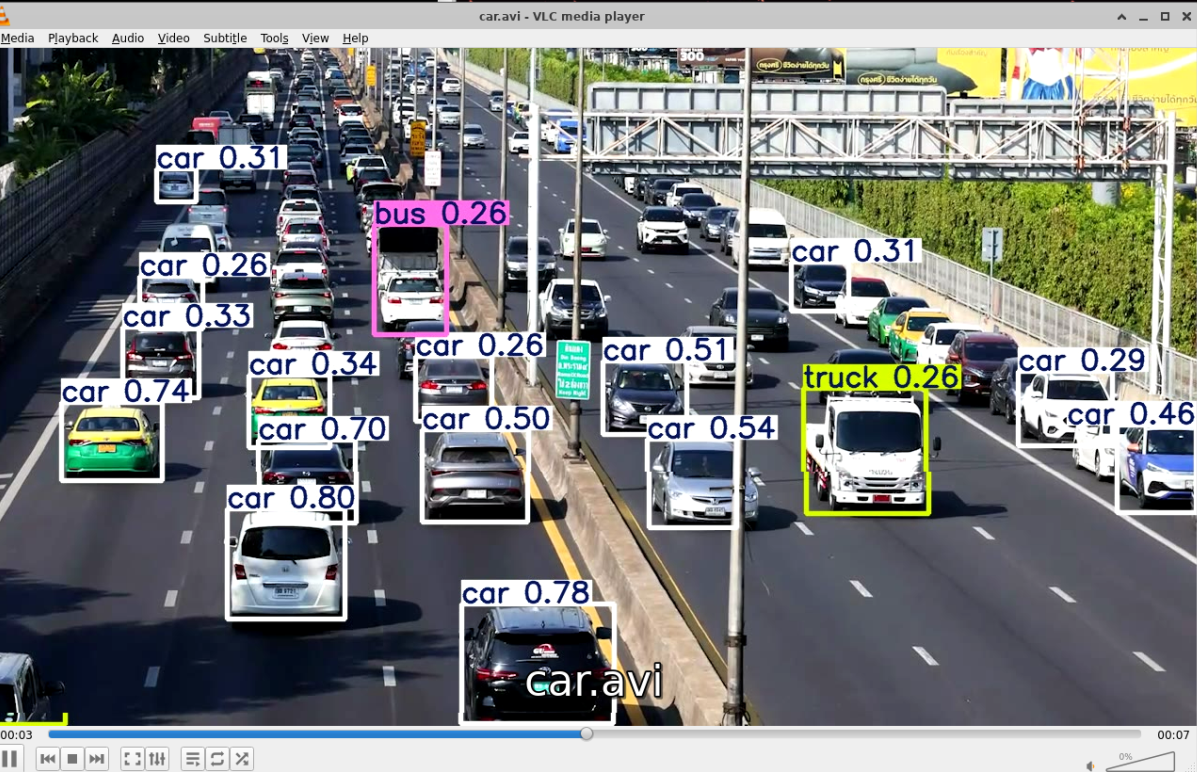
Preview
yolo recognition output video location: /home/sunrise/ultralytics/ultralytics/runs/detect/predict2
Each time it runs, the predict folder increments automatically by 1.
5. Real-time Prediction
Use yolo26n.pt to predict USB camera feed: If the system does not find the corresponding model file in the directory where the command is run, it will automatically download it (if unable to download, you can manually copy the model in).
Navigate to the project folder:
xxxxxxxxxxcd /home/sunrise/ultralytics/ultralytics
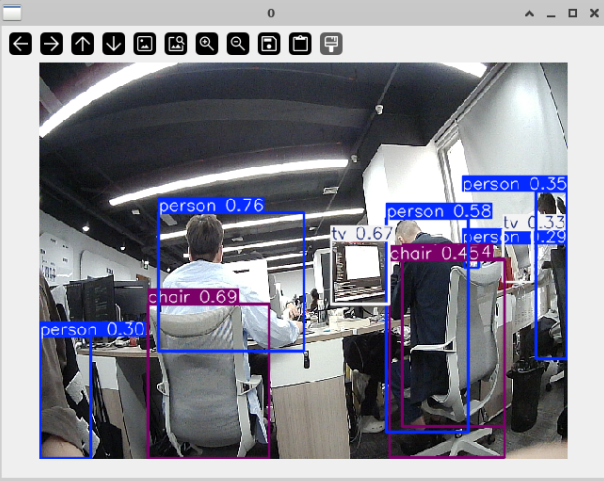
Use yolo26n.pt to detect camera feed and output results: Currently, only USB cameras can directly use CLI for real-time prediction. CSI cameras have no relevant information found for direct use as input source.
xxxxxxxxxxyolo predict model=yolo26n.pt source=0 save=False show # Object Detection# Instance Segmentation: yolo predict model=yolo26n-seg.pt source=0 save=False show# Image Classification: yolo predict model=yolo26n-cls.pt source=0 save=False show# Pose Estimation: yolo predict model=yolo26n-pose.pt source=0 save=False show# Oriented Object Detection: yolo predict model=yolo26n-obb.pt source=0 save=False show
Press "Ctrl + C" in the terminal to terminate the program!
Parameter Description
model: Specifies the YOLO model
source: Specifies the recognition source; multiple cameras can be switched by changing the number
save=False: Disables saving results
show: Displays in real-time