Welcome to DOFBOT-Ultra repository
1. YOLO Environment Setup
YOLO Environment Setup
Please ensure that the web control program backend process is not running in the background. To close it, refer to the [Get Started Quickly - 2. Access the Terminal] section in [Disable the Auto-Start Web Control Backend Process]. After closing, please restart DofbotUltra!!!
YOLO Environment Setup1. Preparation2. Installing PyTorch3. Installing Ultralytics4. Verifying Installation
This chapter is for setting up on the Raspberry Pi 5B official image manually. If you are using the YAHBOOM image, this tutorial can be ignored.
1. Preparation
sudo apt updatesudo apt install python3-pip -ysudo pip install -U pip
2. Installing PyTorch
The official download URL is: https://download.pytorch.org/whl/torch_stable.html
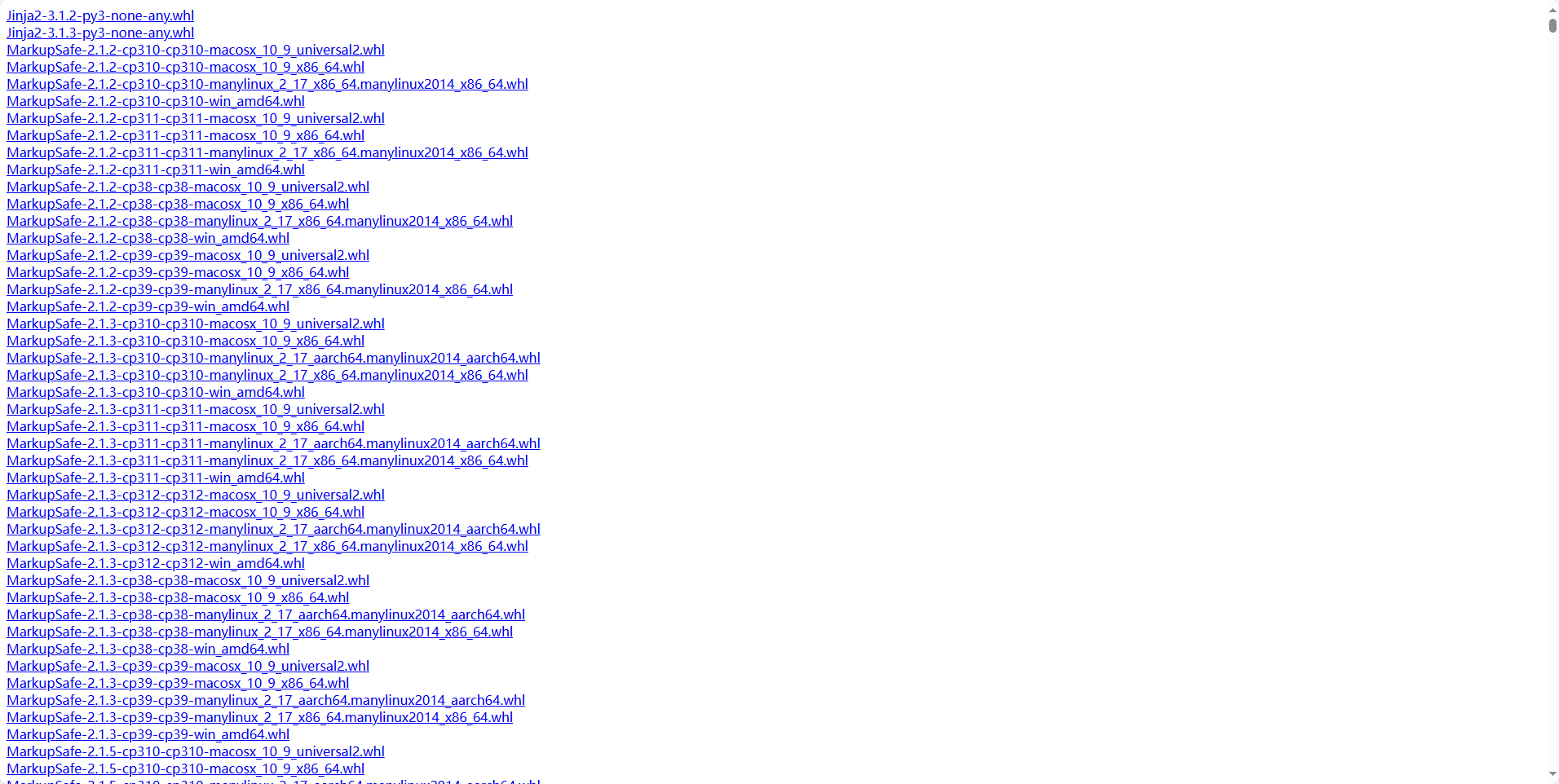
If downloading manually, you need to find the corresponding torch and torchvision versions.
This experiment downloads torch-2.1.2-cp311-cp311-manylinux_2_17_aarch64.manylinux2014_aarch64.whl and torchvision-0.16.2-cp311-cp311-linux_aarch64.whl.
The above two files can be obtained from the attachments and transferred to the Raspberry Pi via WinSCP.
Installation commands:
xpip3 install torch-2.1.2-cp311-cp311-manylinux_2_17_aarch64.manylinux2014_aarch64.whlpip3 install torchvision-0.16.2-cp311-cp311-linux_aarch64.whl
3. Installing Ultralytics
xxxxxxxxxxsudo pip3 install ultralytics[export]
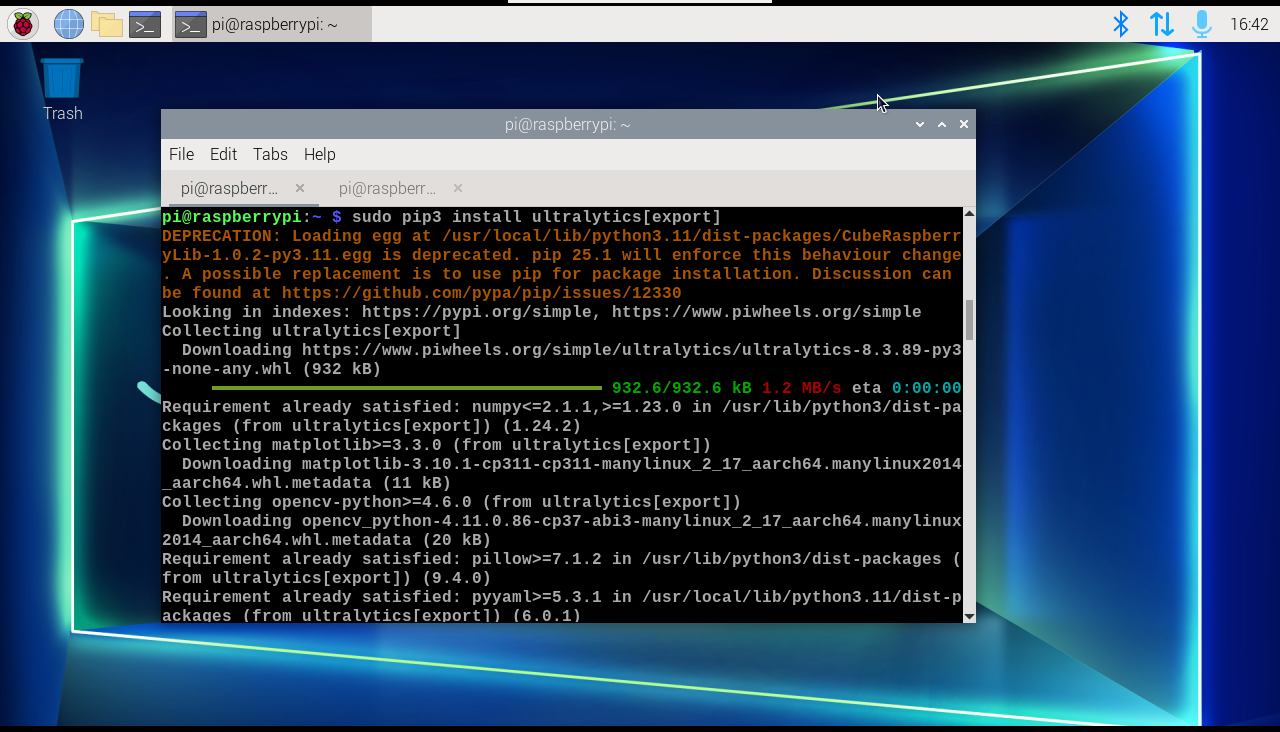
You also need to update Ultralytics to the latest version, otherwise you will encounter the error AttributeError: Can't get attribute 'C3k2' on <module 'ultralytics.nn.modules.block' from '/home/pi/.local/lib/python3.11/site-packages/ultralytics/nn/modules/block.py'>
xxxxxxxxxxpip install --upgrade ultralytics
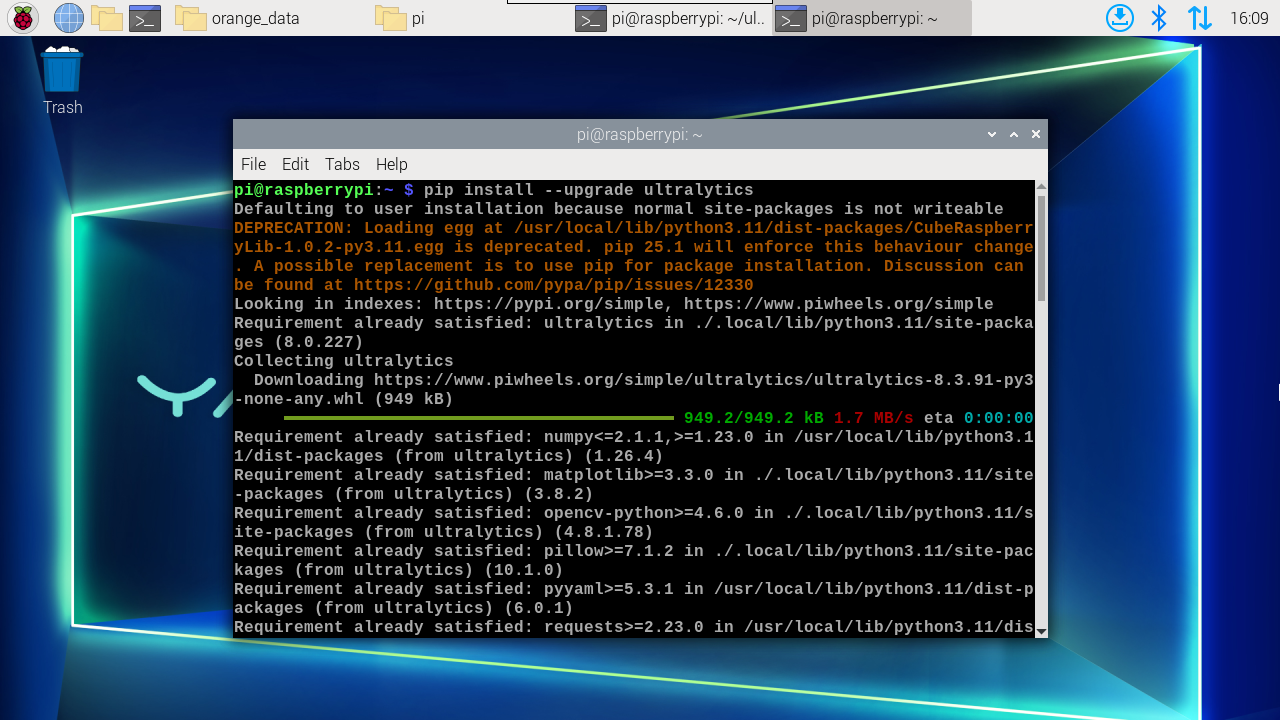
Install onnxruntime
xxxxxxxxxxpip3 install onnxruntime
Note: Using onnxruntime requires installing a specific version of numpy. If it is not 1.23.5, run the following command to install the specified version.
xxxxxxxxxxsudo pip3 install numpy==1.23.5
Then reboot.
xxxxxxxxxxsudo reboot
4. Verifying Installation
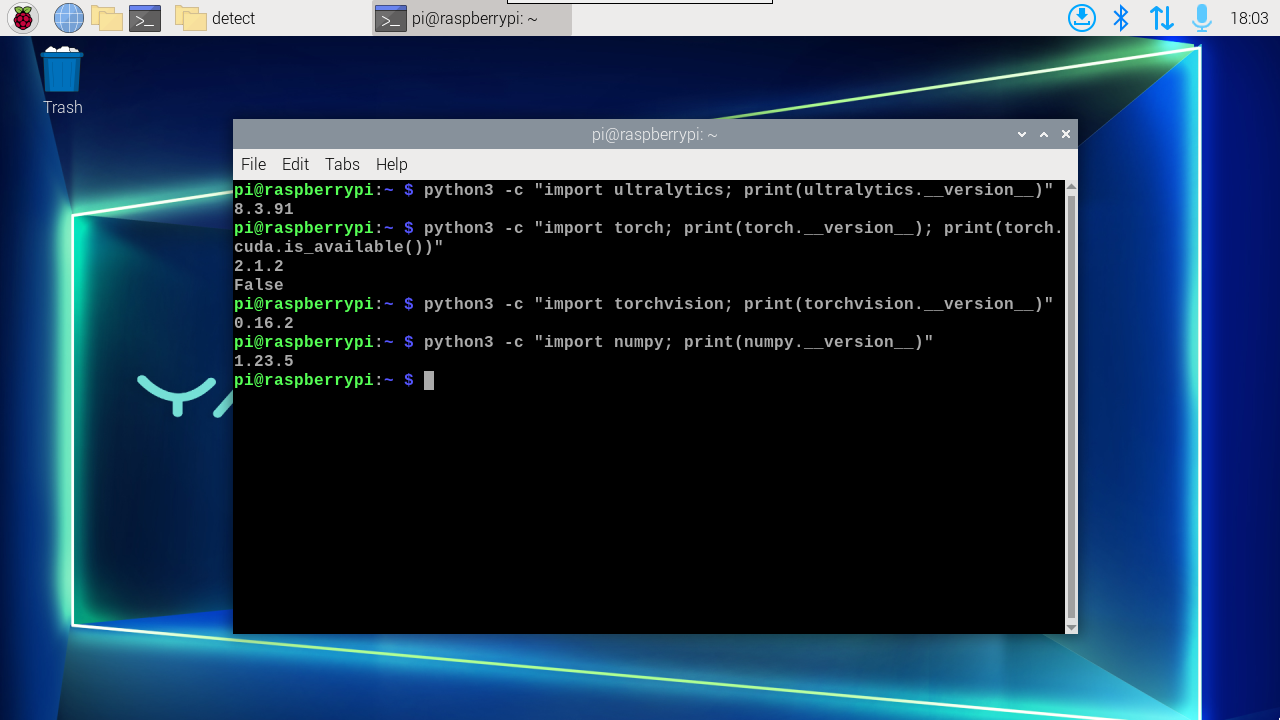
Verify Ultralytics
xxxxxxxxxxpython3 -c "import ultralytics; print(ultralytics.__version__)"
Verify Torch
xxxxxxxxxxpython3 -c "import torch; print(torch.__version__); print(torch.cuda.is_available())"
Verify Torchvision
xxxxxxxxxxpython3 -c "import torchvision; print(torchvision.__version__)"
Verify Numpy
xxxxxxxxxxpython3 -c "import numpy; print(numpy.__version__)"
Note: The ultralytics version will be updated later. Refer to the version information queried in the system.